
NHL 27 gives you three distinct control schemes to choose from, and picking the wrong one early will cost you goals, possessions, and ranked games before you even realize why. Total Control keeps things button-friendly for newcomers. Skill Stick hands veteran players more moves at the cost of a steeper learning curve. Hybrid sits between both. Each scheme covers four categories: offense, defense, goalie, and fighting. Here is the full breakdown for PS5 and Xbox Series X|S.
Which control scheme should you pick?
Here's the short answer: if you are new to the NHL series, start with Total Control. Skill moves and defensive actions are mapped to face buttons, which means less to memorize before your first game. Veterans coming from NHL 26 or earlier can jump straight to Skill Stick, which gives you a wider variety of moves at the cost of requiring precise stick inputs.
Hybrid is the practical middle ground. You get stick-based skill moves without being locked to the limited button set of Total Control. If you do not want to spend hours in practice mode learning every Skill Stick input but still want more offensive options, Hybrid is the right call.
Choose your control scheme

Offense controls: all three schemes
Scoring consistently requires knowing not just how to shoot, but how to set up teammates, protect the puck in traffic, and execute skill moves under pressure. The tables below cover every offensive input across all three schemes.
Total Control offense
| Command | Xbox Series X|S | PS5 |
|---|---|---|
| Vision Control | LT | L2 |
| Deke / Deke Modifier | Hold LB | Hold L1 |
| Forecheck | D-Pad Up | D-Pad Up |
| Breakout | D-Pad Down | D-Pad Down |
| Off. Line Change | D-Pad Right | D-Pad Right |
| Def. Line Change | D-Pad Left | D-Pad Left |
| Pass | Press RT | Press R2 |
| Icon Passing | Hold RT | Hold R2 |
| Saucer Pass | RB | R1 |
| Toe Drag | X | Square |
| Lacrosse | Y | Triangle |
| Between Legs | B | Circle |
| Reverse Hit | A | X |
| Slap Shot | RS down then up | RS down then up |
| Wrist Shot | Roll Up RS | Roll Up RS |
| Desperation Shot | RS double-tap up | RS double-tap up |
| Fake Shot | LB + RS | L1 + RS |
| Hustle | L3 going straight | L3 going straight |
| Quick Deke | LB | L1 |
| Dump Puck | RB + RS Up | R1 + RS Up |
| Win Faceoff | Right Stick | Right Stick |
Skill Stick offense
| Command | Xbox Series X|S | PS5 |
|---|---|---|
| Vision Control | LT | L2 |
| Deke / Deke Modifier | Hold LB | Hold L1 |
| Forecheck | D-Pad Up | D-Pad Up |
| Breakout | D-Pad Down | D-Pad Down |
| Off. Line Change | B | Circle |
| Def. Line Change | X | Square |
| Board Pin | Y | Triangle |
| Pass | Press RT | Press R2 |
| Icon Passing | Hold RT + Player Icon | Hold R2 + Player Icon |
| Saucer Pass | RB | R1 |
| Slap Shot | RS down then up | RS down then up |
| Wrist Shot | Roll Up RS | Roll Up RS |
| Snap Shot | RS Up | RS Up |
| Desperation Shot | RS Up double-tap | RS Up double-tap |
| Fake Shot | R3 | R3 |
| Windmill Deke | LB + Right Stick | L1 + Right Stick |
| Quick Deke | LB | L1 |
| Hustle | L3 going straight | L3 going straight |
| Dump Puck | RB + RS Up | R1 + RS Up |
| Win Faceoff | RS | RS |
Hybrid offense
| Command | Xbox Series X|S | PS5 |
|---|---|---|
| Vision Control | LT | L2 |
| Wrist Shot | X | Square |
| Reverse Hit | Y | Triangle |
| Slap Shot | B | Circle |
| Pass | A | X |
| Saucer Pass | RB | R1 |
| Quick Deke | LB | L1 |
| Windmill Deke | LB + Right Stick | L1 + Right Stick |
| Slap Shot (alt) | RS down then up / B | RS down then up / Circle |
| Wrist Shot (alt) | RS down then Roll Up / X | RS down then Roll Up / Square |
| Desperation Shot | Double-tap RT / X double-tap | Double-tap R2 / Square double-tap |
| Fake Shot | R3 | R3 |
| Spin | LT tap | L2 tap |
| Dump Puck | RB + RS Up | R1 + RS Up |
| Desperation Pass | Double-tap A | Double-tap X |
| Win Faceoff | RS | RS |
If you are still getting to grips with the game overall, the NHL 27 beginner's guide covering controls, modes, and first steps is worth reading alongside this one.
Defense controls: all three schemes
The mistake most players make on defense is over-relying on the poke check and ignoring tools like the sweep stick and board pin. Knowing every input here separates players who chase the puck from players who take it.
Total Control defense
| Command | Xbox Series X|S | PS5 |
|---|---|---|
| Vision Control | LT | L2 |
| Block Shot | LB | L1 |
| Switch Player | RT | R2 |
| Poke Check | RB | R1 |
| Hip Check | X | Square |
| Board Pin | Hold Y | Hold Triangle |
| Shoulder Check | B | Circle |
| Stick Left | A | X |
| Push Check | RS Up | RS Up |
| Shoulder Check (alt) | RS down then up | RS down then up |
| Sweep Stick | Hold RB + RS | Hold R1 + RS |
| Chop Puck | R3 + RS | R3 + RS |
| Tie Up Stick | Hold A | Hold X |
| Dive / Block | LB + RB | L1 + R1 |
| Desperation Clear | RS double-tap | RS double-tap |
| Manual Switch Player | Hold RT + RS | Hold R2 + RS |
| Manual Switch to Goalie | LB + A | L1 + X |
| Slash (post whistle) | LT + Y | L2 + Triangle |
Skill Stick defense
| Command | Xbox Series X|S | PS5 |
|---|---|---|
| Vision Control | LT | L2 |
| Block Shot | LB | L1 |
| Switch Player | RT | R2 |
| Poke Check | RB | R1 |
| Def. Line Change | X | Square |
| Board Pin | Hold Y | Hold Triangle |
| Off. Line Change | B | Circle |
| Stick Left | A | X |
| Push Check | RS Up | RS Up |
| Shoulder Check | RS down then up | RS down then up |
| Hip Check | LB + RS | L1 + RS |
| Sweep Stick | Hold RB + RS | Hold R1 + RS |
| Tie Up Stick | Hold A | Hold X |
| Dive / Block | LB + RB | L1 + R1 |
| Desperation Clear | RS Up double-tap | RS Up double-tap |
| Manual Switch Player | Hold RT + RS | Hold R2 + RS |
| Manual Switch to Goalie | LB + A | L1 + A |
Hybrid defense
| Command | Xbox Series X|S | PS5 |
|---|---|---|
| Vision Control | LT | L2 |
| Block Shot | LB | L1 |
| Switch Player | RT / A | R2 / X |
| Poke Check | RB | R1 |
| Stick Left | X | Square |
| Board Pin | Hold Y | Hold Triangle |
| Body Check | B | Circle |
| Hip Check | LB + R3 | L1 + R3 |
| Shoulder Check | RS down then up / Hold B | RS down then up / Hold Circle |
| Sweep Stick | Hold RB + RS | Hold R1 + RS |
| Chop Puck | R3 + RS | R3 + RS |
| Tie Up Stick | Hold X | Hold Square |
| Dive / Block | LB + RB | L1 + R1 |
| Desperation Clear | RS Up double-tap | RS Up double-tap |
| Manual Switch Player | Hold RT + RS | Hold R2 + RS |
| Last Man Back Switch | Hold RT + R3 | Hold R2 + R3 |
| Manual Switch to Goalie | LB + A | L1 + A |
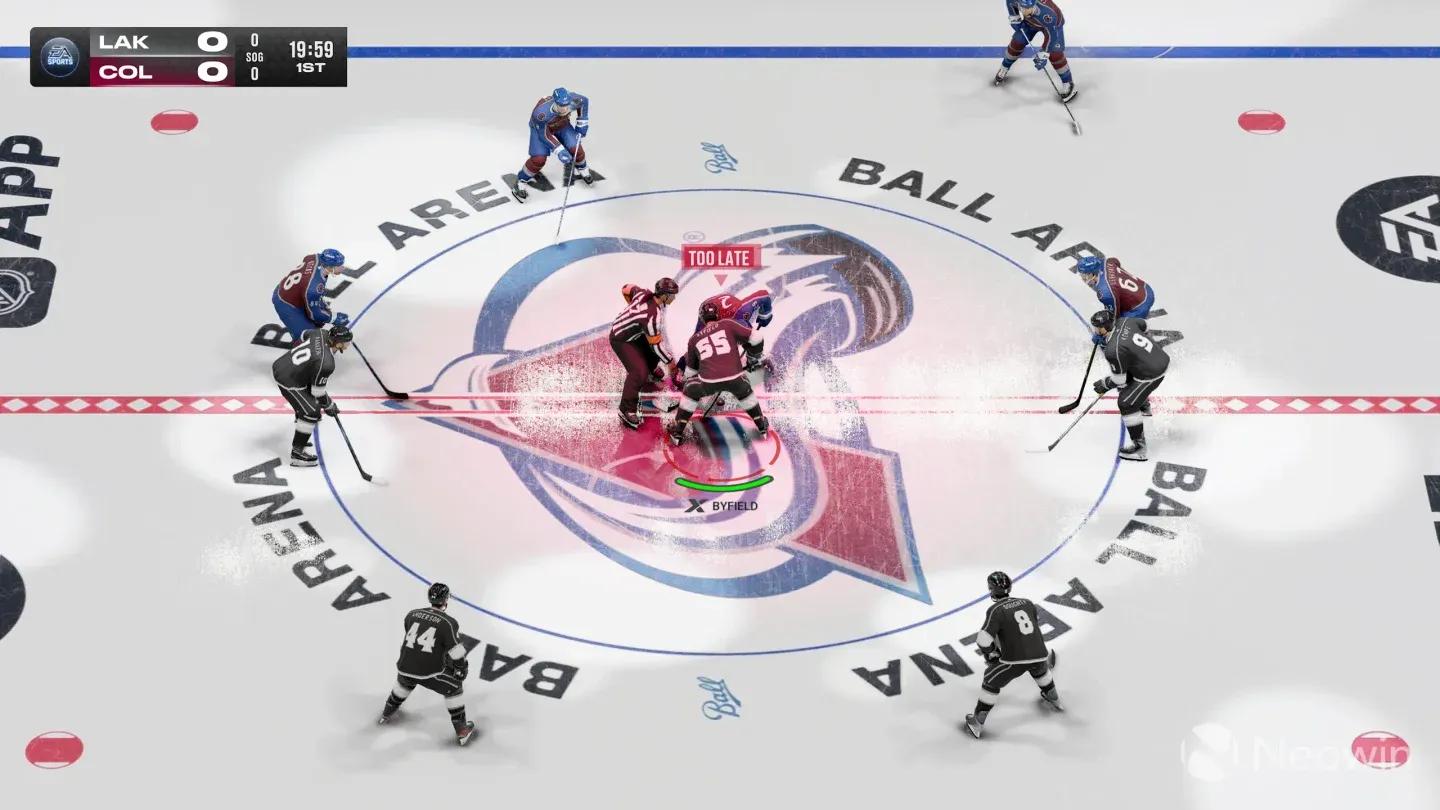
Defense input reference
Goalie controls: what you need to know
Here is the short answer on goalie controls: they are identical across all three schemes. Whether you are running Total Control, Skill Stick, or Hybrid, the goalie inputs do not change.
| Command | Xbox Series X|S | PS5 |
|---|---|---|
| Instinct | Hold LT | Hold L2 |
| Challenge | LB | L1 |
| Manual Goal Post | Hold LB | Hold L1 |
| Butterfly | Hold RT | Hold R2 |
| Desperation Dives | Hold X | Hold Square |
| Cover Puck | Y | Triangle |
| Pad Stack | B | Circle |
| Free Skate | A | X |
| Poke Check | RS Up | RS Up |
| Butterfly Slide | RS left or right | RS left or right |
| Split V | RS Down | RS Down |
| Diving Poke Check | X + LS Up | Square + LS Up |
| Stack Pads | B + LS left or right | Circle + LS left or right |
| Sweep Behind | Y + RB | Triangle + R1 |
| Dump Puck | RS Up | RS Up |
| Hug Post (VH) | RT | L2 |
| Diving Save | X + LS / RS | Square + LS / R1 + LS |
| Poke Sweep | RS half rotate | RS half rotate |
| Pre-Emptive Save | RS + RB | RS + R1 |
| Pass Puck | RT | R2 |
Playing goalie manually is a significant time investment. The Butterfly Slide on RS left or right is the most-used input for lateral saves, and the Pre-Emptive Save (RS + RB on Xbox, RS + R1 on PS5) is the move most players overlook entirely.
Fighting controls
Fighting comes up less often than the other categories, but knowing the inputs when a scrap breaks out keeps you from button-mashing and losing on points. These are also the same across all three schemes.
| Command | Xbox Series X|S | PS5 |
|---|---|---|
| Initiate / Accept Fight | Double-tap Y | Double-tap Triangle |
| Fake Grab | LT | L2 |
| Grab | Hold LT | Hold L2 |
| Overhand Punch | RS Up | RS Up |
| Uppercut | RS Down | RS Down |
| Push | LS Up | LS Up |
| Pull | LS Down | LS Down |
| Dodge | RT | R2 |
| Block / Lean Back | Hold RT | Hold R2 |
What changed with the latest updates?
As of Title Update 2 (released September 29, 2026), EA Sports tuned Boarding and Charging penalty calls, which directly affects how aggressively you can use body checks without drawing penalties. The update also fixed a desync issue in online gameplay following penalty sequences and corrected AFK mode logic in Ones. Title Update 1, released September 10, adjusted the hit window for interference penalties and tuned charged pass velocity at close range.
These changes are worth keeping in mind because aggressive physical play that went unpunished before Update 2 may now draw calls. For the full list of fixes, the NHL 27 Update 2 patch notes cover every change across gameplay, HUT, Connected Franchise, and presentation.
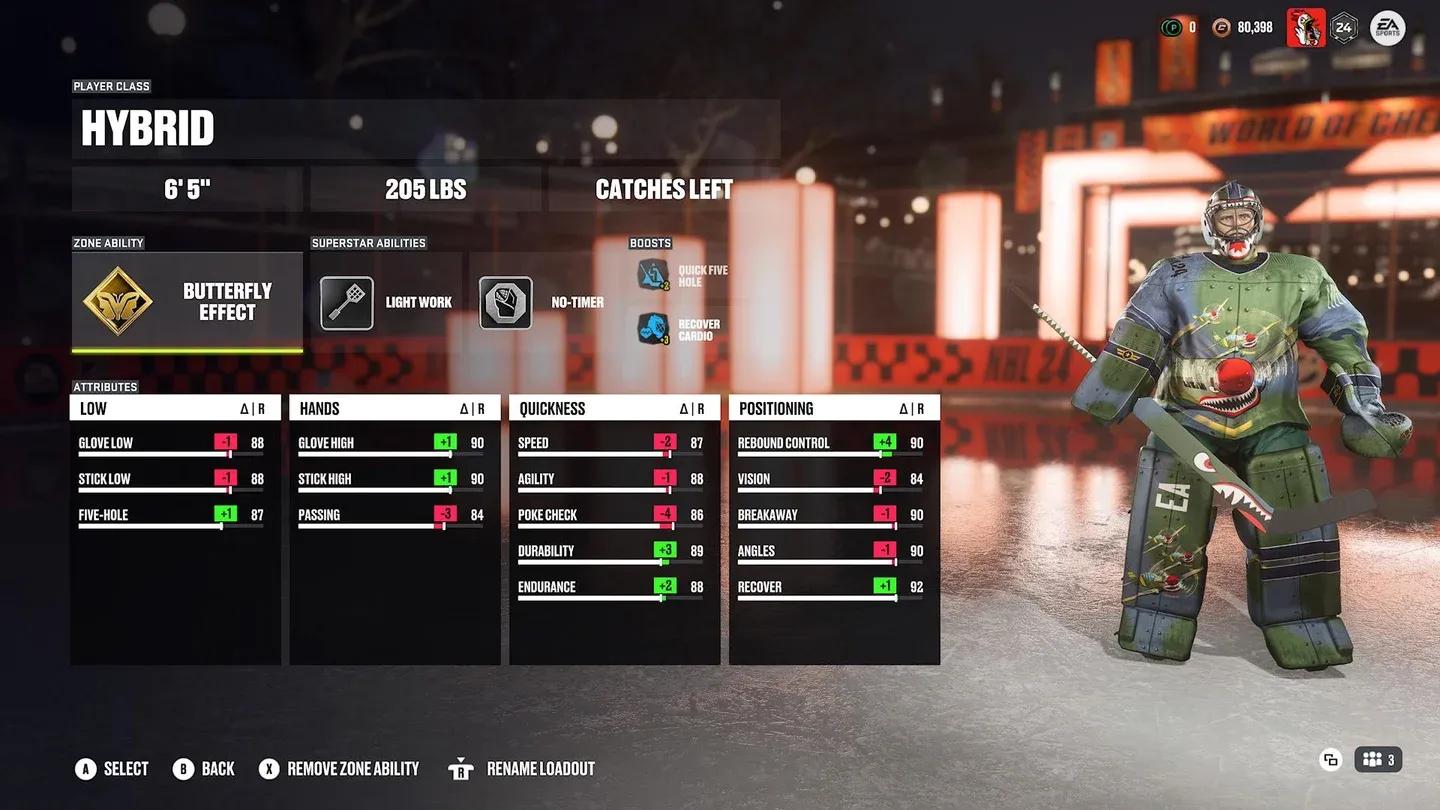
Goalie butterfly positioning
Common mistakes with NHL 27 controls
- Ignoring Vision Control (LT / L2) on offense. Holding Vision Control while carrying the puck protects possession and opens passing lanes. Most new players never use it.
- Using poke check as a first option on defense. A missed poke check leaves you out of position. Use stick positioning first and save the poke check for clear opportunities.
- Forgetting Hustle requires L3 while going straight. Pressing L3 while turning does nothing. You have to be moving in a straight line for the burst to activate.
- Not using Icon Passing. Holding RT (R2 on PS5) and pressing a player icon gives you precise control over who receives the puck. Tap-passing to whoever the AI selects costs goals at higher difficulty levels.
- Skipping the goalie controls entirely. Even if you never manually control the goalie, knowing how to switch to your netminder with LB + A (L1 + A on PS5) in a net-battle situation can save games.
For players building toward Hockey Ultimate Team, pairing solid control fundamentals with smart lineup construction makes a real difference. The NHL 27 HUT guide for building a winning team covers Coaches, Line Combinations, and Coin management in detail.
Frequently asked questions
What is the best control scheme for beginners in NHL 27?
Total Control is the best starting point. Skill moves and defensive actions are mapped to face buttons, which reduces the number of stick inputs you need to learn before your first game. Once you have the basics down, consider moving to Hybrid for more offensive options.
Are the goalie controls the same across all schemes?
Yes. Goalie controls are identical in Total Control, Skill Stick, and Hybrid. The scheme you choose only affects skater offense and defense inputs.
Can you change control schemes mid-game in NHL 27?
You can adjust your control scheme in the settings before a match. Switching mid-session is possible through the pause menu settings, though it is not recommended during an online game.
What is the difference between Skill Stick and Hybrid for defense?
The main difference is the Hip Check input. Skill Stick maps it to LB + RS, while Hybrid uses LB + R3. Hybrid also keeps some face-button shortcuts for body checks that do not exist in the pure Skill Stick layout.
For everything else NHL 27 has to offer across modes and builds, the full NHL 27 strategy guides collection has you covered.