Search games, articles, guides...CtrlK
Sign InGet Started

Learn how to draw, shape, and refine curved walls in Paralives Build Mode, plus tips for angles, split-levels, and what's coming next.

Written by Nuwel
Content Writer
See more GAMES.GG guides on Google
Add us as a preferred source and our guides show up first in your results.
Paralives Music Skill Guide: Level Up Guitar, Piano, and Triangle Fast
Master the Music Knowledge Skill in Paralives and level up guitar, piano, and triangle faster with every method explained.
Paralives Museum Collectibles Guide: All Donations and Rewards
Every collectible, donation milestone, and reward for the Paralives museum explained, with full lists of mushrooms, gems, artifacts, and paintings.
Paralives Personality System: How to Level Up Traits and Talents
Learn how Wants, Life Goals, and Personality Points work in Paralives to unlock powerful social perks and talent upgrades.
Paralives Build Mode has earned its reputation as one of the most flexible construction systems in any life sim, and curved walls sit at the center of that reputation. No other major life simulation game lets you draw a rounded room from scratch without mods or workarounds. In Paralives, curved walls are a first-class feature that has been part of the game's design since development previews in 2019. Here's everything you need to know to use them well.
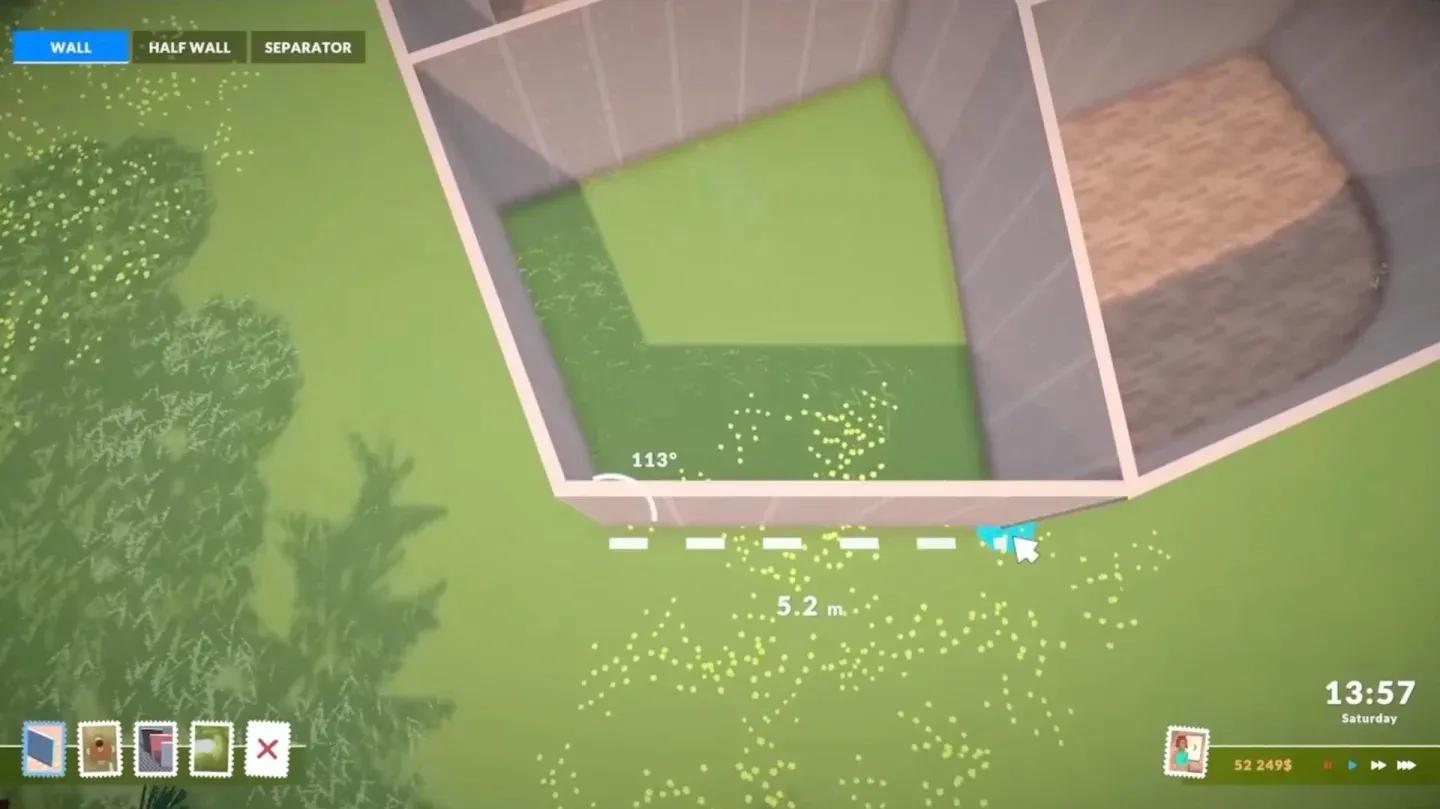
The process is straightforward once you know where to look. Press B to open the wall tool, or click the house icon at the bottom left of the screen and select Build from the interface. From there:
Half-walls and separator walls follow the same process. All three wall types support curved drawing, so you can mix full curved walls with curved half-walls for open-plan layouts that still have visual definition.
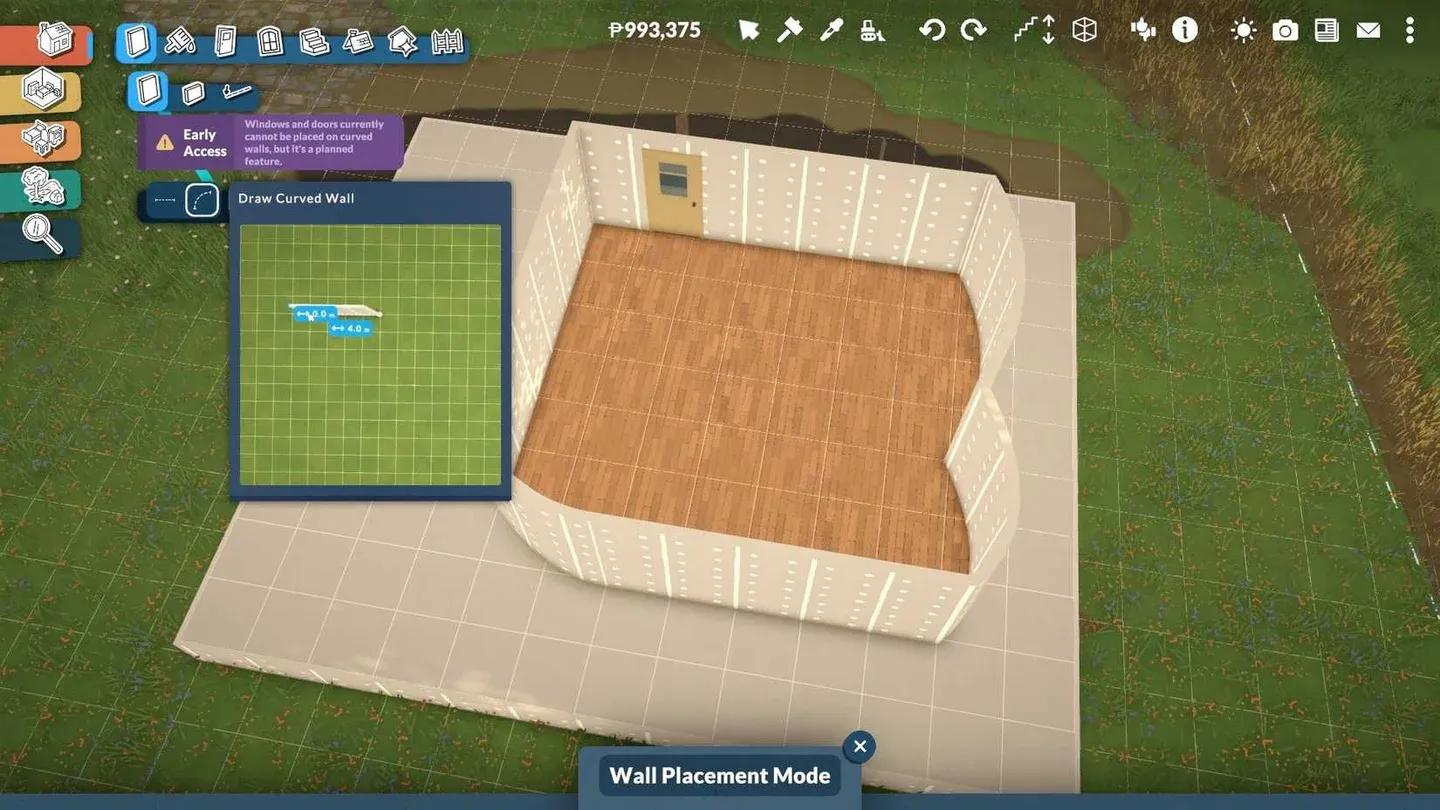
Curved wall tool selection
Paralives offers three wall categories, and all of them can be drawn straight or curved:
| Wall Type | Curved Support | Notes |
|---|---|---|
| Full Wall | Yes | Standard room walls, adjustable height |
| Half Wall | Yes | Good for open-plan dividers, balconies |
| Separator | Yes | Invisible structural divider for room logic |
Beyond these three, fences are placed similarly to walls but do not currently support curved placement. That's a known Early Access limitation.
Not yet. Doors and windows cannot be placed on curved walls in the current Early Access build. This is one of the most frequently mentioned limitations, and the official development roadmap lists curved wall door and window support as a planned addition.
For now, curved walls work best for:
The upper floor assist system in Paralives makes multi-story curved builds less painful than you might expect. When placing walls on a second floor, the grid can snap onto the walls below. Curved walls on an upper floor will adopt the same curvature as the wall directly beneath them, so you do not have to redraw the arc manually.
If you want to replicate an entire curved floor exactly, there is also a floor duplication tool that copies the layout rather than requiring you to place each wall segment individually.

Upper floor curved wall snapping
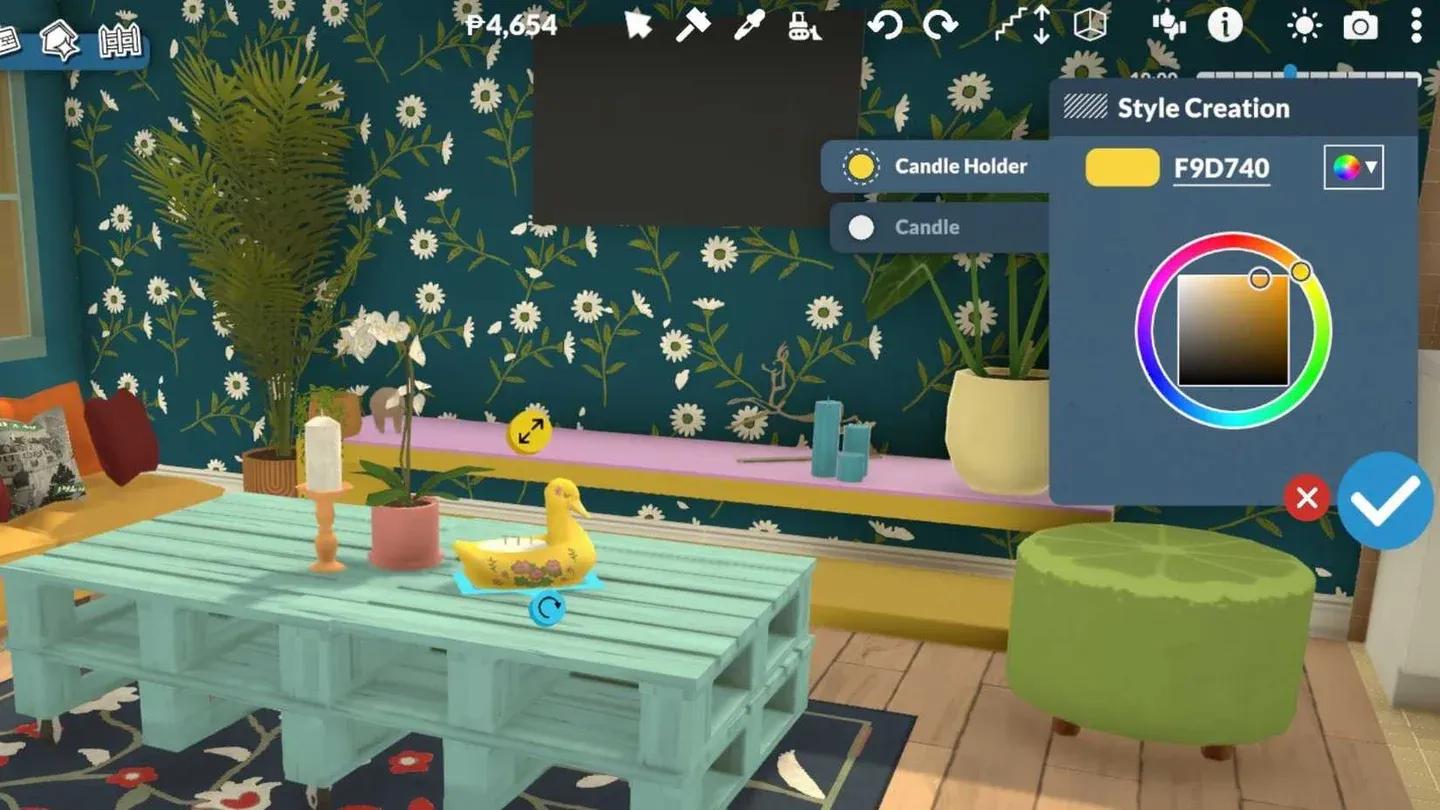
Curved walls share the same customization options as straight walls:
The color wheel applies per wall surface, so the exterior face and interior face of the same curved wall can carry different finishes.
Split-level platforms are independent of wall shape, so curved rooms can have raised or sunken floors just like rectangular ones. Build the curved room structure first, then use the platform controls to set the floor height for that section. A short staircase connects levels that are too high for a Parafolk to step up naturally, and the stairs adjust in size automatically.
This combination works well for sunken curved living rooms or raised curved bedroom sections, both of which show up frequently in player builds shared on the Steam Workshop.
For more on working with the full construction toolkit, the Paralives Build Mode guide for beginners covers every major system from wall placement through terrain tools.
Split-level platform height tool
| Key | Action |
|---|---|
| B | Open wall tool |
| Tab | Enter or exit Build Mode |
| Shift (while drawing) | Adjust curve intensity |
| Alt | Disable object snapping |
| G | Toggle grid on or off |
| Ctrl+Z | Undo last action |
| Delete | Remove selected wall |
The Early Access roadmap confirms several additions relevant to curved construction:
All of this is planned as free content during the Early Access period. No paid packs.
If you want to get more out of object placement inside those curved rooms, the guide on how to transform objects in Paralives covers free rotation, scaling, and stacking in detail. For a broader look at everything the game has to offer early on, the full Paralives guides collection is worth bookmarking.
Wall color and texture options