
All skills in Attack on Titan Revolution are accessible through shared trees, families, and Titan transformations, encompassing 45 named abilities that require specific unlock routes to manage your loadout.
Your character can equip up to five skills, but family restrictions and your equipped serum determine which abilities you can access. In this Roblox experience, learning a shared-tree skill uses a different progression route from unlocking a Titan kit. Start with the checklist, check your family's restrictions, and then spend skill points on abilities your character can use.
Skill checklist and unlock requirements
The checklist contains 15 shared-tree skills, 17 family abilities, and 13 Titan abilities, for 45 entries. Titan abilities belong to individual transformation kits, so gaining Titan Shift does not give every form the same moves.

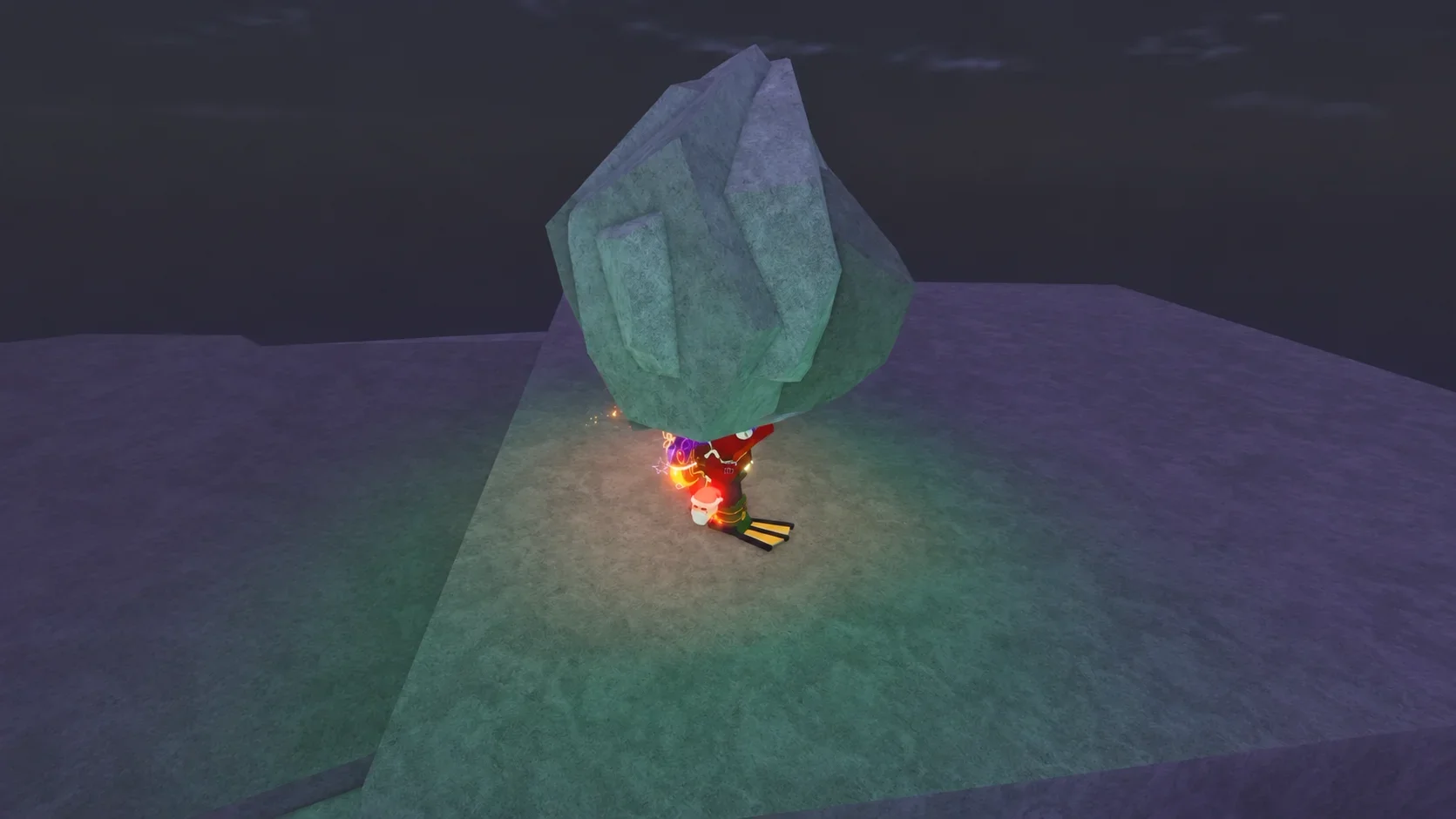
Shared-tree skills
Offense, defense, and support skills are available through the shared skill trees without requiring a particular family.
| Checklist | Skill | Unlock route |
|---|---|---|
| [ ] | Acoustic Shells | Shared skill trees |
| [ ] | Bandages | Shared skill trees |
| [ ] | Black Flare | Shared skill trees |
| [ ] | Blade Dance | Shared skill trees |
| [ ] | Counter | Shared skill trees |
| [ ] | Emergency Relocation | Shared skill trees |
| [ ] | Hardy Counter | Shared skill trees |
| [ ] | Lethal Tempo | Shared skill trees |
| [ ] | Order Advance | Shared skill trees |
| [ ] | Order Rage | Shared skill trees |
| [ ] | Portable Resupply | Shared skill trees |
| [ ] | Red Flare | Shared skill trees |
| [ ] | Rising Slash | Shared skill trees |
| [ ] | Torrential Steel | Shared skill trees |
| [ ] | Tough as Nails | Shared skill trees |
Family abilities
These abilities depend on your family. Some families share a skill, while others provide exclusive options.
| Checklist | Skill | Family access |
|---|---|---|
| [ ] | Arise | Reiss |
| [ ] | Avenging Execution | Helos |
| [ ] | Chaos | Fritz |
| [ ] | Command | Reiss |
| [ ] | Conquer | Reiss |
| [ ] | Crimson Bloom | Leonhart |
| [ ] | Founder's Vengeance | Fritz |
| [ ] | Founder's Will | Fritz |
| [ ] | Invigorate | Yeager |
| [ ] | Kingslayer | Helos |
| [ ] | Last Stand | Zoe |
| [ ] | Let it RIP | Ackerman and Shiki |
| [ ] | ORDER: Revolution | Helos |
| [ ] | Potato | Braus |
| [ ] | Rage Mode | Ackerman and Shiki |
| [ ] | Shifter Regen | Tybur, Leonhart, Galliard, Finger, Braun, Arlert, Ksaver, and Yeager |
| [ ] | Swift Strikes | Ackerman and Shiki |
Titan abilities
These skills require Titan Shift and the relevant transformation. Berserk Mode also has a family condition.
| Checklist | Skill | Access requirement |
|---|---|---|
| [ ] | Berserk Mode | Attack Titan with Yeager or Fritz |
| [ ] | Brutal Stomp | Titan Shift, relevant transformation kit |
| [ ] | Corkscrew Punch | Titan Shift, relevant transformation kit |
| [ ] | Drill Thrust | Titan Shift, relevant transformation kit |
| [ ] | Eject | Titan Shift |
| [ ] | Hand Grider | Titan Shift, relevant transformation kit |
| [ ] | Hardening | Titan Shift, relevant transformation kit |
| [ ] | Heatwave | Colossal Titan |
| [ ] | Incendiary Volley | Colossal Titan |
| [ ] | Roar | Titan Shift, relevant transformation kit |
| [ ] | Seismic Shock | Colossal Titan |
| [ ] | Tectonic Quake | Colossal Titan |
| [ ] | Upper Cut | Titan Shift, relevant transformation kit |
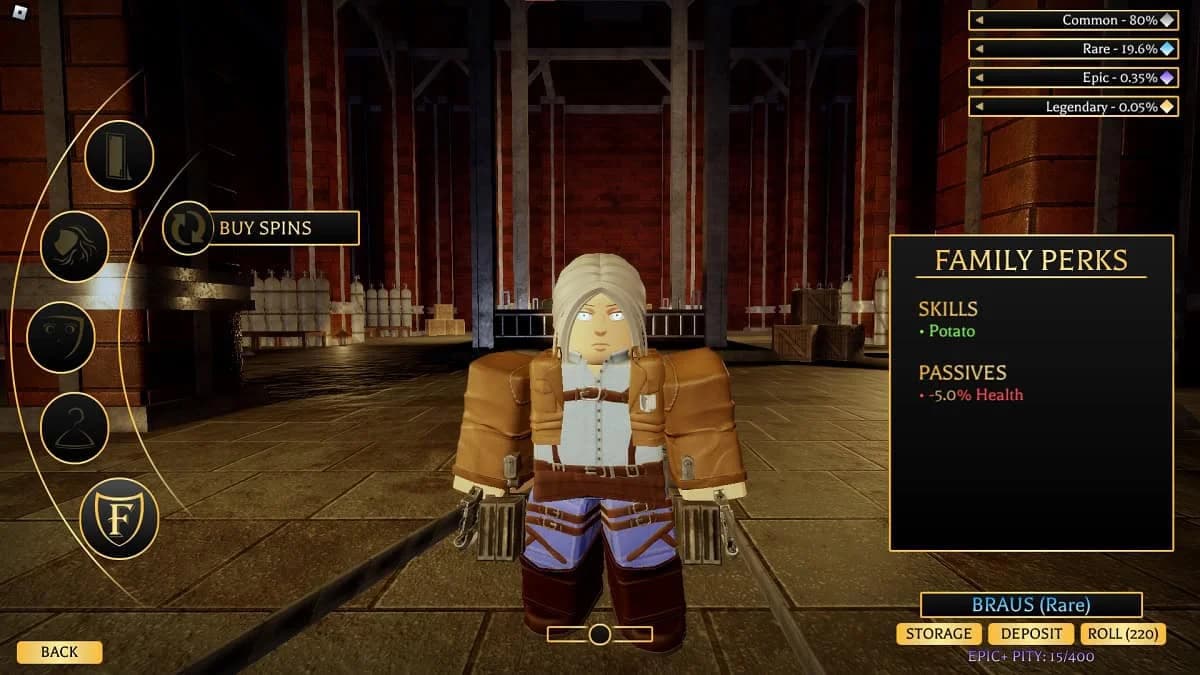
Check your five equipped skills
How to unlock and equip shared skills
Spend skill points and gold
Open EQUIPMENT in the lobby to manage your skills and upgrades. The shared skill tree has support, offense, and defense branches. Each tree offers two build paths, and you can use only one path within each tree.
You earn one skill point per level. Purchasing nodes costs SP and gold, so having enough points does not remove the gold requirement.
Use this order before buying nodes:
- Check which skills your family already provides.
- Choose the build path you want within each shared tree.
- Check the SP and gold cost of the next node.
- Equip the abilities you intend to use in your five available slots.
Resetting the skill tree costs 999 gems. Choose your paths before committing points if you want to avoid paying for a reset.
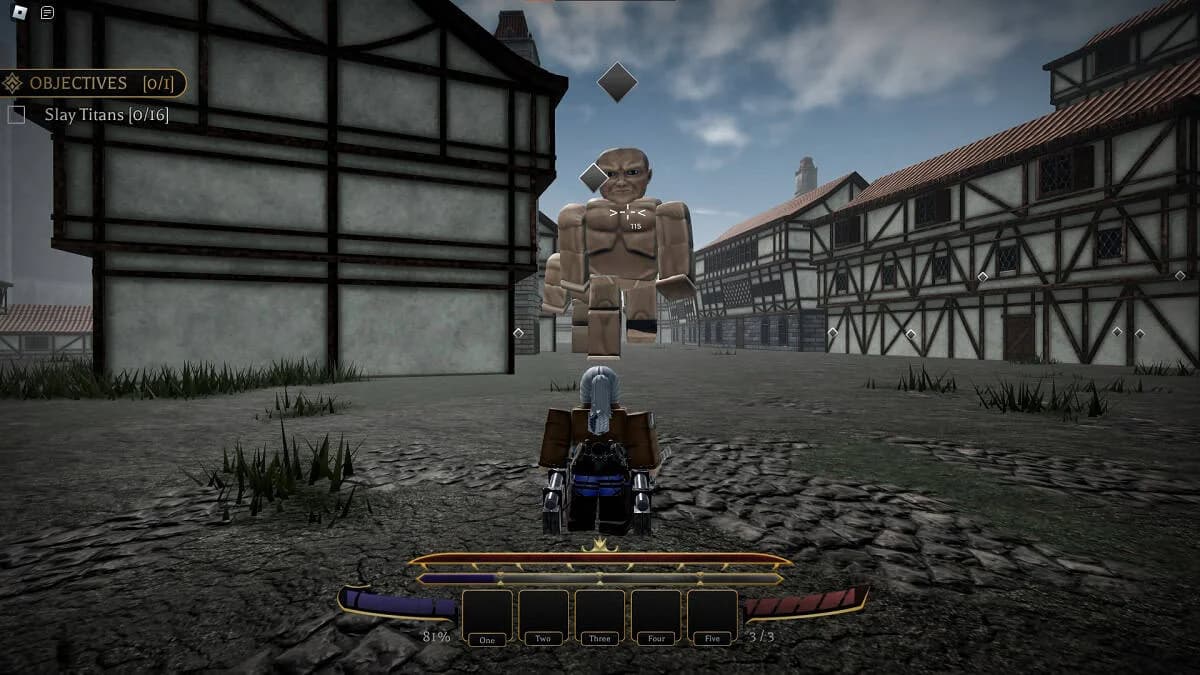
Plan nodes before spending SP
Check your controls and equipped perk
On PC, 1, 2, 3, 4, and 5 activate the corresponding equipped skills. Check the in-game SETTINGS for additional controls and platform-specific bindings.
Heavenly Restriction compensates with other bonuses, including increased ODM and Thunder Spear damage per equipped skill. It is a deliberate alternative to an active-skill loadout, not a way to keep those abilities usable.
How to unlock Titan skills
Equip a serum and open its branch
Titan shifting requires a serum, which can drop from A- missions or raids at any difficulty. Your family must also permit transformation: Zoe, Ackerman, and Helos cannot Titan Shift.
To access a transformation's skills:
- Obtain the serum for the Titan form you want.
- Equip that serum.
- Open the skill tree.
- Select the lightning-bolt icon at the upper right.
- Unlock the abilities for the equipped transformation without paying gold.
The lightning-bolt option appears when you have a serum equipped. Check that equipment requirement before looking for the Titan branch.
Choose the form for your task
Four transformation types provide different combat options.
| Titan form | Serum | Supported strengths and restrictions |
|---|---|---|
| Attack Titan | Attack Serum | General-purpose stats; Berserk Mode is available with Yeager or Fritz |
| Armored Titan | Armored Serum | Has a rush skill that can quickly demolish buildings |
| Female Titan | Female Serum | Fast attack speed, with lower damage compared with other Titans |
| Colossal Titan | Colossal Serum | Damages its surroundings on transformation and has an area-of-effect skill kit |
Family choice can add another condition within a transformation. The Female Titan has a family-specific passive with Leonhart or Fritz: landing three consecutive basic attacks increases damage and attack speed.
Pick your intended form before planning around an individual Titan skill. A family that supports Attack Titan's Berserk Mode does not turn another transformation into the Attack Titan kit.
Family skill mechanics to check before choosing a loadout
Shifter Regen and Last Stand
Shifter Regen restores 45 health over a short period and heals up to two injuries. It is a recovery option to account for before spending shared-tree points on the rest of your loadout.
Last Stand increases damage and ODM speed by 15% and reduces incoming damage by 30%. It also ignores injuries for 40 seconds, but it has a lethal injury condition.
Choose between these options through their family requirements first. Access to a strong recovery or survival skill does not make it available to every character.
Shiki's Rage Mode and attack skills
Shiki builds the Rage gauge by attacking. Activating Rage Mode increases ODM stats by 15%, adds 125 maximum health, increases health recovery by three, and resets skill cooldowns.
Shiki's Let it RIP variant spins toward the mouse cursor for six seconds, continuously damaging enemies it hits. Its duration makes cursor direction part of using the attack, rather than a single target selection at activation.
Shiki's Swift Strikes variant can kill up to five nearby Titans in an instant. Treat five as its target ceiling, not a promise that every activation will find that many valid enemies.
Colossal Titan skill damage comparison
The following Colossal Titan values apply with all Resonance Stones equipped. Use that condition when comparing the multipliers with your own setup.
| Skill | Damage and control effect | When to choose it |
|---|---|---|
| Seismic Shock | A ground stomp sends out a shockwave dealing 1035.0% damage to nearby Titans | Nearby groups around your position |
| Tectonic Quake | A forward kick deals 862.5% damage, followed by a destructive path dealing 431.2% damage | Targets positioned ahead of you |
| Heatwave | Superheated steam deals 1035.0% burn damage over five ticks and stuns nearby Titans for 5.6 seconds | Nearby enemies you need to damage and stun |
| Incendiary Volley | A forward hand swing deals 862.5% damage, while scattered burning shards deal 276.0% burn damage on impact | Enemies along the swing's path |
| Eject | Reverting releases steam that deals 150.0% damage to nearby Titans | Nearby enemies when leaving the transformation |
Choose between nearby coverage and forward attacks
Seismic Shock and Heatwave both affect nearby Titans. Choose Heatwave when you need its stated stun as well as burn damage. Seismic Shock provides the ground-stomp shockwave.
Tectonic Quake and Incendiary Volley attack forward, but their follow-up damage comes from different effects. Tectonic Quake creates a destructive path; Incendiary Volley scatters burning shards that must hit enemies.
Compare complete effects, not just percentages
The damage entries describe different components. Heatwave applies its burn over five ticks, while the 276.0% burn on Incendiary Volley belongs to shard impacts. Neither figure should be treated as an identical single-hit attack.
Position nearby targets within your chosen effect, aim forward attacks along occupied paths, and account for Eject's steam damage when ending the transformation.