
Private servers in Roblox games exist for one reason: to keep random players out of your way. In Slayers 2, that matters more than you'd think. Public servers are full of players who will wander into your boss fight, snatch resource spawns before you reach them, or just generally make grinding slower than it needs to be. Getting your own server costs a small amount of Robux and pays off fast.
How do you get a private server in Slayers 2?
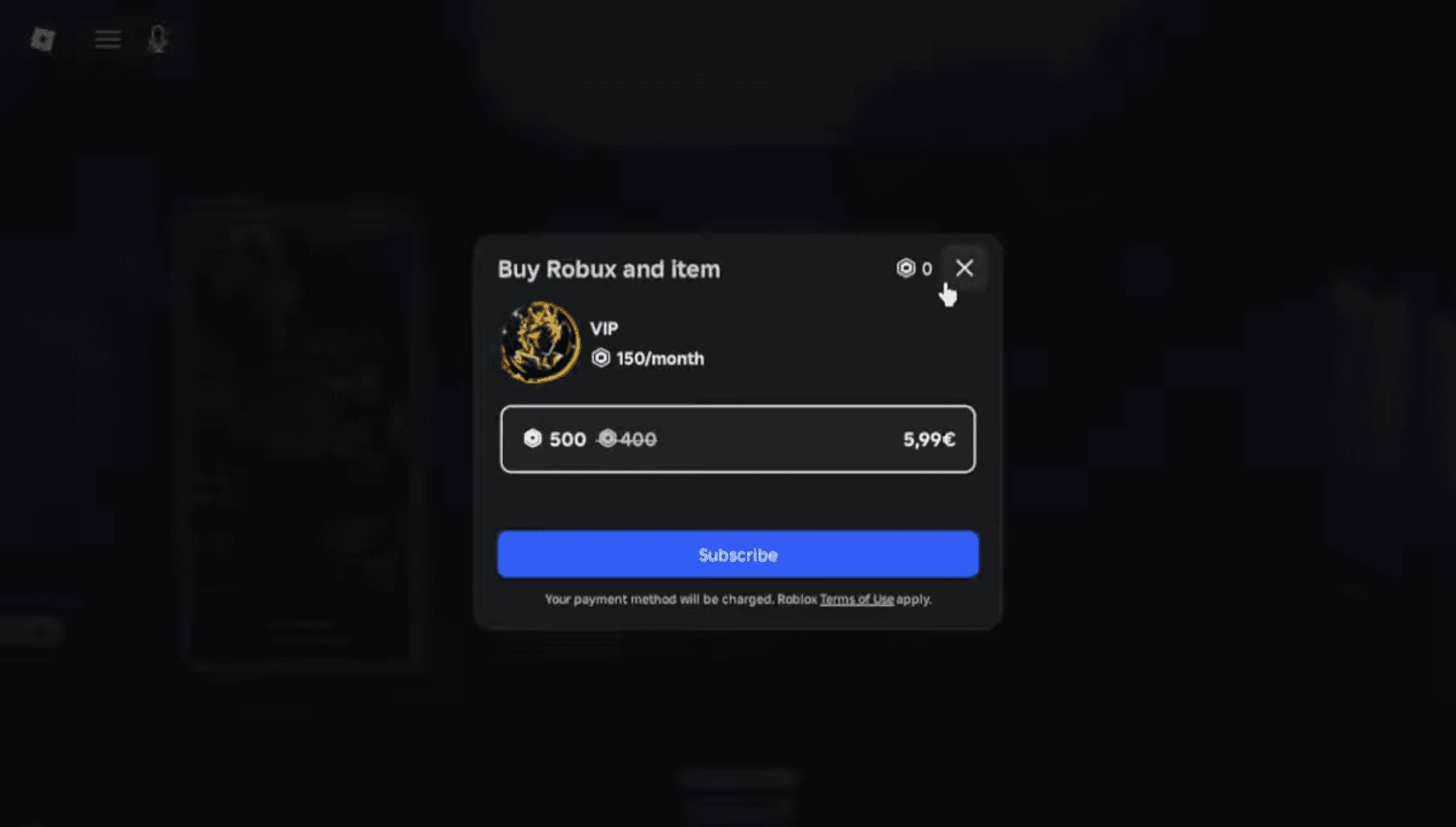
Private servers in Slayers 2 are locked behind a VIP Gamepass, which you purchase from the in-game shop. The cost depends on your account type:
| Account Type | VIP Gamepass Price |
|---|---|
| Normal Roblox account | 60 Robux |
| Roblox+ subscriber | 40 Robux |
This is a one-time purchase. Once you own the gamepass, the private server feature is yours permanently. The VIP Gamepass also bundles in a few extras: the Evil Art Bag, the Clan Bag, and access to other shop promos. So even if you only care about the private server, you're getting more than just that.
Slayers 2 Guide: How to Get a Private Server

How to set up and join your private server
Once you own the VIP Gamepass, here's the exact process to get into your private server:
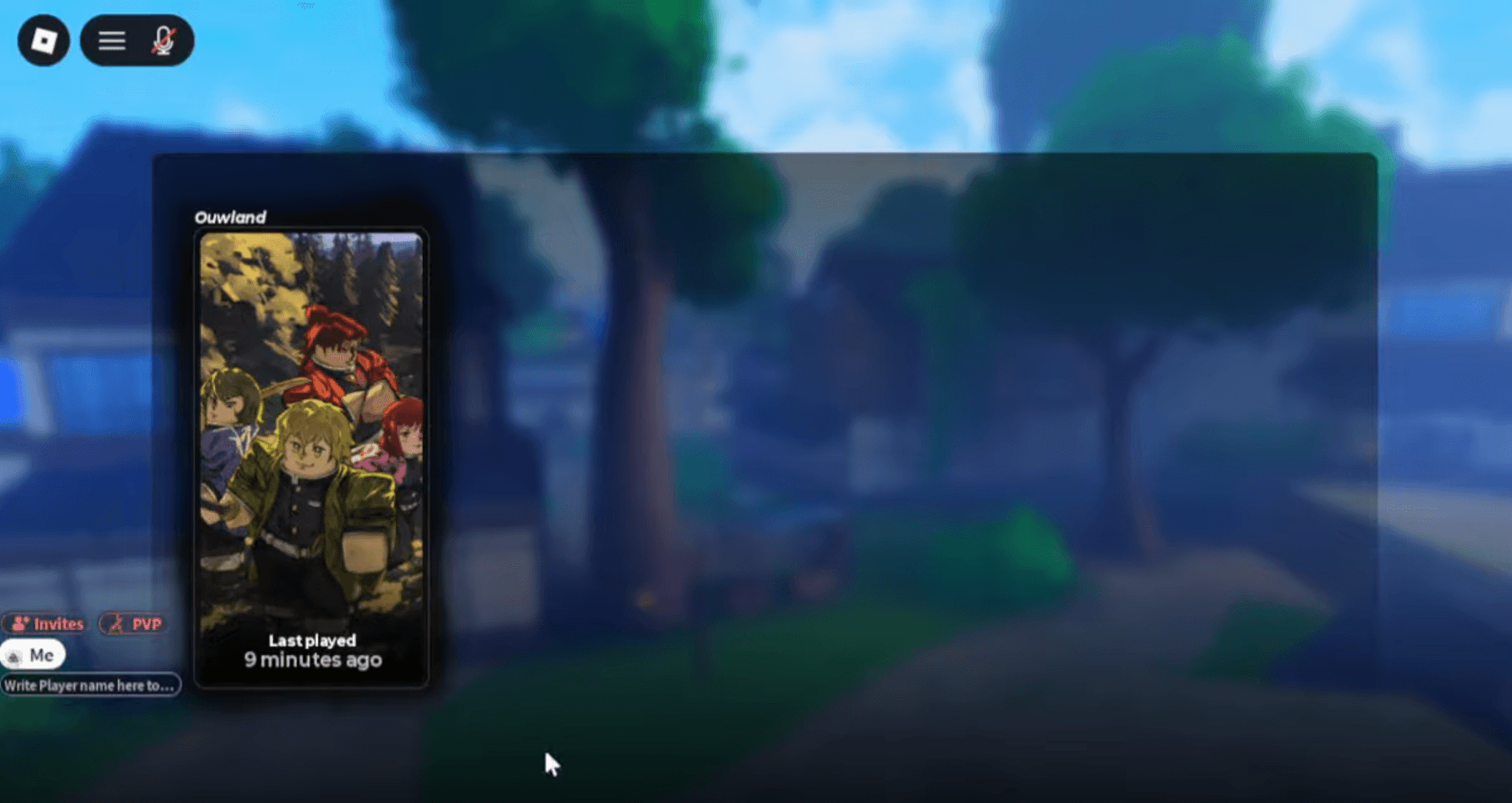
- Open Slayers 2 and reach the main menu.
- Press the Play button and select your character slot.
- In the server selection menu, type the name of the server you want to join.
- Press the Join button.
If you're hosting your own server, type your Roblox username into the server name field. To join a friend's private server, type their Roblox username instead.
Slayers 2 Guide: How to Get a Private Server
One thing worth knowing: you can only join a private server owned by someone you're already friends with on Roblox. You can't just type a random player's username and hop in. The friend requirement is there by design, so make sure you've added the server owner before trying to connect.
What should you actually use your private server for?
Having a private server is most valuable when you're farming resources that compete with other players. On a public server, spawn points for key items get contested constantly. A private server removes that entirely.
The best activities to run on a private server:
- Ore grinding - resource nodes spawn on a timer and other players won't be there to take them first.
- Blue Lily farming - these are commonly spawned items that disappear fast in public lobbies.
- Fishing - no interruptions from players passing through or blocking fishing spots.
- Horse Mount hunting - mount spawns are rare enough that public server competition makes them frustrating to target.
- Boss fights - run bosses without other players accidentally triggering them early or stealing kills.
If you want to coordinate your private server sessions with friends, check out the full list of private server commands to manage your lobby properly, from kicking players to toggling PvP.
Is the VIP Gamepass worth buying?
At 60 Robux for a standard account, the VIP Gamepass sits at roughly $0.75 in real money terms. For a game where grinding is the core loop, removing public server competition from your farming sessions has a real impact on efficiency. The bundled items (Evil Art Bag, Clan Bag) add extra value on top.
If you're playing Slayers 2 seriously, especially if you're targeting specific clans or builds, the private server pays for itself quickly. Speaking of clans, take a look at the Slayers 2 clan tier list to figure out which clan is actually worth grinding for before you commit hours to farming.
For more on getting the most out of your Slayers 2 sessions, the Slayers 2 codes page has active codes for free Spins, Wen, and Ores that stack well with private server farming. And if you want a broader look at everything the game has to offer, the full Roblox guides collection covers builds, tier lists, and more.