
Splatoon Raiders markets itself as a single-player adventure, but there's a full co-op mode tucked away on your ship that the game never once explains. No tutorial, no pop-up, no obvious prompt. You just have to know where to look. Here's everything you need to get a session running with friends, whether they're sitting next to you or playing online.
Where do you start multiplayer in Splatoon Raiders?
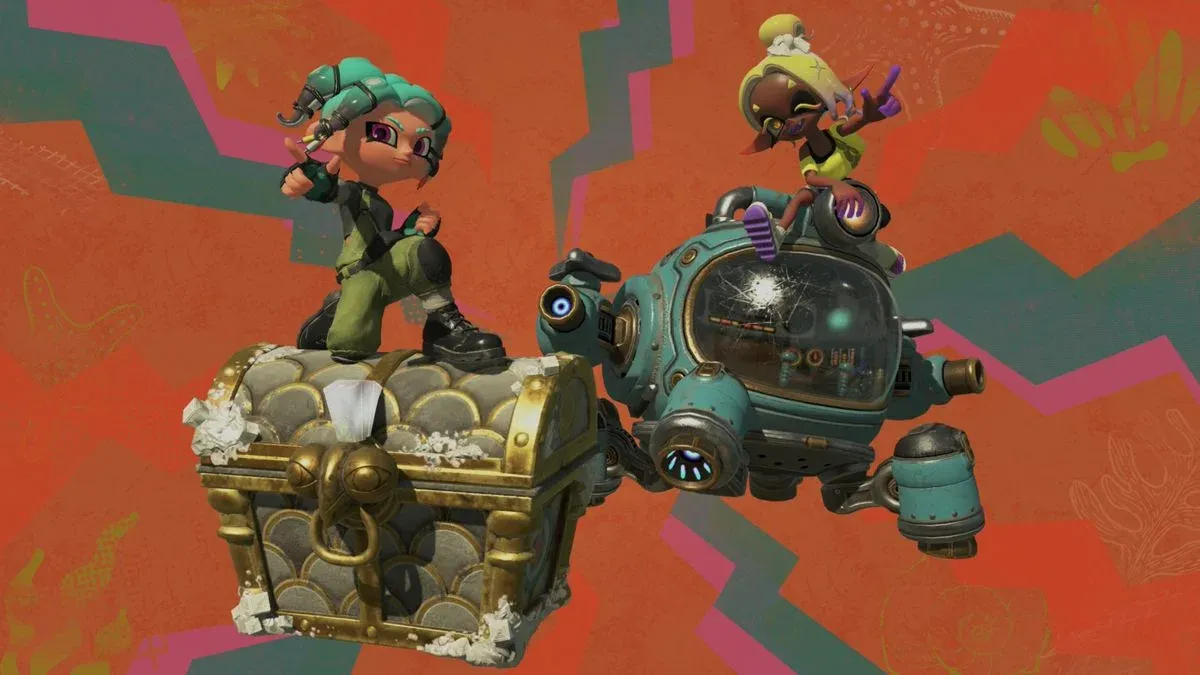
After clearing the introductory missions, you'll gain free access to the team's ship base. Head to the far end of the platform, opposite the treasure bot, and you'll spot a radio sitting in the corner. That's your multiplayer hub. The game never points you toward it, which is why so many players miss it entirely.
Interact with the radio and it walks you through a quick setup. The first time you do this, you'll be asked to choose a nickname for online play. The system pulls your Switch 2 account name automatically, but you can change it to anything that doesn't break Nintendo's online terms of service.
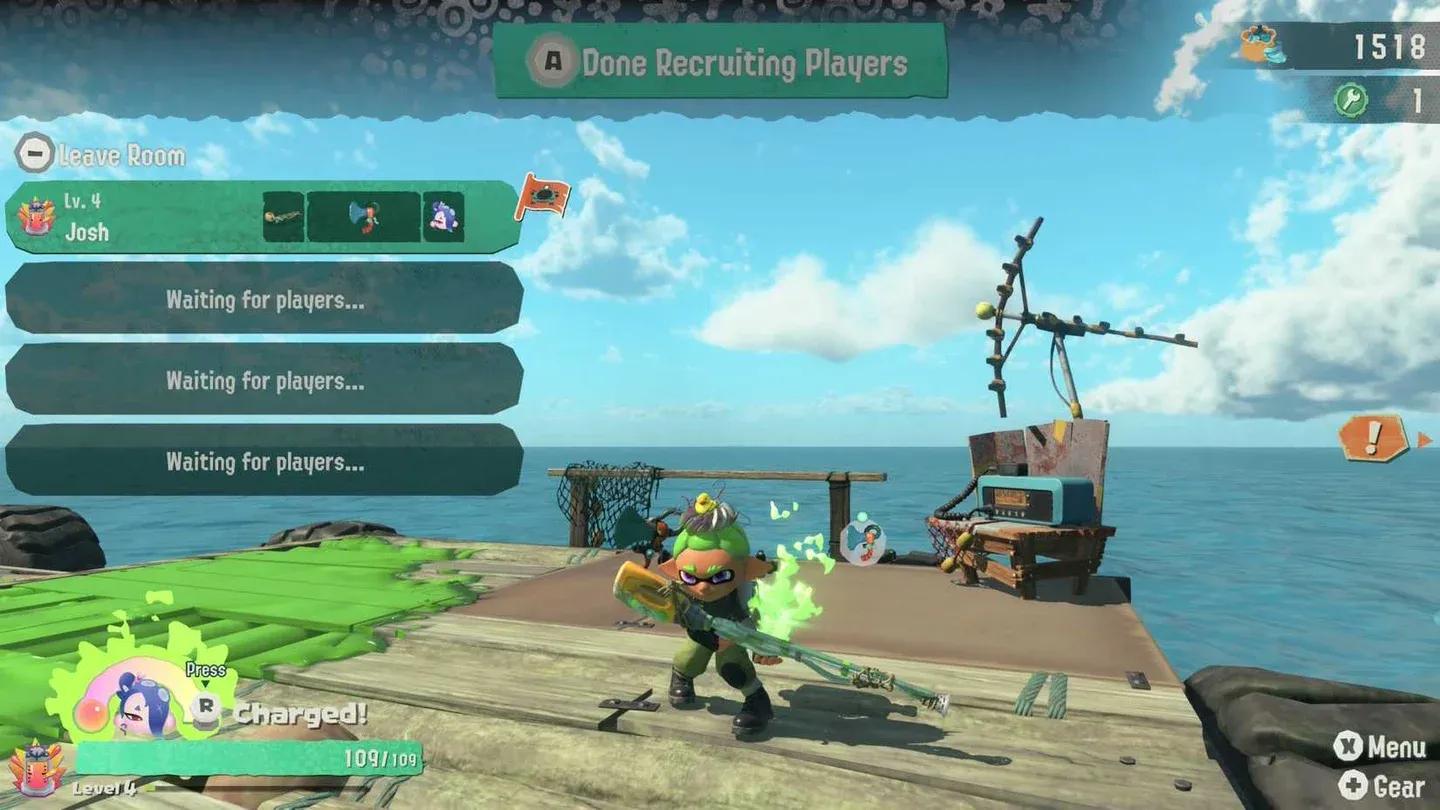
Ship base radio setup screen

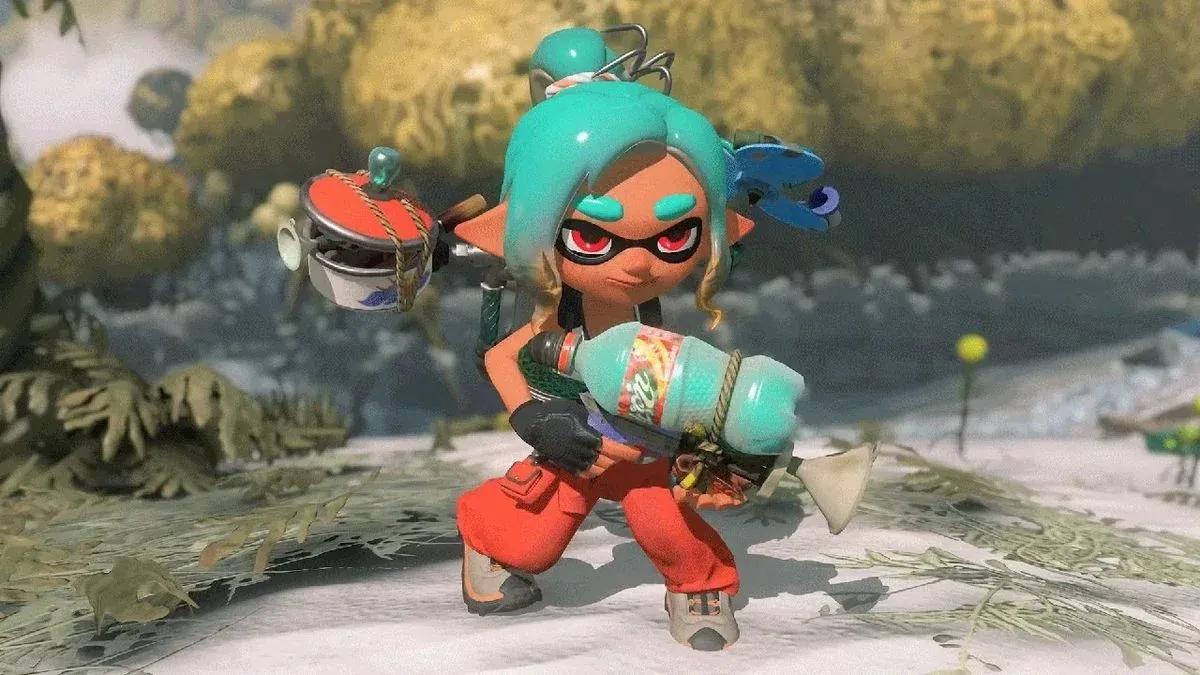
How to play online with friends
Selecting online wireless gives you three options. You can create your own room and share a password with friends, join a room that another player has already set up, or pull friends directly from your Switch 2 friend list. The password room method is the most reliable if you want a private session without randoms joining.
How to play local wireless with friends
Local wireless works the same way structurally, but everyone needs to be in the same physical location with their own system. There's no internet connection required for this mode, which makes it a solid option for playing at a friend's place without relying on Wi-Fi quality.
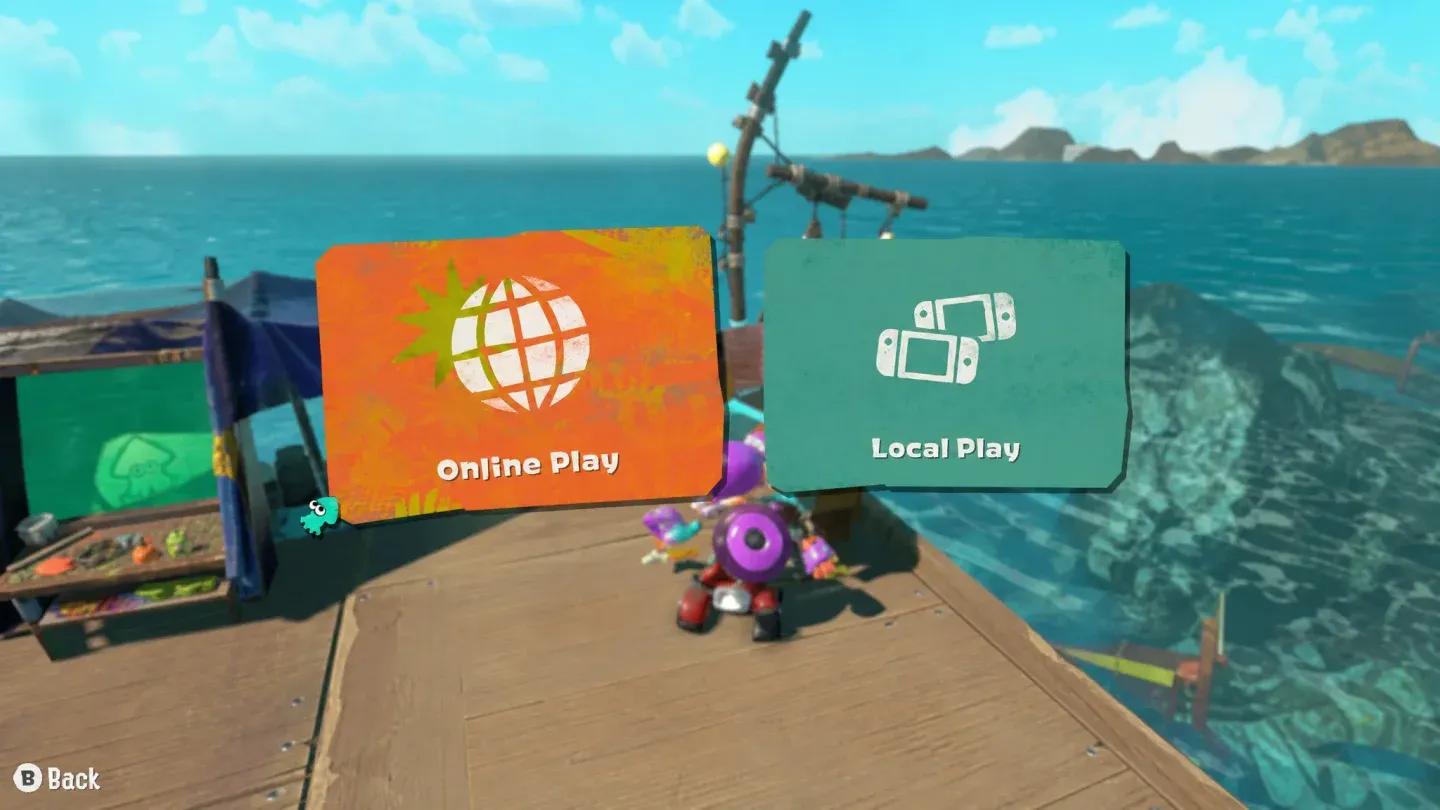
Online room creation options
What changes when you play with friends in Splatoon Raiders?
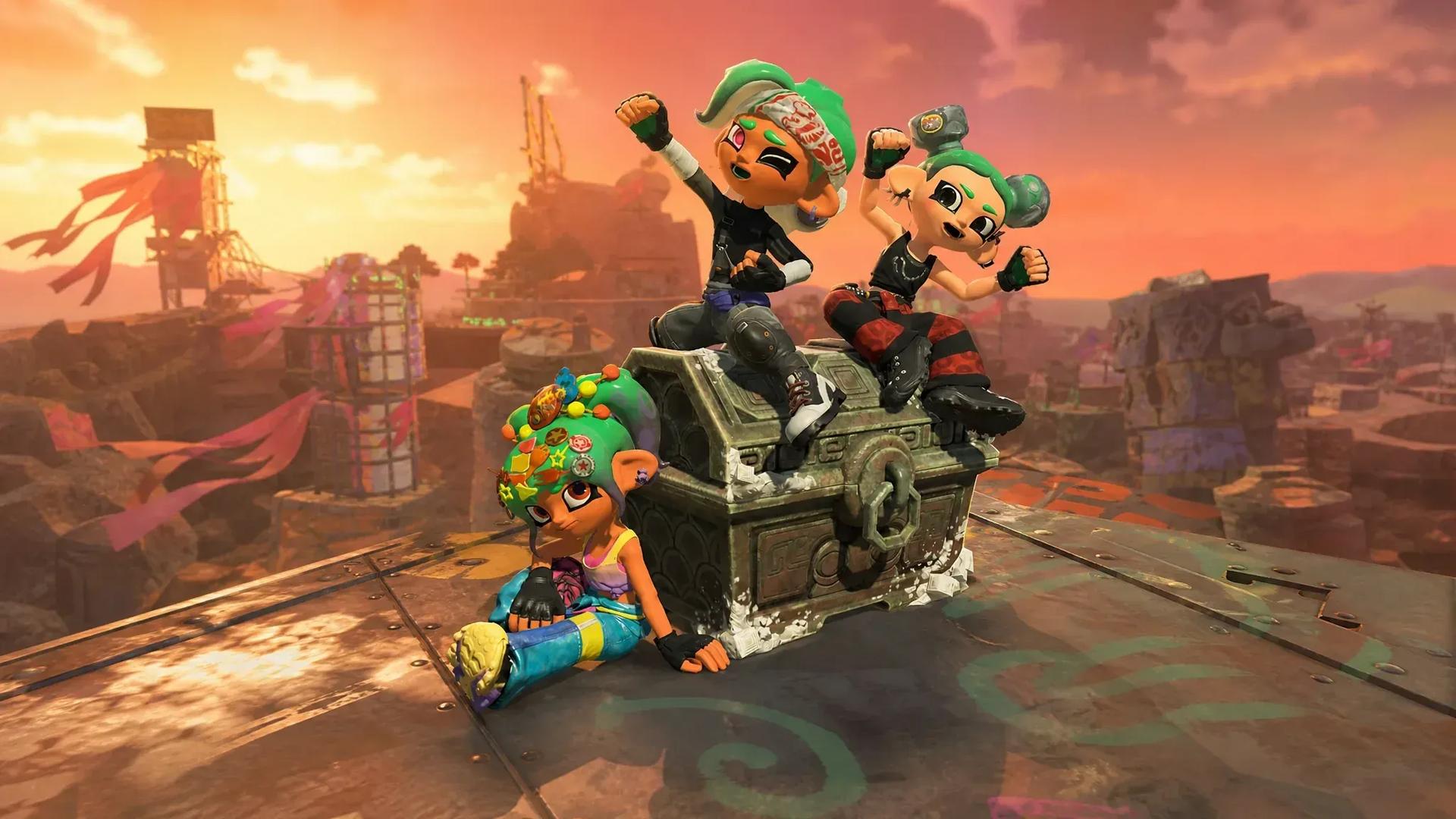
This is where things get interesting. The game doesn't just drop extra players into the same raid without adjustments. Balance scaling kicks in automatically when you're in a party, adding more enemies and generally making raids more chaotic. Expect tougher encounters compared to solo runs, so going in with a solid loadout matters more than ever.
If you haven't sorted out your gear yet, check out the best gadgets guide to make sure you're not bringing weak equipment into scaled-up fights. Pairing that with the right tank upgrades will keep you competitive even when the enemy count spikes.
The multiplayer side of Splatoon Raiders rewards players who come prepared. Scaled raids are genuinely more demanding, so building out your kit before grouping up pays off fast. For a full breakdown of everything else the game has to offer, browse the complete Splatoon Raiders strategy guides collection.