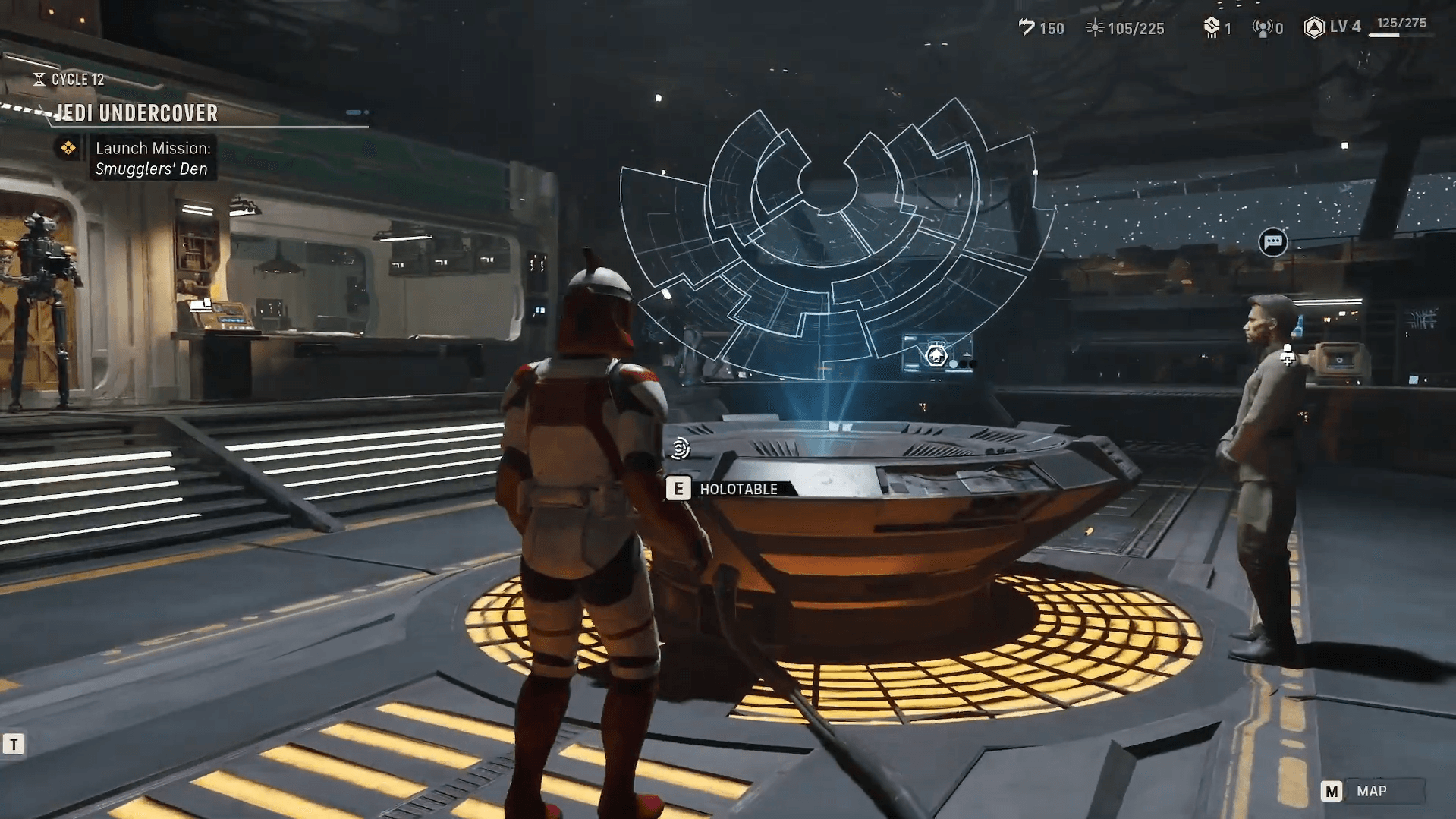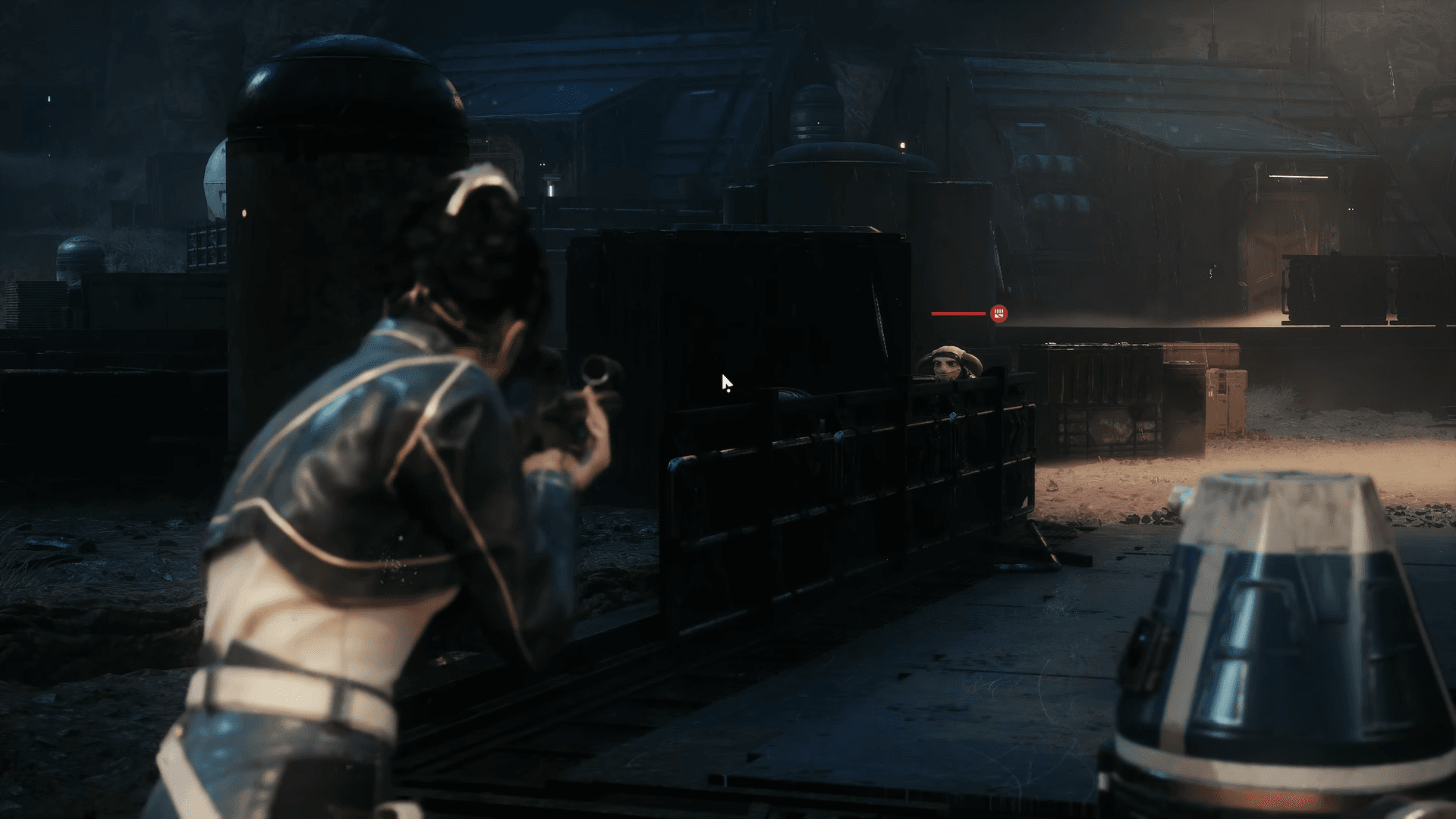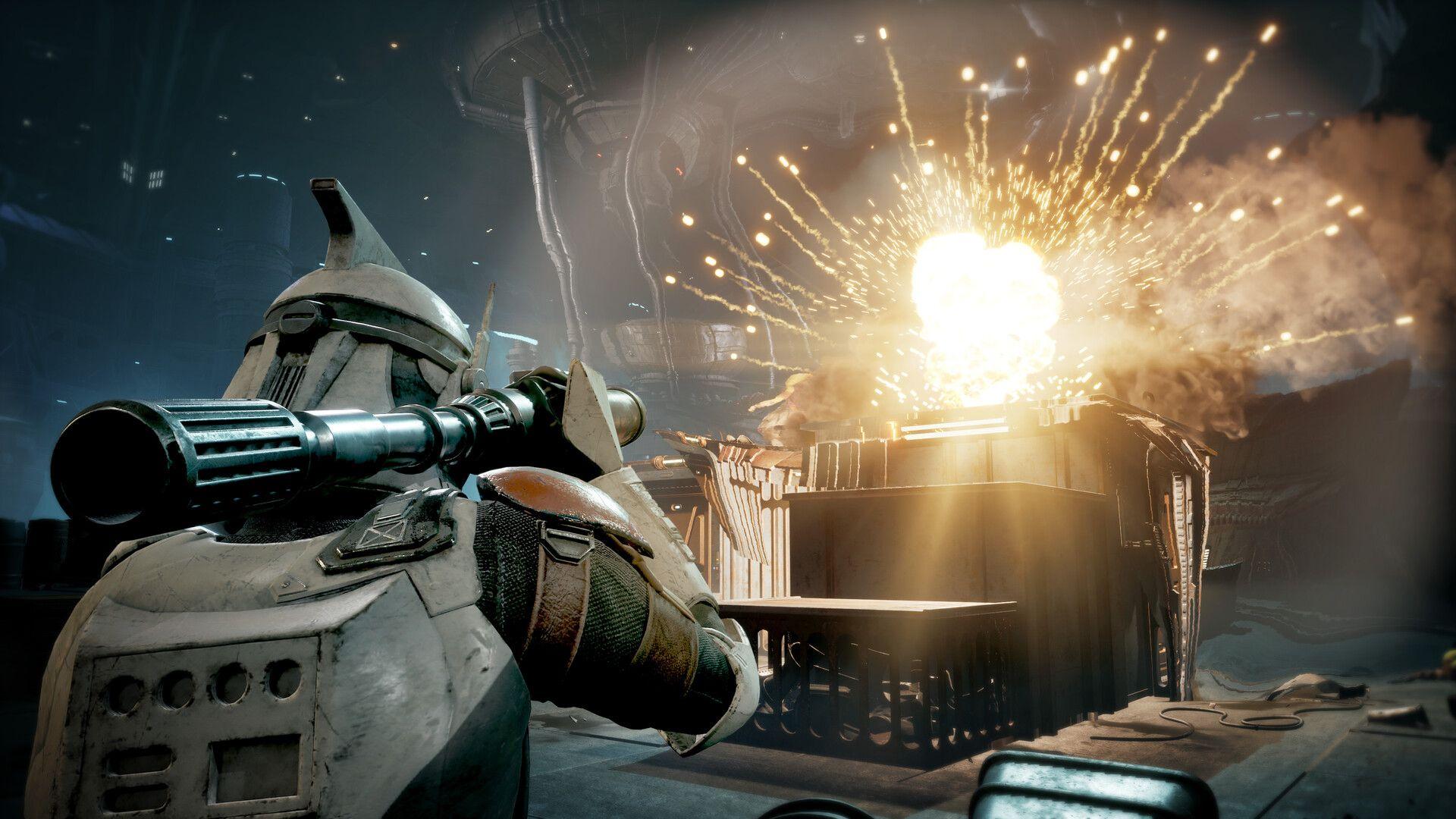

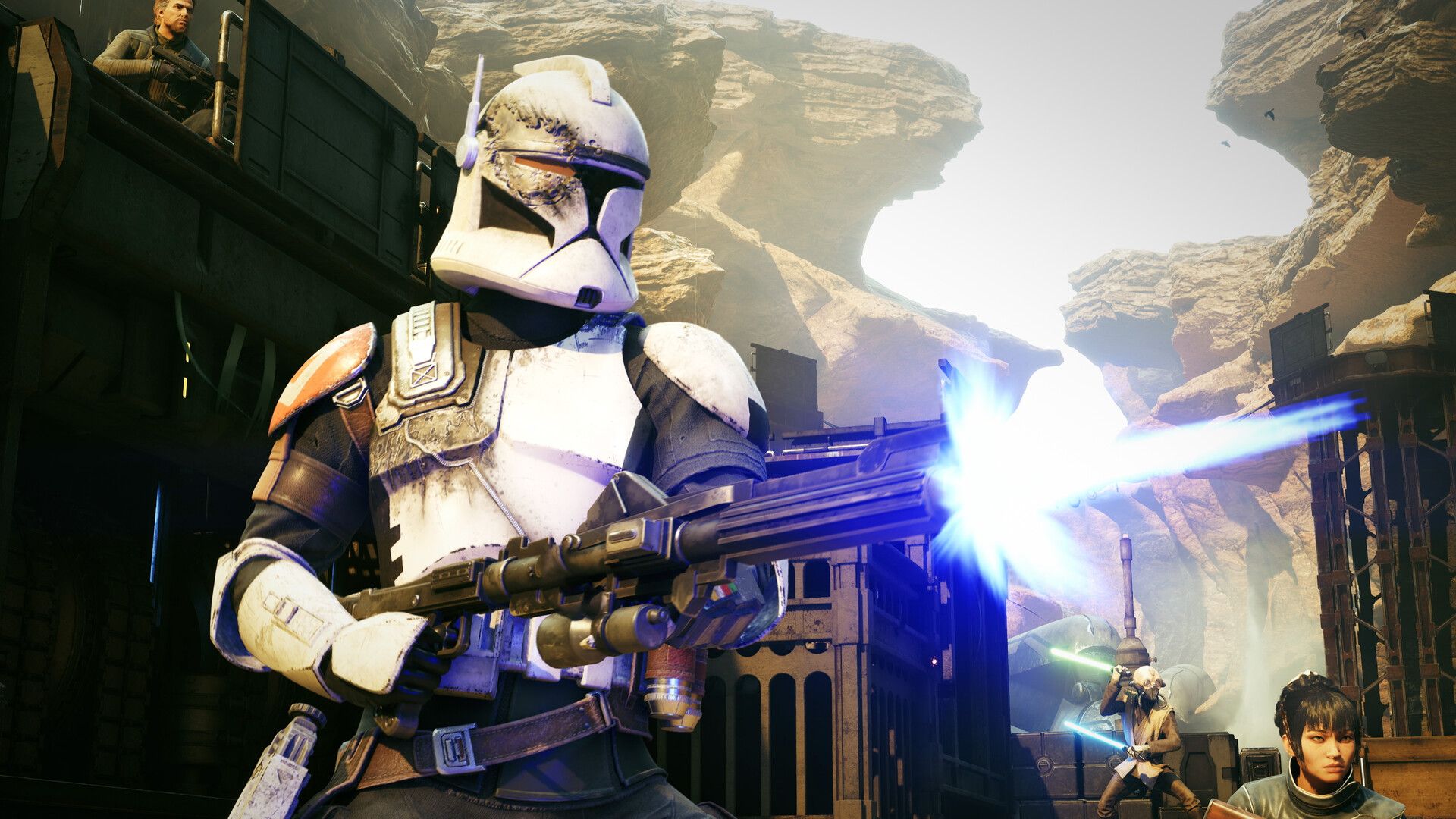
Star Wars Zero Company is a genuinely excellent tactics game built on Unreal Engine 5, and it launched on August 27, 2026 across PC, PS5, and Xbox Series X|S. The bad news: the PC version has some real growing pains. Frame drops hit even on high-end hardware, crashes show up more than they should, and cutscenes are a particular weak point regardless of what you're running. The good news is that knowing which settings actually matter lets you squeeze out meaningful performance without gutting the visuals.
What's causing the performance problems?
Zero Company runs on Unreal Engine 5, which is notoriously hard to scale across hardware tiers. Testing on a handheld like the Lenovo Legion Go 2 shows the CPU pinned at 50-60% while the GPU sits at 70-80%, which means the processor is the bottleneck, not the graphics card. That imbalance wastes GPU headroom you're paying for.
The result is that settings targeting GPU load (shadows, reflections, global illumination) matter less than CPU-bound settings like Effect Quality and Hidden Objects Detail. Get your CPU-side settings right first, then worry about visuals.

Which upscaling should you use?
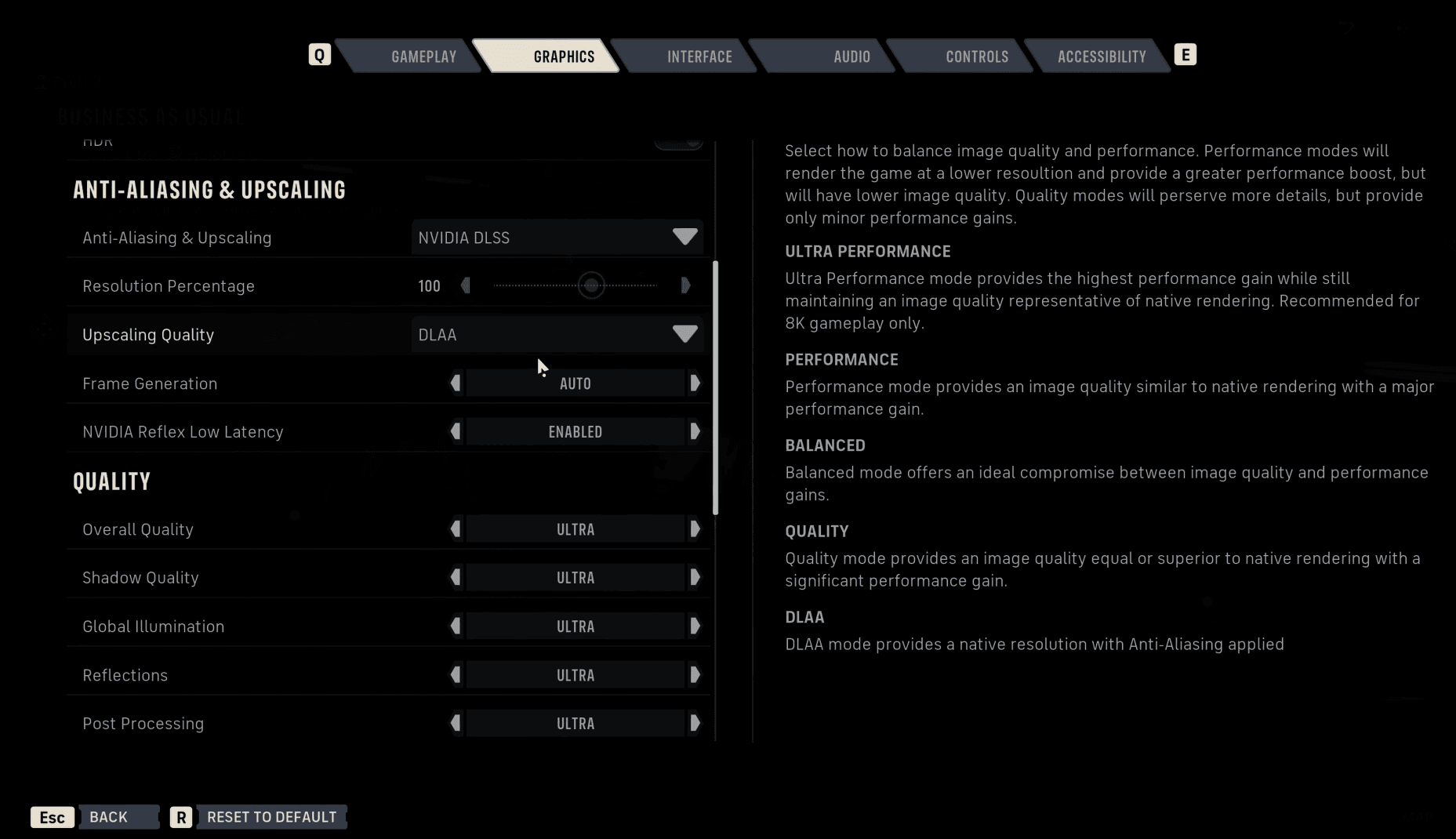
Every PC player should be running some form of upscaling in Zero Company. The game's Unreal Engine 5 base is demanding enough that native rendering at high resolutions is leaving performance on the table for most setups.
Pick based on your GPU brand:
- Nvidia GPU: Use DLSS
- AMD GPU: Use FSR
- Intel GPU: Use XeSS
For upscaling quality mode, resolution is the deciding factor. Performance mode works best at 4K, Balanced at 1440p, and Quality at 1080p. These recommendations hold across all three vendors since they use equivalent quality tiers.
Full settings breakdown: what to cut and what to keep
Here's every graphics setting in Zero Company, what it actually does, and the recommended value for a mid-range PC versus a handheld device.
| Setting | What it loads | Mid-Range PC | Handheld |
|---|---|---|---|
| Shadow Quality | GPU | High | Low |
| Global Illumination | GPU (ray tracing at High+) | Medium | Low |
| Reflections | GPU (ray tracing) | Medium | Low |
| Post Processing | Minimal impact | Your choice | Your choice |
| Textures | VRAM | Ultra (10GB+ VRAM) / Low (<8GB) | Low |
| Effect Quality | CPU | High | Low |
| Shading Quality | VRAM (mesh detail) | High | Low |
| View Distance | GPU (minimal effect) | Medium | Low |
| Hidden Objects Detail | CPU | Simplified | Simplified |
| Environment Geometry Detail | GPU (minor) | On | Off |
GPU-bound settings
Shadow Quality is the first thing to cut when you're GPU-limited. Even on Low, shadows in Zero Company look acceptable because Unreal Engine's baseline quality holds up reasonably well. Drop this before anything else if you're chasing frames.
Global Illumination controls indirect lighting quality. The jump from Medium to High activates ray tracing, so that step is expensive. If your GPU isn't sitting at 100% utilization, this setting probably isn't your bottleneck. Medium is the right call for most cards.
Reflections also uses ray tracing at higher settings, and Zero Company's sci-fi aesthetic means there are a lot of reflective surfaces in play. Keep this at Medium unless you're running a high-end card.
View Distance sounds important but isn't. Zero Company's tactical arenas are small enough that the extra detail range has almost no gameplay impact. Lower it freely.
CPU-bound settings
Effect Quality covers explosions, debris, and laser fire. This one hits your processor directly. If you're seeing stutters at the start of missions or during heavy combat, drop Effect Quality before touching anything GPU-related.
Hidden Objects Detail controls how detailed occluded objects are rendered. It's another CPU load and should be set to Simplified on any system that's showing CPU strain.
VRAM-bound settings
Textures and Shading Quality both eat into VRAM. The practical rule: run a performance overlay during one mission and check your VRAM usage. If you're near the limit, drop textures first. If you have 10GB or more of VRAM, Ultra textures are fine. Under 8GB, Medium or Low is safer.
Windowing mode: which should you pick?
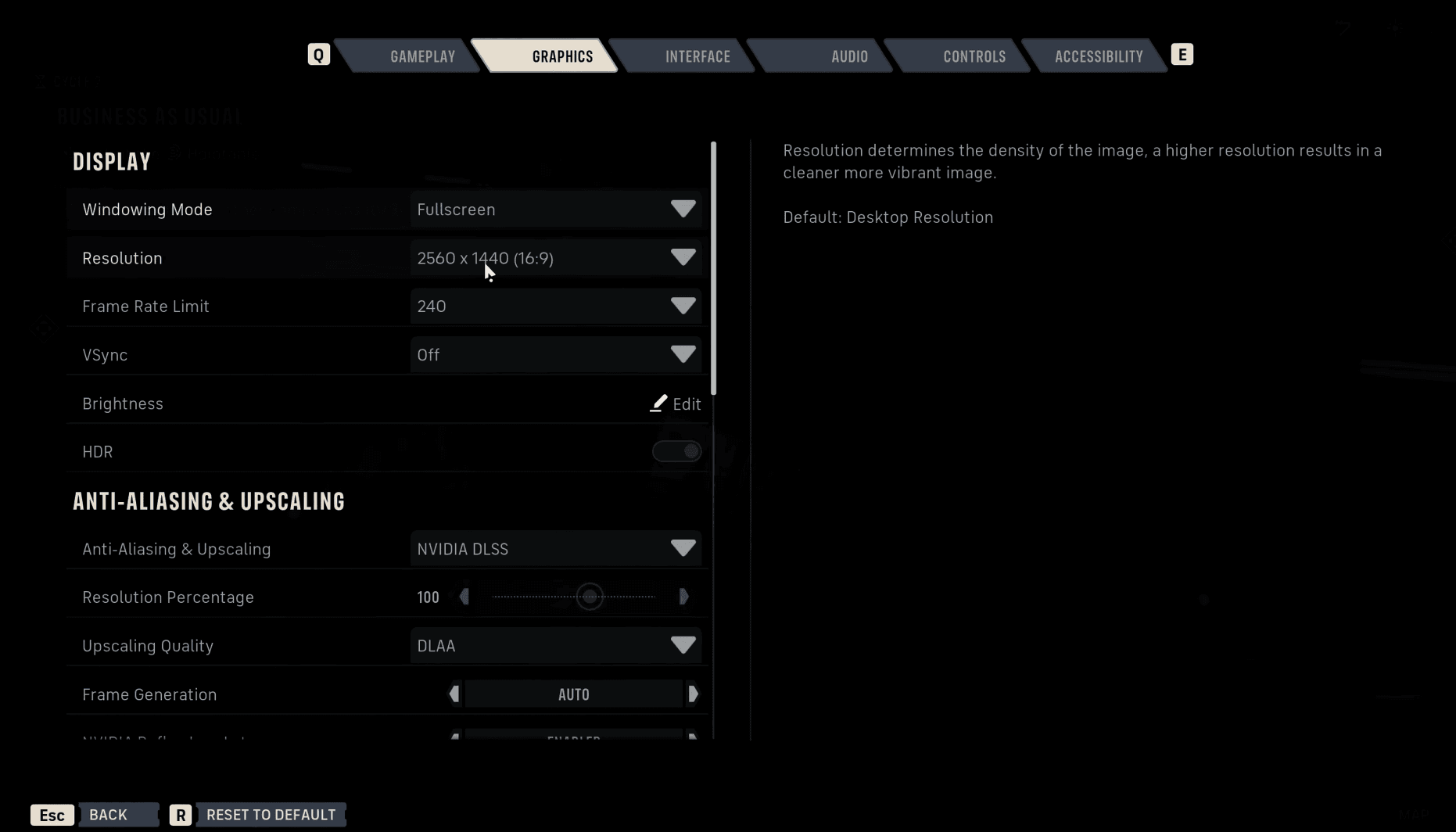
Three options exist: Fullscreen, Borderless Window, and Windowed.
Fullscreen dedicates all rendering resources to the game, which can help with performance but makes alt-tabbing awkward. Borderless Window looks identical to fullscreen but keeps the Windows desktop rendering underneath. Windowed mode shows the taskbar.
Single-monitor setup with no alt-tabbing? Use Fullscreen. Multiple monitors or you frequently switch between applications? Borderless Window is the practical choice.
Should you use Nvidia Reflex or AMD Anti-Lag?
Yes, always. These settings (Nvidia Reflex, AMD Anti-Lag, and XeSS Low Latency for Intel) reduce rendering queue latency by only sending frames to the GPU as the CPU finishes them. The performance cost is negligible and the latency reduction is real. There's no reason to leave this off.
Is Zero Company worth playing despite the performance issues?
Absolutely. The game launched to strong reviews, with multiple outlets calling it a Game of the Year contender. Bit Reactor, founded by veterans of Firaxis Games and the XCOM series, built something with genuine strategic depth: 3 action points per turn, a Focus Tree system for skill customization, and permadeath mechanics that make every mission feel consequential. The Clone Wars setting gives the story a grittier tone than most Star Wars games manage.
Performance will almost certainly improve with patches. The settings above are the best workaround until that happens. For everything else you need before diving in, check the Star Wars Zero Company release date and start times guide to confirm your region's unlock time, and if you're chasing 100% completion, the full trophy and achievement list covers all 53 trophies with tips. The full Star Wars Zero Company strategy guides collection has everything else you'll need as you work through the campaign.