

Subnautica 2 launched into early access on May 14, 2026, and the modding community moved fast. Within hours of release, players had already cracked open the game's debug console, which Unknown Worlds didn't ship with an accessible interface. Two mods from NexusMods are all you need to get full access, and once you're in, you can toggle god mode, spawn any item, unlock every blueprint, and even fix the missing FOV slider. Here's everything that currently works.
How do you unlock the console in Subnautica 2?
Unlike the original Subnautica, the sequel doesn't include a built-in accessible console at launch. Official console commands and FOV options are planned for a future update, with game design lead Anthony Gallegos confirming: "We are planning updates to the game that will include console and camera functions, but are still trying to figure out the timing as we want to make sure these roll out in a way that enables all players—console and PC—to use them."
F2 opens the debug console
For now, getting the console running requires two mods. Here's the exact process:
- Download UE4SS for Subnautica 2 from NexusMods (mod ID 36).
- Locate your game installation folder. On Steam, right-click the game in your library, select Manage, then Browse Local Files.
- Extract the UE4SS files to \Subnautica2\Subnautica2\Binaries\Win64.
- Download the Console Commands mod from NexusMods (mod ID 41).
- Extract that mod's files into \Subnautica2\Subnautica2\Binaries\Win64\ue4ss\Mods.
- Launch the game and press F2 to open the console.
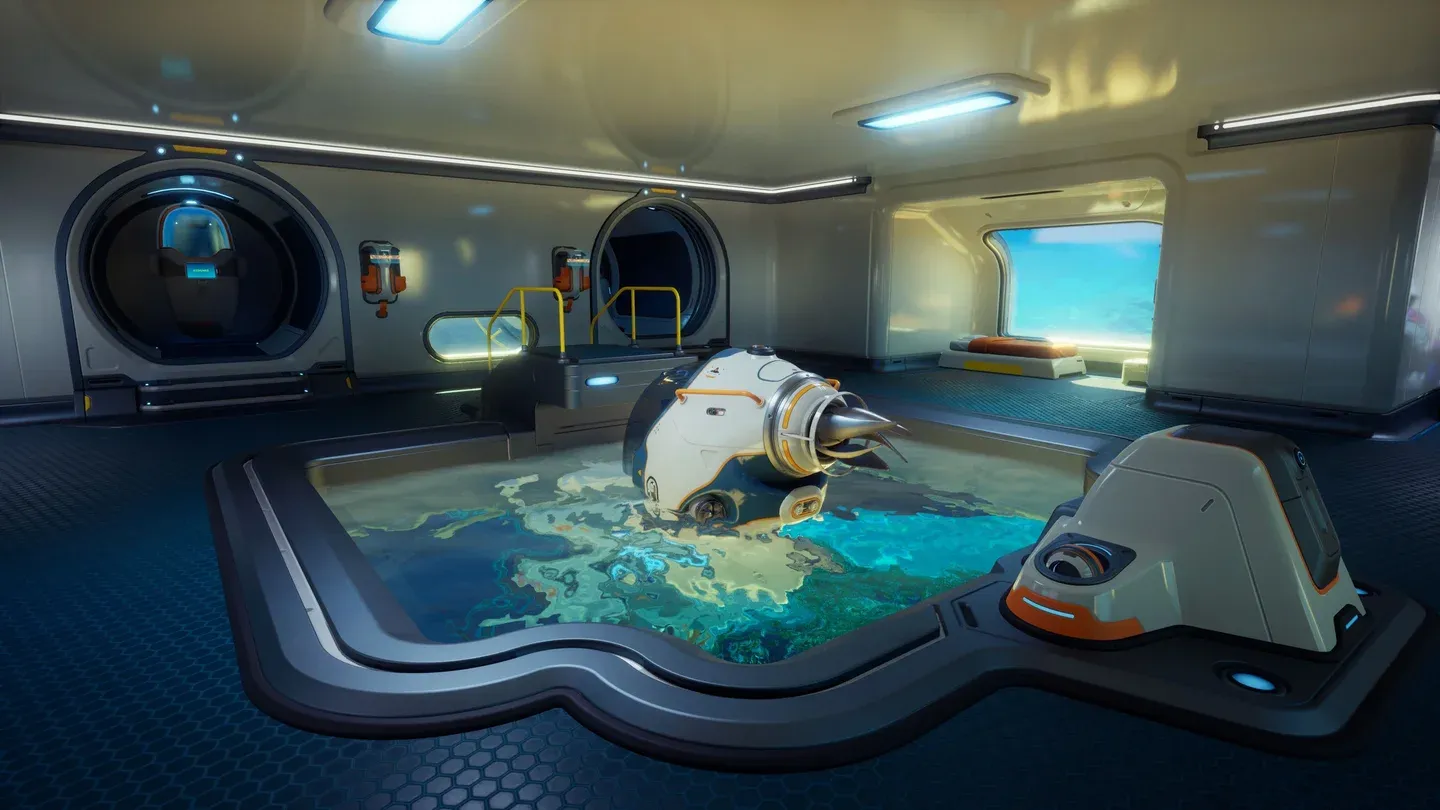
Install UE4SS to Win64 folder
All working Subnautica 2 console commands
These are every confirmed working command as of the current early access build.
For players who want to gather materials without the grind, the item command is the most flexible tool here. Pair it with knowledge from our complete Subnautica 2 resources list to know exactly which item names to type.
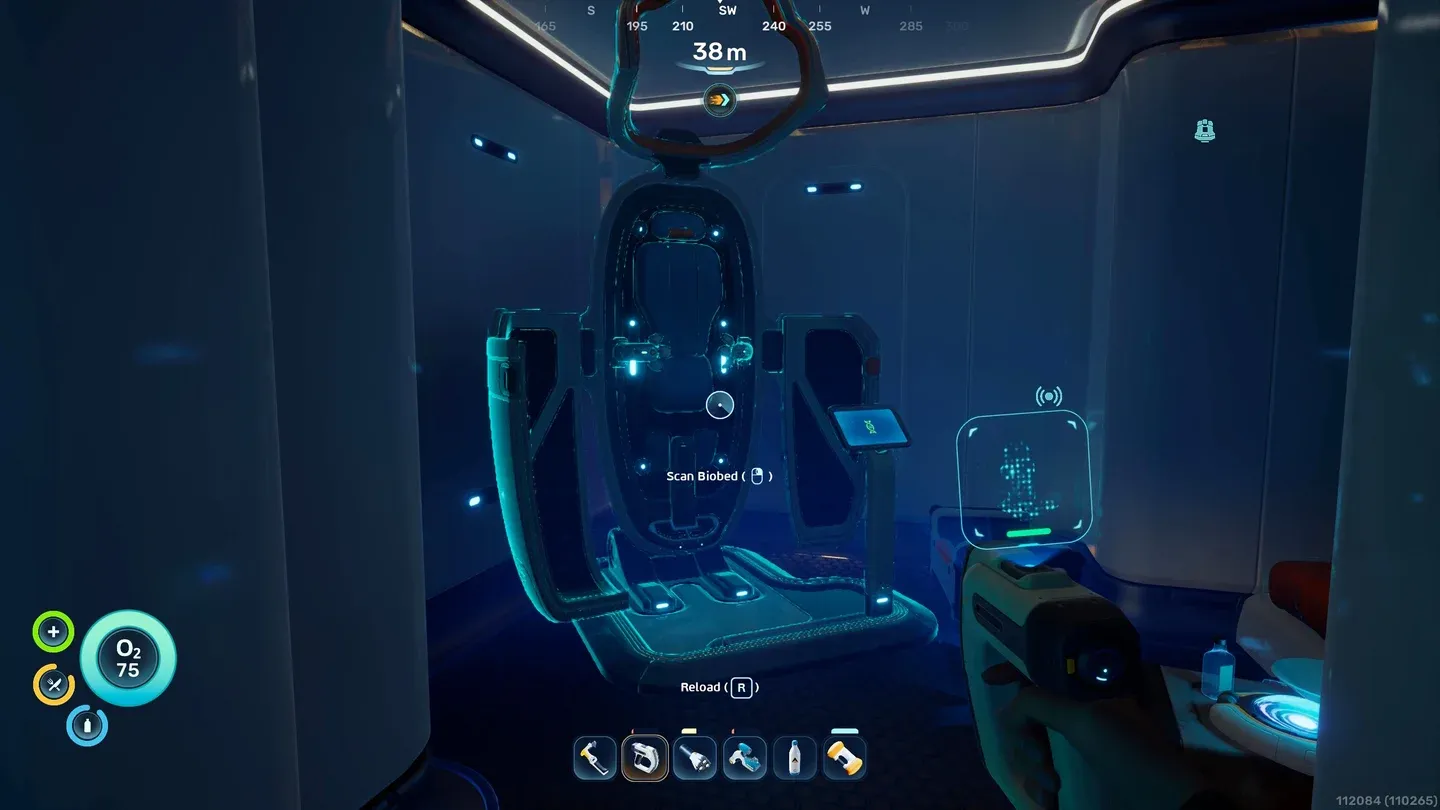
Item command spawns resources instantly
What commands are in the game but not working yet?
There are several commands that exist in the game's code but are currently disabled, even with the mods installed. These include:
- goto
- fastswim
- noclip
- fly
- warp
These are likely locked behind the official console implementation that Unknown Worlds is still working on. Given that Gallegos confirmed official support is coming, these may become available without mods once that update ships.
Is there an alternative to console commands?
If you'd rather not install mods, a Cheat Engine trainer by Rhark is available at the FearLess Cheat Engine forums. It covers similar ground to the console commands. The usual caveats apply: trainers are more likely to break across patches than mods, and using them on a fresh early access build carries some risk of unexpected behavior.
The mod route is more reliable for now and gives you direct access to the built-in command system rather than memory editing.
The command list is still growing as the community tests more inputs. Check our full Subnautica 2 guide collection for updates as the early access build evolves.