


Getting a job is one of the first big steps for any Sim looking to build a life in The Sims 4. This Sims 4 career guide covers how to get a job in The Sims 4, the difference between careers, professions, and freelance work, how promotions and Work Performance actually work, and which jobs pay the most. Between the base game and all the expansion packs released over the years, there's a long list of careers to choose from, and picking the right one (and knowing how to move up in it) makes a big difference in how fast a Sim's life comes together. Here's everything needed to land a job and start climbing the ladder.
How to Get a Job in The Sims 4
There are a few simple ways to start a Sim's job hunt, and these methods work the same whether it's just the base game or a save loaded with expansion packs:
- Phone: Open the phone, then go to Business > Find a Job
- Computer: If the Sim owns one, go to Career > Find a Job
- Career Panel: Click the briefcase icon at the bottom right of the screen and select Join a Career
Any of these options pull up the full list of available careers. Once a Sim picks one, they'll show up for their shift automatically, and the job officially begins.

The Sims 4 Career Guide: How to Get a Job
Career Types in The Sims 4
Not all jobs in The Sims 4 work the same way. Knowing the difference helps decide which fits a Sim's playstyle:
- Careers: The Sim leaves the lot for their shift and comes back once it's over. Nothing is shown on screen while they're away, and many of these careers split into two specializations once a Sim hits a certain rank.
- Professions: These let players actually follow the Sim to work and guide them through tasks during their shift. This career type comes from packs like Get to Work, Life & Death, and Dream Home Decorator.
- Part-time jobs: Also rabbit hole-style, these usually offer a morning or evening shift and work well for teens or Sims easing into the job market.
Freelance careers: Self-employment is a fourth option worth knowing about, letting a Sim earn money from home by writing, painting, or building furniture instead of clocking in somewhere.
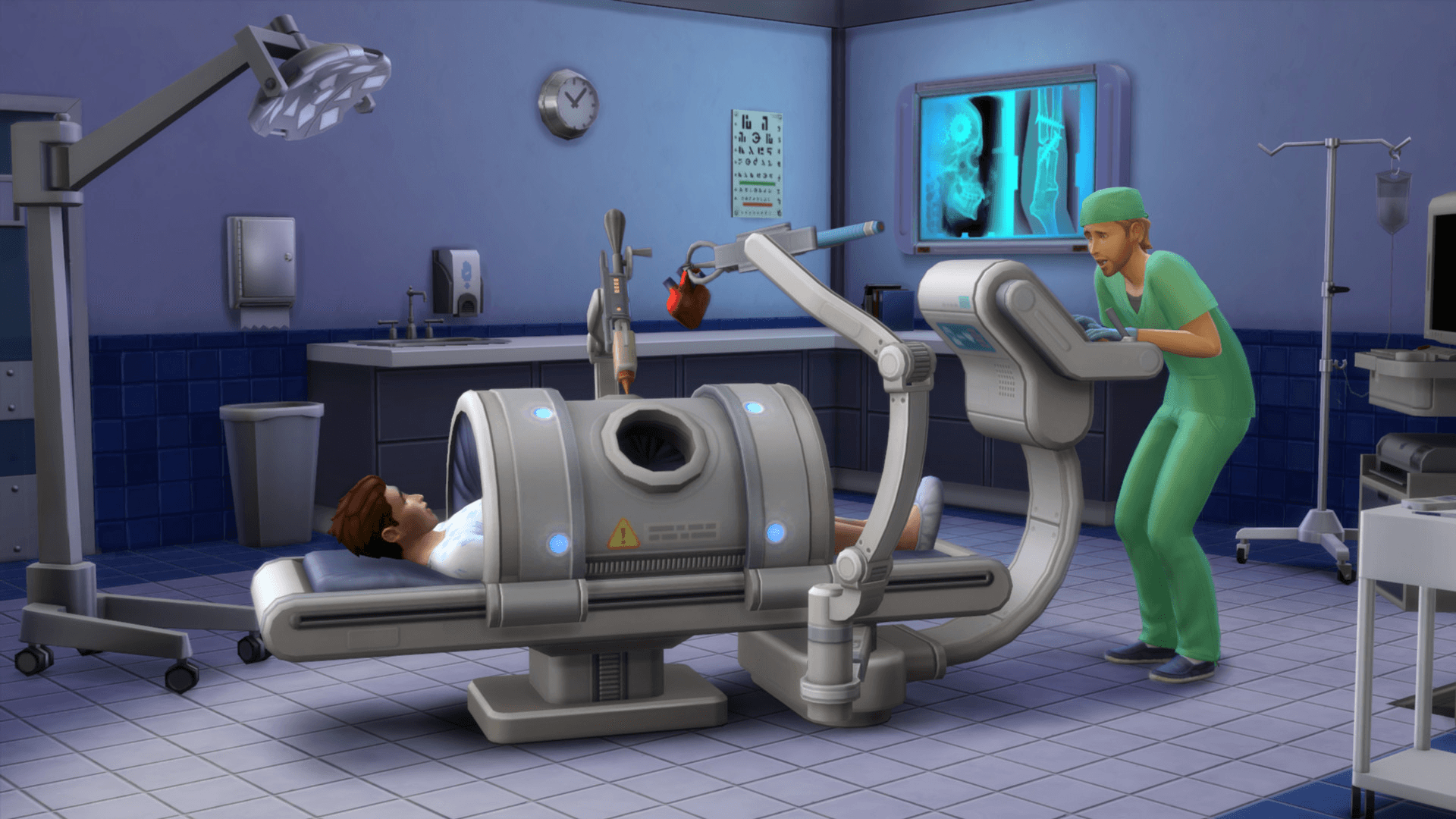
The Sims 4 Career Guide: How to Get a Job
How to Get Promoted Fast in The Sims 4
Promotions in The Sims 4 come down to hitting the requirements for each career level, and Work Performance is the stat driving most of it behind the scenes. The Career Panel (that briefcase icon again) shows exactly what's needed, including the Sim's current job, work schedule, promotion requirements, and daily tasks. Knock those out in spare time and a promotion should follow.
A few things that help speed things along:
- Mood matters. Most careers want a Sim in a specific emotional state, like Focused or Inspired, to boost Work Performance and promotion chances. Showing up in the wrong mood can tank performance for the day.
- Skills matter more. Every career has relevant skills tied to it, and leveling those up is usually the fastest way to satisfy promotion requirements.
- School pays off. Teens who graduate with a B average start any future career at Level 2, and an A average bumps that to Level 3. College degrees also help, since having one relevant to the career can boost both starting level and performance.
- Reward traits help too. The Professional Slacker perk removes the risk of losing a job to bad performance, while the Connections trait bumps a Sim's starting level up by three ranks. The Savant perk, which boosts skill gain by 25%, also speeds up hitting skill requirements.
- Overtime shifts add up. Some jobs let a Sim stay two extra hours past their shift for a performance boost and extra pay. It's a solid way to climb faster when the option is available.
Highest-Paying Careers in The Sims 4
For anyone chasing Simoleons above all else, the Military career (from the StrangerVille pack) tops the list at the time of writing. Reaching the highest rank in either branch, Sim-in-Black or Grand Marshal, pays out §16,880 a week. Earnings can shift depending on which packs are installed, so it's worth double-checking in-game if new expansions have landed since. A few other strong earners worth considering:
How to Change Careers in The Sims 4
Changing direction is simple. Open the phone and go to Business > Quit Job (or use the computer's Career menu if the Sim has one), then confirm. To start a new career afterward, just repeat the normal job-hunting steps above. A Sim typically restarts at Level 1 in a new career, but relevant university degrees and past experience in that same job can carry over and boost the starting level.
Final Thoughts
That's really all it takes to get a Sim employed and moving up. Pick a career that matches the Sim's traits and skills, keep their mood in check, and knock out those daily tasks, and promotions will follow naturally. For more ways to build up a Sim's income and skills, check out our guides on the best careers in The Sims 4, the best skills to level up, and how to make money fast in The Sims 4.