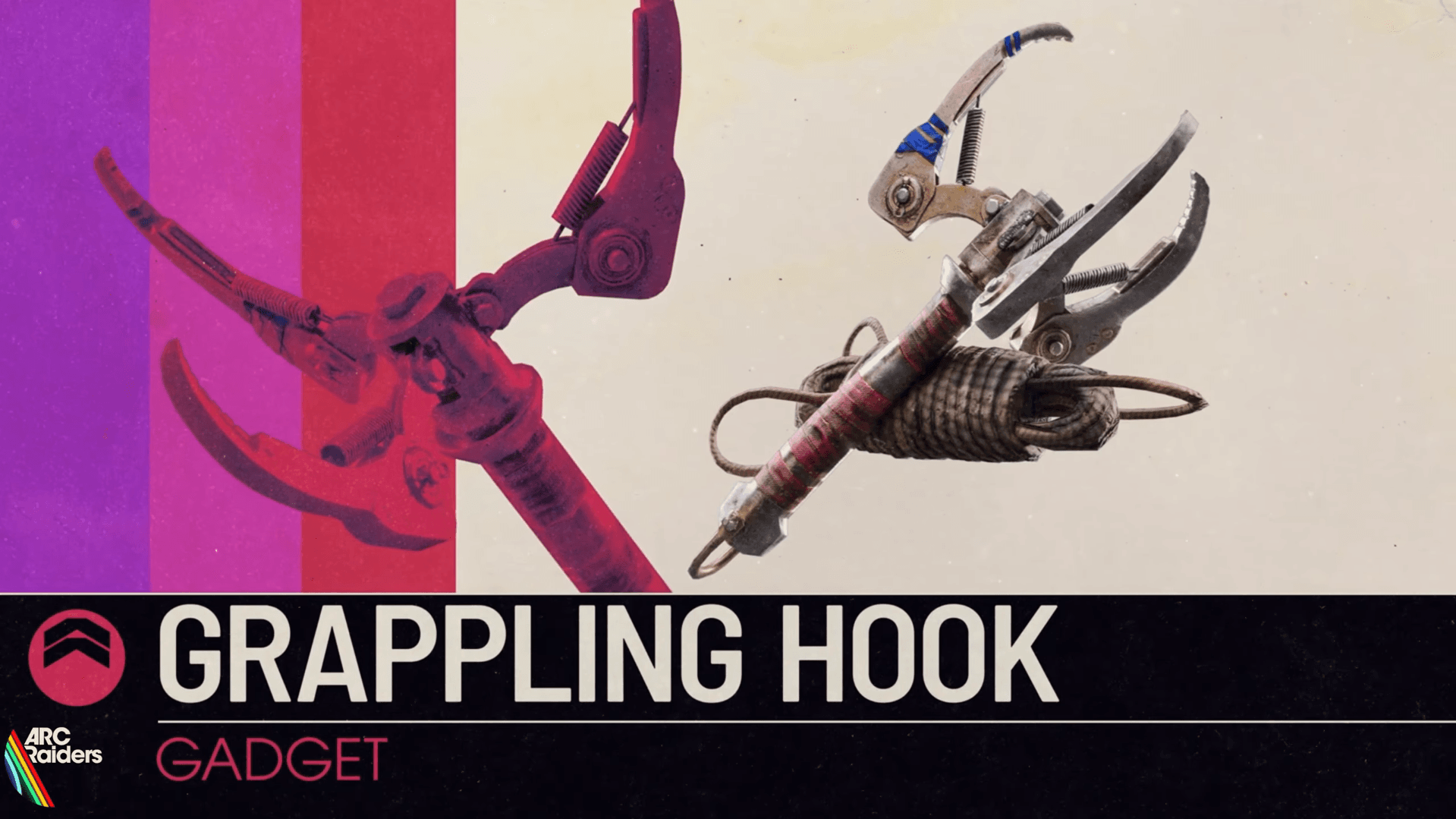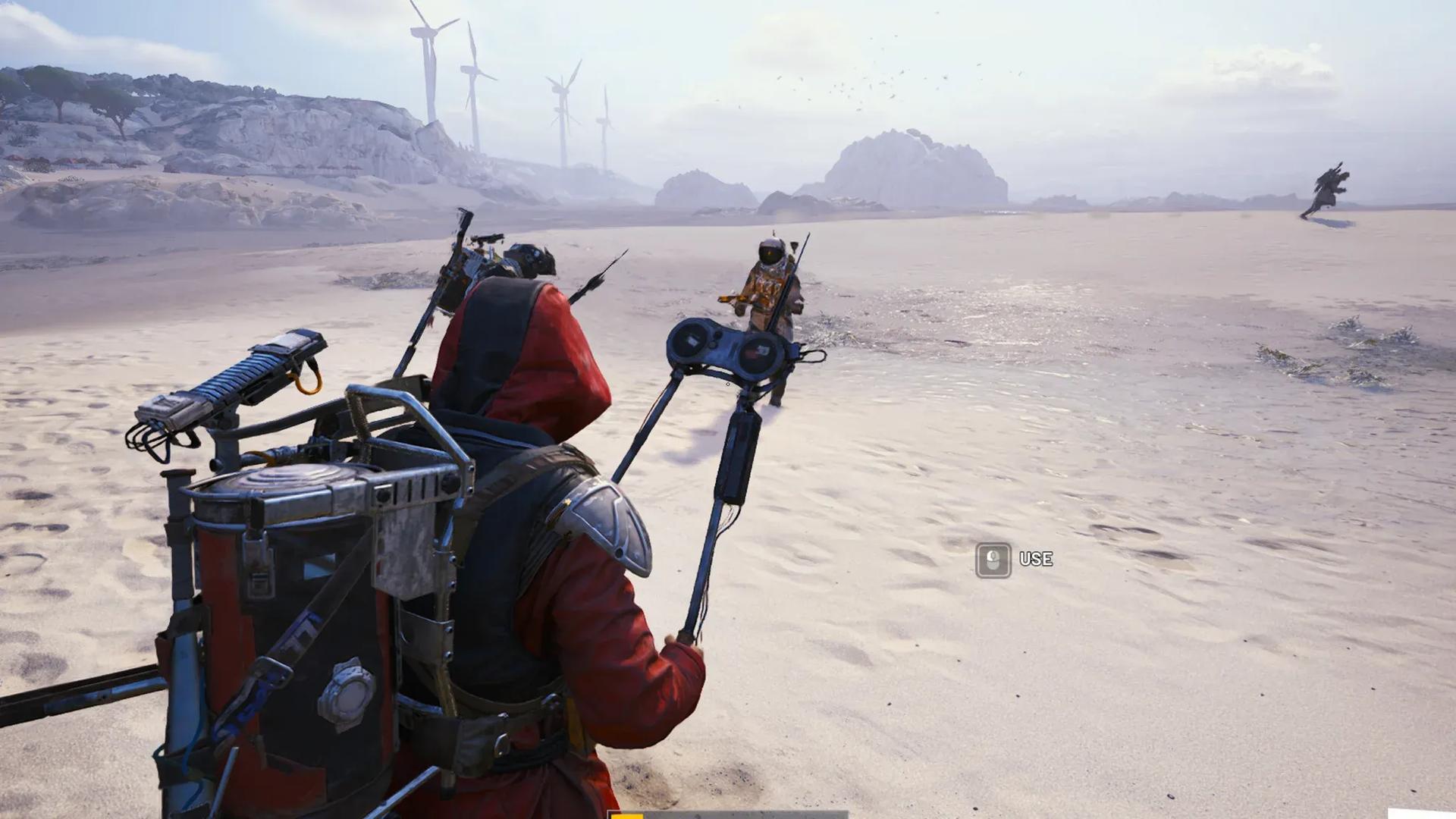

The Riven Tides update brought a lot to Arc Raiders, but the Beachcombing map condition is one of its quieter additions that rewards players who pay attention. Grab a Dockmaster's Detector (yes, it's a metal detector), sweep the shoreline, and dig up whatever the sand is hiding. Sometimes it's gun parts. Sometimes it blows up in your face. Here's everything you need to know to make the most of it.
What is the Beachcombing map condition in Arc Raiders?
Beachcombing is a Minor Map Condition exclusive to the Riven Tides map, added as part of the Riven Tides update. Map conditions in Arc Raiders rotate every hour, cycling through both Major and Minor variants across the game's maps. Beachcombing only appears on Riven Tides, which makes sense given it's the only map with an actual beach.
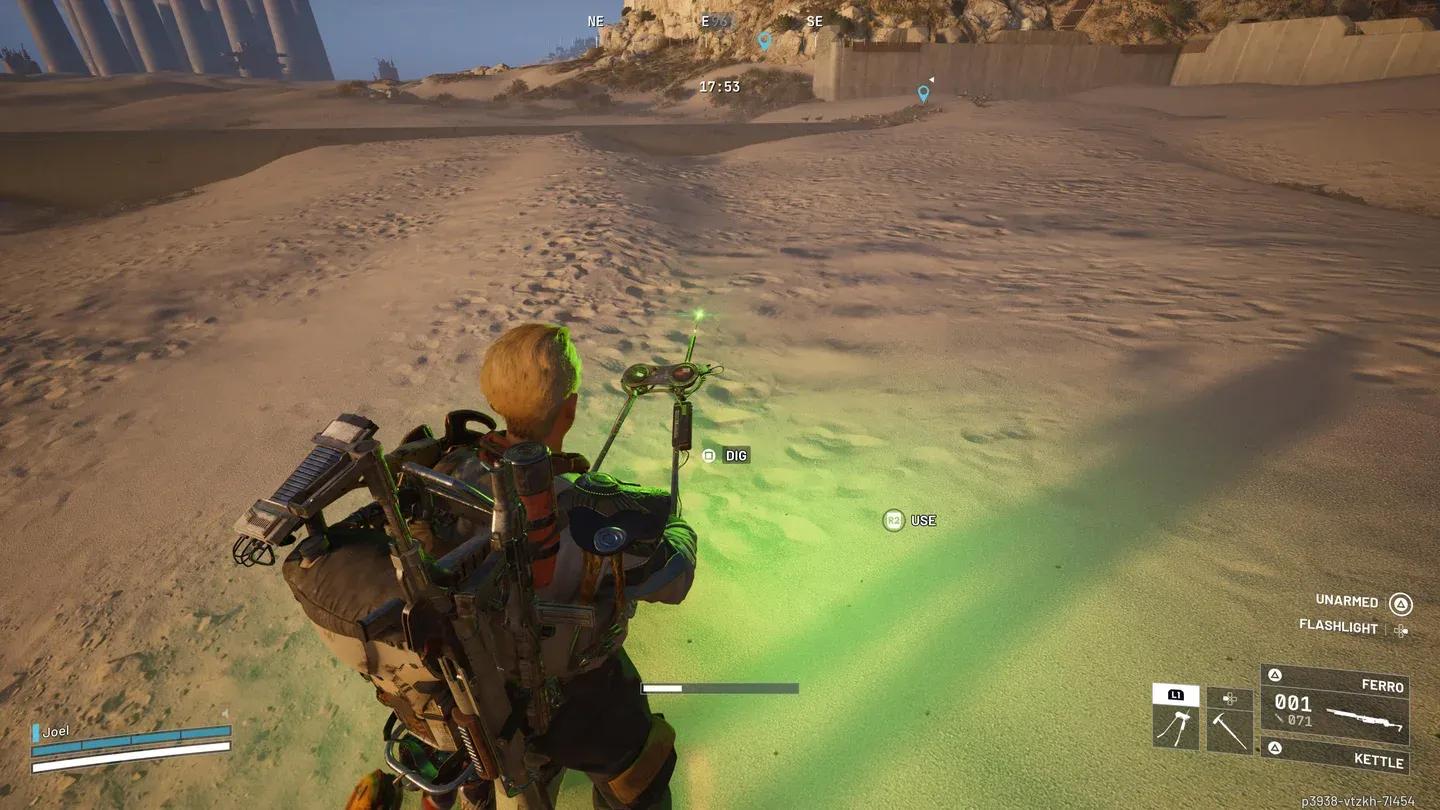
Equipping the Detector on Riven Tides
As a Minor Map Condition, it doesn't overhaul the map's core gameplay. What it does is layer three specific changes on top of the standard Riven Tides experience:
- Buried Valuables scattered across the sand
- Lootable Detectors available in containers across the map
- Increased bird population, which can alert Arc enemies and other players if disturbed
The bird increase is worth noting separately. It ties directly into the Avian Alarm project running alongside the update. Disturb a flock and you're broadcasting your location to everyone nearby.

How does the Dockmaster's Detector work?
The Dockmaster's Detector is classified as a utility item, which means you have to put your weapons away to use it. That's the first and most important thing to understand before you start wandering the shoreline.
Here's the full process:
- Head to the northern sandy beach areas on Riven Tides during the Beachcombing map condition.
- Equip the Detector and activate it. If nothing happens, move to a different section of the beach.
- Hold down the use button to keep it running. The device flashes yellow when loot is nearby, and the flashing speeds up as you close in.
- Once you're directly on top of a buried item, the light shifts to green and a Dig interaction prompt appears.
- Trigger the dig to pull up whatever is buried there.
You can repeat this as many times as you have Detectors and the condition is active. Spots where other players have already dug show empty containers, so you can skip those and keep moving.
Where to find the Dockmaster's Detector
The Dockmaster's Detector only appears during the Beachcombing map condition. Outside of that window, you won't find one. There are two reliable ways to get your hands on one:
- Complete the first stage of the Avian Alarm Project. Set up the bird cages near the buoys on Riven Tides, and the Detector is your reward. This is the guaranteed first-time acquisition method.
- Loot containers during Beachcombing. The Detector drops as a common random item in containers across the map during the condition. There's no fixed spawn location, so it comes down to RNG, but the drop rate appears generous.
If you die and lose your Detector mid-run, just loot more containers. You won't struggle to replace it.
What loot can you dig up?
This is where Beachcombing gets interesting, and also where it can go badly wrong. Buried items fall into two categories: useful and dangerous.
| Dig Result | Type | Notes |
|---|---|---|
| Buried suitcase with gun parts | Good loot | Common find |
| Buried suitcase with valuables | Good loot | Includes Miniature Voyages ship models |
| Ammunition containers | Good loot | Random ammo types |
| Quick-use item containers | Good loot | Random consumables |
| ARC Tick | Hazard | Attacks the player immediately |
| Live mine | Hazard | Detonates on dig |
For more Arc Raiders content and the rest of the Riven Tides update guides, browse more guides at GAMES.GG to stay up to date on everything the current season has to offer.