
Chapter 7 Season 4 of Fortnite leans hard into a gaming theme, and Overrides are one of the most chaotic features the season brings. These server-wide rule changes can flip the match for everyone on the island, and one of the active quests asks you to trigger one at a Console. The process is straightforward once you know what to look for, but the Console icon is easy to miss if you're not watching your map.
What are Overrides in Fortnite?
Overrides are server-wide rule changes that any player can activate by interacting with special Consoles placed around the island. The catch: you have to reach a Console before anyone else does. Once you trigger an Override, your name appears on the Console base so every other player on the island knows exactly who flipped the switch.

Fortnite Chapter 7 Season 4 Guide: How to Activate Overrides at Consoles
The effects vary depending on which Override you activate. Possible changes include increased XP gain from eliminations, boosted sprint speed that builds over time, infinite stamina, faster fire and reload rates for all weapons, and turning every fishing spot on the map golden. Each Override is unique, so the impact on your match depends entirely on which one you pick.
Rare and Mythic Overrides work differently from standard ones. When you trigger a Rare or Mythic Override, the rule change only applies to you and your squad rather than the entire server. The tradeoff is significant: your whole team's location gets revealed on the map to every other player the moment you activate one.


How to find Override Consoles
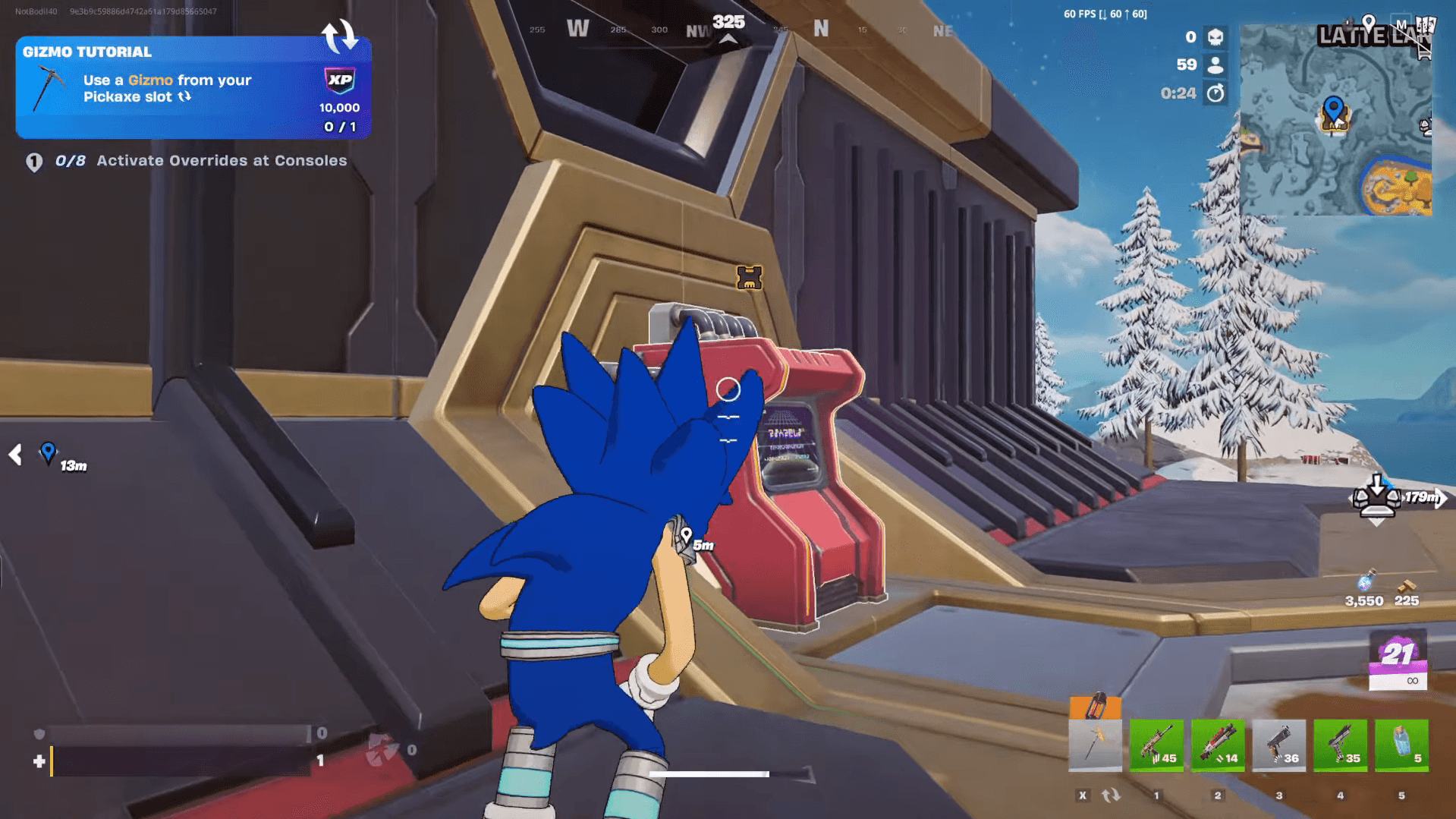
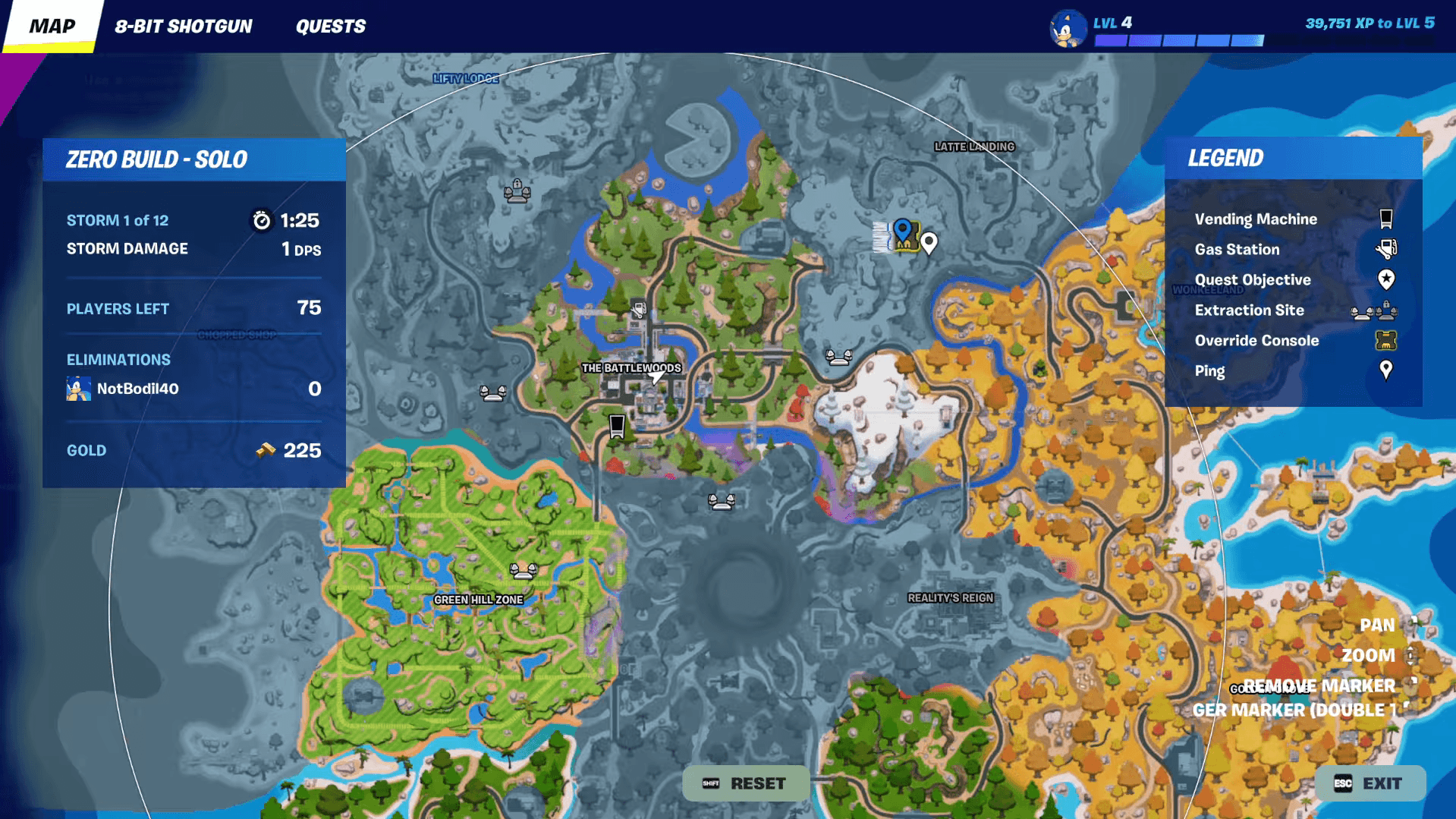
Consoles are marked on your map with a special animated Console icon. Keep your mini map in the upper right corner of your screen in view while you drop and rotate. When the animated icon appears, that's your signal to move toward it immediately.
Speed matters here. Other players are watching the same map, and the first person to reach the Console gets to trigger the Override and claim the name display on the base. If someone beats you to it, the Console won't be available for another activation until the next one spawns or a new match begins.
Fortnite Chapter 7 Season 4 Guide: How to Activate Overrides at Consoles
How to activate Overrides at Consoles to complete the quest
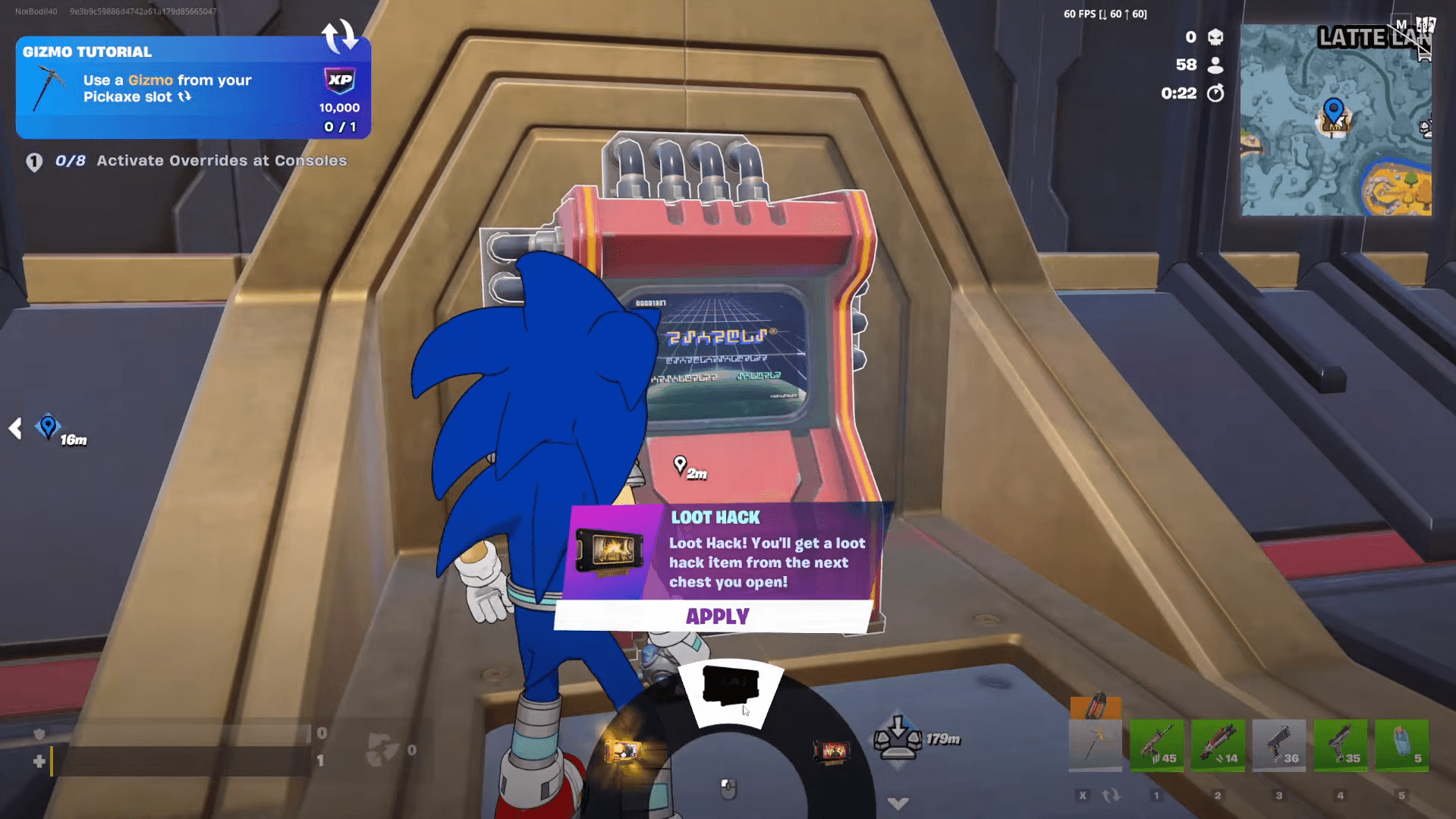
The quest itself only requires you to trigger one Override at any Console, one time. You don't need a specific Override type or a particular location. Walk up to a Console when you're the first to reach it, interact with it, and choose any Override from the available options.
The freedom to pick any Override means you can grab whichever one suits your current match. If you're playing aggressively, faster fire and reload time is a strong pick. Running a more passive rotation? Infinite stamina or boosted sprint speed keeps you moving without burning resources.
Fortnite Chapter 7 Season 4 Guide: How to Activate Overrides at Consoles
Chapter 7 Season 4 has plenty of other systems worth learning alongside Overrides. If you want to get the most out of your Pickaxe slot this season, the Fortnite Gizmos guide covers how to activate and switch Gizmos without losing inventory space. For a full breakdown of everything else the season has to offer, the Fortnite guides collection is the best place to keep up with new quests and mechanics as they drop.