

Fortnite Chapter 7 Season 3 introduced a mechanic that quietly changes how you approach every match: Gizmos. These are Sprite-related tools that live in your Pickaxe slot, meaning they take up zero inventory space. You keep a full loadout while still having access to powerful extraction utilities. Three Gizmos are currently available on the island, and knowing when to swap between them can be the difference between a full Sprite collection and a wasted drop.
How do you activate a Gizmo from your Pickaxe slot?
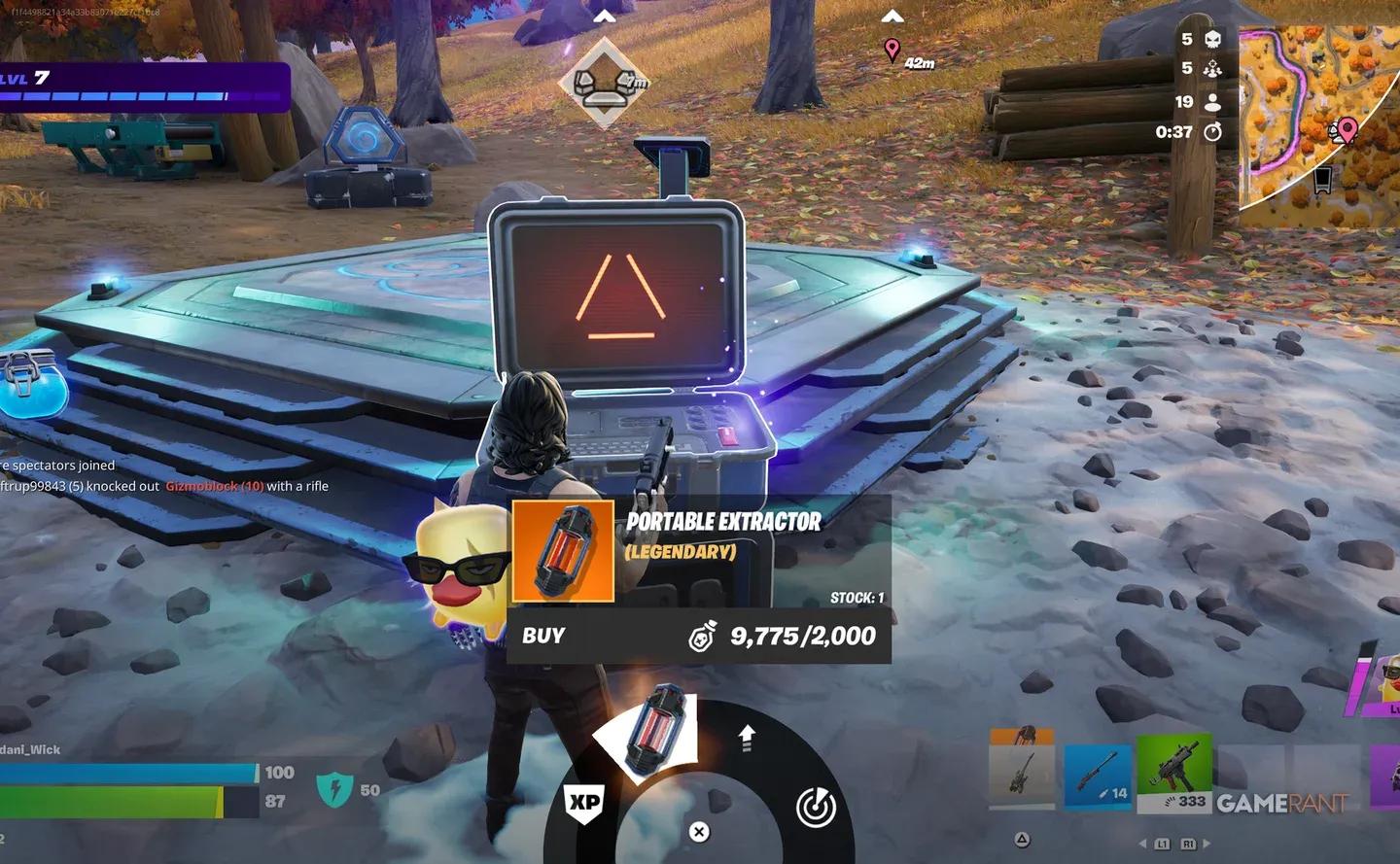
Holding down the Pickaxe button is all it takes to open the Gizmo wheel. The default keybinds by platform are:
- PC: Hold F
- Xbox: Hold Y
- PlayStation: Hold Triangle
After a short hold, a radial menu appears, similar in layout to the Emote Wheel. Move your mouse or controller stick to highlight the Gizmo you want, then release to activate it. That Gizmo stays active until you select something else from your inventory, which deactivates it instantly. You can also cancel mid-use, so if you're running a Portable Extractor and get pushed by an enemy, you can bail out of the extraction without any penalty.
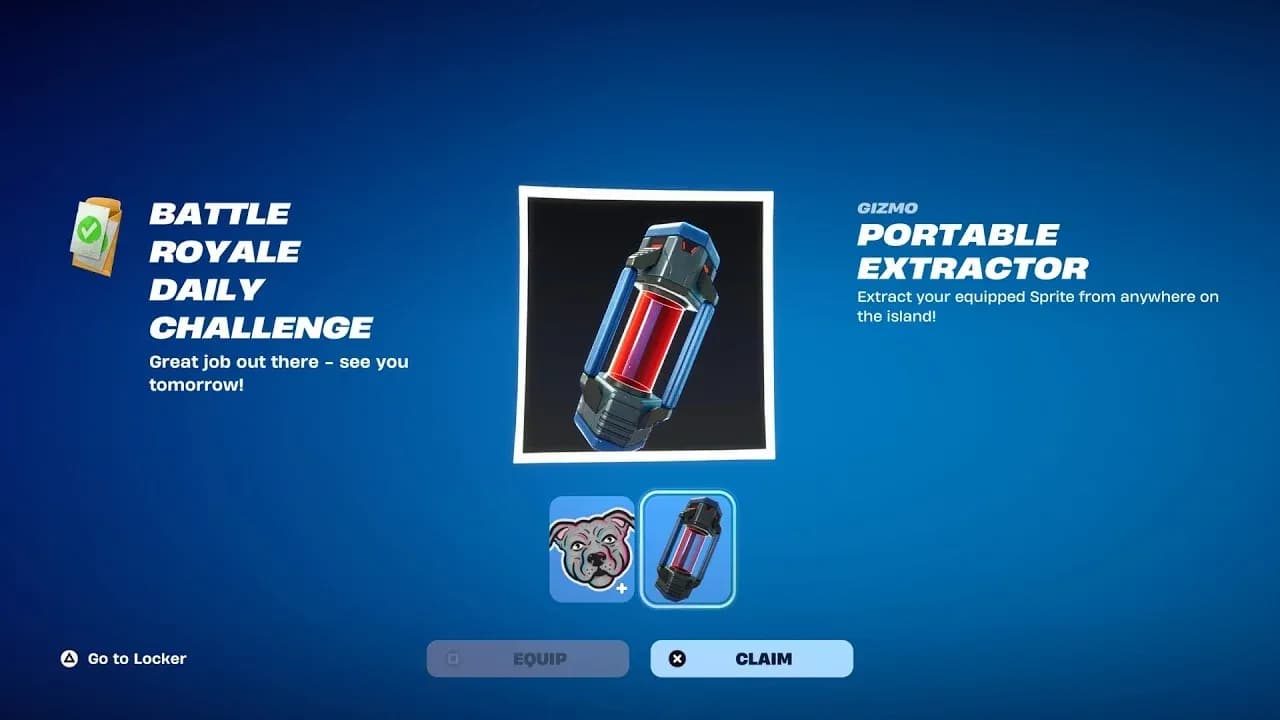
Portable Extractor Gizmo active


What are the three Gizmos and what does each one do?
All three current Gizmos serve different parts of the Sprite extraction loop. Here's how they break down:
| Gizmo | Primary Function | Best Used When |
|---|---|---|
| Portable Extractor | Extract Sprites from anywhere on the island | You find a Sprite away from an Extraction Site |
| Sprite Locator | Detects buried Sprite Chests nearby | You're hunting for hidden Sprite Chests |
| Extraction Site Booster | Increases Sprite Dust yield at Boosted Extraction Crates | You're farming Sprite Dust efficiently |
The Portable Extractor is the most flexible of the three. Without it, you're locked to using dedicated Extraction Sites to pull Sprites, which limits your options significantly. The Sprite Locator pairs well with active hunting runs where you're prioritizing chest discovery over combat. The Extraction Site Booster is the grinder's tool, designed for players stacking Sprite Dust to unlock new abilities and upgrades.
For a deeper look at what Sprite Dust unlocks and how extraction works mechanically, the Fortnite Chapter 7 Season 3 extraction guide covers the full system.
How do you get Gizmos in Fortnite?
Gizmos aren't dropped from chests or found as floor loot. Two main routes exist:
- Sprite Mastery rewards: Mastering Sprites through gameplay automatically unlocks certain Gizmos. The more Sprites you master, the more tools you gain access to.
- Purchasing from Extraction Sites: Some Gizmos can be bought directly at Extraction Sites on the island during a match.
Checking your Pickaxe slot at the start of a match shows which Gizmos you currently have available. If the wheel is sparse, prioritizing Sprite Mastery is the fastest path to filling it out.
Sprite Locator tracking chests
Does using a Gizmo affect your combat loadout?
No. That's the entire point of the system. Gizmos occupy the Pickaxe slot, which sits completely outside your standard five-slot inventory. Activating the Sprite Locator or running the Portable Extractor doesn't force you to drop a weapon or heal item. You play with a full combat loadout and still have every Gizmo available on demand.
Deselecting is just as clean. Pick any weapon or item from your normal inventory and the active Gizmo switches off automatically. There's no cooldown, no swap animation, and no delay getting back into a fight.
If you're building out your Sprite collection and want to know which Sprites are worth chasing first, the Fortnite Gone Wild Sprites guide breaks down every ability and how to unlock them efficiently.
For everything else happening in Chapter 7 Season 3, including free cosmetics and seasonal rewards, the full Fortnite guides collection has you covered.