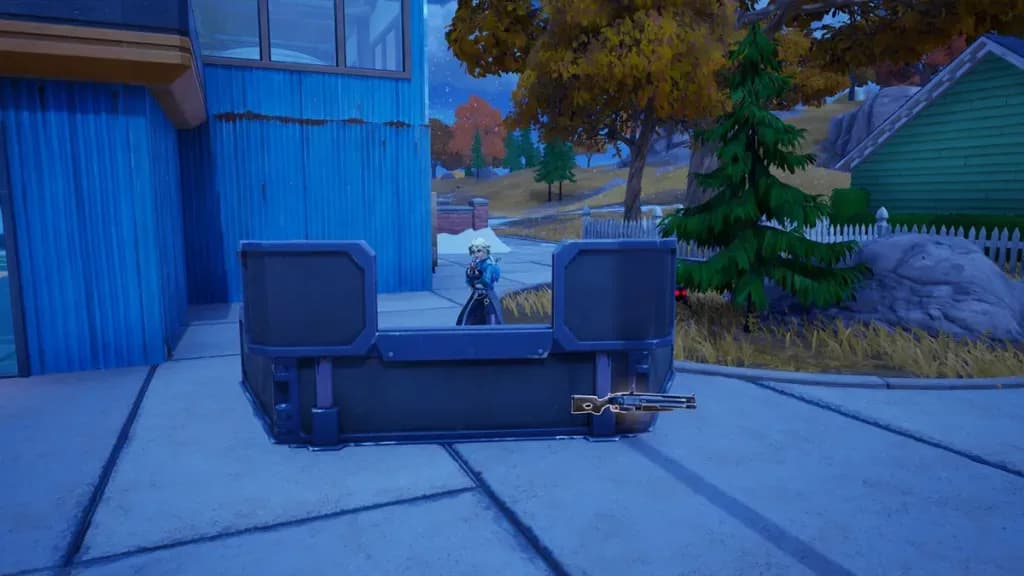

The Port-A-Cover is one of the most practical tools added to Fortnite in recent memory. Arriving with the v41.20 update during Chapter 7 Season 3, it gives Zero Build players an on-demand metal barricade that can absorb incoming fire, buy time for healing or extracting, and even double as a peek window for snapping off shots. Here's everything you need to know to get it and use it properly.
What is the Port-A-Cover?
The Port-A-Cover is a deployable metal barricade that functions as a Pocket Item in Fortnite Zero Build. Think of it as a spiritual successor to the Cow Catcher from Chapter 3: a small, solid structure you drop on the ground and crouch behind when bullets start flying.
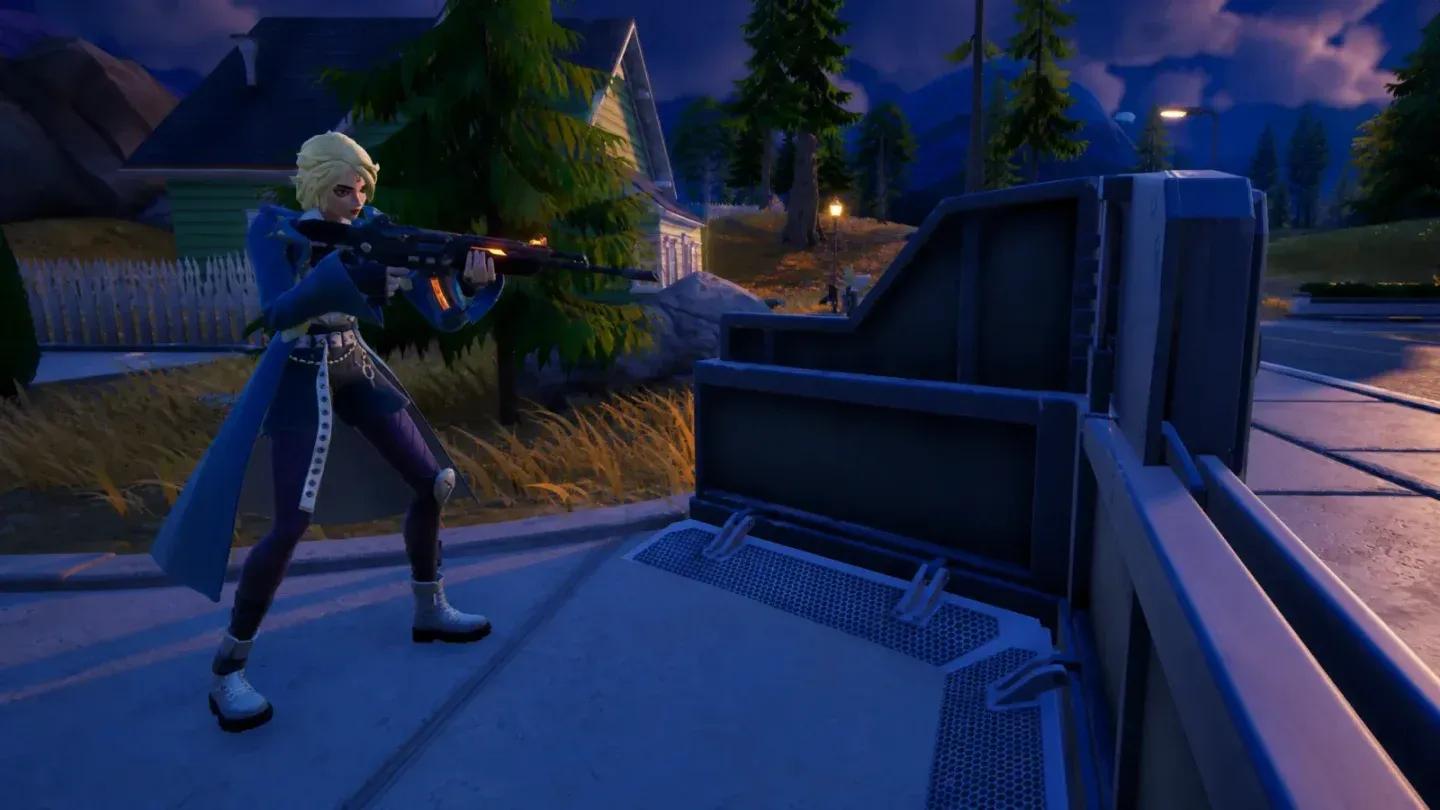
Port-A-Cover placed in-match
What makes it stand out from other defensive tools is the retractable shutter built into the center of the structure. You can open or close it at will, which lets you peek for quick shots without fully exposing yourself. If you're running the Striker Sprite, you can hurdle directly over the barricade, giving you a speed burst and extra mobility options during aggressive plays.
The barricade does have a health pool and can be destroyed if it takes enough damage, so treat it as temporary cover rather than a permanent fortification.


What are Pocket Items in Fortnite?
Pocket Items are a Zero Build-exclusive feature that lets you carry a utility tool without using any of your regular inventory slots. You start every match with Pocket Shockwave Grenades by default, but you can swap them out at a Special-O-Matic Vending Machine for whichever Pocket Item suits your playstyle.
Here's a breakdown of every Pocket Item currently available:
| Pocket Item | Primary Use | Default? |
|---|---|---|
| Pocket Shockwave Grenade | Reposition or escape quickly | Yes |
| Pocket Crash Pad JR. | Break falls, bounce to safety | No |
| Pocket Port-A-Cover | Deployable metal cover | No |
| Pocket Spicy Ice Cream | (Utility TBD per playstyle) | No |
You can only carry one Pocket Item at a time, but swapping between them at any vending machine is free, so there's no penalty for changing your mind mid-match.
Where to find the Port-A-Cover in Fortnite
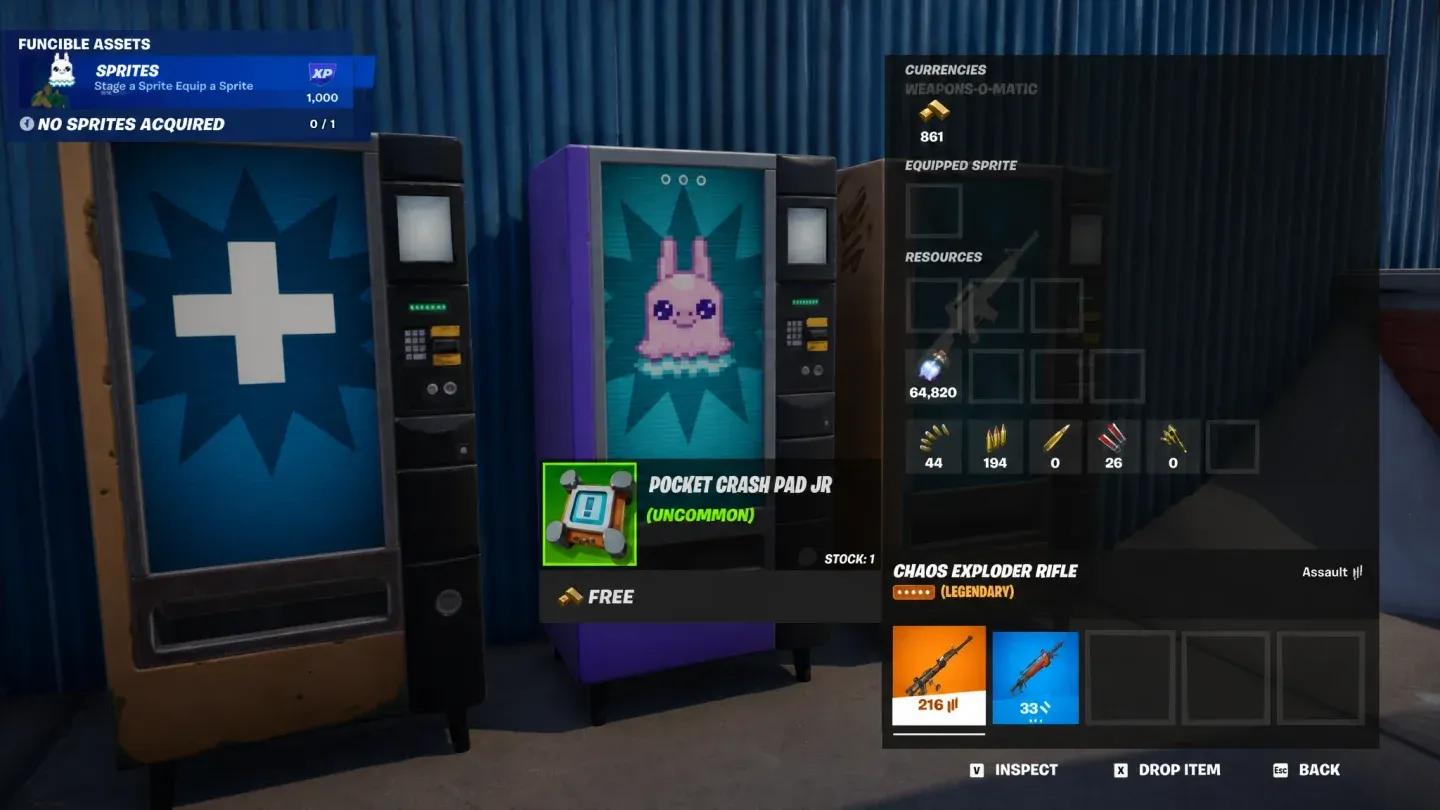
The Port-A-Cover is not a floor loot item and won't appear in chests. The only way to get it is through a Special-O-Matic Vending Machine, which are scattered across the island in Chapter 7 Season 3.
The good news: the Port-A-Cover costs nothing. You don't need Gold Bars, V-Bucks, or any in-game currency to grab it. Walk up to any Special-O-Matic, select the Pocket Port-A-Cover, and it immediately replaces whatever Pocket Item you were carrying.
Once you have it, the item has unlimited uses per match. The only restriction is a short cooldown between placements, so you can't spam barricades back to back.
How to use the Port-A-Cover effectively
Placing the barricade
The Port-A-Cover lives in your Utility Slot, not your inventory or Pickaxe Slot. Select it from there, and you'll see a placement outline appear on the ground showing exactly where the barricade will land. Use that outline to confirm the position before committing.
Once placed, the barricade is immovable. You can't pick it back up and reposition it like you can with Sprites. If the placement is wrong, you'll need to wait out the cooldown before trying again elsewhere.
Selecting from Utility Slot
Using the peek window
The shutter in the center of the barricade is interactive. Press the interact button while crouched behind the cover to open or close it. An open shutter gives you a narrow firing lane without exposing your full body. Close it again when you need to reload or heal.
Pairing with other Chapter 7 Season 3 tools
The Port-A-Cover works well alongside several other items in the current loot pool. If you're exploring the season's new mechanics, check out the guide on how to use the Sprite Locator to track buried Sprite Chests for a look at another Pocket-adjacent tool that rewards map awareness. For mobility, the Batman Grapnel Gun pairs naturally with the Port-A-Cover: grapple into position, drop the barricade, and hold the angle.
For more tools, quests, and strategies across the current season, the full Fortnite guides collection has everything from free cosmetic unlocks to new vehicle mechanics covered.