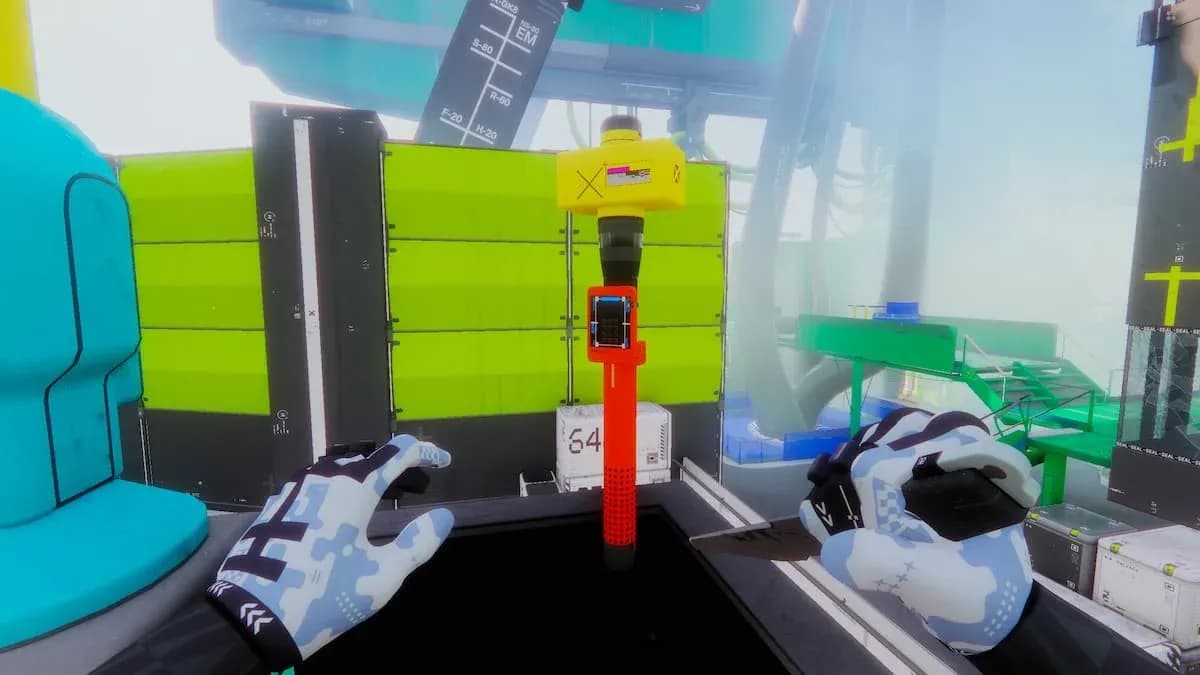

The Parasitism 4 contract is a priority task for the Sekiguchi faction in Marathon, and it trips up a lot of players because all three objectives must be completed in a single run. No checkpoints, no second chances. Get the order wrong or die mid-run, and you start from scratch.
This guide walks you through every step, from finding the correct terminal in Maintenance to tracking down a DCON on the Dire Marsh map.
What Are the Three Tasks in Parasitism 4?
Before heading into the map, know exactly what you need to accomplish. The contract breaks down into three sequential objectives:
- Download research clearance at the terminal in Maintenance
- Extract the Synthsilk Sample from your shell in Bio-Research
- Deliver the sample to a DCON
All three must be completed within the same run, so plan your route through Dire Marsh before you drop in.

Maintenance POI in Dire Marsh

How to Download Research Clearance in Maintenance
The Maintenance point of interest sits in the southern part of Dire Marsh. Here is the step-by-step path to the terminal:
- Enter the main building at the Maintenance POI.
- Head up to the second floor.
- From the second floor, move south to locate a small office room.
- Inside the office, interact with the terminal to download the research clearance.
Once the download completes, the doors in the area will lock automatically. This is expected behavior, not a bug.
How to Unlock the Doors After Downloading
To reopen the locked doors, you need to eliminate all UESC enemies that spawn at the Maintenance location after the download. Clear every enemy in the area, and the doors will unlock, letting you move freely toward your next objective.
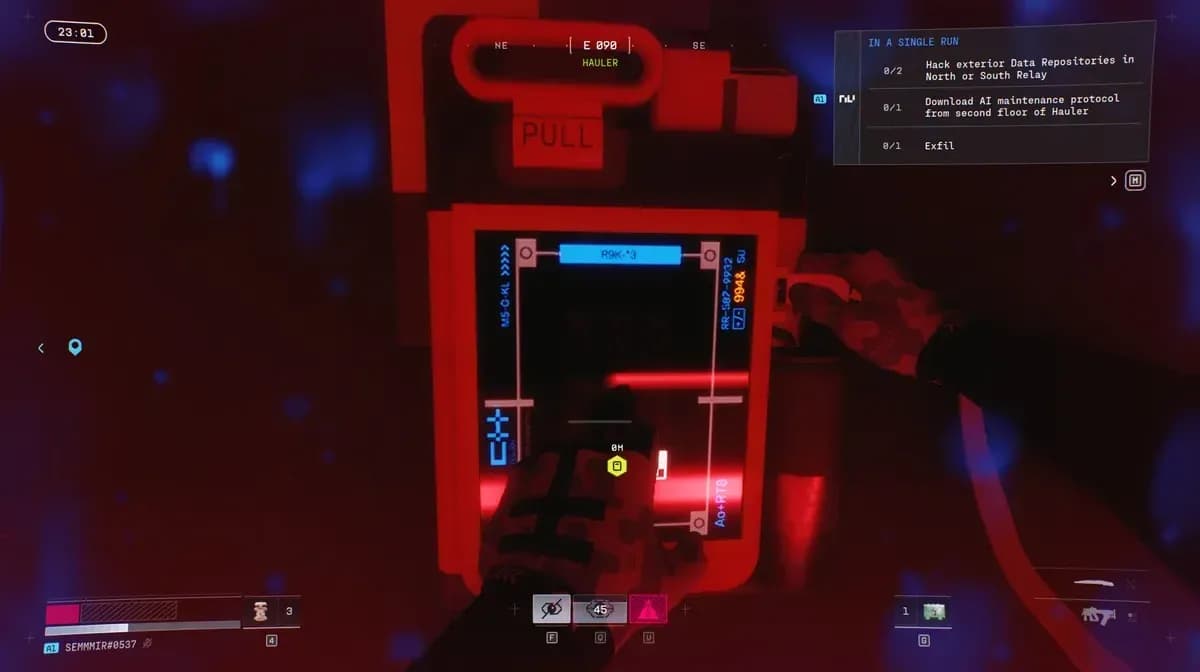
Research clearance terminal location
How to Extract the Synthsilk Sample in Bio-Research
After clearing Maintenance, make your way to the Bio-Research building. There are two entry routes, each leading to the same terminal:
| Entry Method | Path to Terminal |
|---|---|
| Ladder + Glass Window | Break the window, terminal is immediately to your left |
| Stairs | Climb to the second floor, terminal is there |
Either route works fine. The ladder-and-window approach is faster if you are comfortable with the parkour, while the stairs are safer if enemies are nearby.
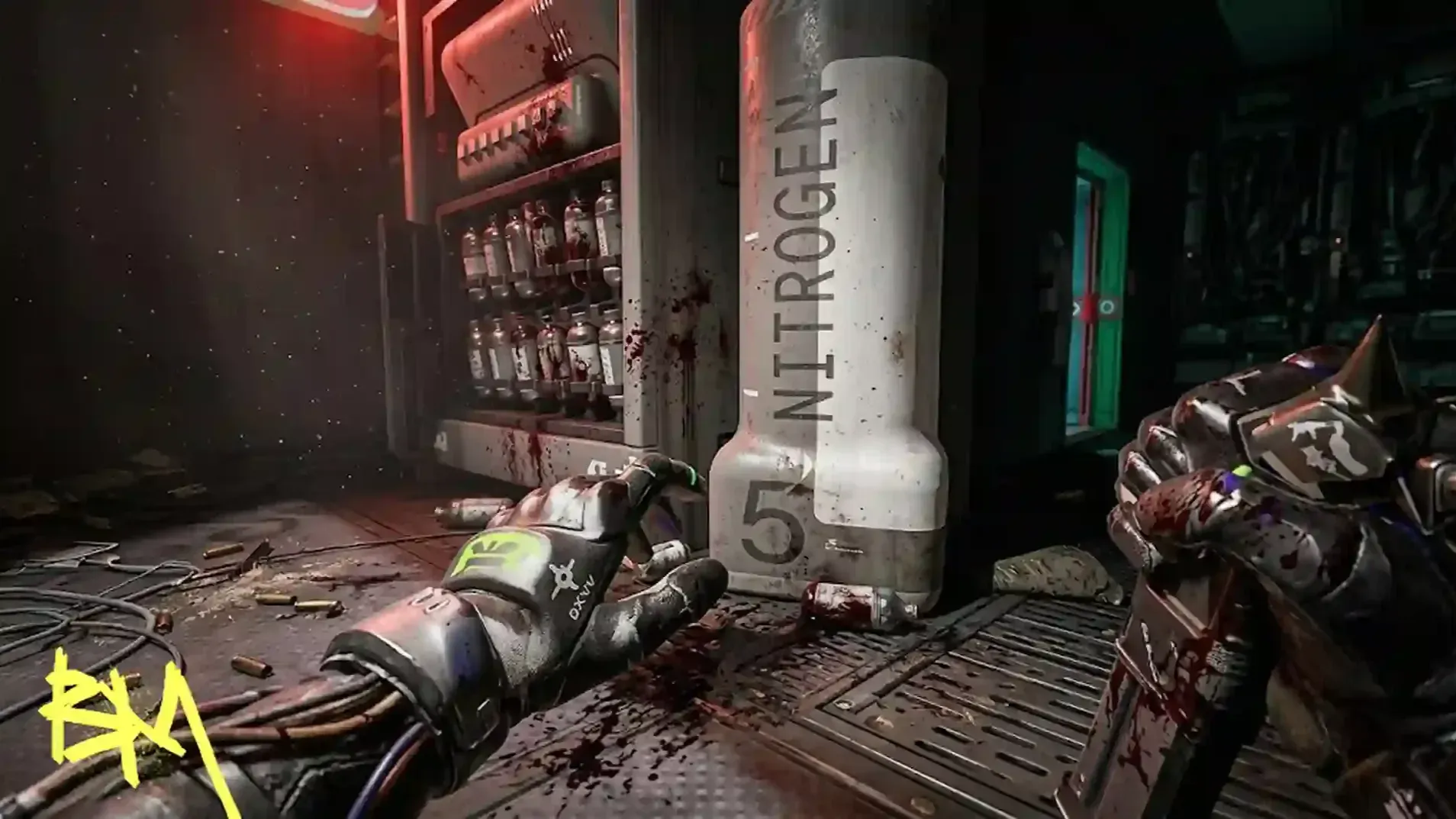
Once inside, interact with the dispenser (not a standard terminal interaction) to extract the Synthsilk Sample directly from your shell.

Synthsilk Sample dispenser in Bio-Research
How to Deliver the Sample to a DCON
With the Synthsilk Sample secured, the final step is finding a DCON and adding the sample to its inventory. There are three DCON locations spread across the Dire Marsh map.
The most convenient DCON from Bio-Research is located on the outskirts of the Greenhouse POI. Head there directly to minimize travel time and exposure.
Once you interact with the DCON and deposit the sample, wait for it to process and send the item back. When that confirmation triggers, Parasitism 4 is complete.
Where Are All Three DCONs in Dire Marsh?
- Greenhouse POI outskirts (closest to Bio-Research, recommended)
- Two additional DCON locations spread across the wider Dire Marsh map
For more Marathon, check out GAMESGG guides below: