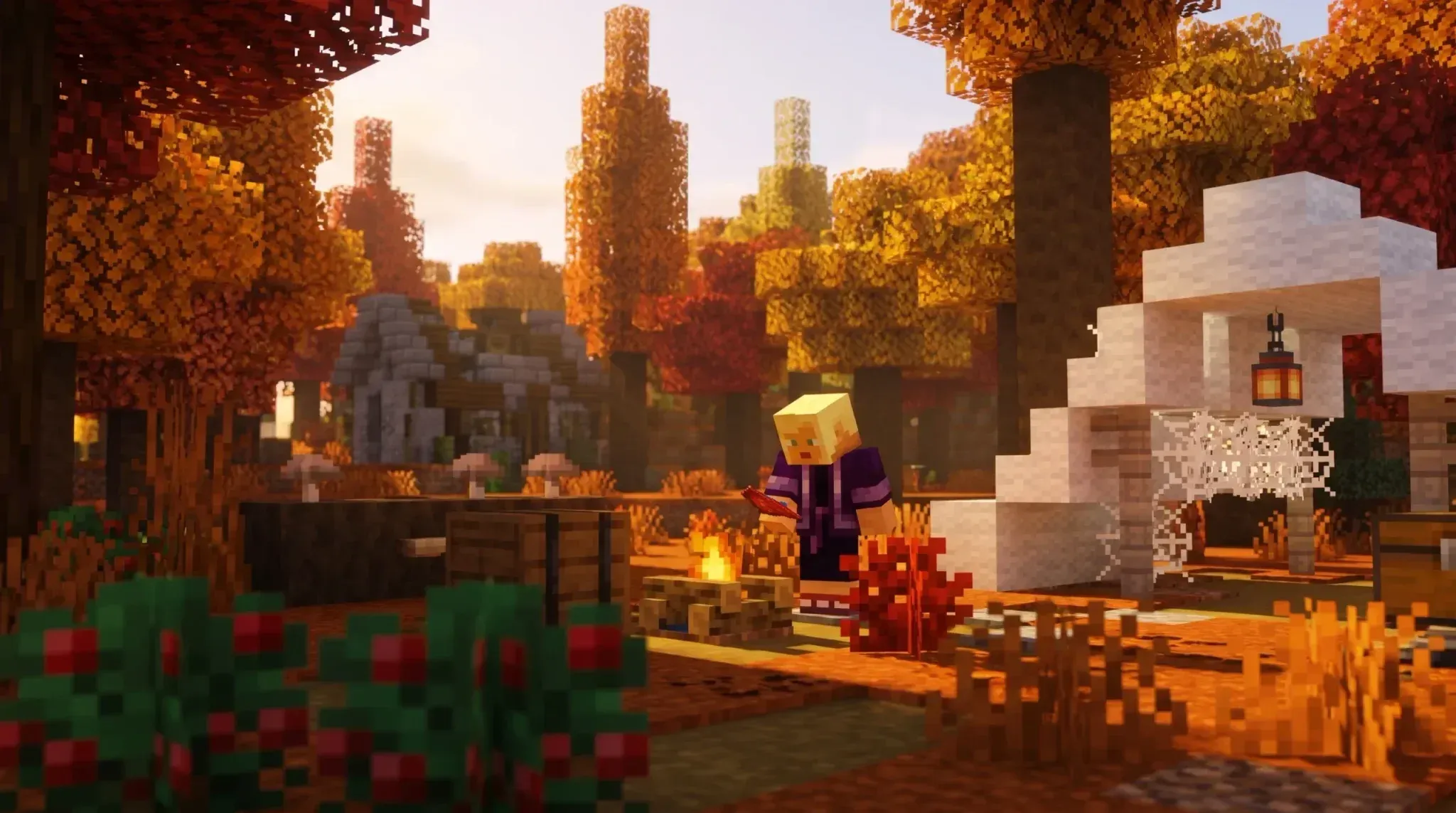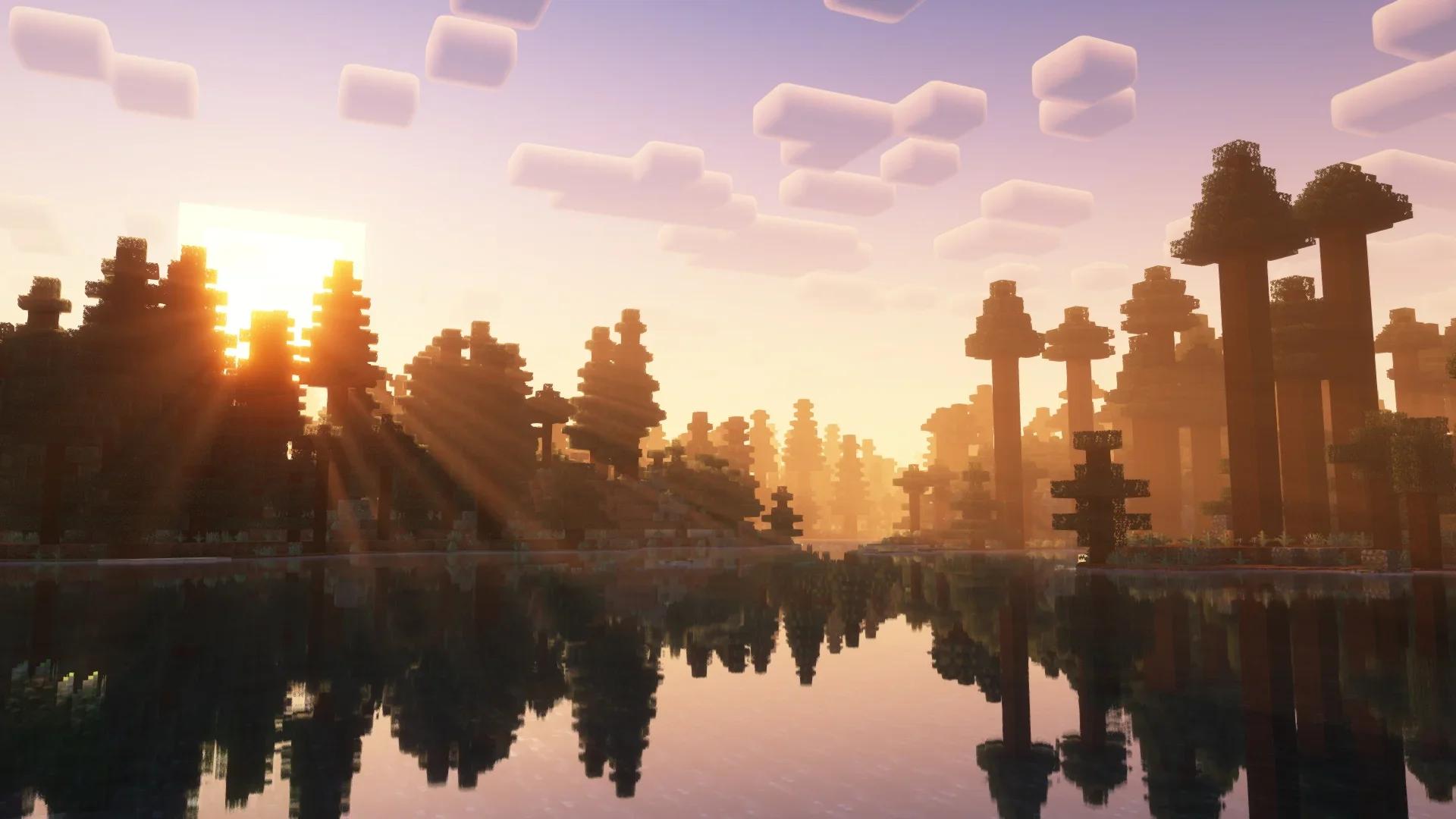
Complementary Shaders runs on Minecraft Java Edition through Iris or OptiFine. Choose Reimagined for a vanilla feel or Unbound for a more realistic look.
What Complementary Shaders is in Minecraft
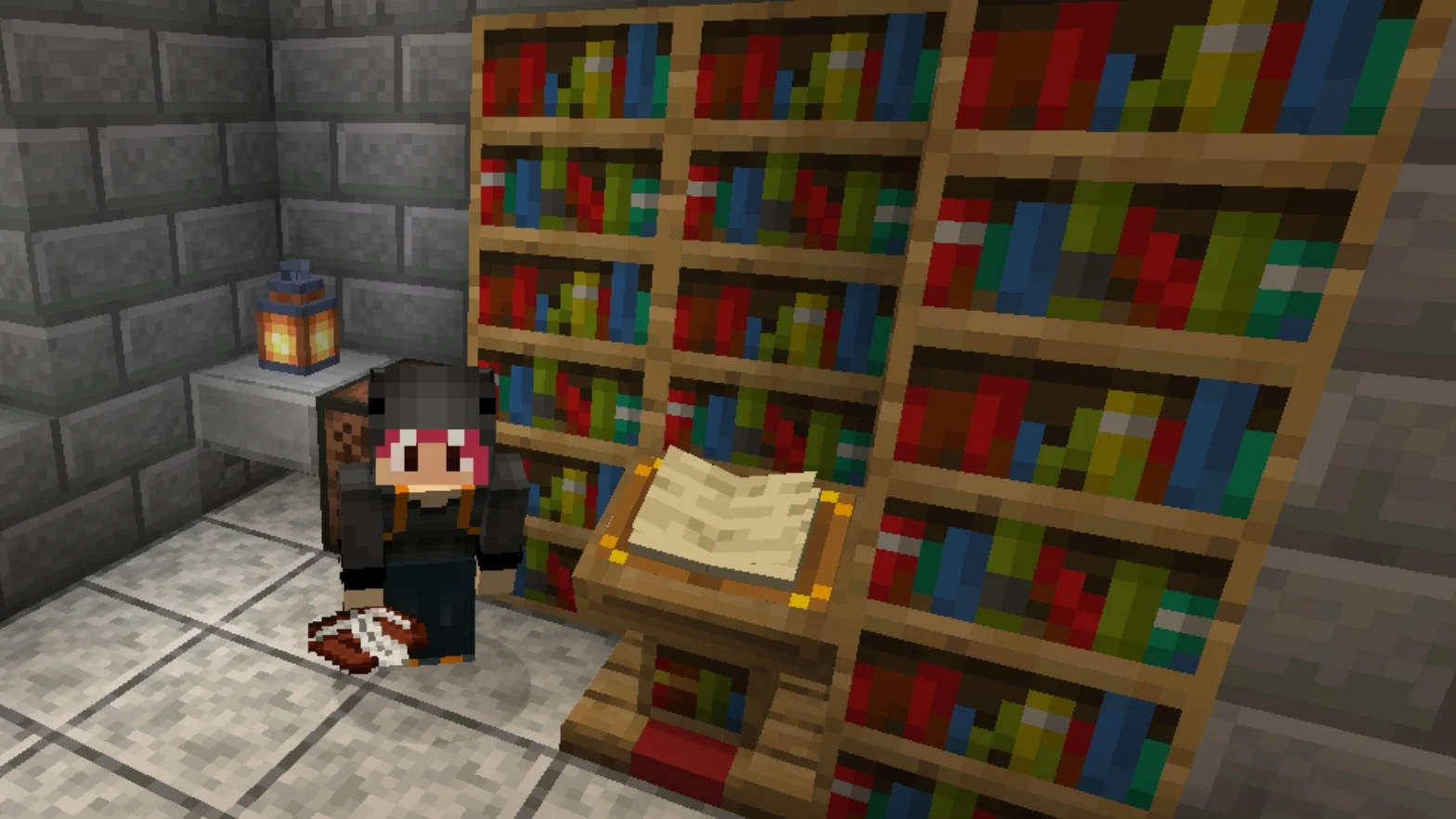
Complementary Shaders is a shader pack for Minecraft Java Edition that adds colored lighting, shadows, reflections, bloom, foliage and atmosphere effects while keeping the game's blocky look. It is made by EminGT and the Complementary Development team. The project started in 2019 as an edit of BSL Shaders and was later rewritten from scratch.
The pack loads through a shader mod: Iris or OptiFine. Only Minecraft: Java Edition is listed as supported, so it does not run on Bedrock Edition, including consoles, mobile or the Windows Bedrock version.

Complementary Reimagined vs Unbound
Complementary comes in two styles, released as two downloads. The only difference between them is the default settings, so either one can be tuned to look like the other in Shader Options.
| Style | Default look | Pick it if |
|---|---|---|
| Complementary Reimagined | Keeps Minecraft's own visual style with a reworked vanilla feel | You want the game to look like Minecraft, only better |
| Complementary Unbound | A less restricted, more realistic image | You want realistic lighting and water out of the box |
Both styles can be mixed and matched later. Unbound can use the blocky clouds, and Reimagined can use the realistic water, by changing those options in the shader menu.
What you need before installing
| Requirement | Details |
|---|---|
| Game edition | Minecraft: Java Edition |
| Shader mod | Iris, used in the pack's own install steps, or OptiFine |
| Extra mod for Iris | Sodium, which the Iris installer adds for you |
| Game versions | Java Edition 1.7.10 up to 26.3 are listed |
If you already play with other mods, the best Minecraft mods list covers more performance and quality-of-life picks that sit alongside a shader mod.
How to install Complementary Shaders
The quick way: Complementary Installer
The Complementary project offers its own installer. Download the Complementary Installer from the pack's official Modrinth or CurseForge page, run it and click Install. It does the manual steps below for you.
The manual way
- Install the Iris mod. The Iris installer downloads Iris and Sodium together: run it, choose your Minecraft version and click Install.
- Launch the game.
- Open Options, then Video Settings, then the Shader Packs menu.
- Click the button in that menu that opens the shaderpacks folder.
- Download Complementary Reimagined or Complementary Unbound and move the file into the shaderpacks folder.
- Go back to the game and select Complementary in the shader packs list. If it does not show up, refresh the menu.
Best Complementary settings for your PC
Complementary ships with five quality profiles: Potato, Low, Medium, High and Ultra. Open Shader Options on the shader packs screen to switch profiles.
Start one step below where you expect, check your frame rate in a busy area, then move up a profile if the game stays smooth.
Does Complementary work with Minecraft 26.3?
Yes. Both Complementary pages list Java Edition 26.3 support, the version of the Wilderness Bound update. When a new Java version arrives, such as the 26.4 Winter Update, wait until both Iris and Complementary list that version before updating your shader setup.