
A seed in Minecraft is the code the game uses to generate a world's terrain, biomes, and structures. Entering a known seed lets you start with a particular world layout instead of accepting a random one.
You can use seeds to find a village early, choose an island start, or recreate terrain shared by another player. The code is only part of the setup: the edition and game version also need to match if you want the same featured locations.
How Minecraft seeds work
Every new world has a seed. If you leave the seed field blank during world creation, Minecraft chooses one for you. Entering a seed yourself gives the world generator a specific starting input.
The generator uses that input to create the world, including its mountains, coastlines, caves, and settlements. You are selecting a generated layout, not placing individual features yourself. A village seed, for example, is a code for a world containing a useful village, not a separate type of world-generation setting.

Does the same seed always create the same world?
The seed works alongside the game's generation rules. Use this comparison when copying a code from another player:
| Setup | What to expect |
|---|---|
| Same seed, edition, version, and generation settings | The same naturally generated world layout |
| Same seed in Java and Bedrock | Terrain can look similar, but structures, loot, and spawners can differ |
| Same seed in a different game version | Generation changes can alter the featured location or remove the unusual layout |
A newer version is not automatically the correct version for an older seed. Rare combinations of caves and structures can depend on generation rules that later updates change.
Does a seed copy someone's buildings or progress?
A seed is not a world save. Reusing it starts a fresh world; it does not transfer another player's house, inventory, farms, or mined tunnels.
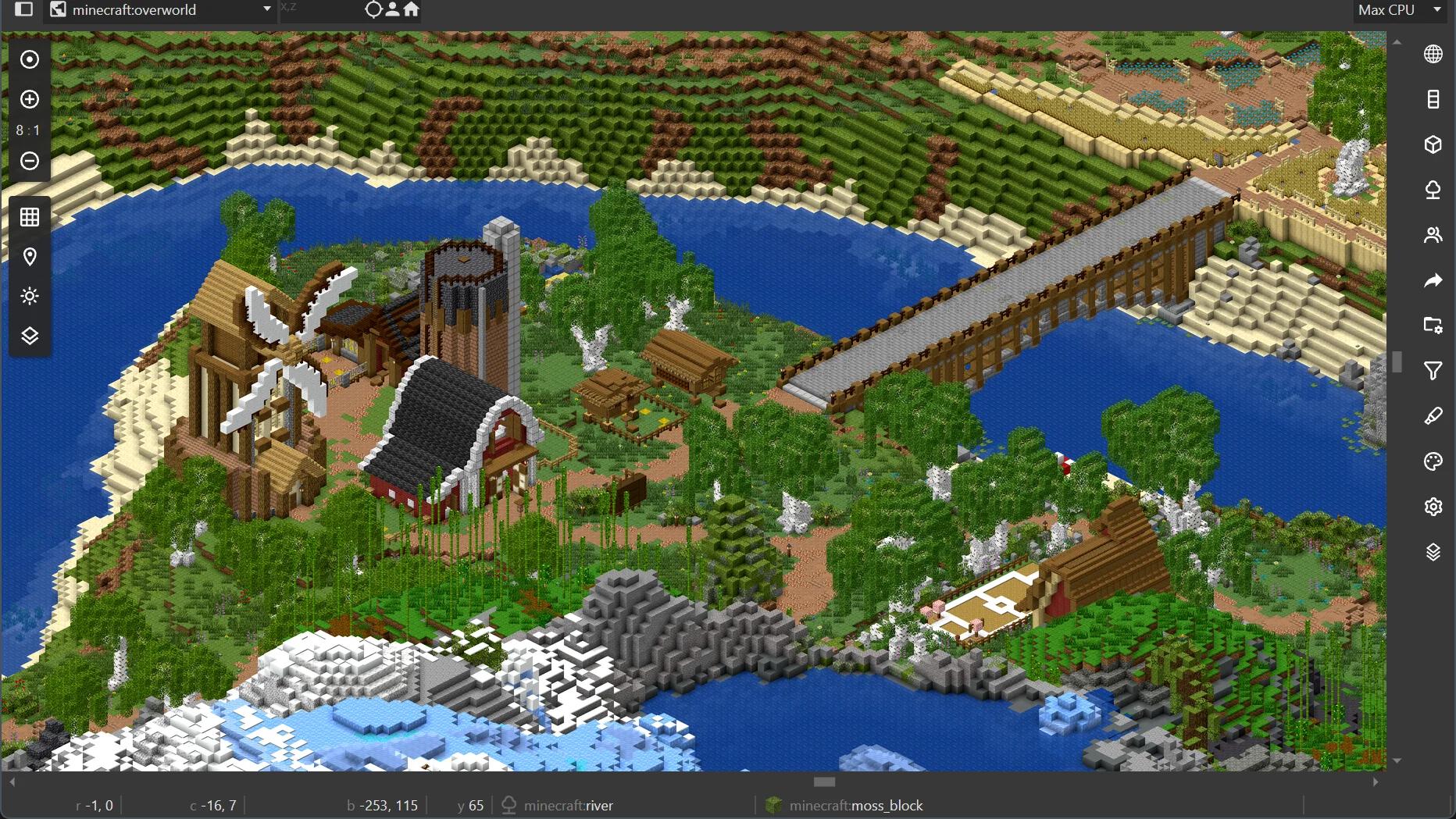
If a screenshot includes a player-built castle, entering its seed will not create that castle. You need the player's world save to get their actual construction and progress. Use a seed when you want the starting terrain, and a shared save when you want the developed world.
How to enter a seed in Minecraft
Copy the full code before opening world creation. Numeric seeds can be long, and a missing digit or minus sign changes the input. Paste the value when possible, without surrounding quotation marks or descriptive text.
Java Edition
- Open Minecraft Java Edition and select Singleplayer.
- Select Create New World.
- Open the World tab. Older Java versions place the seed field under More World Options instead.
- Paste the code into the seed field.
- Match the world-generation settings if you are recreating a particular world, then select Create New World.
The seed belongs in the world-generation field, not the world name. Naming a world after a seed does not tell Minecraft to generate it from that number.
Bedrock Edition
- Open Minecraft Bedrock Edition and select Play.
- Select Create New, then Create New World.
- Open the Advanced tab.
- Find World Seed and paste the complete code.
- Select Create to generate the world.
Entering the code chooses the world during creation. It is not a command that transports your existing character into another map.
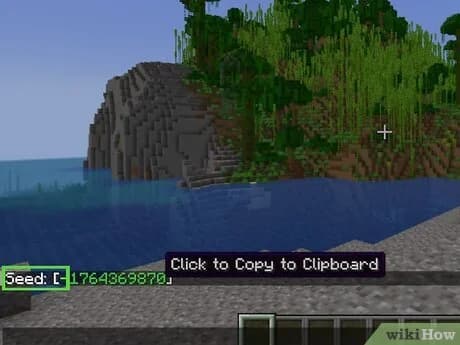
Paste a seed into Bedrock
How to find your existing world's seed
Finding a good world by chance does not mean you have to lose its starting layout. Retrieve its seed so you can share it or use it for a fresh start.
Java Edition: use the seed command
Load your singleplayer world, open chat, and enter /seed. The chat displays the world's seed, which you can click to copy.
On a multiplayer server, access to the command can depend on your permissions. Ask the server owner for the code if you cannot view it yourself.
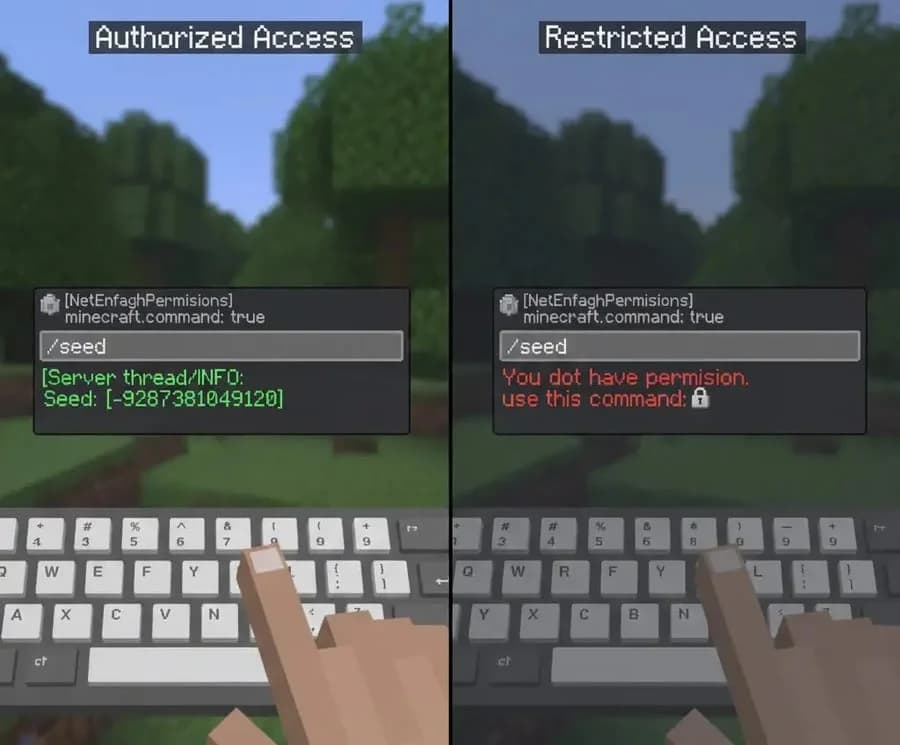
Read your world's seed code
Bedrock Edition: open the world settings
From Play, select the edit button for the saved world. Find the seed value in its world settings, then copy it or write it down exactly.
Keep the original generation version with your notes, especially for a world you have played across several updates. The version currently running the save may be newer than the one that created its starting terrain.
How to use a seed's coordinates
A seed identifies the world. Coordinates identify a location inside it. A seed description can highlight a village, cave, or structure far from where you first appear.
Coordinates normally use the order X, Y, Z. X and Z describe your horizontal position, while Y is height. An underground target with a negative Y value will not be visible just because you reach the right surface area.
Two examples you can follow
These examples give you a specific destination to check after creating the world:
| Feature | Seed | Required edition and version | Coordinates, X, Y, Z |
|---|---|---|---|
| Skeleton and cave spider spawners in one mineshaft room | -2762750881695553827 | Java 26.2 | 702, -29, -347 |
| Beach containing five nearby structures | 8878010560614674182 | Bedrock 26.3 | 224, 83, 150 |
The Java example is an underground destination. Its room contains a skeleton spawner in the middle and a cave spider spawner in a corner, so reaching the listed height is part of finding the feature.
The Bedrock example contains a desert village, desert temple, grounded shipwreck, pillager outpost, and ruined portal around the beach. It gives you visible landmarks to compare with the description after loading the world.
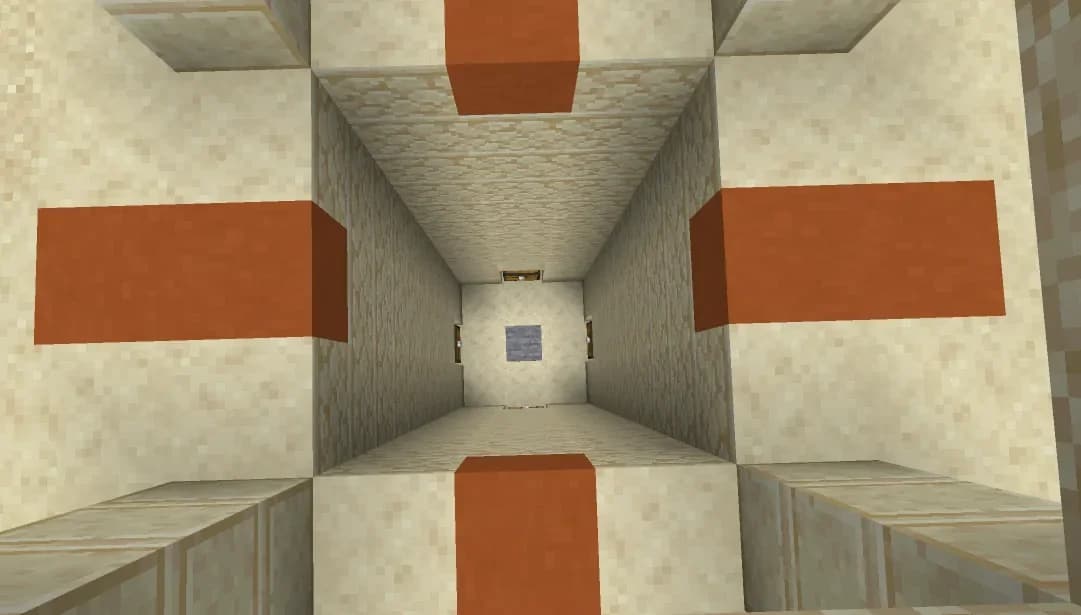
Check the beach structure cluster
If the expected feature is missing, compare the copied code with the original, check the edition and version, and confirm that you reached the listed coordinates. Do not assume a screenshot shows the spawn point unless the description says so.
Seed coordinates are useful for a known destination. For finding more structures through ordinary exploration, Minecraft explorer maps provide an in-game route to particular structure types without requiring another world restart.
Should you choose a seed or leave it random?
Choose a known seed when you have a specific first project. Nearby villages can provide food, shelter, and trading opportunities. A broad, flatter building area can reduce the digging and clearing needed before construction. An isolated island can set the boundaries for a survival challenge.
Leave the field blank when discovering the starting area is part of the appeal. You can still retrieve the code later if the world turns out to suit your plans.
Before committing to a long Survival run, visit the location you actually care about. A village beside spawn and a village several thousand blocks away offer very different starts, even when both appear in a seed description.