
Get Chiseled Soulshale in Minecraft by looting Ancient City chests or using commands in the development builds that contain it.
Your edition changes the command you need: Java supports /give, while Bedrock requires a /loot workaround. The block is still in development, so check your snapshot or preview before heading underground. Choose chest looting to collect it without cheats, or use commands when you want to add it to a build without searching the Deep Dark.
Check which Minecraft build you need
Chiseled Soulshale was added in the following development versions. The full updates containing it have not been released yet.
| Edition | Development version containing the block | Upcoming full update |
|---|---|---|
| Java Edition | 26.4 Snapshot 7 | Java Edition 26.4 |
| Bedrock Edition | Preview 26.70.23 | Bedrock Edition 26.70 |
Check the version you are launching before choosing either collection method. An older build that does not contain Chiseled Soulshale cannot provide it through exploration or commands.
For Java Edition, enable snapshots in the Minecraft Launcher's Installations tab and select the relevant snapshot. For Bedrock Edition, use the listed Preview build. The instructions below apply to these development versions.

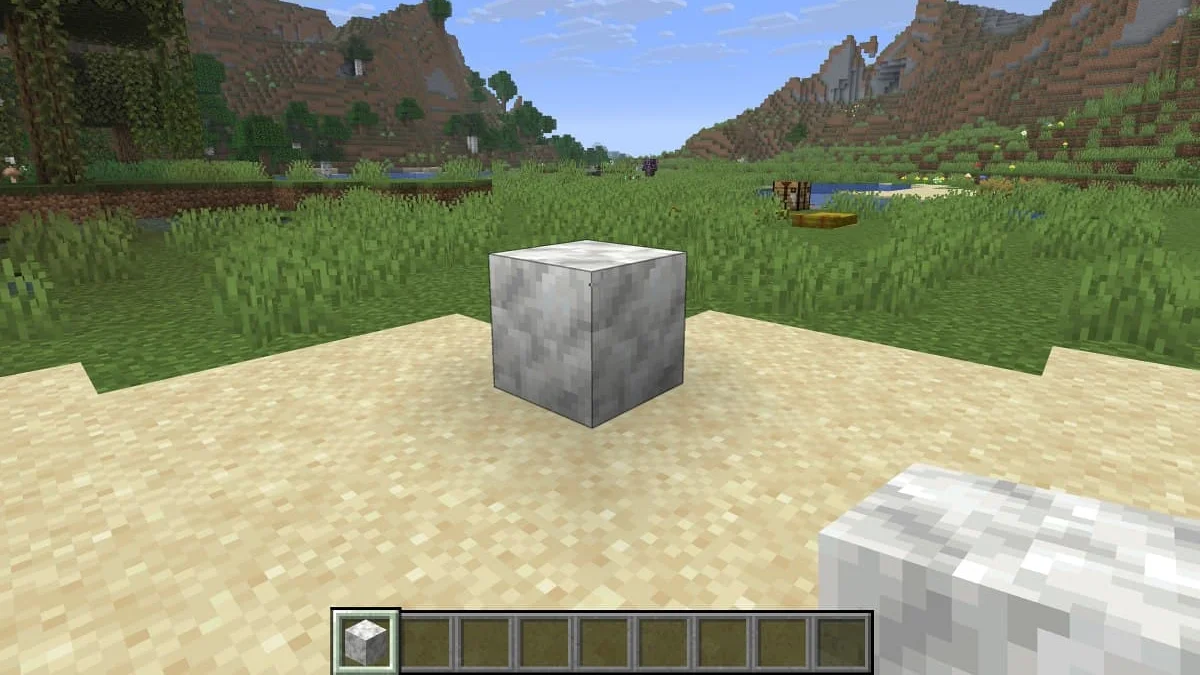
Get Chiseled Soulshale from Ancient City chests
Ancient City chests are the Survival source in both editions. These structures generate underground in the Deep Dark biome, so your search needs to reach an Ancient City, not simply a cave with sculk.
Prepare for the Deep Dark
Pack supplies for searching several rooms and returning safely:
- Wool blocks: Use them to block vibration paths near sculk sensors.
- Food: Keep supplies available during the underground search.
- Armor: Bring protection, but do not plan your route around surviving a fight with the Warden.
- Night Vision potions: Improve visibility while navigating the city.
- A pickaxe: Carry one if you plan to place and reposition the block during the trip.
The Warden can detect vibrations and smell. Wool helps control vibrations, but it does not make approaching the Warden safe. Your objective is to search containers and leave with the loot, so avoid turning the expedition into a fight.
Block vibrations near the chest
Search unopened chests methodically
Once you reach the structure:
- Choose a route through its rooms and corridors. Keep track of the way back before moving farther into the city.
- Move quietly between containers. Sneak where appropriate, and use wool to block vibrations near sensors.
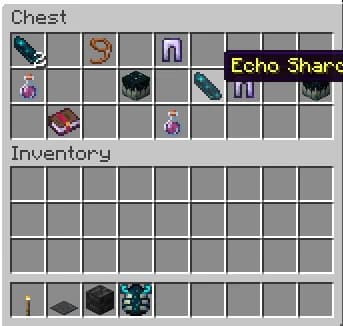
- Open each chest and inspect its contents. Transfer Chiseled Soulshale into your inventory when you find it.
- Track the chests you have checked. Use notes or another clear method so you do not repeatedly search the same area.
- Return with your block. You do not need to defeat the Warden to obtain it.
Each eligible Ancient City chest has a 23% chance to contain one Chiseled Soulshale block. That is a chance per chest, not a guarantee that a particular city or a short sequence of containers will supply one.
Expect unsuccessful chests during the search. Keep checking unopened containers if you want more copies, and budget your supplies around exploration rather than a guaranteed number of stops.
Check the chest for Soulshale
Get Chiseled Soulshale with commands
Commands are the faster option when you want the block for a building project or a closer look at its texture. You need cheats enabled in your world or permission to run commands on the server.
Java Edition: use the give command
Follow these steps in the supported Java snapshot:
- Open your world.
- Press T to open chat with the default keyboard controls.
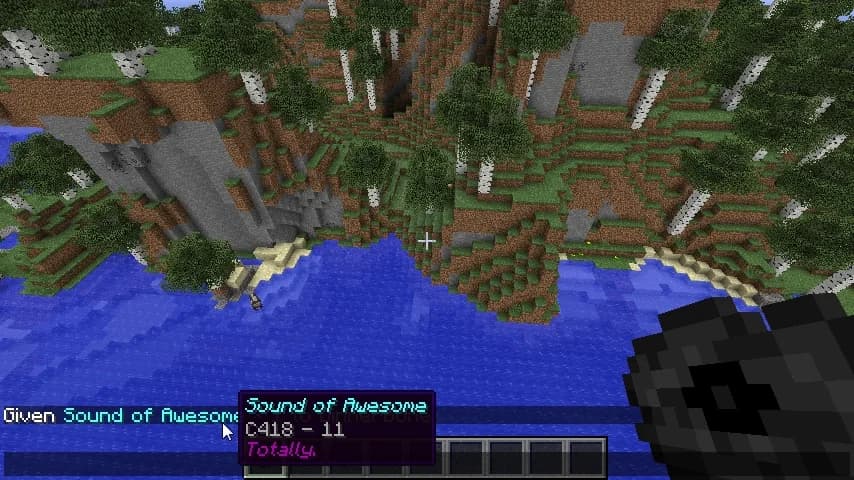
- Enter /give @p minecraft:chiseled_soulshale 1.
- Press Enter to execute it and receive the block.
The final number controls the quantity. Replace it with 64 if you want a full stack:
/give @p minecraft:chiseled_soulshale 64
Keep the item identifier's underscore intact. If you copy a command template containing a count placeholder, replace the placeholder with a number and leave out its brackets.
Add Soulshale through Java chat
Bedrock Edition: use the loot workaround
Open chat in the supported Bedrock Preview and enter:
/loot spawn ~ ~ ~ loot "blocks/chiseled_soulshale"
This command spawns the block as an item at your position. Pick it up to collect it. Unlike the Java command above, this route creates a dropped item instead of handing it directly to your inventory.
Copy the loot-table path exactly, including the forward slash and underscore. The command uses blocks/chiseled_soulshale as a loot-table path, not minecraft:chiseled_soulshale as a direct item identifier.
Collect the Bedrock command drop
Can you craft Chiseled Soulshale?
Chiseled Soulshale has no crafting recipe in these development builds. Neither a Crafting Table nor a Stonecutter can produce it, and it currently has no wider Soulshale block family to process into the chiseled version.
For a large Survival project, plan to use another material for most of the structure and reserve Soulshale for smaller carved accents. A craftable option such as Minecraft Packed Ice Bricks avoids making every part of the build depend on chest loot.
Why is it missing from the Creative inventory?
Chiseled Soulshale is not listed in the Creative inventory in either edition. Searching that menu will not reveal an entry, even when you are running a development version that contains the block.
Creative inventory access and command access are separate here. Use the command instructions for your edition if you want to work with the block in a Creative world.
What can you use Chiseled Soulshale for?
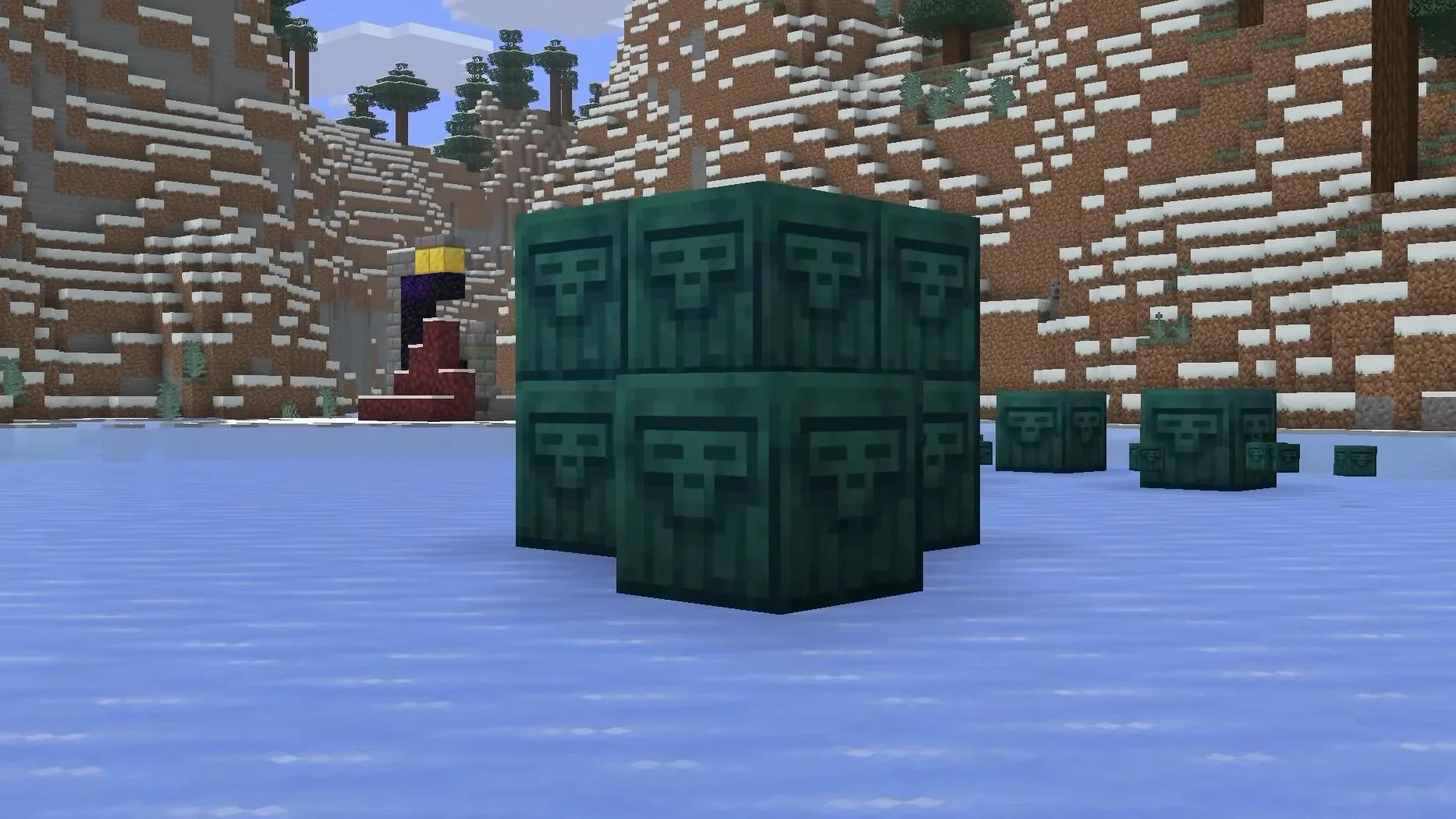
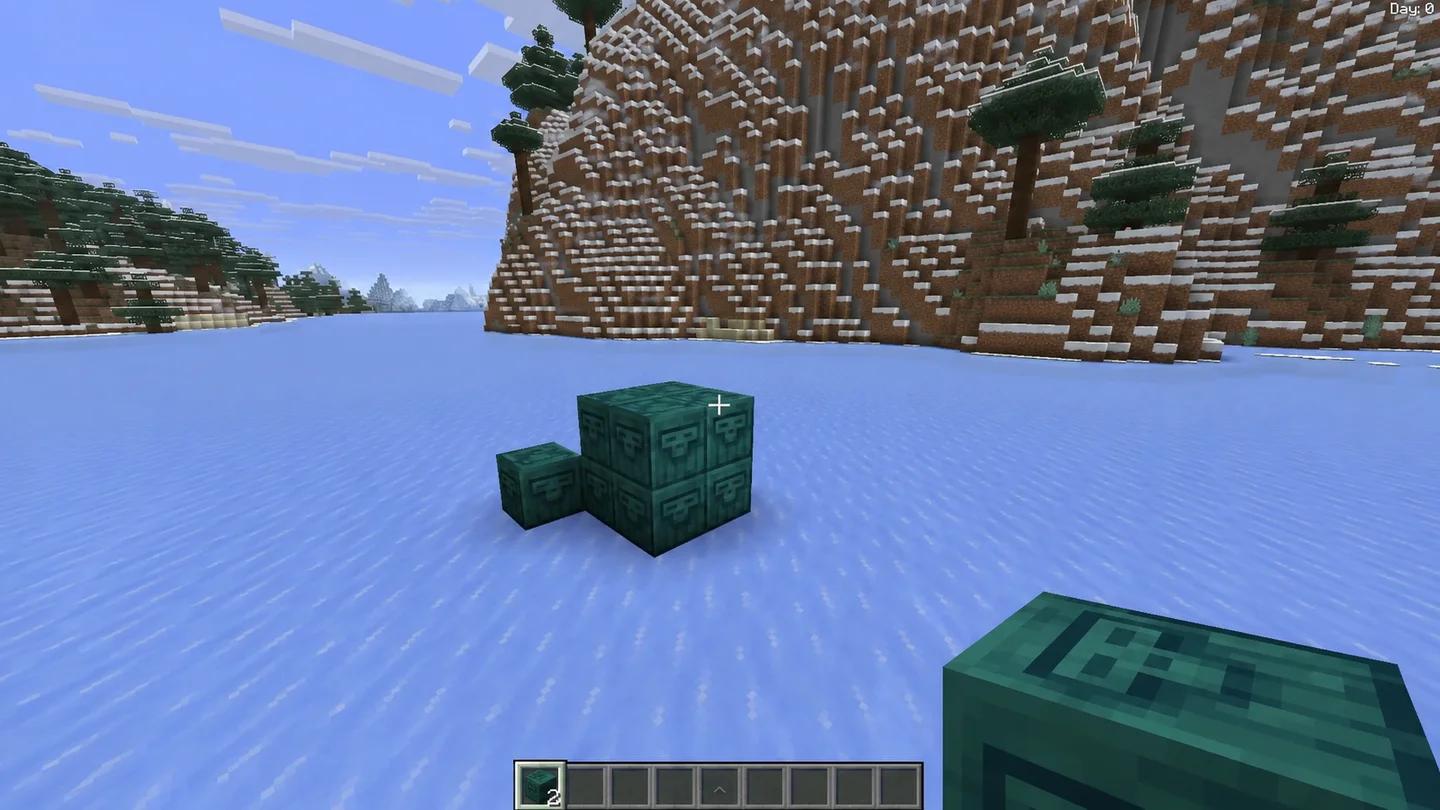
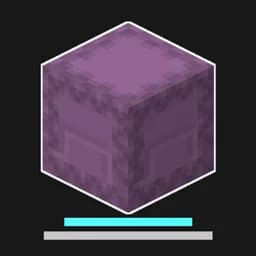
Chiseled Soulshale is a decorative block with a dull green color and a carved face resembling the Singer from Minecraft Dungeons II. Its color is similar to Warped Planks, making those a reasonable starting point when choosing a building palette.
| Property | Detail |
|---|---|
| Stack size | 64 |
| Renewable in Survival | No |
| Emits light | No |
| Flammable | No |
For experiments with the Minecraft Sulfur Cube, Chiseled Soulshale belongs to the Slow Bouncy archetype.
Use a pickaxe when moving placed blocks. In Java Edition, Chiseled Soulshale also drops itself when mined without one. If you are working with a small Survival supply, place a few accents first and check their appearance before committing them to a larger wall.