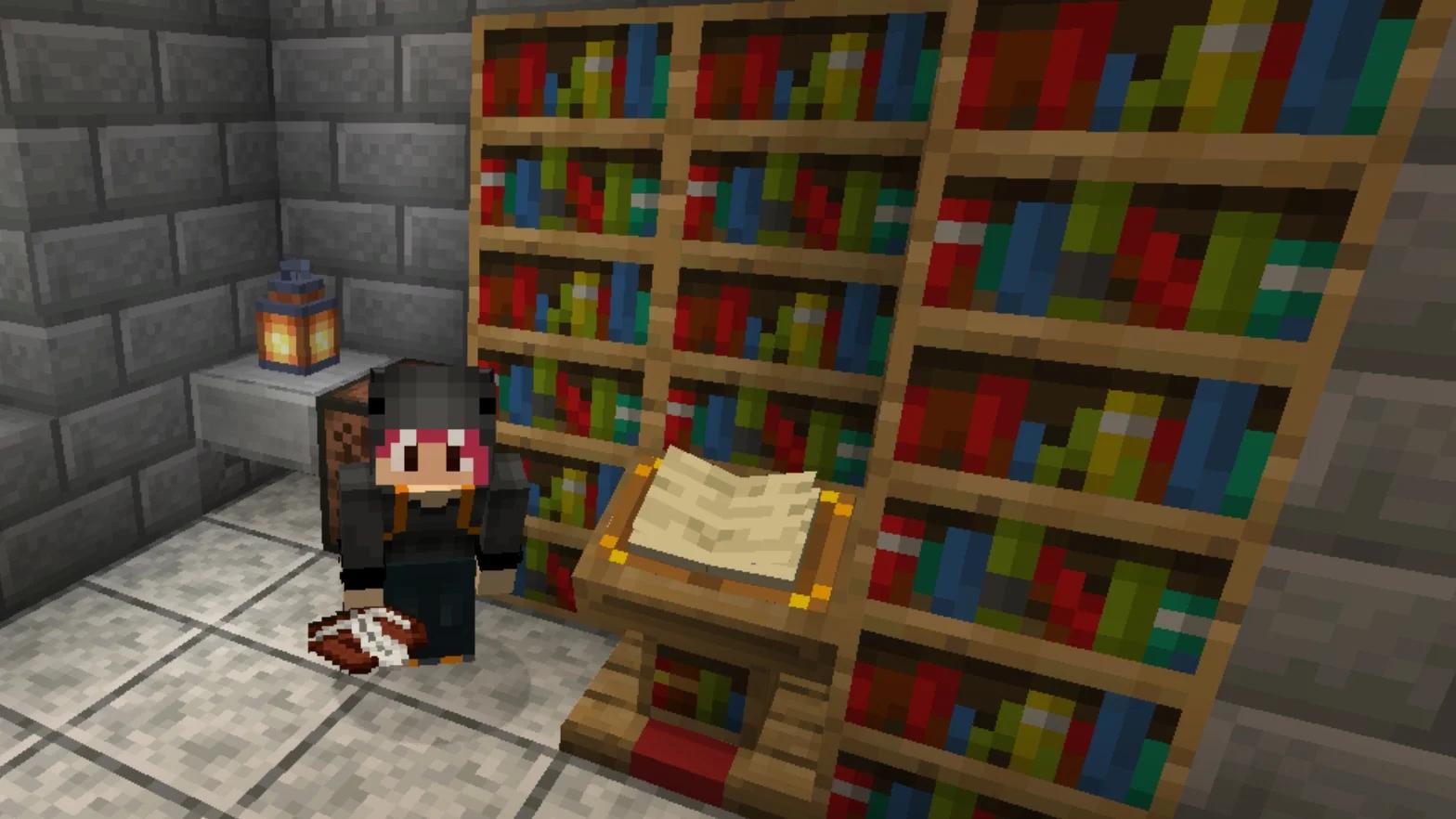

Make an enchantment table in Minecraft by combining four obsidian blocks, two diamonds, and one book in a crafting table. The item is called an enchanting table in-game, and its recipe works in both Java Edition and Bedrock Edition.
Crafting the block does not require lapis lazuli or experience. You spend those resources when you enchant equipment. Bookshelves are a separate upgrade, so you can build the table first and expand the room when you have enough materials for stronger enchantment options.
Materials needed for an enchanting table
Gather these ingredients before opening the crafting grid:
| Material | Amount | How to get it |
|---|---|---|
| Obsidian | Four blocks | Pour water over lava source blocks, then mine the obsidian with a diamond pickaxe or better |
| Diamond | Two | Mine diamond ore in the Overworld |
| Book | One | Craft from paper and leather, or collect a book as loot |
You also need access to a crafting table. The recipe fills three rows, so your inventory's smaller crafting grid cannot hold it.

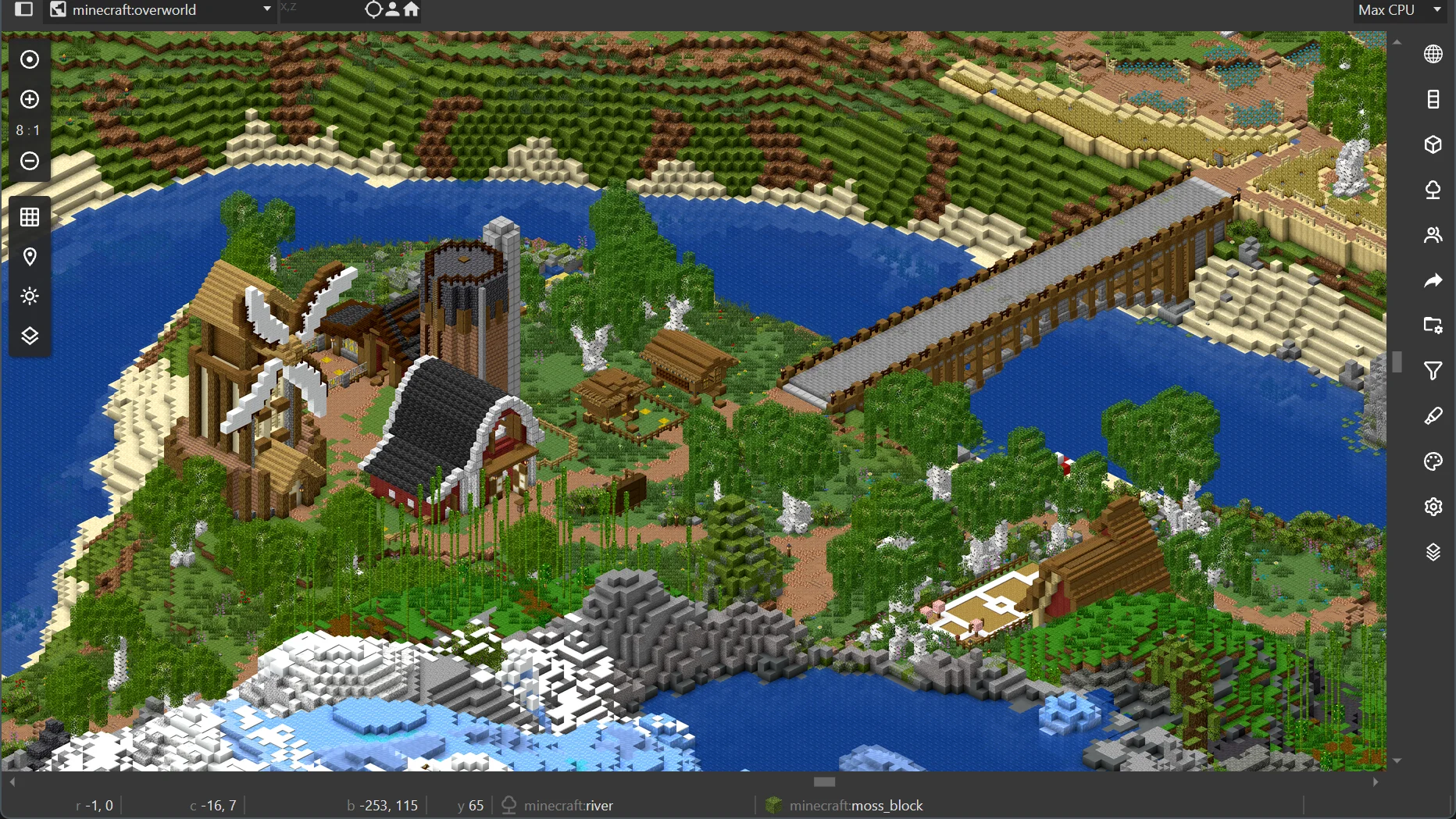
Get the obsidian and reserve your diamonds
Obsidian requires a diamond pickaxe or better to collect by mining. Keep the diamonds for the enchanting table separate from any materials you still need for your mining equipment.
To make obsidian yourself, let water flow over lava source blocks. Collect the resulting blocks before heading back to your crafting area. The ingredient you need is named Obsidian.
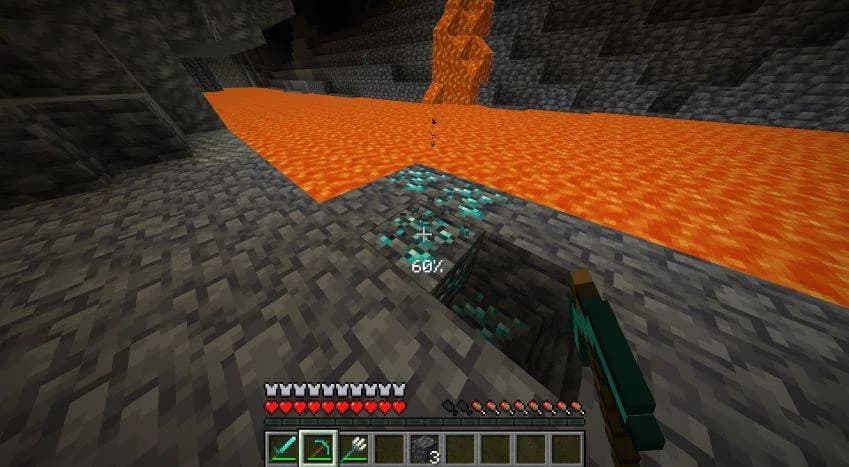
Collect the obsidian safely
Craft or collect a book
If you are making the book from raw materials, three sugar cane and one leather cover its ingredients. Turn the sugar cane into paper, then combine the paper with the leather to make the book.
A book collected as loot works too. You do not need to enchant it before using it in this recipe.
How to craft the enchanting table
Open the crafting table and arrange the ingredients in its 3×3 Crafting grid. Read this layout from the top row down:
| Row | Left slot | Center slot | Right slot |
|---|---|---|---|
| Top | Empty | Book | Empty |
| Middle | Diamond | Obsidian | Diamond |
| Bottom | Obsidian | Obsidian | Obsidian |
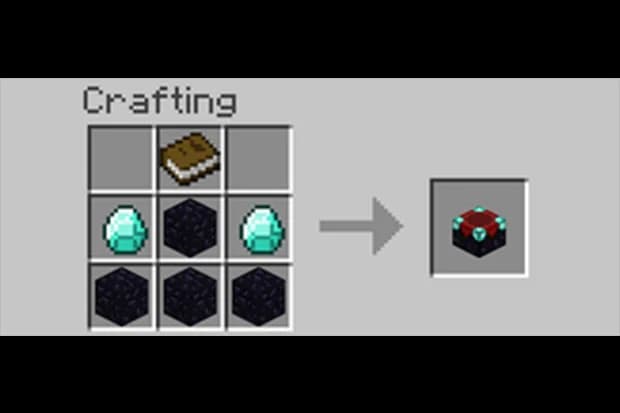
Match the three-row recipe
Follow these steps to finish:
- Fill the grid using the layout above, leaving both top corners empty.
- Take the enchanting table from the result slot and move it into your inventory.
- Place it where you want to build your enchanting area.
If the result slot stays empty, check each position against the table. Having the ingredients in your inventory is not enough when arranging the recipe manually.
You can move the table later if your first room is too small.
How to arrange bookshelves for level 30
Bookshelves increase the table's enchanting power, up to a maximum of 15 active bookshelves. Extra shelves beyond that limit do not improve the available options.
Build a simple bookshelf ring
A reliable layout uses a five-by-five footprint with the enchanting table in the center. Place bookshelves around the outer edge at the same height as the table, leaving one perimeter position empty for an entrance.
The perimeter has 16 positions, so that entrance leaves exactly 15 shelves. Keep the inner space between the table and the shelves clear. The spacing should be table, one empty block, then bookshelf.
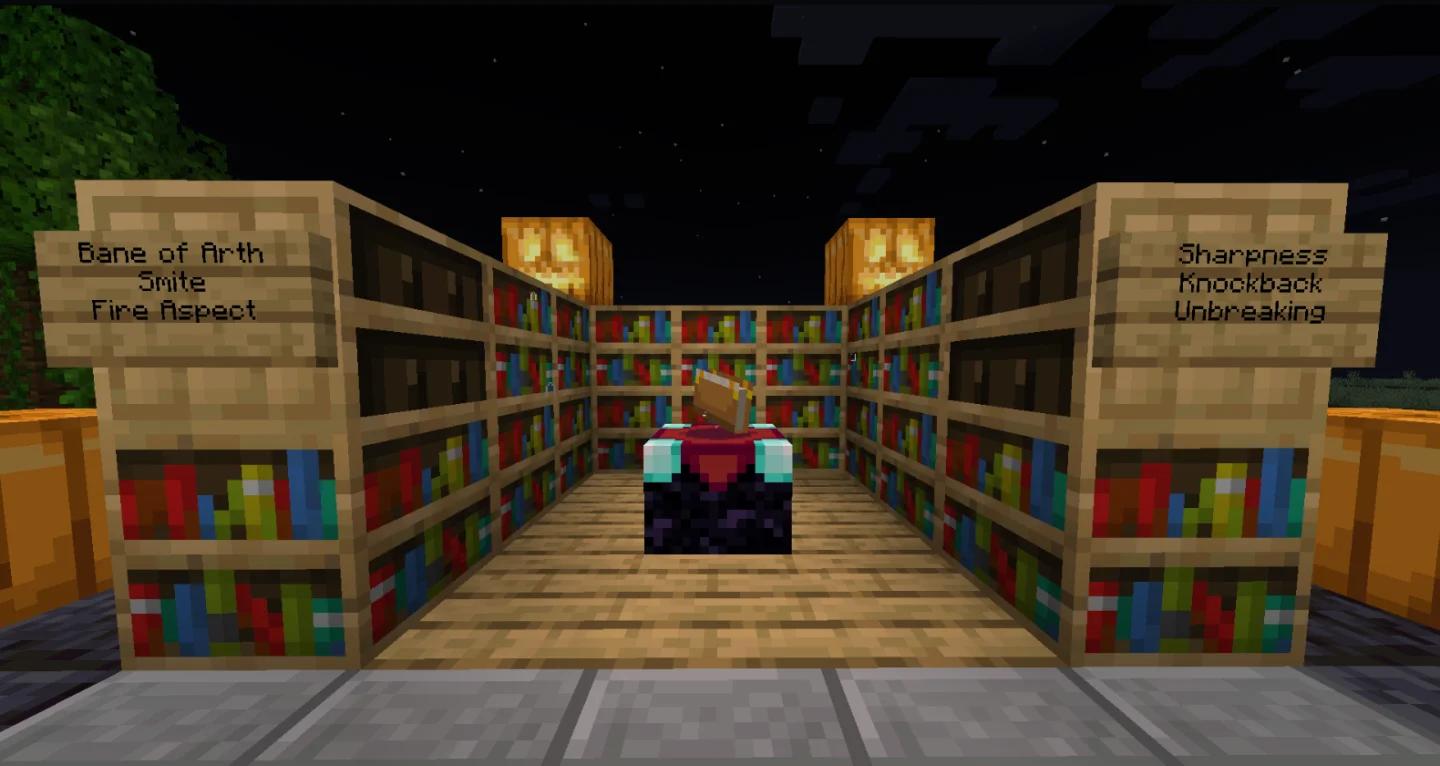
Leave space between the shelves
For an upstairs enchanting room, keep your Minecraft ladder entrance outside this footprint so it does not take a bookshelf position or fill the inner gap.
These setups produce different bottom-slot requirements:
| Active bookshelves | Bottom option's level requirement | What to expect |
|---|---|---|
| None | 1–8 | Basic enchanting without a library |
| 14 | 28–29 | Almost complete, but no level 30 option |
| 15 | 30 | Maximum bookshelf power |
| 16 or more | 30 | No additional power beyond the cap |
Keep the gap clear in both editions
Bookshelf obstruction rules differ between Java Edition and Bedrock Edition. The simple solution for either edition is to leave air between the shelves and the table, both at table height and one block above it.
Torches placed in the gap can block bookshelf connections. Put lighting outside that space. If you decorate the library with Minecraft cushions, keep the furniture outside the working gap too.
To check the layout, insert an eligible item and look at the bottom enchantment option. A correctly connected full library displays a level 30 requirement.
How to use your enchanting table
Bring an unenchanted item, lapis lazuli, and enough experience levels for the option you want. The table accepts supported tools, weapons, armor, and ordinary books.
Choose an enchantment
- Interact with the enchanting table to open the Enchant interface.
- Put your equipment or book into the item slot.
- Put lapis lazuli into its dedicated slot.
- Inspect the three options and their requirements.
- Select an affordable option, then collect your enchanted item.
Hovering over an option reveals one enchantment that will be applied. The finished item can receive additional enchantments, but the preview does not promise them.
The unfamiliar symbols on the buttons are cosmetic. Use the readable preview and requirements to make your choice.
Understand the level requirement and actual cost
The displayed level requirement is a threshold, not the number of levels consumed. Each option spends a different amount:
| Option | Lapis lazuli consumed | Experience levels consumed |
|---|---|---|
| Top | One | One |
| Middle | Two | Two |
| Bottom | Three | Three |
For example, choosing a bottom option that requires level 30 consumes three levels and three lapis lazuli. Starting at exactly level 30 leaves you at level 27, so you must gain more XP before selecting another level 30 option.
Higher requirements generally produce stronger results, but randomness still applies. Even a level 30 selection can give only one enchantment or an enchantment below its maximum strength.
Why enchanting options are unavailable or unchanged
If an option is unavailable, check your current XP level and the amount of lapis in the table. Also check the item itself: it must support table enchanting and have no existing enchantments. Use an anvil with an appropriate enchanted book to add enchantments to items through that separate system.
Removing and reinserting the same item does not generate fresh offers. Enchanting an item refreshes the choices, so you can enchant an inexpensive spare item before checking your main equipment again.
After refreshing the offers, inspect the new preview and regain any XP levels needed for your next selection.