
Phasmophobia has a limited-time Twitch Drops event running right now, and it rewards you with a cosmetic ID card featuring a cat design. There are two versions on offer: a static Cool Cat ID Card and an animated Cool Cat Foil ID Card. Both require the same two-hour watch time, so you can knock them out together. The event window closes on Tuesday, July 28 at 5:59pm CDT, which means you have a narrow timeframe to grab these before they disappear.
How to connect Twitch to Phasmophobia
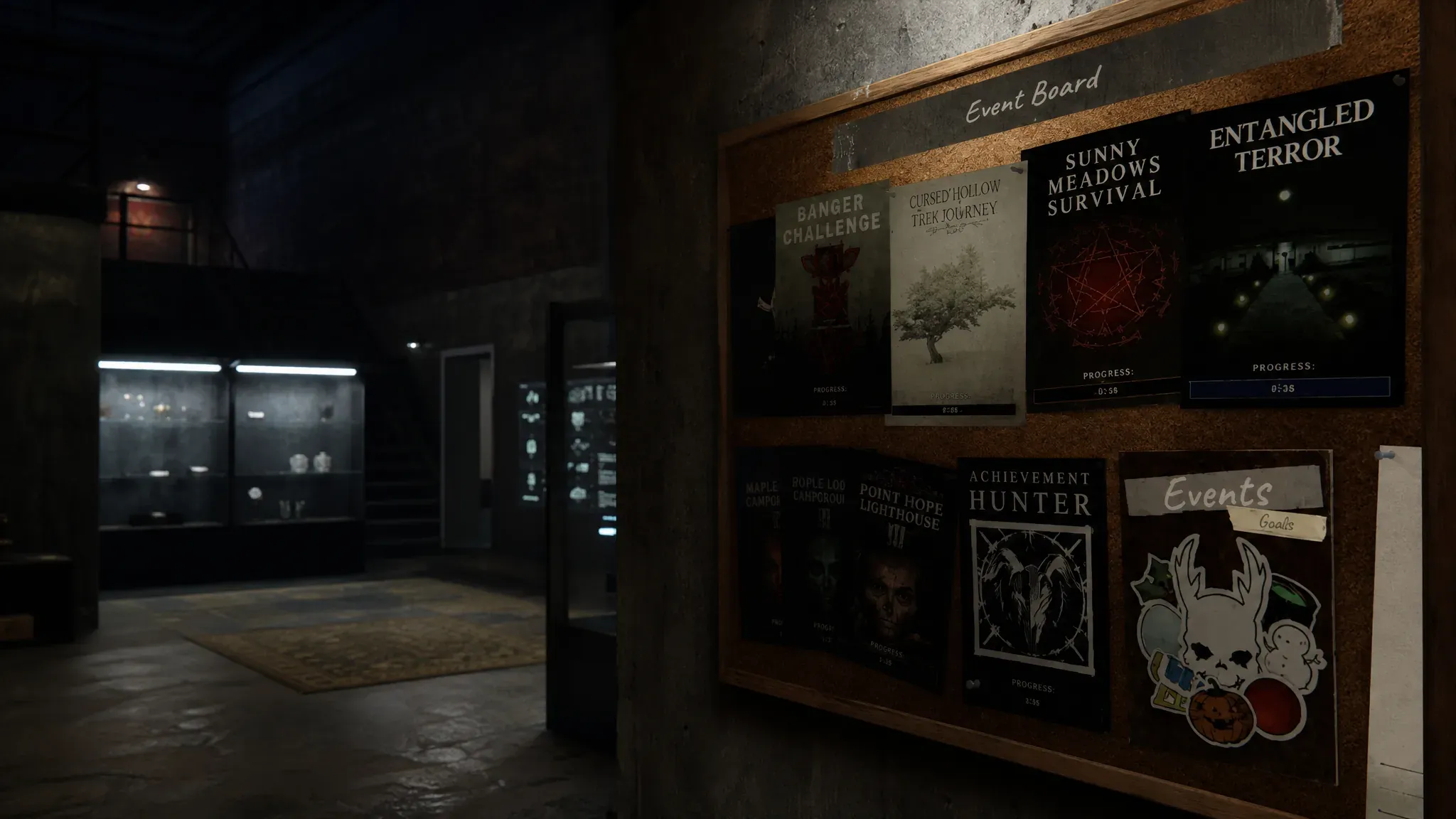
Before any drops can register, your Twitch account needs to be linked directly through the game. Boot up Phasmophobia and head to the main board in the lobby. At the bottom of that board, you will find a Twitch Drops button. Click it to generate your unique activation code.
Once the code appears, select it to copy it, then open a browser and go to twitch.tv/activate. Paste the code there to complete the link between your Twitch account and Phasmophobia. That connection only needs to happen once, so if you have done this for a previous drops event, you are already set.
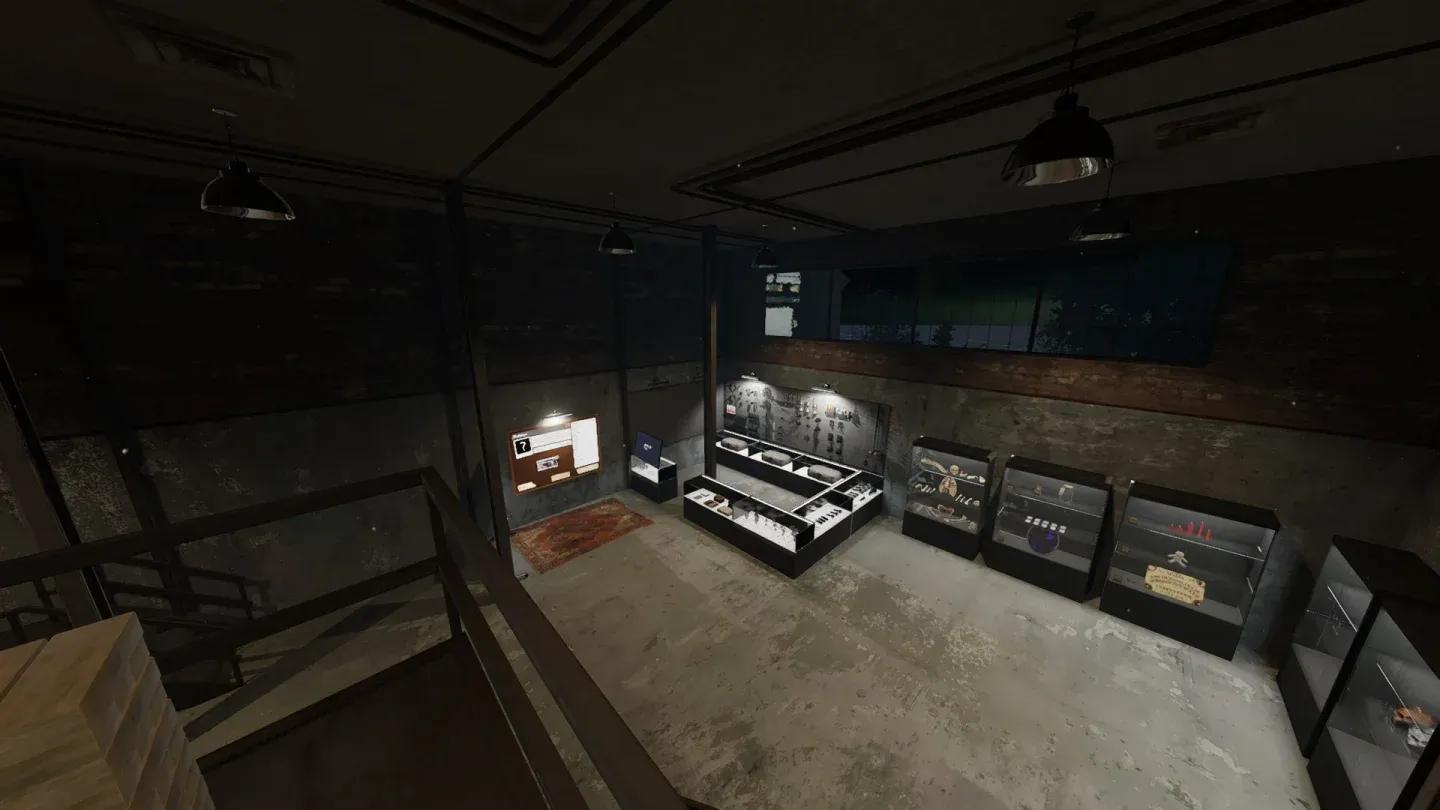
Lobby board Twitch Drops button

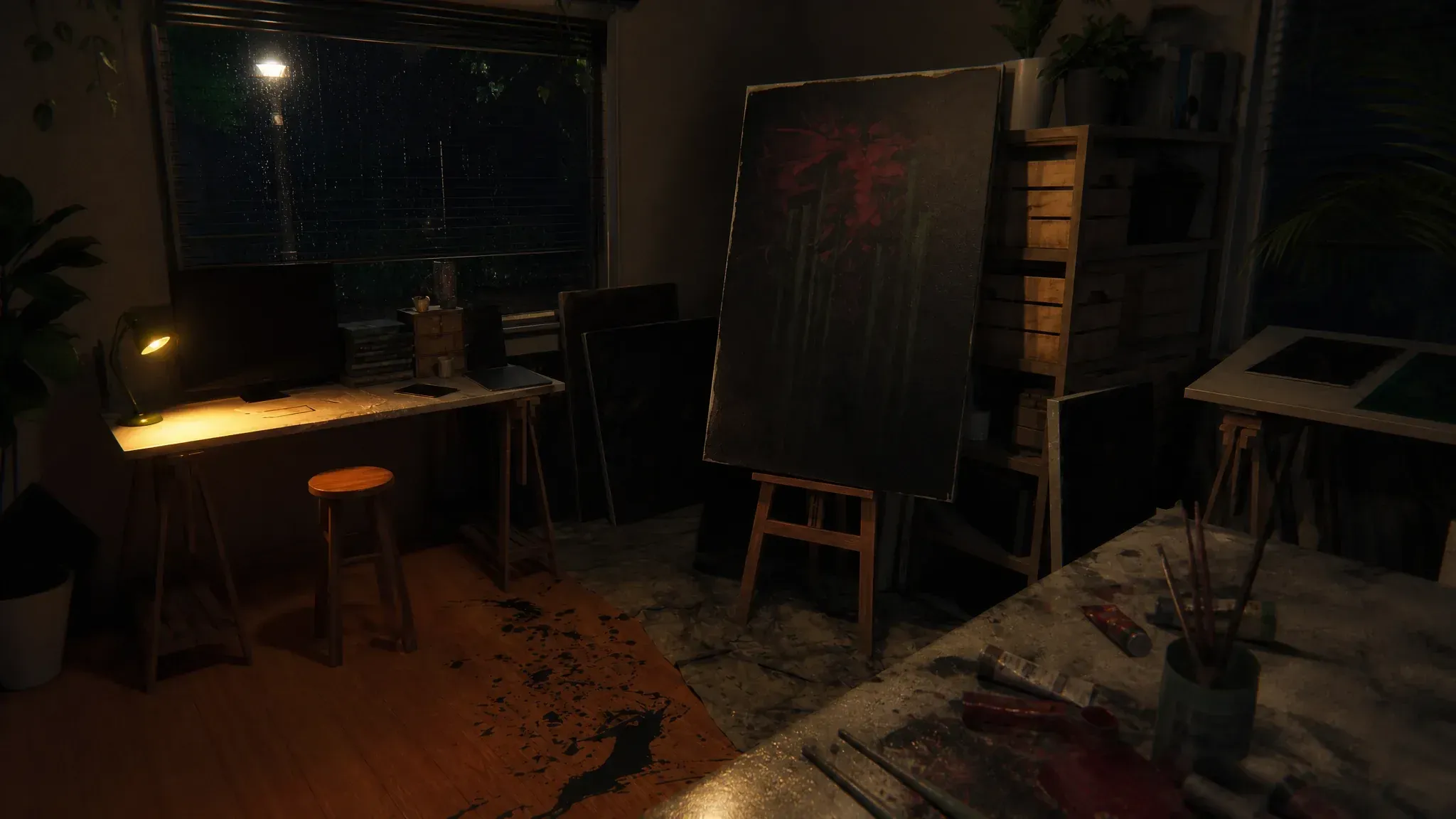
How to unlock the Cool Cat ID Card rewards
Both the static and animated Foil versions of the Cool Cat ID Card require two hours of watch time on a participating Phasmophobia channel. The event started on Tuesday, July 21 at 7:30am CDT and runs until July 28 at 5:59pm CDT, giving you roughly a week to complete the watch requirement.
After hitting the two-hour mark, the reward does not drop into your inventory automatically. You need to manually claim it from your Twitch Drops Inventory before it becomes available in-game. If you skip that step, the reward will sit unclaimed and could expire.
Which Twitch channels have drops enabled?
Not every Phasmophobia stream on Twitch qualifies. You need to watch a drops-enabled channel, which you can find by browsing the Phasmophobia category on Twitch and filtering by drops. Channels confirmed to have the animated Cool Cat Foil reward enabled include Aegis_and_Pred, Bepis, Chickuh, CoopersCharms, and crashdiet_05, among others.
The drops filter on Twitch will show you the full current list of participating creators, so check there for the most up-to-date selection.
Step-by-step summary
- Launch Phasmophobia and go to the main lobby board
- Click the Twitch Drops button at the bottom of the board
- Copy your activation code and paste it at twitch.tv/activate
- Open Twitch and find a drops-enabled Phasmophobia stream
- Watch for 2 hours (one stream at a time only)
- Go to your Twitch Drops Inventory and manually claim the reward
- Both the static and Foil animated versions use the same process
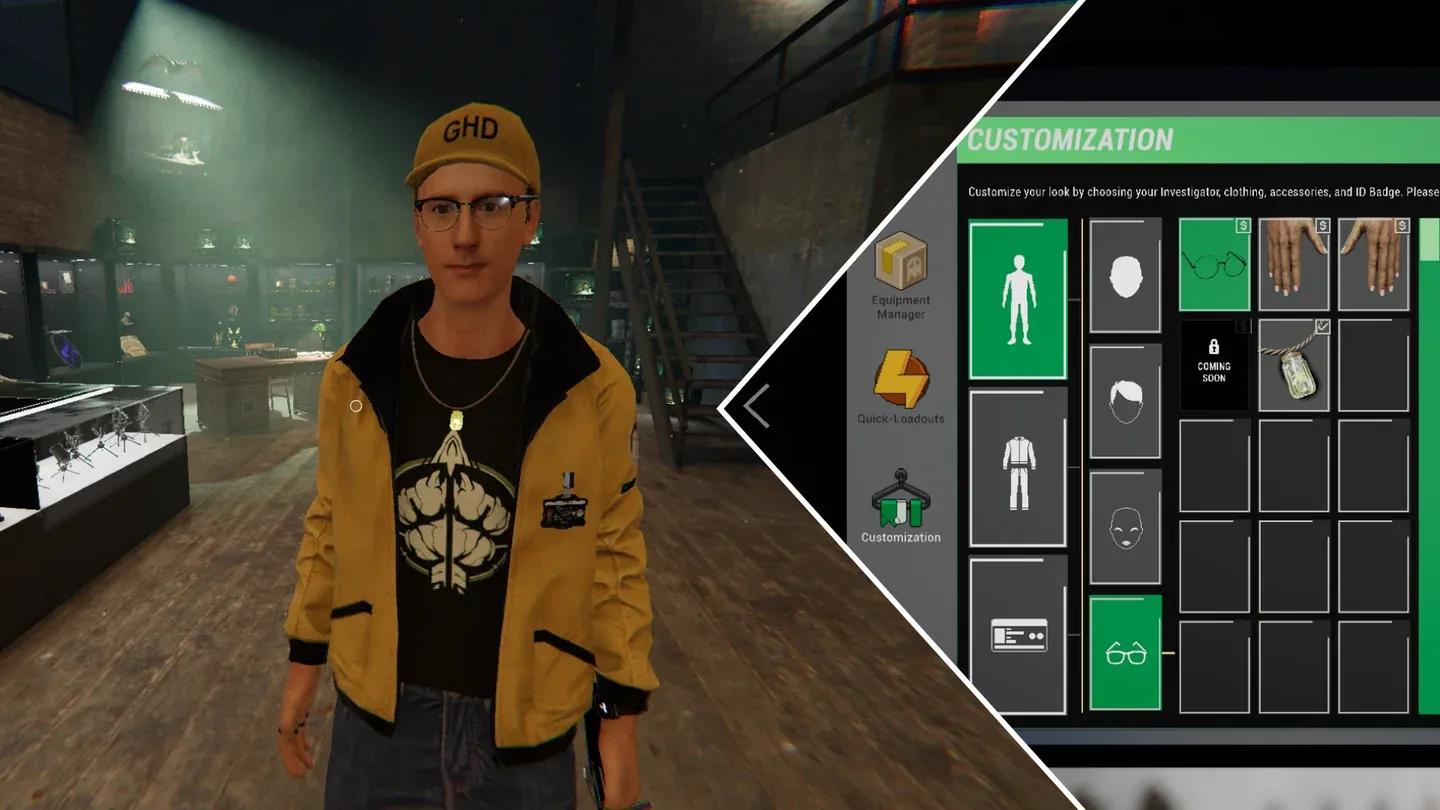
ID card badge customization screen
For more on what you can earn and do in the game beyond cosmetics, the full Phasmophobia guides collection covers everything from ghost identification to maximizing your contract payouts. If you are newer to the horror games genre and want to understand what makes Phasmophobia worth your time, that resource hub is the best starting point.