
Phasmophobia is getting its second Quality of Life update on August 25, 2026, and it addresses a lot of the friction points that surfaced after the major player character overhaul earlier this year. This isn't a content drop in the traditional sense, but the changes here will make every investigation run smoother: smaller map variants for three of the largest locations, a journal that actually keeps your whole team on the same page, on-screen duplicate media signals, and a completely rebuilt VR character rig. Here's everything you need to know before it goes live.
When does the Quality of Life Part 2 update release?
The update launches on August 25, 2026 across all platforms simultaneously. Kinetic Games hasn't locked in an exact time yet, so watch the official channels for confirmation. Based on past release patterns, expect it around 7am CT, though a small delay is always possible.

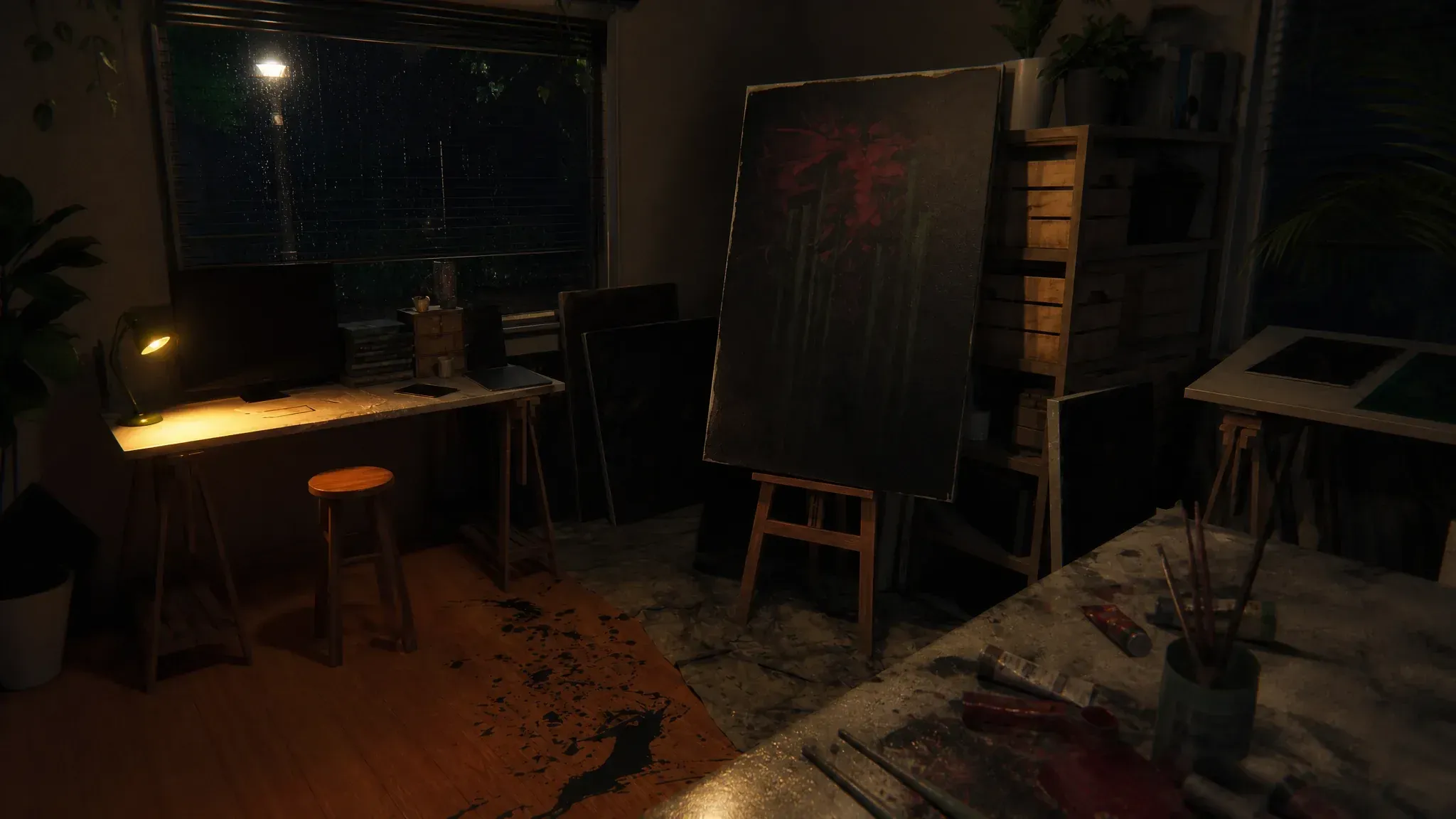
What are the new restricted map variants?
Three of the game's largest maps are getting smaller playable versions modeled after Sunny Meadows Restricted. The idea is straightforward: you get the location you enjoy without committing to a full sprawling investigation.
Here's how each restricted variant breaks down:
| Map | Variant Classification | Details |
|---|---|---|
| Point Hope Restricted | Small | Access limited to the Dining Room and the first three floors |
| Prison Restricted | Small | Single variant, randomly assigned per contract |
| Brownstone High School Restricted | Medium (x4 variants) | Four total variants randomly assigned; environmental decor outside signals which one you loaded |
Brownstone High School gets the most attention here with four map variants total after the update. The random assignment keeps things unpredictable, and the small piece of environmental decor outside each restricted version tells you which variant you're on without needing to explore to figure it out.
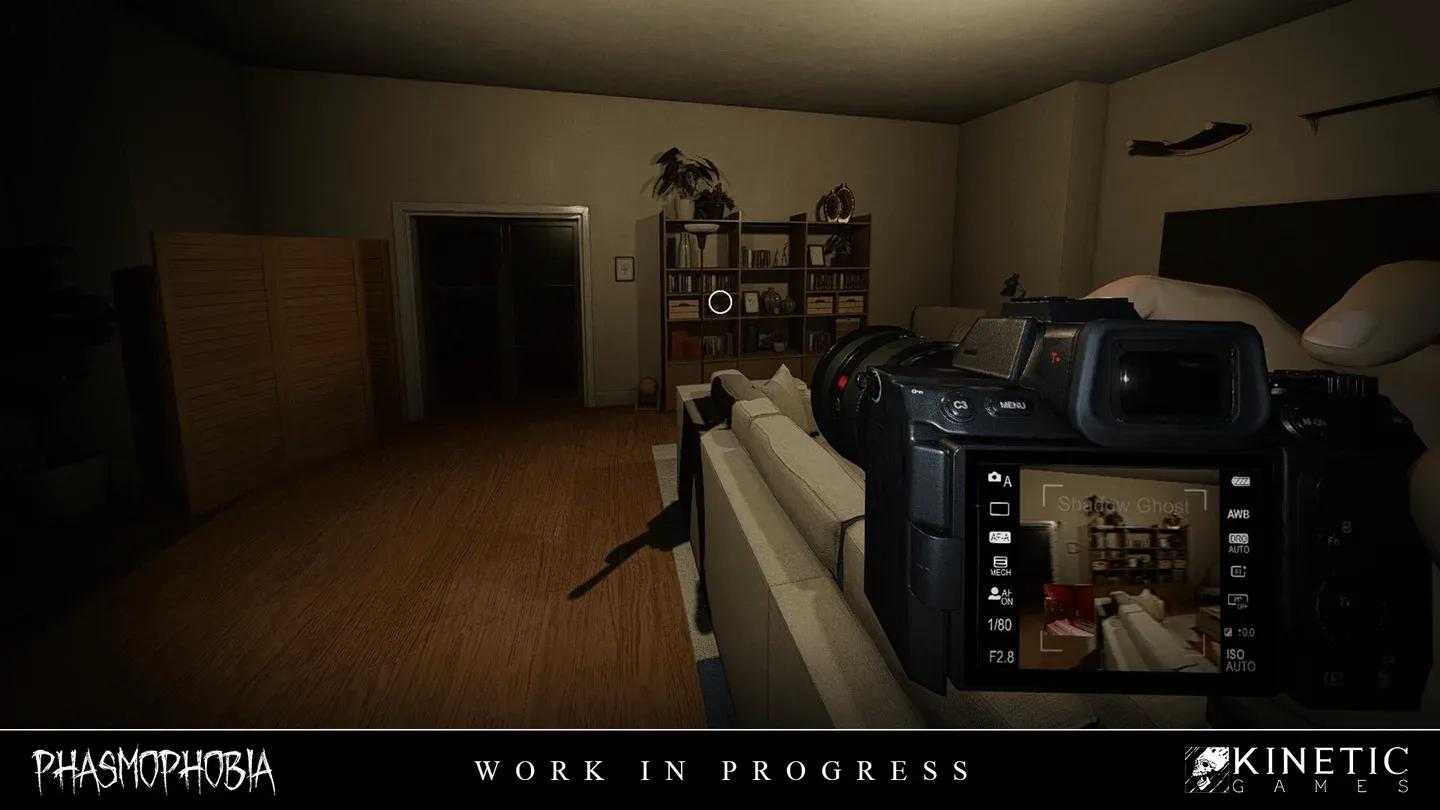
New restricted map options
How do duplicate media signals work?
Since the Chronicle update, the unique and duplicate media system has been part of the game, but checking whether a capture was a duplicate meant opening the journal every time. The QoL Part 2 update puts that information directly on your equipment.
The indicators vary by gear tier:
- Tier 1 Photo Camera: Displays a yellow LED light on the device
- Tier 2 and Tier 3 Photo Cameras: Shows a faded overlay instead of the usual bold white text
- All tiers of Video Camera: Faded text overlay in place of bold white text
- Tier 1 Sound Recorder: Volume indicators dim in brightness
- Tier 2 and Tier 3 Sound Recorders: Sound waves display faded rather than at full intensity
This is genuinely useful during active hunts when you don't have time to flip through the journal. Knowing immediately whether a capture is a duplicate lets you move on and prioritize unique evidence without breaking your rhythm. For a deeper look at maximizing your evidence income, the Phasmophobia media guide covering photos, video, and sound rewards is worth reading alongside this update.
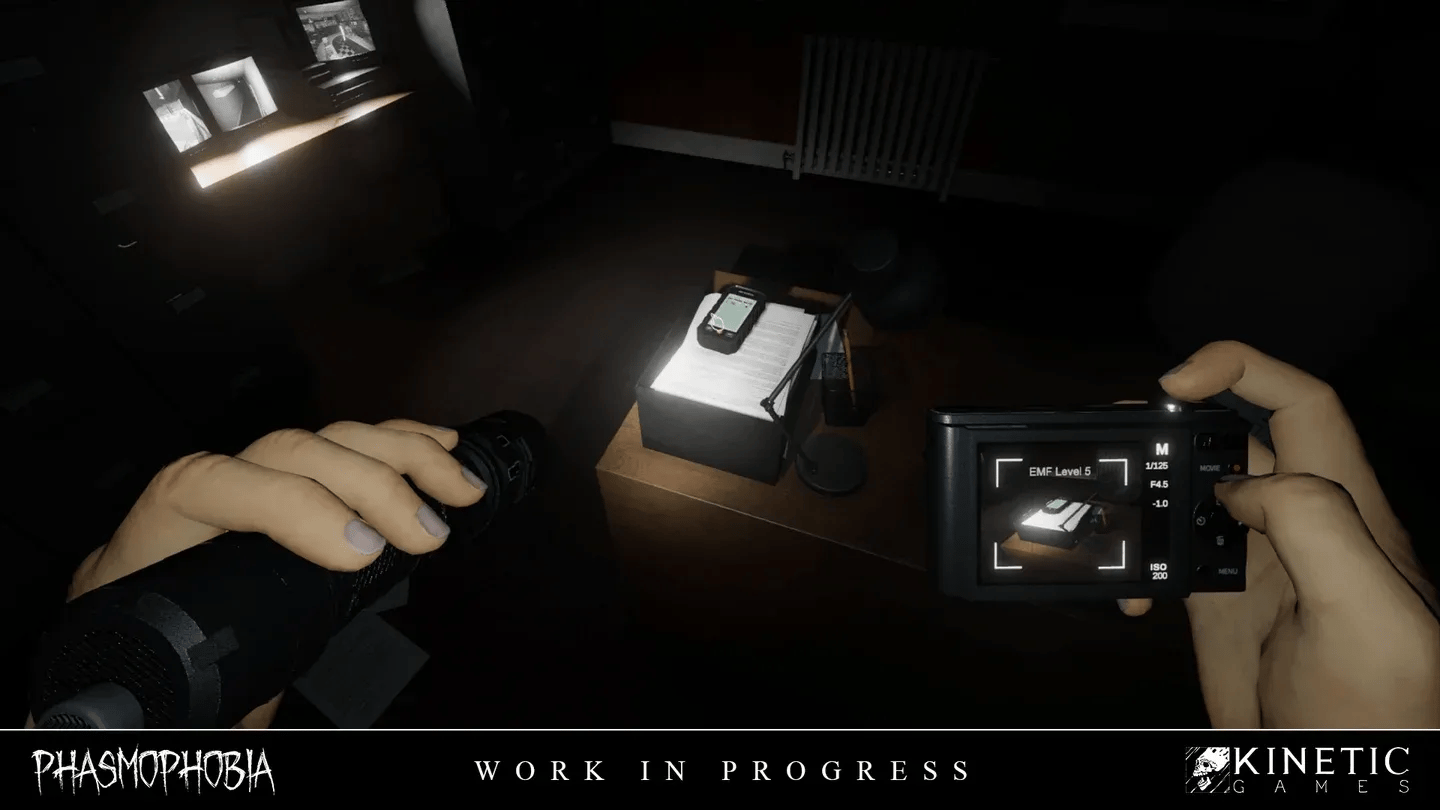
Duplicate LED on Tier 1 camera
What's changing in the journal?
The journal gets two meaningful updates that reduce the back-and-forth communication tax in multiplayer.
Shared evidence and ghost type selections are now visible to every player in their own journal. You can see what evidence your teammates have logged and which ghost type they're leaning toward without asking over voice chat. This is especially useful when the team splits up across a large map and syncing information mid-investigation slows everything down.
The Keys section has been replaced entirely with an Items We've Found section. This new page lists collected items in the order they were picked up, including keys, the bone, and seasonal event collectables. A gender symbol (♀/♂) now appears next to the ghost's name on the same page, which helps players identify male and female ghost names more quickly, particularly useful for non-English speaking players.
Can you pick the ghost type in custom matches?
Yes. Custom Difficulty now includes the option to manually select which ghost type you face. The setting appears in the Ghost options when setting up the contract. The multiplier for any run using this option is set to 0, meaning no XP or achievement progress, but it's the cleanest way to study a specific entity's behaviors and tells without the randomness of a standard contract. If you want to know which ghosts are worth studying first, the Phasmophobia ghost tier list ranking every spirit gives you a solid starting priority.
What's new for VR players?
The VR character rig is being completely replaced across all platforms. The rebuilt rig delivers more responsive movement that tracks closer to your actual body, improved arm length accuracy on the character model, and better visual fidelity when playing alongside VR users. Several recurring VR-specific issues are also being addressed, with the full list of fixes arriving in the patch notes on release day.
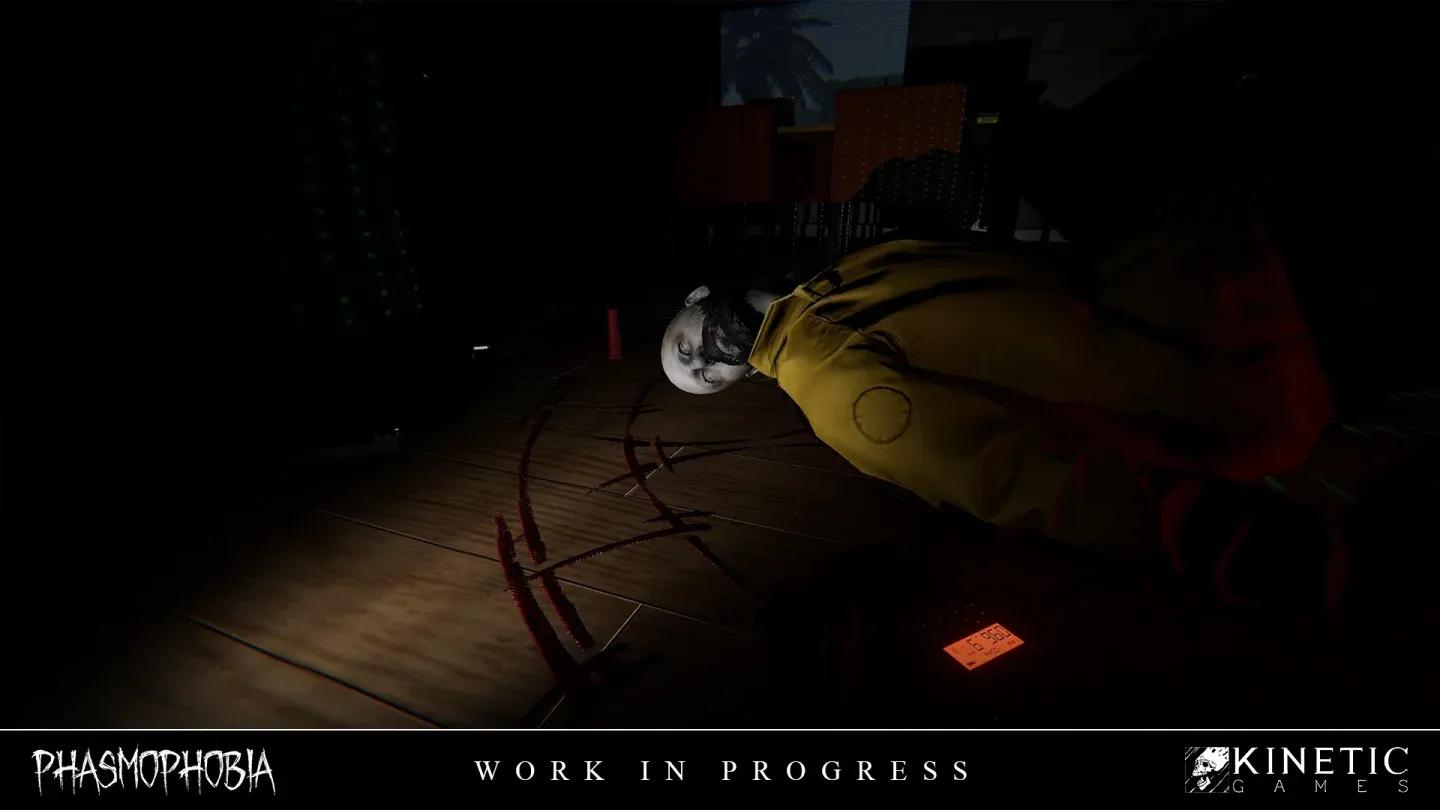
Rebuilt VR character rig
What other changes are included?
Beyond the headline features, a handful of smaller but practical changes round out the update:
- Dead player appearance: Dead bodies now display greyer skin and misty white eyes. Other players see the same visual when looking at a deceased teammate.
- Voice chat cutoff on death: A player's voice chat now cuts the moment their neck snaps in the death animation, not at the end of the sequence.
- Spirit Box interaction: Players using Text Voice Recognition Mode can now interact with a Spirit Box they aren't physically holding.
- Tier 1 Igniter: Pressing use while holding a lit Tier 1 Igniter immediately uses another without waiting for the animation to finish.
- Truck repositioning: The truck has been moved closer to the main entrance on both Brownstone High School and Prison.
- Journal on death: Opening the journal for the first time after dying automatically lands on the Evidence page.
- Speaker icon fix: The speaker icon on ID cards now works for all players, including the local player.
- Legacy Badge section: A new Legacy Badge section in the Customisation shop lets players with a Legacy Badge edit it at any time.
- Training whiteboard: A 'Hold Use' sticky note has been added to Training whiteboards.
- Unique video evidence text: Shower and fuse box interactions now have distinct video evidence text.
The voice chat cutoff change is worth highlighting specifically. Previously, a dying player's mic stayed live through the full death animation, which could accidentally give away information to teammates still inside. The new behavior cuts communication the instant the ghost makes contact, which keeps things honest and a bit more tense.
Getting ready for August 25
The restricted map variants alone make this a worthwhile update for anyone who avoids Prison or Brownstone High School purely because of their size. The shared journal data removes one of the more annoying coordination problems in multiplayer, and the duplicate media indicators mean less journal checking during time-sensitive moments.
If you want to get the most out of the update when it drops, brush up on the player character update changes that this patch builds on, and check the full Phasmophobia strategy guides collection for everything else you might need before your next investigation.