
Grinding in Anime Last Stand can eat hours of your time, especially when you're trying to stack gems, upgrade units, and summon repeatedly. Scripts give you a way to automate all of that, running the game in the background while a GUI handles the repetitive work. This guide covers the working scripts available right now, what features each one unlocks, and exactly how to run them on Roblox.
What do Anime Last Stand scripts actually do?
Scripts connect to a dedicated GUI overlay that gives you toggle controls for automation features the base game doesn't offer. Once a script executes, you get a menu with switches for things like auto farming, auto selling, and auto summoning. Instead of clicking through waves manually, the script handles it.
Here's a breakdown of the features available through the current working scripts:
| Feature | What it does |
|---|---|
| Auto Farm | Automatically plays through stages and collects drops |
| Auto Sell | Sells units or items without manual input |
| Auto Upgrade | Upgrades units as resources allow |
| Infinite Gems | Modifies gem count for summoning |
| Auto Start | Begins waves automatically without pressing start |
| Auto Summon | Pulls units repeatedly without manual tapping |
| Auto Abilities | Activates unit abilities on cooldown |
| Auto Units | Manages unit placement automatically |


Working scripts for Anime Last Stand
These two scripts were verified as working as of early June 2026. Paste one at a time into your executor's script box.
Script 1:
loadstring(game:HttpGet("https://raw.githubusercontent.com/ScriptBrv/OHU/refs/heads/main/OHU.md",true))()
Script 2:
loadstring(game:HttpGet("https://raw.githubusercontent.com/buang5516/buanghub/main/animeLastStand.lua"))()
Both scripts load a GUI with the full feature set listed above. If one stops working, try the other, since script repositories can go offline without notice.
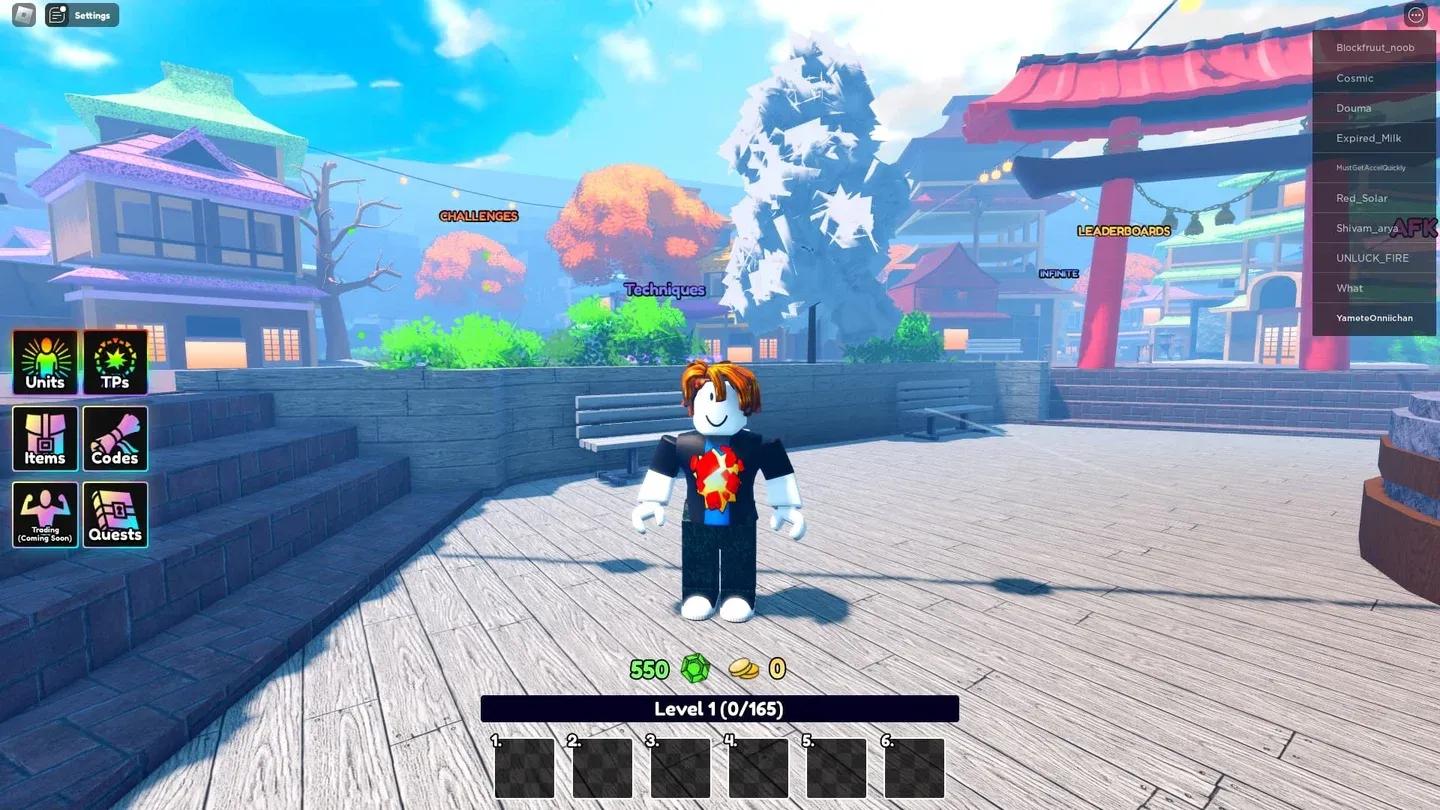
Pasting script into executor
How to run Anime Last Stand scripts step by step
Running scripts requires a Roblox executor. The most commonly used options include Arceus X, KRNL, Fluxus, Script-Ware, Script-Ware M, and Synapse. The process is the same across all of them.
- Download and install your chosen Roblox executor.
- Open the executor and log in with your Roblox account (use a secondary account).
- Launch Anime Last Stand through Roblox and load into a session.
- Open the executor while the game is running and click the executor icon.
- If prompted, copy and enter the required key to unlock the executor.
- Open the Script Hub inside the executor.
- Paste one of the working scripts above into the script input box.
- Click Execute.
- The GUI should appear in-game. Toggle the features you want to enable.
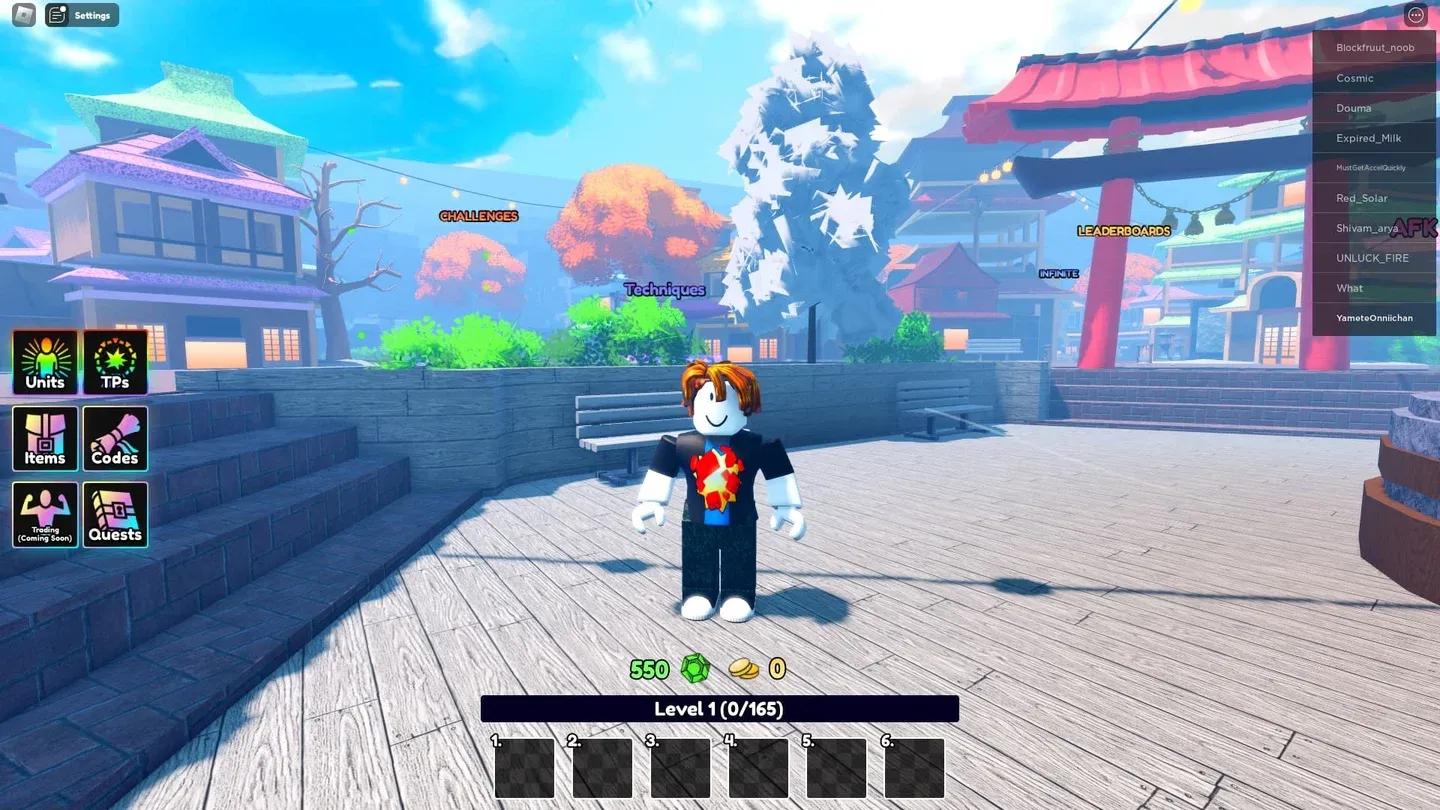
Script Hub inside executor
What features are worth using?
Auto Farm and Auto Upgrade together cover the bulk of passive progression. Auto Farm keeps you earning drops and currency without active play, while Auto Upgrade ensures your units stay at their strongest without manual intervention.
Auto Summon is the most time-saving toggle for players focused on pulling new units. Combined with Infinite Gems, it removes the bottleneck that makes summoning feel slow in the base game.
If you want to get more out of the units you already have, check the Anime Story 2 tier list for a solid reference on how unit rankings work across similar Roblox anime games, and use that context to decide which units are worth investing upgrade resources into.
Should you use scripts at all?
That depends entirely on what you want from the game. Scripts cut out the grind, but they also cut out the progression loop that makes earning strong units feel rewarding. Testing the auto farm feature across several sessions shows that it's genuinely effective at stacking resources fast, but the game becomes passive almost immediately.
For players who've already hit a wall on a specific resource or want to catch up to friends, scripts are a practical shortcut. For players still working through the main content, grinding manually keeps the game engaging longer.
If you're looking to get more out of legitimate gameplay, the Roblox guides collection has strategy content across a range of Roblox titles that can help you progress without automation.