

The Division 2's Y8S1 Proficiency XP event is live in Week 2, and it hands you a limited window to push gear levels at a significantly faster rate than normal. The system works differently from standard XP, so knowing exactly how to feed it makes a real difference between a productive session and spinning your wheels.
How does Proficiency XP work in The Division 2?
Proficiency XP is gear-specific, not tied to your agent level. The event accelerates progress through three distinct methods:
- Completing activities while wearing non-proficient gear earns XP automatically.
- Donating materials at the Tinkering Station in your base of operations feeds XP directly into that gear.
- Donating duplicate copies of non-proficient gear also converts into Proficiency XP.
The key distinction here is that gear already at max proficiency gives you nothing. You need to be actively running items that still have levels to gain, otherwise the event's accelerated rate goes entirely to waste.
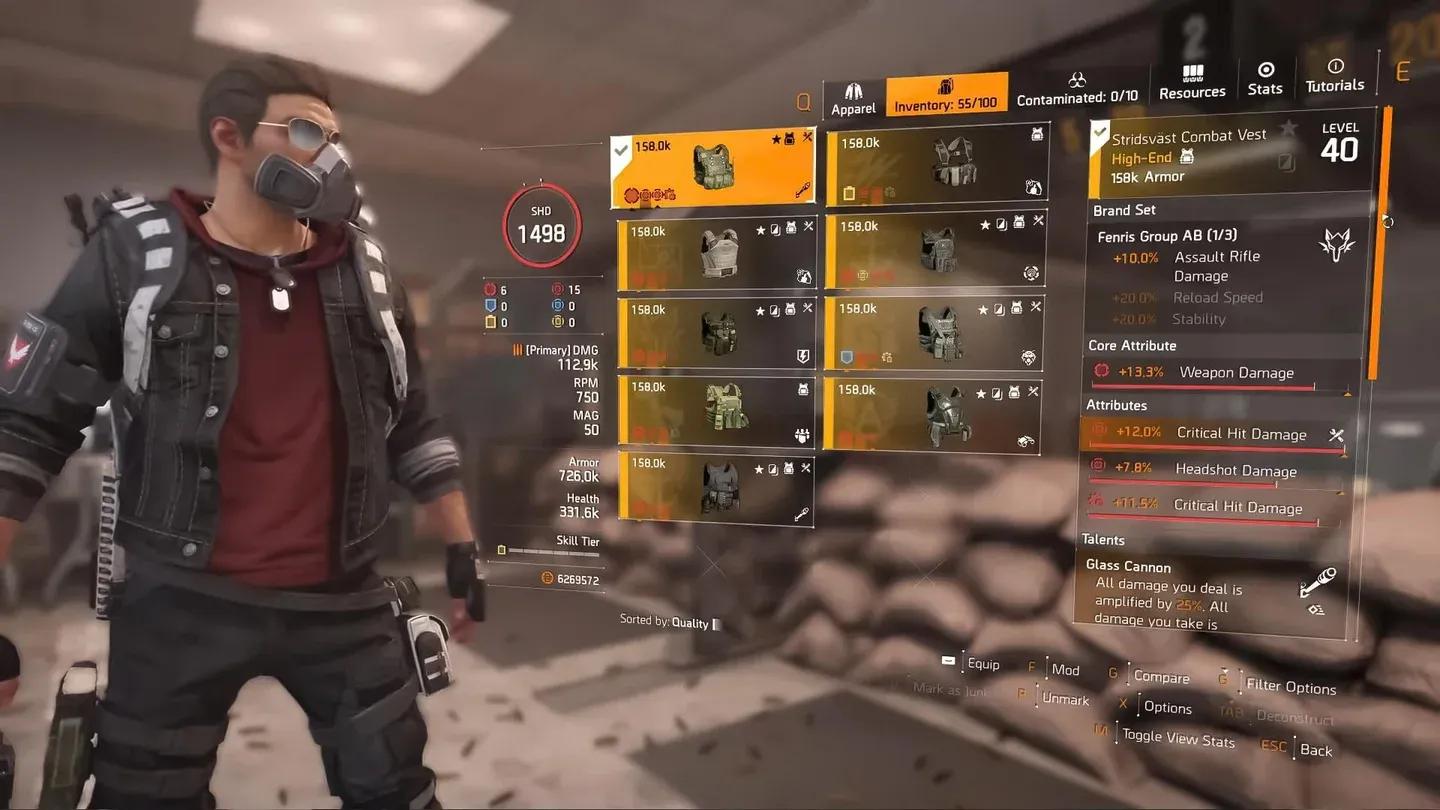
Proficiency level progress screen


What are the best activities to farm Proficiency XP?
Not every activity is created equal here. Summit and Countdown are the two modes you should prioritize. Both generate high volumes of loot drops, which translates directly into junk you can feed into the Tinkering Station.
The logic is straightforward: more loot drops mean more raw material for donations, which means more Proficiency XP per hour. Running story missions or open-world content produces far less junk density by comparison.
Difficulty also matters. Running these modes at higher difficulty settings amplifies your gear growth rate, so push the challenge level as high as your build can handle without slowing your clear speed to a crawl.

Countdown mode activity select
Step-by-step farming method
Here's the most efficient loop to run during the event:
- Equip gear that has Proficiency XP remaining.
- Set your targeted loot to the weapon category you want to level.
- Clear your inventory slots so loot can fill them during the run.
- Run Summit or Countdown on the highest difficulty you can clear efficiently.
- Return to base when your inventory fills up.
- Head to the Tinkering Station and select "Donate all Junk".
- Repeat.
The "Donate all Junk" option is the fastest way to process your haul. Manually sorting through drops and deciding what to keep slows the loop considerably, and during a timed event that friction adds up.
Why the event window matters
The accelerated Proficiency XP rate only applies while the event is active. Once the event ends, you're back to standard rates. If you have multiple weapons or gear pieces sitting at low proficiency, now is the time to address them all, not just your main loadout.
Prioritize the gear you actively use first, then work through secondary pieces if time allows. There's no point in rushing proficiency on items you'll never equip.
For more The Division 2 tips and strategies across other games, browse more guides on GAMES.GG to keep your builds sharp.