Search games, articles, guides...CtrlK
Sign InGet Started
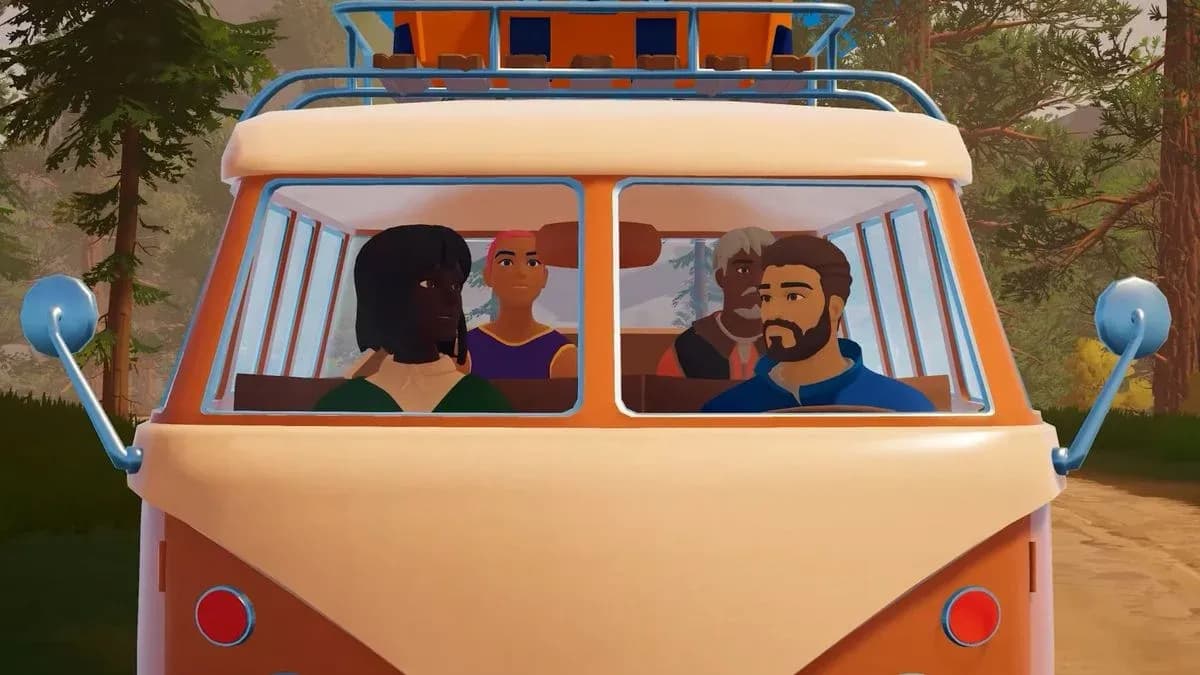
Learn how to unlock co-op, share lobby codes, and understand shared progression in Outbound's 4-player multiplayer.

Written by Larc
Content Writer
See more GAMES.GG guides on Google
Add us as a preferred source and our guides show up first in your results.
Outbound Axe Guide: How to Get, Craft, and Use It
Learn how to unlock, craft, and use the Axe in Outbound to chop logs and dead trees for wood materials.
Outbound Scrap Metal Guide: Where to Find It and What It Builds
Find Scrap Metal fast in Outbound by hitting Signal Towers, managing supply caches, and keeping a reserve for key workstations.
Outbound Resources Guide: Every Material and How to Get It
Every resource in Outbound, where to find it, and how to collect it across all four biomes and power systems.
Outbound is a cozy open-world camper van adventure that supports online co-op for up to four players total. The catch is that multiplayer doesn't open immediately. You need to clear a short tutorial sequence before the host option becomes available. Once that's done, getting friends into your session takes under two minutes. Here's everything you need to know about hosting, joining, and what happens to your progress when you play together.
Multiplayer in Outbound is gated behind the opening tutorial on the host's save file. You cannot generate a lobby code or send invites until the host has completed the intro sequence and opened the first barrier on the road. That barrier is a red-and-white gate that gets repaired using a Wrench I, which you craft from three scrap metal pieces at the van's workbench.
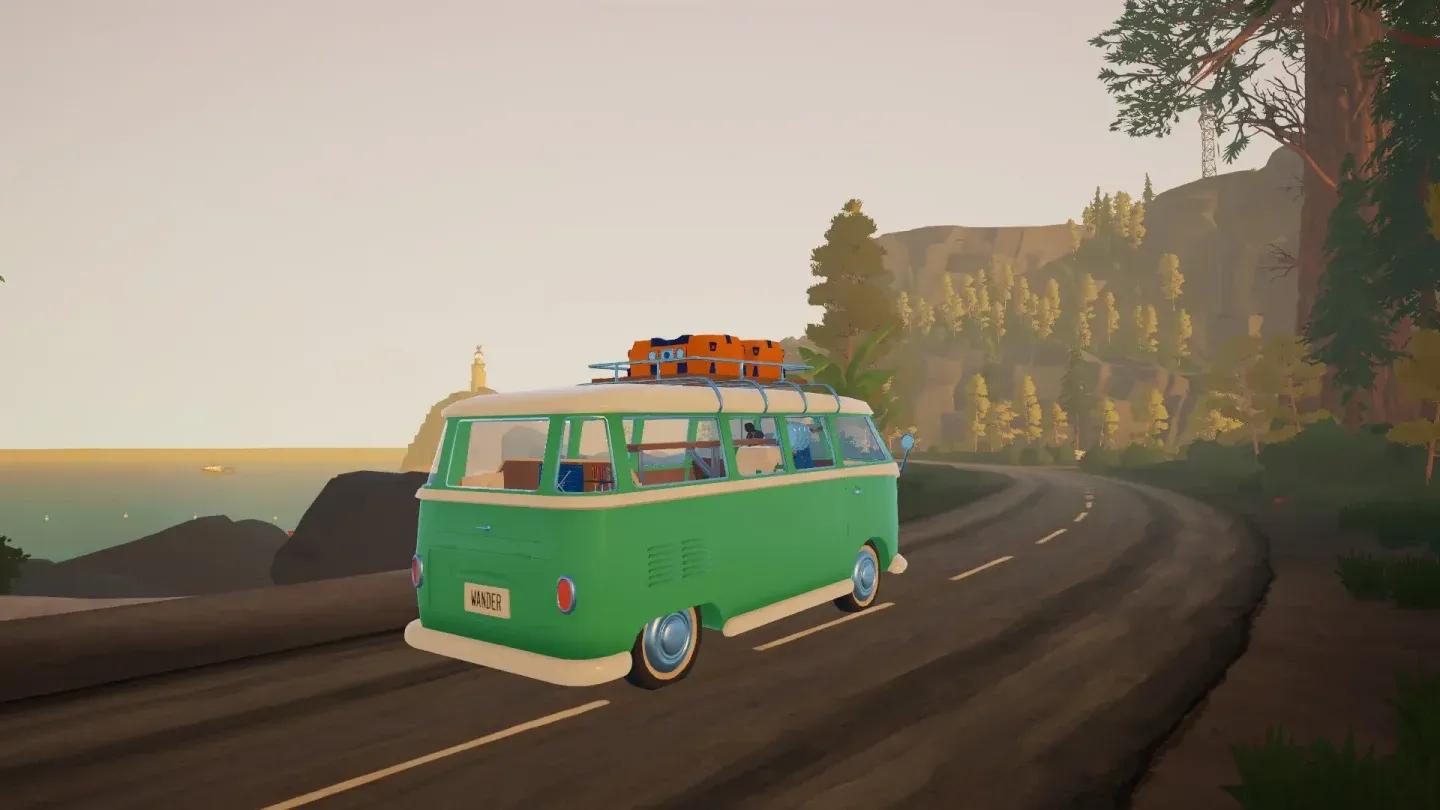
Outbound multiplayer session screen
Here's what every player needs before anyone can connect:
The entire opening sequence takes only a few minutes. Follow these steps on the host's save:
Once that gate is open, multiplayer stays unlocked for the rest of that save. Any new friend can drop in later using the same process.
On Steam and Epic Games Store, the lobby runs on a copy-and-paste code rather than a platform friend list. Here's the hosting process:
On PlayStation 5, Xbox Series consoles, and Nintendo Switch 2, the process uses direct platform invitations instead. Open the multiplayer tab, choose Host Session, then select Invite to pick friends from your platform's friends list.
Joining is straightforward on PC. You need the code from the host before you start:
You do not need to load an existing save first. The Join Friend option sits on the main menu, and entering the code there is the only way it works. Entering a code from inside an existing save will not connect you to another player's session.
A few practical notes that save confusion later. All downloaded blueprints and upgrades unlocked during a session are tied to the host's save. Tools and furniture unlocked on that save are shared for everyone during the session, meaning guests can craft anything the host has already unlocked. The van's storage panel is accessible to all players, so coordinating who carries what matters for efficient resource use. If you want a guide on how to deposit materials into your van correctly, that's worth reading before your first co-op run.
For the full collection of tips covering everything from van setup to crafting, the Outbound guides hub has you covered.