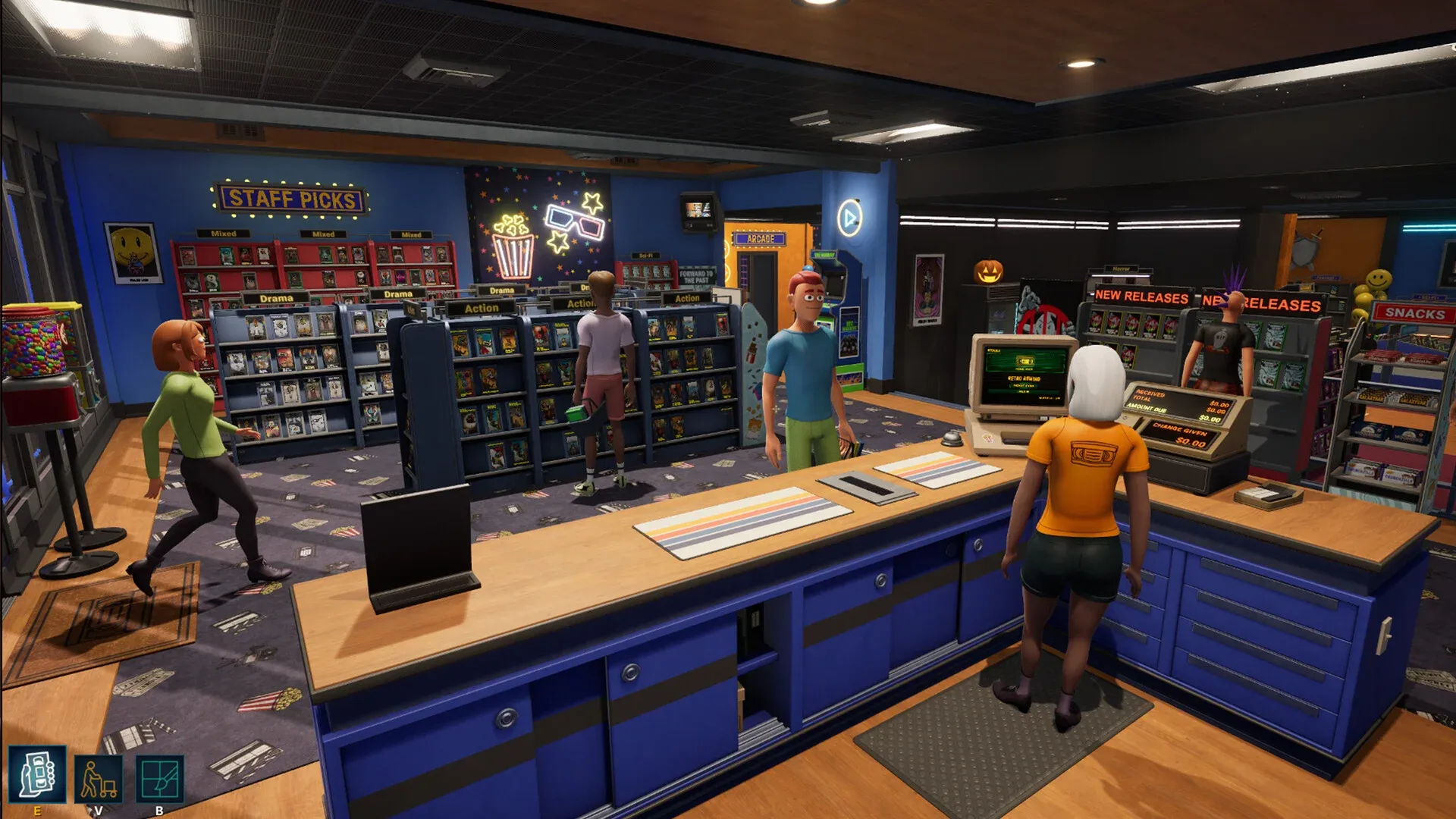


Running the return desk in Retro Rewind - Video Store Simulator is satisfying until the scanner starts lighting up orange for every rewind check, broken tape, or reservation flag. The Returns QoL mod fixes exactly that. It intercepts those scans at the hook level and converts them into clean green check-ins, keeping the scanner light and your computer display synchronized without triggering any of the follow-up employee actions you're trying to avoid.
What does the Returns QoL mod actually do?
The mod gives you direct control over four specific return-desk behaviors that vanilla Retro Rewind handles with interrupting scan results. Each one can be toggled independently through a single config file.
Broken tape scans normally flag a return and demand attention. With CanBreak set to false, those returns scan green and check in like any normal tape. Rewind scans work the same way: set AllowRewinding to false and the scanner stops requiring a rewind before accepting the return. Reservation scans at the dropbox scanner get the same treatment via CanReserve. The fourth toggle, AllowLateFees, is optional. When disabled, late fee returns scan green with no fee interaction triggered at all, and both the scanner light and the computer popup stay consistent.
The key improvement in version 1.0.3 was a complete rewrite of the scanner interception. Earlier versions hooked tape state directly, which meant rewind returns would still flash orange even when the mod was supposed to block them. The current approach hooks at the result level instead, which is why the scanner light and computer screen now match reliably for every blocked return type.
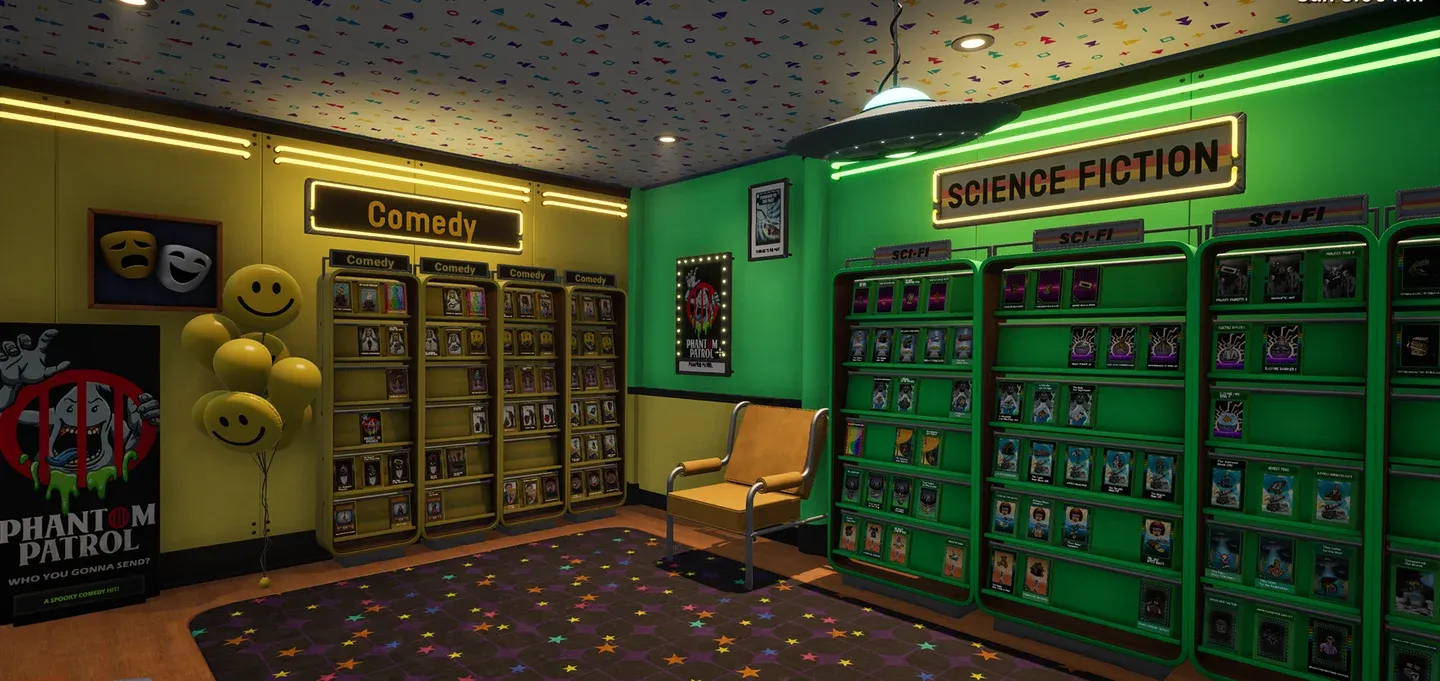
Clean green check-in result
How do you install Returns QoL?
The mod requires UE4SS v3.0.1 or newer as a dependency. If you haven't already installed UE4SS for Retro Rewind, that comes first.
Once UE4SS is in place, installation is three steps:
- Download the Returns QoL folder.
- Drop the entire Returns QoL folder into RetroRewind\Binaries\Win64\ue4ss\Mods.
- Launch the game.
There's no save data modification involved. The mod uses native game hooks and does not touch your existing progress.
Configuring the mod: what each option controls
All settings live in Scripts/config.lua inside the Returns QoL folder. Open it in any text editor. The default config looks like this:
- Debug = false
- Enabled = true
- CanBreak = false
- AllowRewinding = false
- CanReserve = false
- HookDelayMs = 3000
Here's what each toggle does in practice:
The HookDelayMs value (default 3000) controls how long the mod waits after launch before activating its hooks. Leaving it at 3000 milliseconds works for most setups.
Is Returns QoL compatible with other mods?
The mod is explicitly compatible with Phone QoL, which is the other major quality-of-life mod for Retro Rewind. When both are loaded, the mods avoid double-hooking the same scan events. Reservation scan handling specifically defers to Phone QoL if it detects that mod is present.
Beyond Phone QoL, Returns QoL uses native game hooks rather than modifying any game files or save data, which keeps its compatibility footprint small. Version 1.1.0 added StatHead compatibility as well.
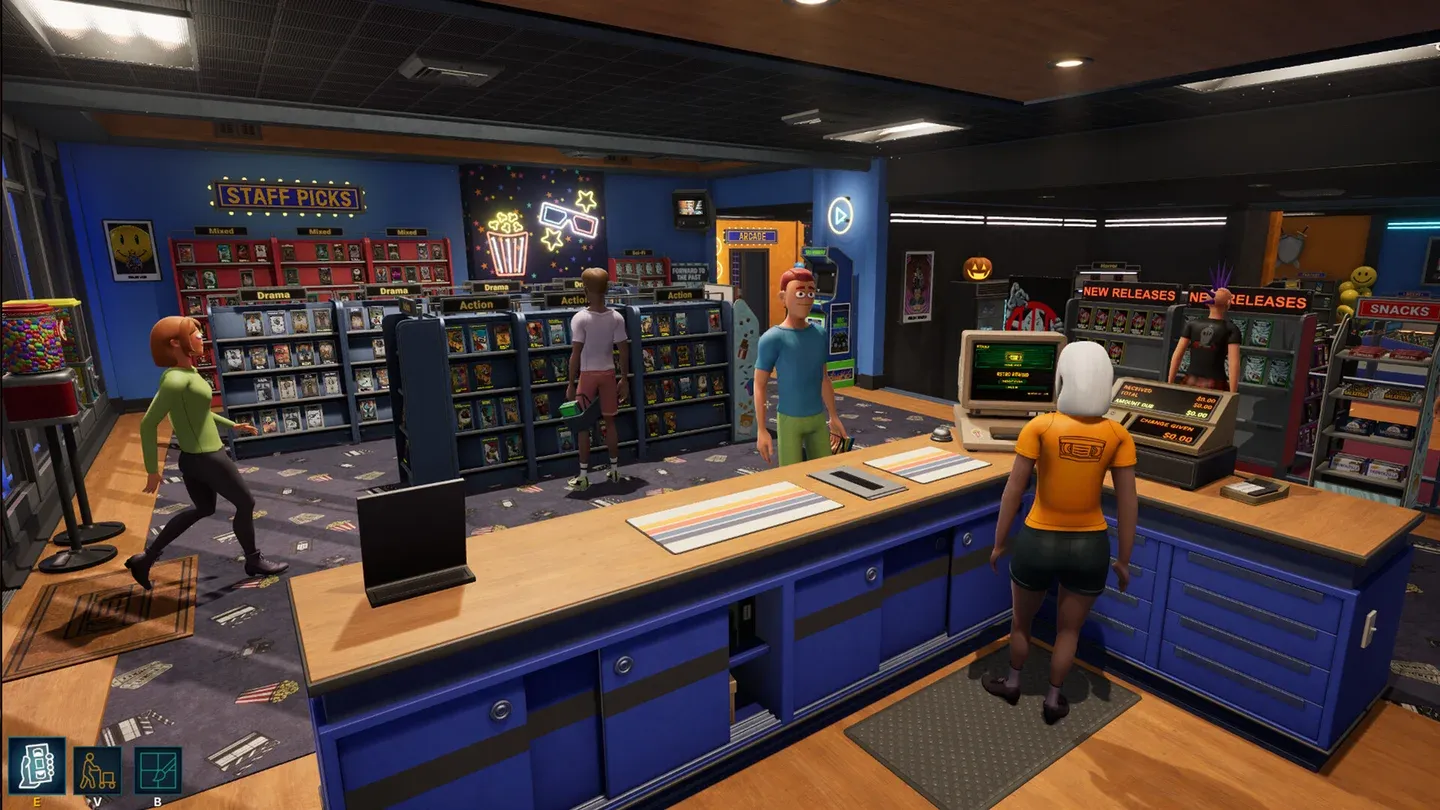
Scanner and screen stay in sync
Why bother with return desk mods at all?
Retro Rewind is one of the more detail-oriented casual games out there, and that detail is mostly what makes it enjoyable. The return desk mechanics exist for a reason. But after a few hours of play, the interruptions from rewind checks and reservation flags stop feeling like gameplay and start feeling like friction. Returns QoL doesn't remove the simulation depth; it just lets you decide which interactions are worth your attention and which ones aren't.
The mod has been downloaded over 470 times with zero reported bugs as of its current version, which is a reasonable signal that it's stable for everyday use.
For more strategies and mod recommendations across the full game, the Retro Rewind - Video Store Simulator strategy guides collection covers everything from store layout to customer management.