
RuneScape: Dragonwilds launched its full 1.0 release on September 15, 2026, bringing crossplay support across PC (Steam, Epic Games Store, Jagex Launcher), PS5, Xbox Series X|S, and Nintendo Switch 2. That means your friend on a PS5 can finally join your PC world without any platform restrictions getting in the way. The setup is straightforward once you know where to look, but there are a few settings you need to enable manually before anyone from a different platform can connect.
Does RuneScape: Dragonwilds have full crossplay?
Yes. Every platform that runs Dragonwilds can play together in the same world. PC players on Steam, Epic, or the Jagex Launcher, console players on PS5, Xbox Series X|S, and Nintendo Switch 2 can all join a single session. Crossplay is not enabled by default for every world type, though. The host has to turn it on, and the process differs slightly depending on whether you're running a standard co-op session or a dedicated server.


How to enable crossplay and invite friends
The invite code system is the fastest way to get a cross-platform group together. Here's the full process:
Setting up your world as host
- From the main menu, select Play, then choose Online.
- Either load an existing world or create a new one. With your world highlighted, select Edit Settings.
- Under the Privacy setting, choose either Friends (invite-only) or Public (open server browser).
- Once either option is selected, a crossplay toggle appears. Enable it.
- Enter your world, then open the pause menu. In the top-right corner you'll see INVITE CODE: followed by an alphanumeric code in the format XXXX-XXXX. Send that code to your group.
Joining a friend's world
- From the main menu, select Play, then Online.
- In the bottom-right corner of the world browser screen, press the Invite Code prompt.
- Type the code your host shared and hit OK. You'll drop straight into their world.
For the Friends tab method, the joining player selects Play > Online > Friends, finds the world in the list, chooses Enter World, and types the world password set by the creator.
What is the max party size in RuneScape: Dragonwilds?
Party size depends on which multiplayer mode you're using:
| Mode | Max Players | Notes |
|---|---|---|
| Standard co-op (online) | 4 | Default multiplayer mode |
| Dedicated server | 6 | Requires sufficient host RAM |
For dedicated servers, the RAM requirements scale with player count:
- 2 players require 3 GB RAM
- 4 players require 4 GB RAM
- 6 players require 5 GB RAM
How does crossplay work on dedicated servers?
Dedicated servers support crossplay, but it requires a manual configuration step on the server side. Navigate to SteamLibrary\steamapps\common\RuneScape Dragonwilds Dedicated Server\RSDragonwilds\Saved\Config\WindowsServer on the PC hosting the server, open the DedicatedServer.ini file, and confirm the line reads PlatformPolicy = Crossplay. Without that setting active, players on different platforms won't be able to connect to the server.
Once crossplay is confirmed in the config, the invite code system works the same way as standard co-op. Share the code, and anyone on PC or console can join.
What to check if you can't join a crossplay session
Connection issues almost always come down to one of four things:
- Crossplay not enabled: The host needs to confirm the toggle is active in world settings, not just assumed.
- Wrong or expired invite code: Codes refresh when the host reloads the world. Get a fresh one from the pause menu.
- Outdated game version: All players need the same version installed. Check for updates on your platform before trying again.
- Password mismatch: For password-protected worlds, confirm the exact password with the host, including any capitalisation.
Getting the most out of crossplay sessions
With a full group of four (or six on a dedicated server), coordination matters more than it does solo. A few things worth sorting out before you push into tougher content:
- Assign roles early. The 1.0 update adds Ancestral magic robes, Black Dragonhide ranger gear, and Rune and Dragon armour, so your group can genuinely specialise across melee, ranged, and magic.
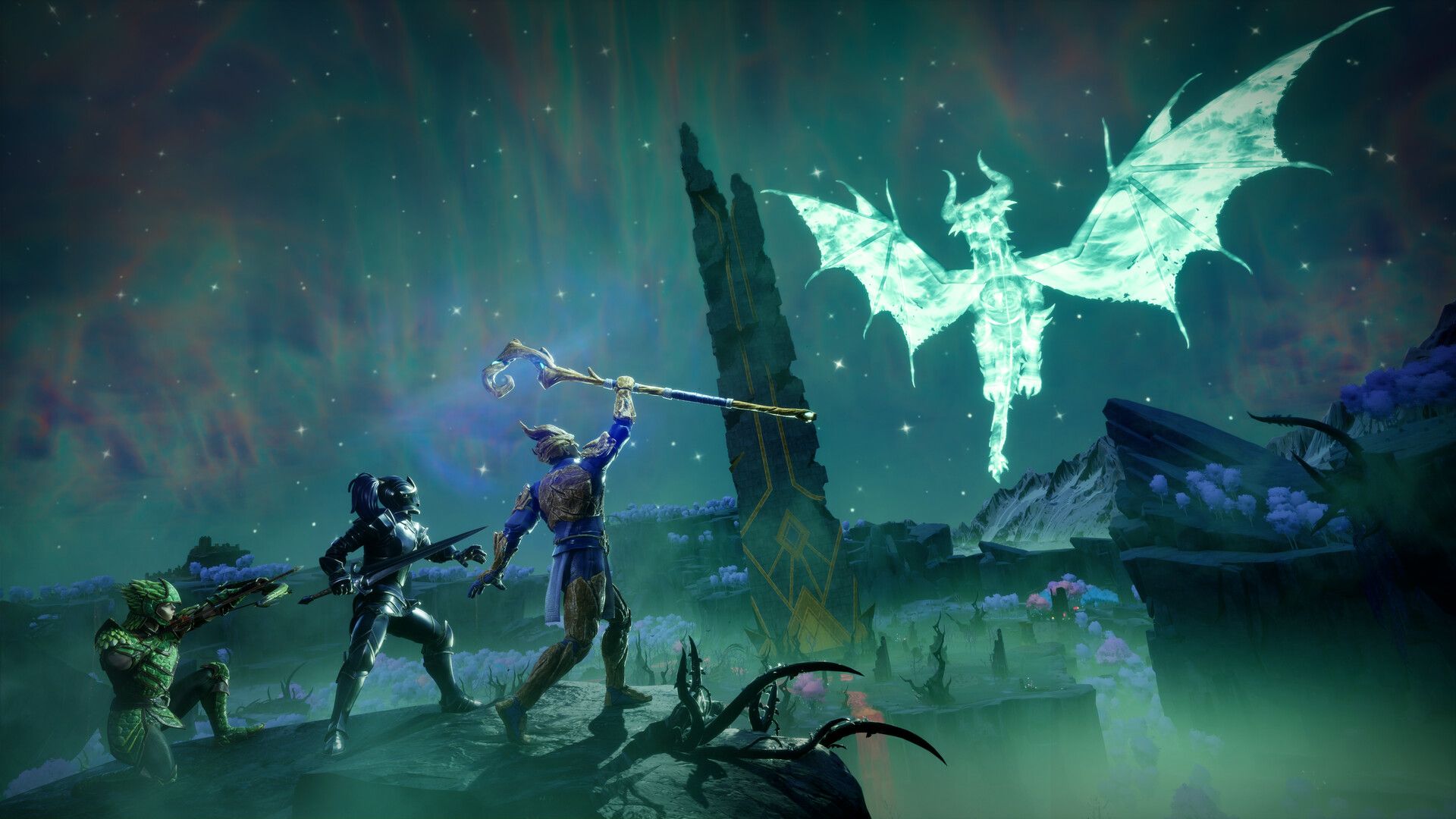
- The new Scorned Wilderness region and its Raid zone are group content by design. Going in under-geared wastes everyone's time.
- New combat mechanics including Sprint Attacks, Visceral Attacks, and the Special Attack Bar reward groups that communicate cooldowns. Check out the full combat breakdown to get everyone on the same page before your first raid attempt.
- If anyone in your group is new to the game, pointing them at a solid beginner's guide before your first session saves a lot of time explaining basics mid-run.
For everything else you need to survive and progress once your group is in, the full RuneScape: Dragonwilds strategy guides cover crafting stations, skill priorities, boss fights, and more.