
The best mods for Moon Sweepers depend on which job is wearing you down. Work Area Lines helps you stop missing dusty strips, Team Upgrades shares purchases across your crew, and Better Building takes the friction out of factory construction. If robots keep wandering off, J.O.O.N.A.S. Control Center is the practical pick. Start with the mod that fixes your biggest annoyance, then decide how much you want to change progression. A lane overlay and a 3x income multiplier solve very different problems.
Which Moon Sweepers mods should you install first?
Work Area Lines is the best starting point for vehicle cleaning because it makes your cleaning width visible without increasing it. For a regular co-op crew, prioritize Team Upgrades instead: one person's purchase benefits everyone, cutting out repeated upgrade spending.
| Mod | Best use | Main change |
|---|---|---|
| Work Area Lines | Accurate vehicle passes | Draws the edges of your cleaning strip |
| Team Upgrades | Shared co-op progression | Applies supported purchases to the whole crew |
| Better Building | Factory construction | Adds alignment tools, copying, and blueprints |
| J.O.O.N.A.S. Control Center | Robot management | Tracks robots and provides recall and dispatch commands |
| Vehicle Camera Fix | Driving visibility | Changes camera recentering, pitch, and slope behavior |
| Belt Overdrive | Conveyor throughput | Adds four belt-speed upgrade levels |
| Machine Overclock | Processing speed | Adds four upgrades for the Pressure Chamber and Stone Press |
| Sales Point | Remote cargo sales | Adds a sell building to the Logistics menu |
| Sell x3 | Faster financial progression | Multiplies sale income by 3 |

Which mods make cleaning and driving easier?
Work Area Lines and Vehicle Camera Fix
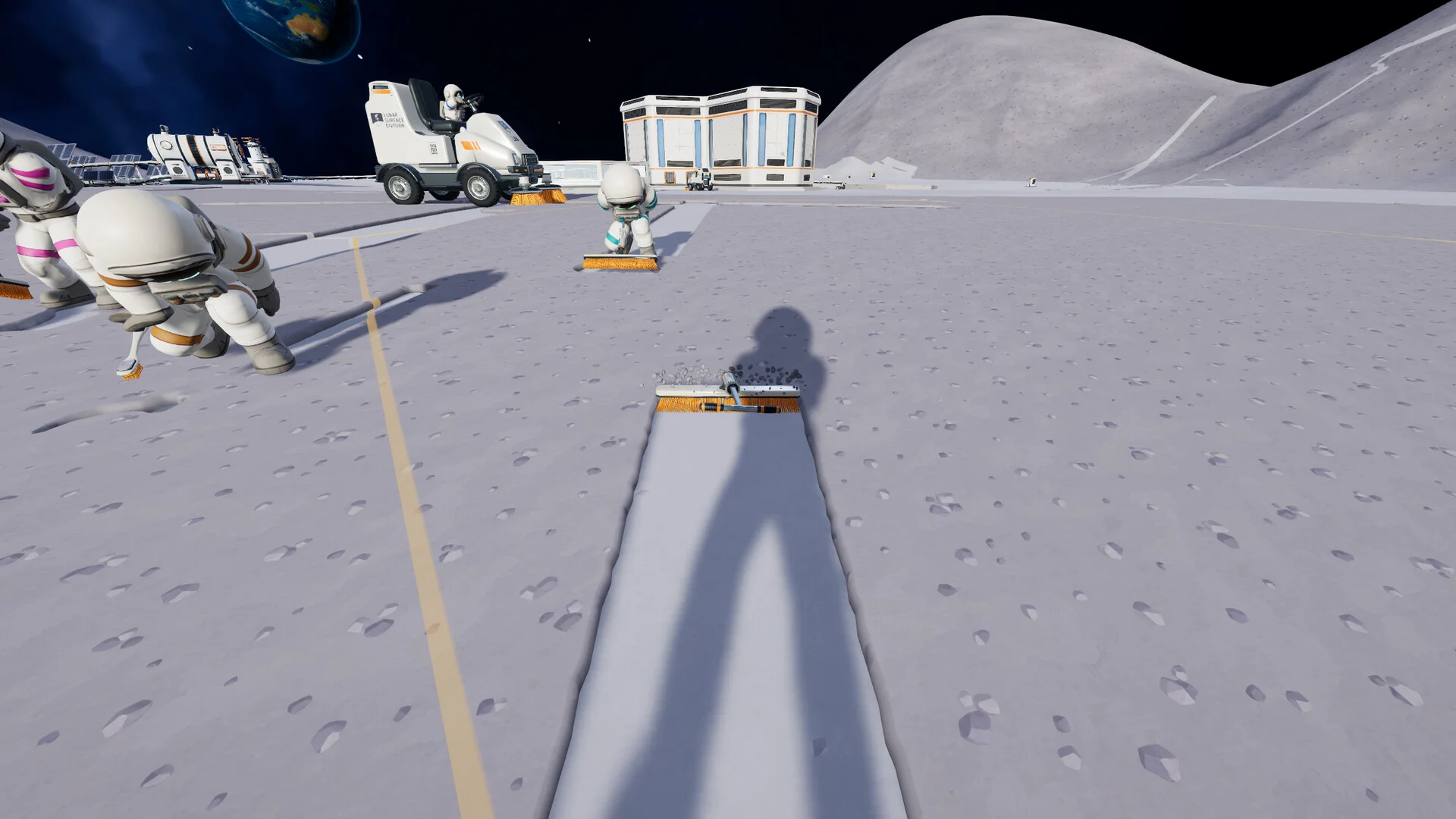
Work Area Lines draws a ground line along each side of your vehicle's cleaning strip, plus another across its cleaning head. Those boundaries show where to place the next pass, helping you avoid narrow dusty gaps and unnecessary overlap. It's a targeted fix for a familiar problem: finishing a lane, turning around, and spotting the strip you missed.
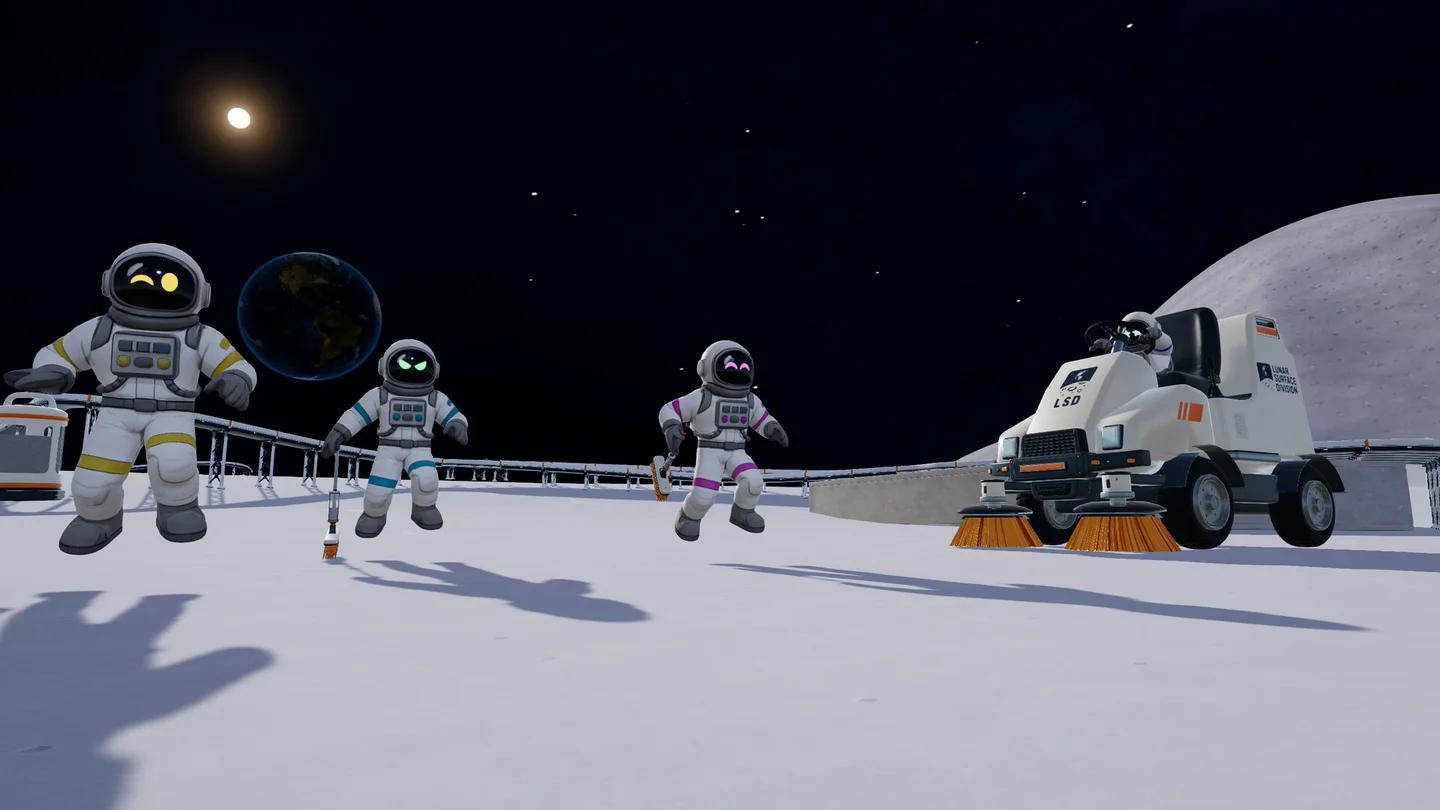
Read the full cleaning width
Vehicle Camera Fix tackles visibility while driving. It removes automatic recentering, expands the pitch range, follows slopes, and aims ahead of the vehicle. Its settings are configurable, so the camera changes aren't an all-or-nothing choice.
Pair Work Area Lines with the cleaning controls and progress guide if missed dust keeps interrupting your cleanup. The mod gives you visible vehicle boundaries; the guide covers the cleaning controls and progress checks.
Wider Lanes, Bigger Tanks, and Bigger Capsules
Wider Lanes changes the cleaning width itself. It affects hand tools and vehicles, offers 2x, 5x, and 10x presets, and accepts configuration values between 0.25 and 10. Its effect stacks with in-game upgrades. Choose it when you want faster coverage rather than just clearer guidance.
Bigger Tanks addresses capacity instead. Hand tools and vehicles can hold more dust, with 2x, 5x, and 10x presets or a configurable multiplier between 1 and 100. It stacks with container and hopper upgrades.
Bigger Capsules increases the amount packed into each dust capsule beyond the standard 1 kg. Its presets are 5x, 10x, and 25x, with configuration values between 1 and 100. These mods address different jobs:
- Wider Lanes: clean a broader strip with each pass.
- Bigger Tanks: collect more dust before filling your tool or vehicle.
- Bigger Capsules: pack the same dust into fewer capsules.
What's the best mod for co-op progression?
Team Upgrades is the strongest co-op recommendation because the crew already shares money. With this mod, buying a supported upgrade also gives its benefit to everyone, rather than requiring separate purchases for each player.
The shared purchases cover:
- Tools.
- Container upgrades.
- Upgrade-tree unlocks.
- Inventory tiers.
Team Upgrades requires Moon Sweepers Mod Loader. Make that dependency part of your installation plan rather than treating the upgrade mod as a standalone file. Its appeal is straightforward: your crew's shared budget buys shared progress.
Which mods improve factories and robot management?
Better Building and LogisticsPlus
Better Building is the best pick when placing machinery is more frustrating than running it. It reveals belt ports, adds foundation snapping and belt alignment, supports clearing whole areas, and lets you copy complete setups. You can also save arrangements as blueprints and select them through a panel with preview pictures.
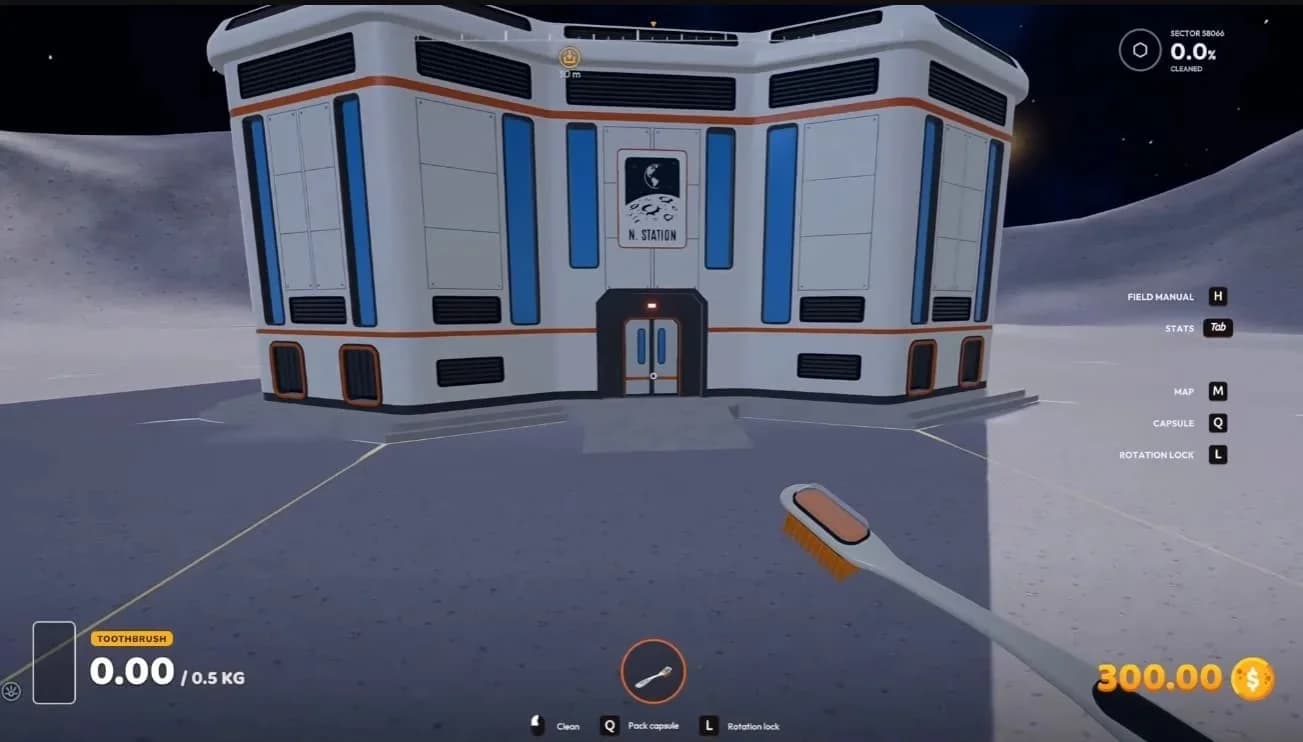
Reuse factory blueprints
LogisticsPlus adds construction options rather than placement tools. Its additions include three-way splitters and mergers, covered conveyors, and a dust silo based on the garage silo. Pick Better Building for alignment and repeatable construction; pick LogisticsPlus when you want those additional logistics pieces.
Belt Overdrive and Machine Overclock
Belt Overdrive and Machine Overclock add upgrade-tree progression to conveyor and machine speed. Both have four levels, with configurable bonuses and prices. Their default values give you a clear comparison:
| Mod | Upgrade category | Speed bonuses by level | Maximum-level result |
|---|---|---|---|
| Belt Overdrive | Logistics | +25%, +50%, +100%, +150% | Conveyor speed reaches 2.75 m/s |
| Machine Overclock | Economy | +25%, +50%, +100%, +150% | Sand takes 4.8 seconds instead of 12; stone takes 2.4 seconds instead of 6 |
Belt Overdrive also adjusts cargo movement, belt animation, and walking on belts to match the new speed. Machine Overclock speeds up the Pressure Chamber and Stone Press. Faster belts and faster processing address different parts of production, so choose based on which part you want to accelerate.
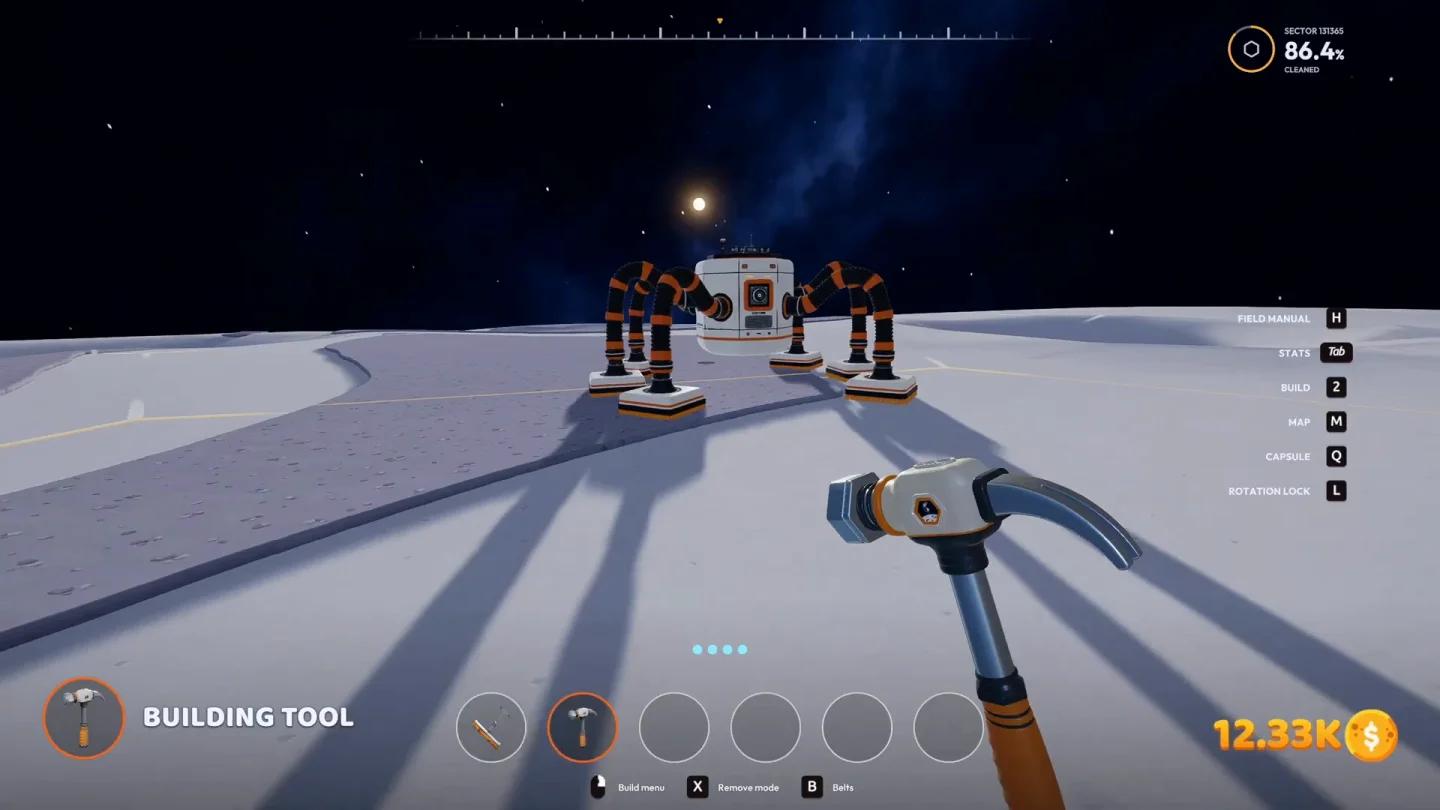
Upgrade conveyor belt speed
For help organizing the machinery around those changes, use the factory layout and automation guide. Better Building's alignment and blueprint tools are especially relevant when you want to reproduce a planned arrangement.
J.O.O.N.A.S. Control Center
J.O.O.N.A.S. Control Center is the best robot-management pick because it adds oversight and commands, not just more cleaning power. Build it through the Service menu to track robot positions, bin storage, and current activity. That makes it easier to find a robot stuck behind a rock or against a building.
Its controls include Bring, Bring All, Send, and On/Off. You can recall robots or select a destination on the Moon Map, prompting them to use thrusters to reach the chosen spot and start cleaning there.
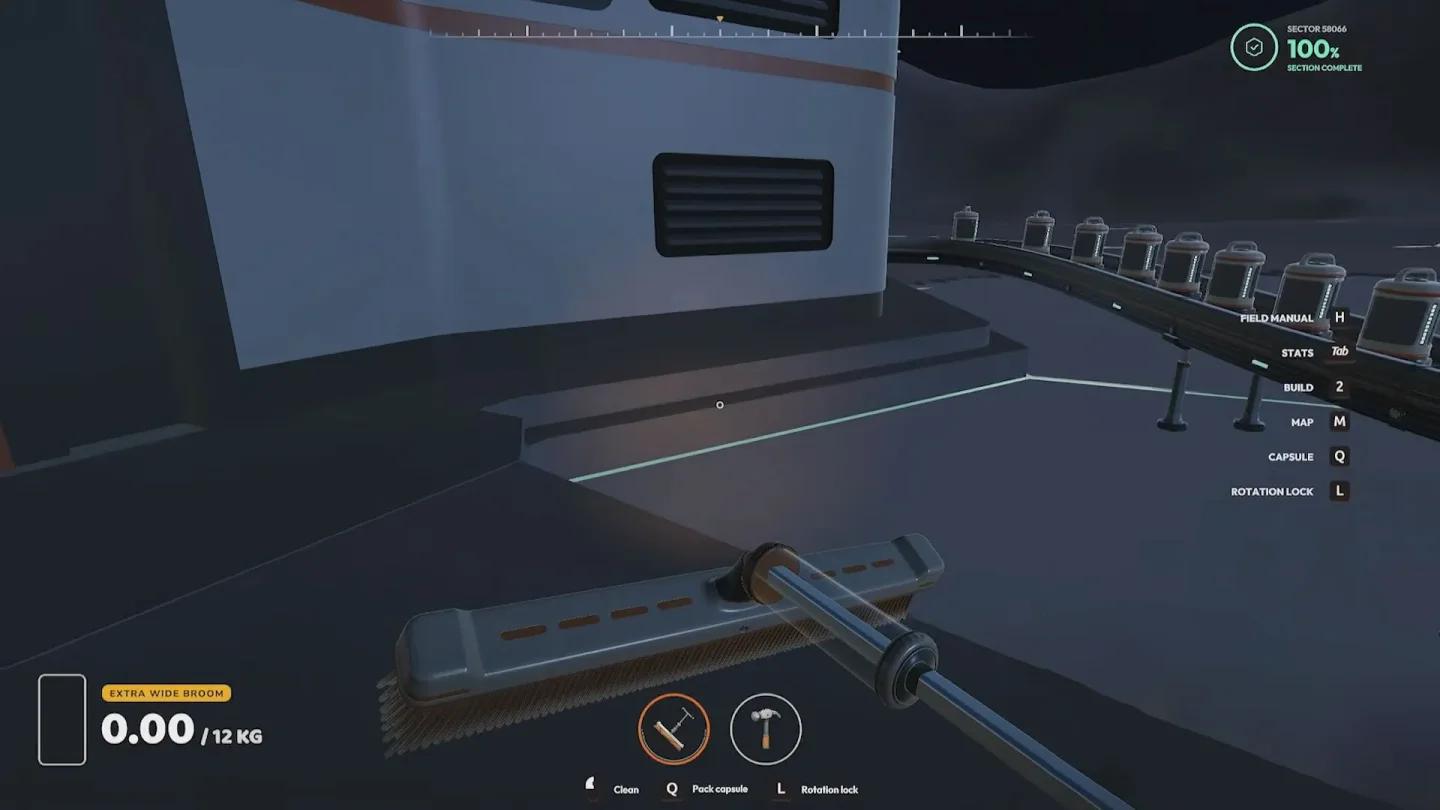
Manage every J.O.O.N.A.S.
If your priority is cleaning speed rather than supervision, J.O.O.N.A.S. Tiers is the alternative. It makes the cleaning robots faster and adds two buildable models, J.O.O.N.A.S. Pro and J.O.O.N.A.S. Ultra.
Which mods help with selling and money?
Sales Point versus Sell x3
Sales Point changes where you sell cargo. It adds a building to the Logistics menu that purchases cargo on-site. Place one beside a production line or remote mine to sell there instead of hauling everything back to base. That's a logistics improvement, not an income multiplier.
Sell x3 changes the payout. This BepInEx plugin triples the money received from sales, making it the direct choice when you deliberately want faster financial progression. The distinction matters: Sales Point removes a hauling requirement, while Sell x3 changes how much that cargo earns.
Wallet editors and trainers
For direct control over funds, More Money - Save Editor adds money to the crew wallet by editing the save rather than game files. It includes automatic backups and one-click restoration. Moon Sweepers Wallet Editor offers a graphical offline alternative for Linux, including Steam Proton detection, automatic backups, and restoration.
The In-Game Overlay Trainer makes much larger changes to cleaning and capacity. Press F1 to show or hide its overlay. Its F3 option gives suit and tool containers 1000x their normal dust capacity, while F4 makes brushes and brooms clean 2.5x wider. Those are substantial progression changes, so choose a trainer when that is the experience you want.
Which travel mods are worth considering?
Lunar Roadster
Lunar Roadster is the pick for a new vehicle rather than a numerical speed boost. After installing the mod, you can buy it in the garage for $25,000 in-game. Use the jump input to launch it: the wheels flatten, the rear jets activate, and the vehicle switches to flight.
Buy the flying Lunar Roadster
Moon Teleport
Moon Teleport is more practical if your goal is getting somewhere immediately. It supports travel to your home base, garages, stations, map markers, saved named points, and your previous location. It can move you on foot or with the vehicle you're driving, and it includes vehicle recovery.
How do you install Moon Sweepers mods?
Moon Sweepers mods use different installation methods. Team Upgrades needs its specific loader, Sell x3 is a BepInEx plugin, and save editors operate differently again. Read the instructions for the exact mod you choose before copying files.
Use this installation checklist:
- Check the required loader or framework. Team Upgrades requires Moon Sweepers Mod Loader.
- Follow the stated file destination. BepInEx plugins go in the BepInEx/plugins/ folder when their instructions specify that location.
- Check framework requirements. MoonFramework supports added items and synchronization between players with the same mods installed. It has no standalone gameplay function.
- Use in-game management if wanted. Mod Manager lets you toggle mods and edit their options inside the game without moving files manually.
Start with Work Area Lines for clearer cleaning passes, Team Upgrades for shared purchases, or Better Building for construction tools. Once you've picked the changes you want, use the best upgrades to unlock guide to plan your next Moon Sweepers purchases.