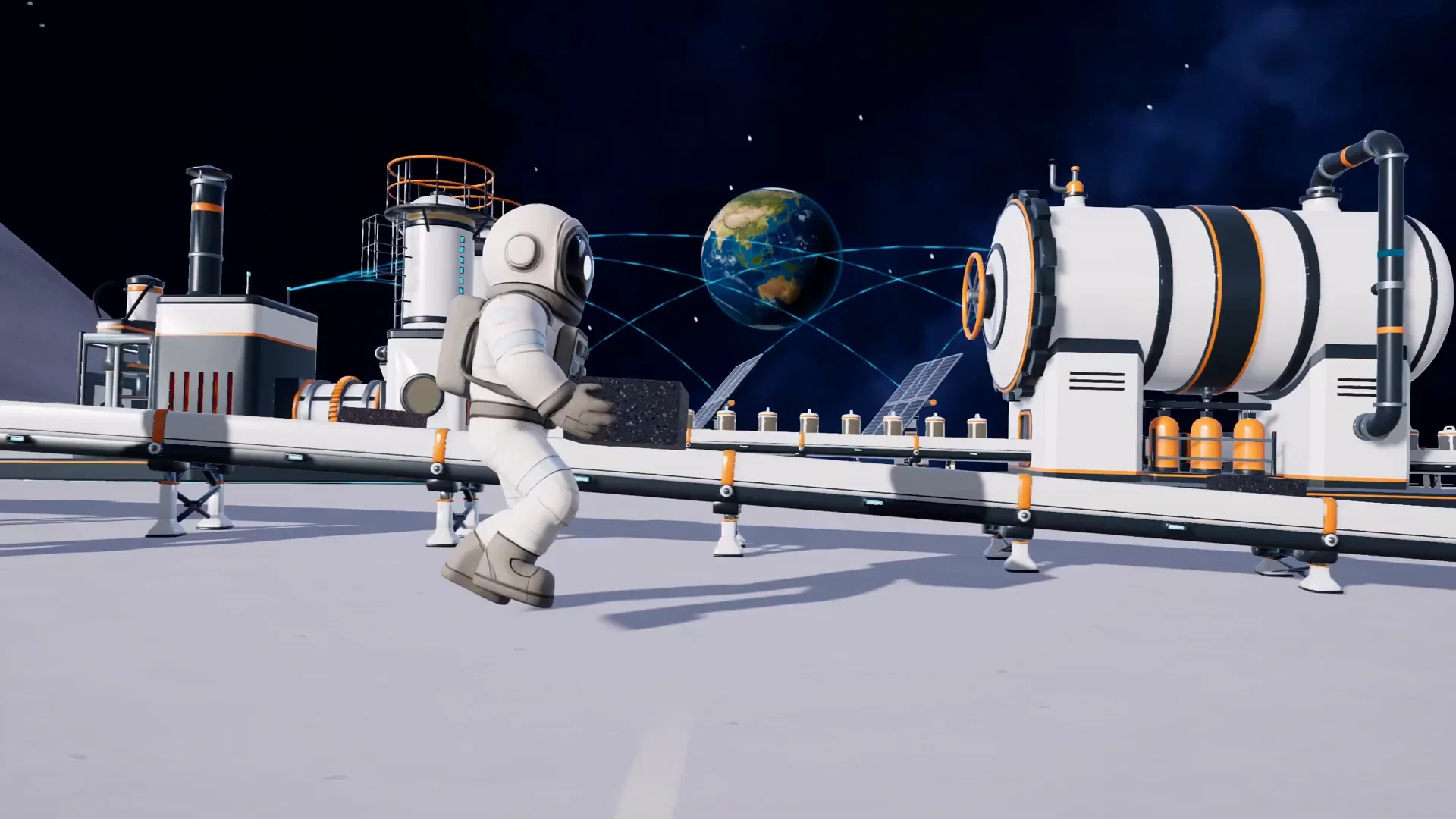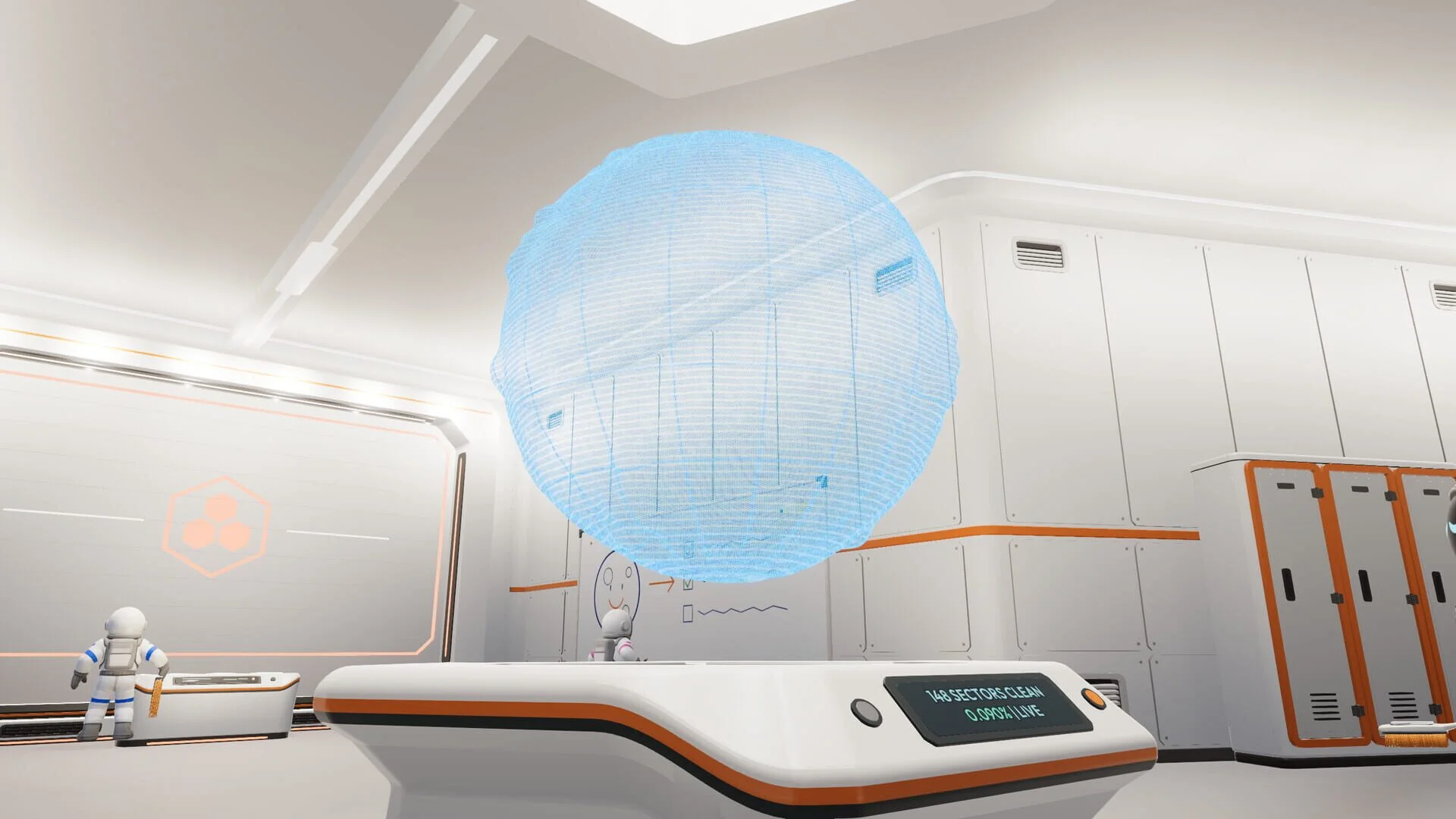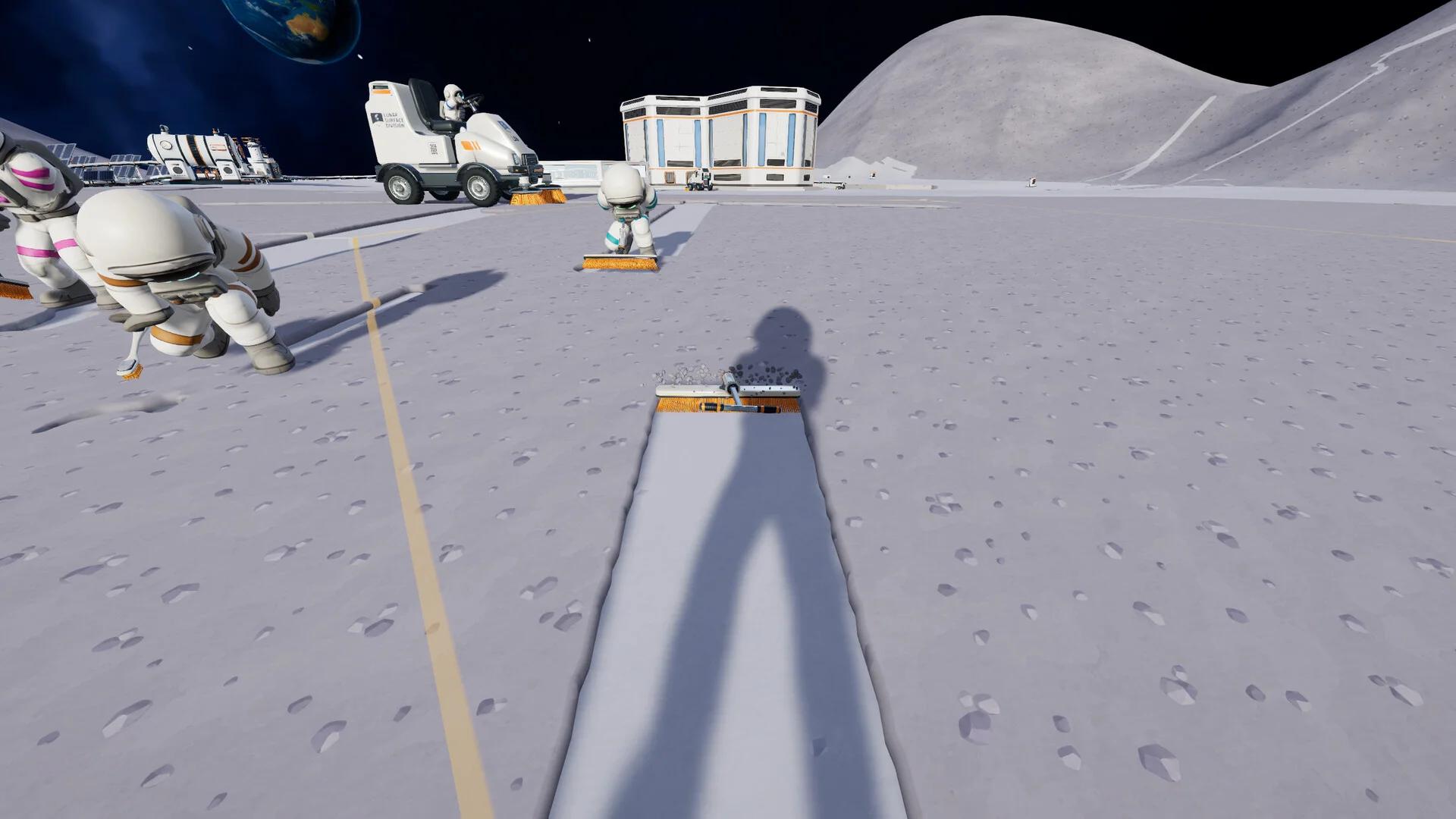

To auto sell dust in Moon Sweepers, use Conveyor Belts to deliver dust capsules into the Hub's external intake. A Packager turns your handheld collections into capsules, while Robot Vacuum docks and Garage silos offer other ways to feed the route. Capsules sell when they enter the intake, with payment added to your balance automatically. The cheapest starting equipment is a $50 Building Tool and a $100 Packager, plus conveyors. That setup automates delivery and selling, while you still collect and deposit the dust.
Which auto sell setup fits your budget?
Pick your dust source before laying conveyors. A Packager suits handheld cleaning, a Garage handles vehicle loads, and Robot Vacuums can collect dust without you operating a cleaning tool. Every option still needs a connected route to the Hub.
| Dust source | Equipment price | Best use | Work you still handle |
|---|---|---|---|
| Packager | $100 | Selling dust collected with handheld tools | Collecting dust and depositing it into the machine |
| Robot Vacuum Mk I | $250 | Automated cleaning across 19 hexes | Placing the dock where dirty ground remains |
| Robot Vacuum Mk II | $500 | Automated cleaning across 37 hexes | Choosing a suitable cleaning area |
| Garage | $200, excluding a vehicle | Unloading vehicle hoppers into a silo | Driving, cleaning, and positioning the vehicle for unloading |
| J.O.O.N.A.S. and Capsule Catcher | $21,500 combined | Automated sector cleaning and capsule delivery | Setting up the catcher and its conveyor route |
These prices exclude the Building Tool and conveyor route. Belts cost $0.50 per metre, and each section can reach up to 30 metres. A full-length section therefore costs $15. For a new player buying both the tool and Packager, budget $150 before adding belts.

How do you connect the Packager to the Hub?
Place the Packager near your cleaning area
Purchase the Building Tool from the Supply Wall, equip it, and open the construction menu. Place the $100 Packager close to the ground you are cleaning so you can deposit dust there rather than returning to the Hub with every load.
Interact with the Packager to deposit collected dust. It turns that material into capsules and sends them through its rear output, which is where your conveyor route begins.
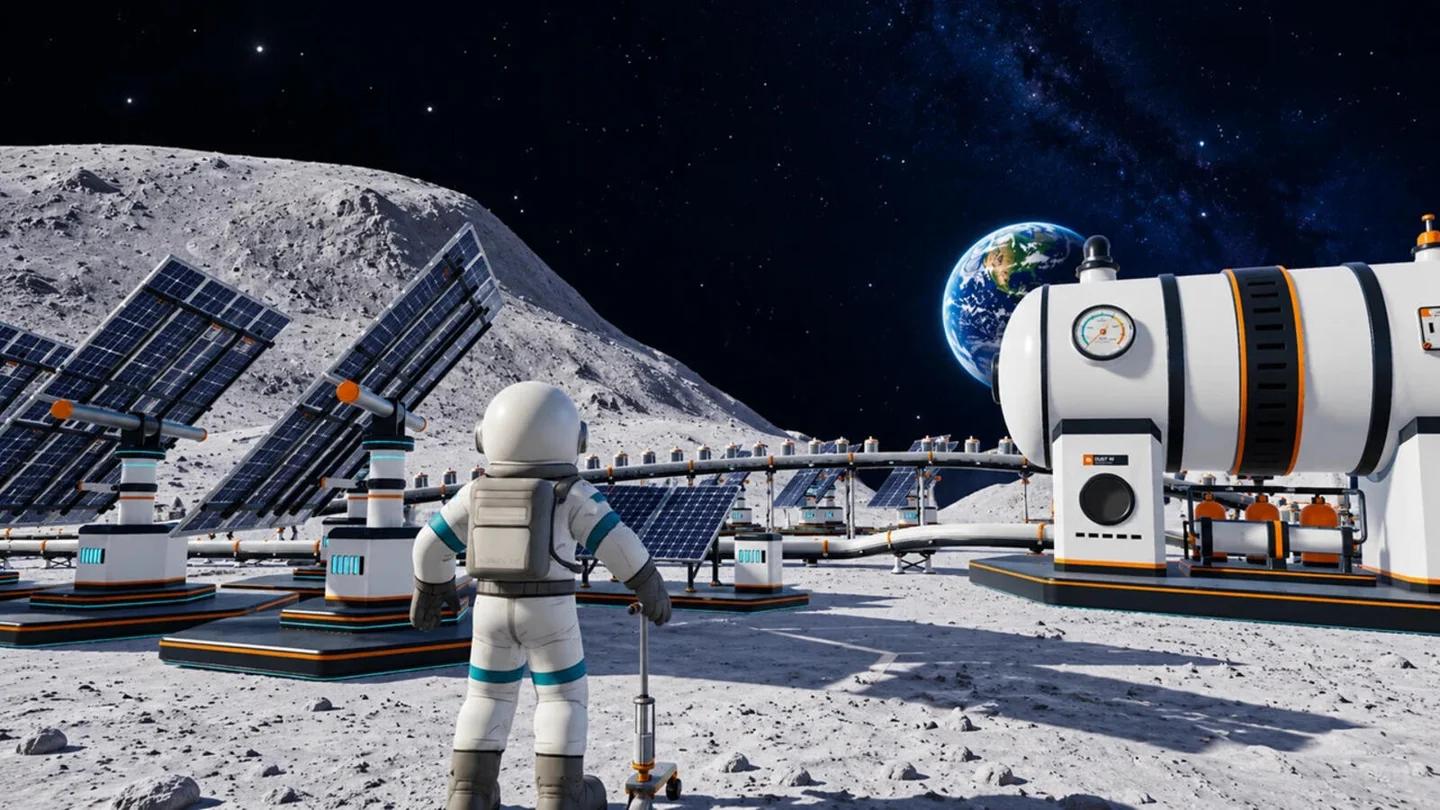
Place a Packager near your work
Build toward the exterior intake
Connect the Packager to the Hub in this order:
- Attach a conveyor section to the Packager's rear capsule output.
- Check the direction arrows so capsules move away from the Packager.
- Extend the route toward the Hub, using additional sections where needed.
- Connect the final section to the exterior intake, recognizable by the rubber flaps covering its opening.
The final belt must deliver capsules into that opening. Ending beside the Hub wall leaves the delivery unfinished, even if the conveyor looks close to the building.
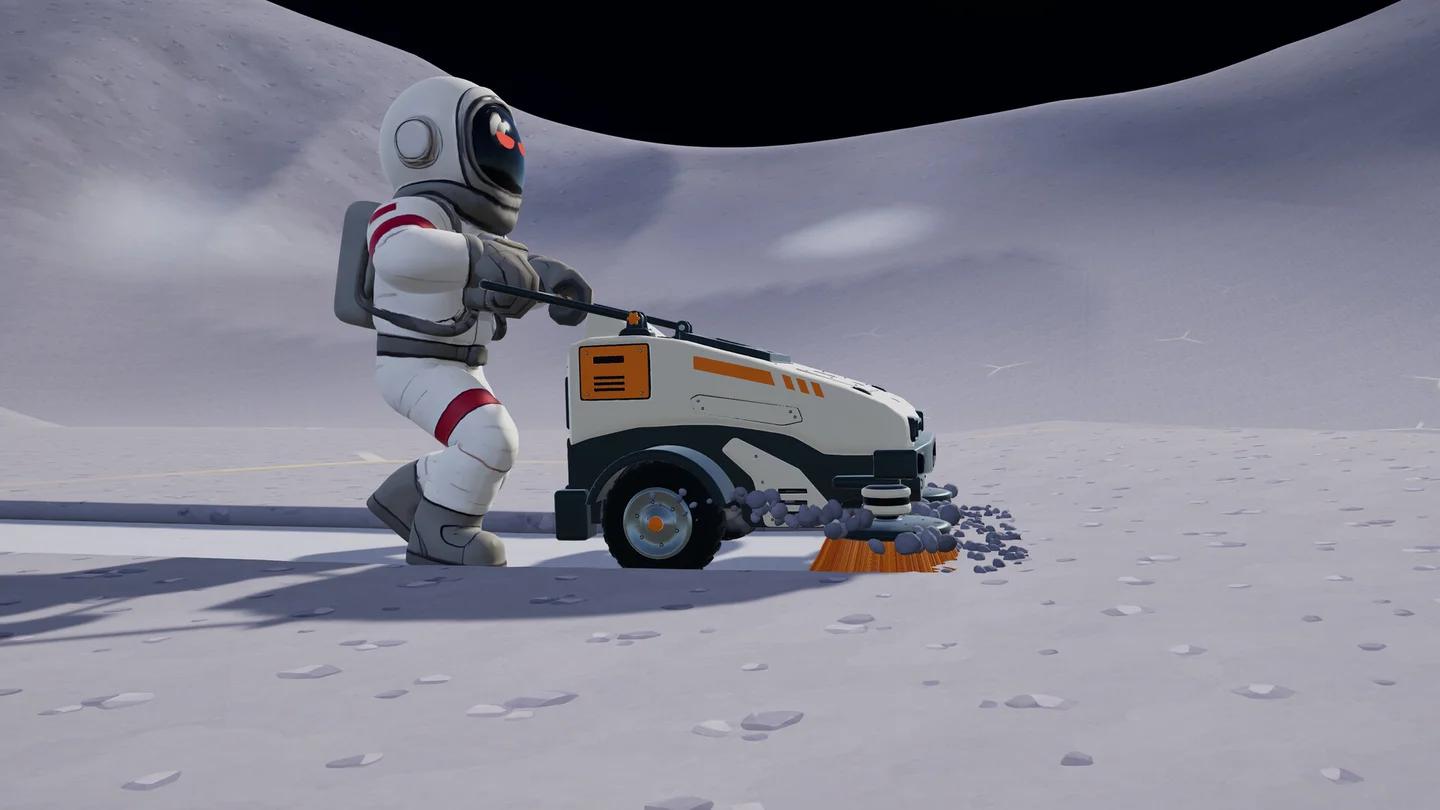
Deliver capsules into the intake
Follow a small load through the system
Deposit a small amount of dust into the Packager, then follow the resulting capsules. Check the first connection, each belt transition, and the intake. Watch your balance after the capsules enter the Hub to verify that the sale registered.
For the handheld work that supplies your Packager, follow the cleaning controls and progress guide.
How can you automate dust collection too?
Use Robot Vacuums for unattended cleaning
Purchase a Robot Vacuum through the Services menu and place its dock near uncleaned terrain. Connect the dock's capsule output to a conveyor leading to the Hub intake. The robot collects dust, returns to its dock, and supplies capsules without you depositing each load.
The Mk I costs $250 and covers 19 hexes. The Mk II costs $500 and covers 37 hexes, making it the larger-coverage choice when your budget allows. Place either model where its working area contains plenty of dust. A dock surrounded by already-cleaned ground has little to contribute.
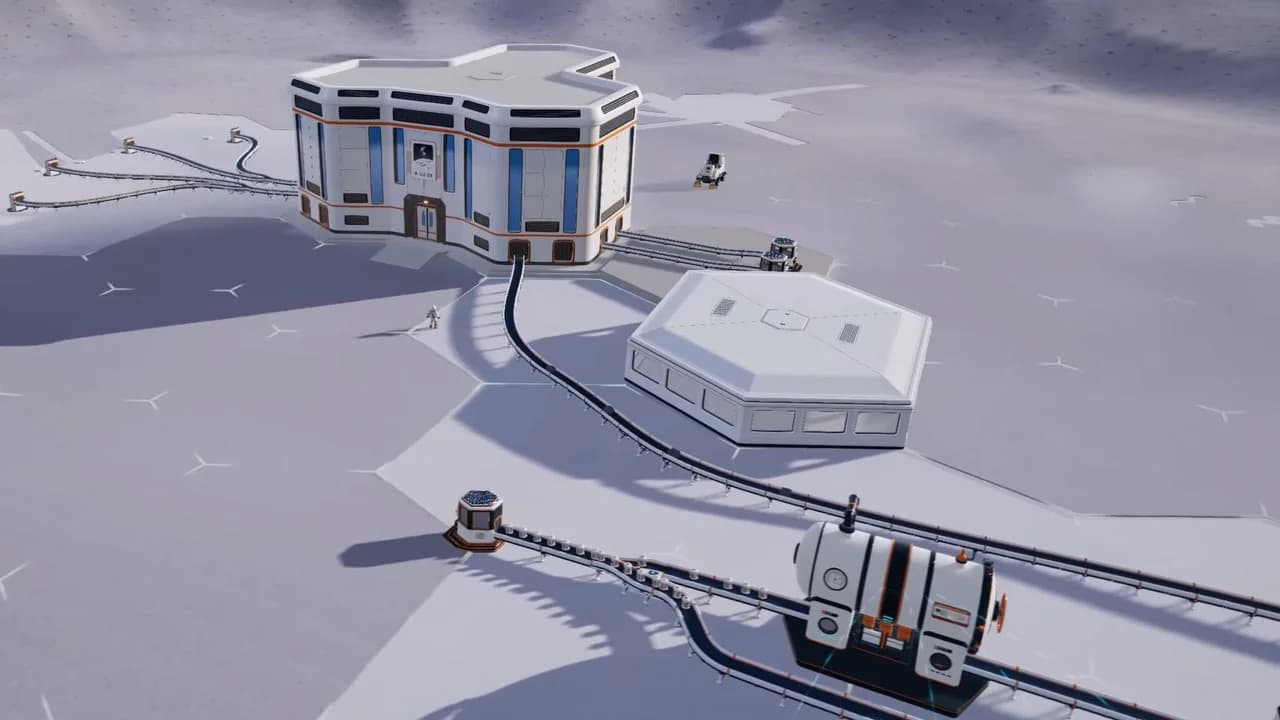
Connect the Robot Vacuum dock
Robot Vacuum income depends on having dirty ground within reach. Once its area is clean, check the terrain before rebuilding the conveyor. Moving your collection setup toward fresh ground may be all that is needed.
Connect the Garage before bringing back vehicle loads
A Garage costs $200 and includes an unloading system and silo. Drive your cleaning vehicle onto the collector pad beneath the Garage hood. Its dust transfers into the silo, which releases capsules through output ports at the rear of the building.
Connect a rear output to the Hub intake with conveyors. The Garage unloads and packages the material, but the sale happens at the Hub. Keep the approach to the collector pad clear and leave room behind the Garage for belts.
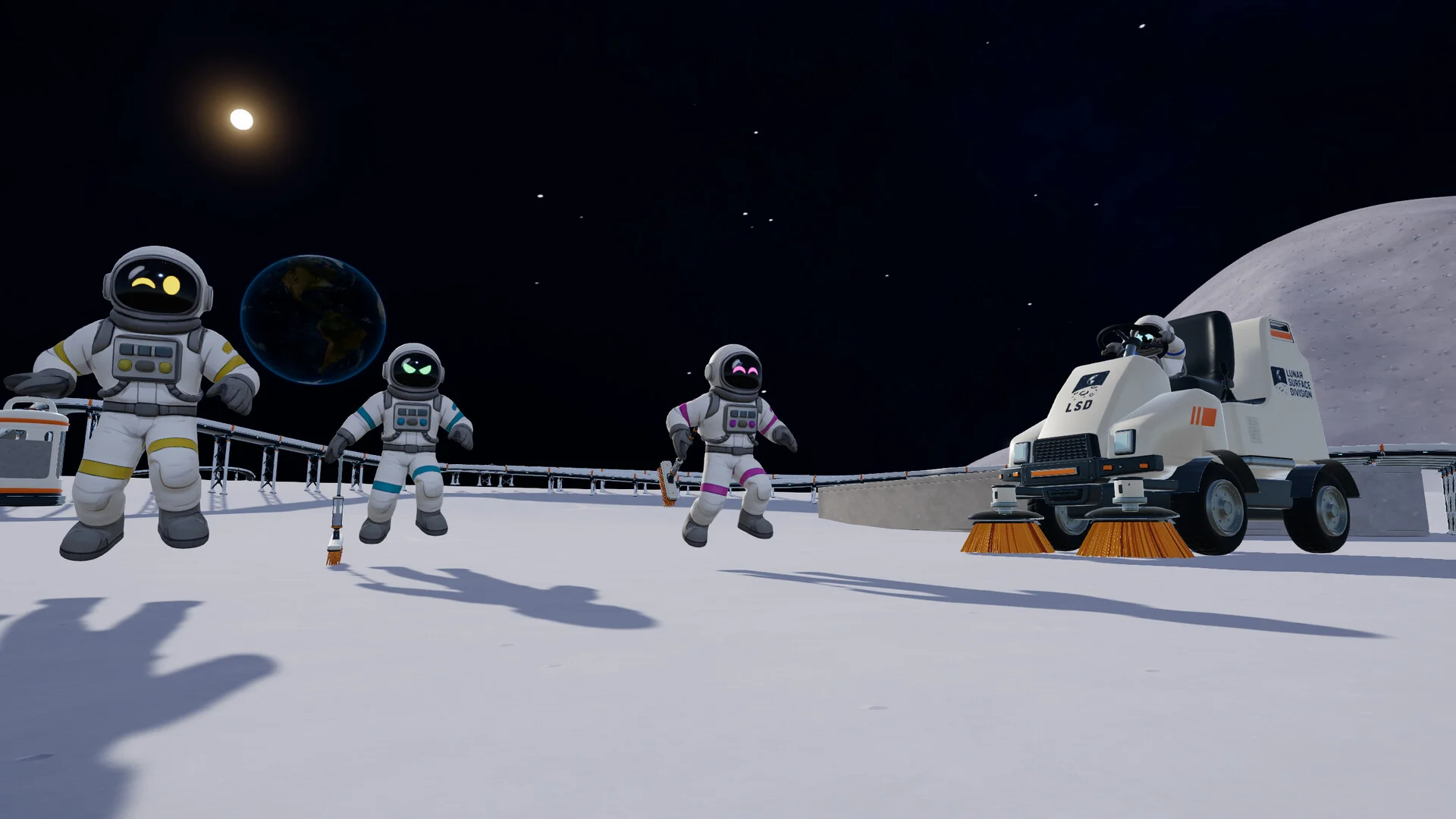
This route becomes especially useful with a Lunar Sweeper's 1,200 kg hopper or a Mega Vacuum Rover's 3,000 kg capacity. Before buying another vehicle, consider which part of the current unloading routine needs improvement:
- Quick Release improves unloading speed, reducing time spent transferring dust at the Garage.
- Big Hopper increases carrying capacity, allowing more collection between unloading trips.
Add J.O.O.N.A.S. with a Capsule Catcher
J.O.O.N.A.S. automatically cleans lunar sectors and launches collected capsules toward a Capsule Catcher. The catcher receives those larger capsules and converts them into smaller dust capsules suitable for conveyor transport. Connect its output to the Hub-bound route to complete the selling system.
The robot costs $20,000, and the Capsule Catcher costs $1,500. That is $21,500 for the pair before conveyors or other supporting equipment. A catcher alone is not a dust collector, so include both purchases in your budget.
Before adding more robots, make sure the catcher and conveyor route can handle the deliveries already arriving. Use the J.O.O.N.A.S. setup guide for its purchase, placement, and connections.
Why is auto selling not working?
Find the first point where dust stops moving. An empty conveyor can mean the Packager has no dust, a Robot Vacuum has finished its area, or a Garage has not unloaded its vehicle. Rebuilding the entire belt route will not fix those problems.
| Symptom | What to inspect | Fix |
|---|---|---|
| Packager produces no capsules | Dust deposit and rear output | Deposit dust, then check the output connection |
| Capsules stop after leaving a machine | First belt and direction arrows | Reconnect the output and point the belt toward the Hub |
| Capsules stall along the route | Belt transitions and connections | Correct the disconnected or reversed section |
| Capsules reach the Hub wall but earn nothing | Final belt connection | Deliver them into the rubber-flapped intake |
| Robot Vacuum stops supplying dust | Remaining dirty ground and dock | Check its working area and move the setup toward uncleared terrain if needed |
| Vehicle does not unload | Garage collector pad | Position the vehicle beneath the unloading hood |
| Garage unloads but pays nothing | Silo outputs and delivery route | Follow capsules through the conveyor to the Hub intake |
| J.O.O.N.A.S. deliveries stop | Capsule Catcher and outgoing route | Check that capsules can be received and transported onward |
Check processing machines separately
If your route includes a Pressure Chamber or Stone Press, inspect its electricity supply, incoming ingredients, and output connection. A working conveyor cannot transport material that the processing machine has stopped producing.
Solar-powered production can also stop at night once stored battery energy runs out. If the first interruption is at a powered machine, check its power supply before changing the belts.
How should you expand the delivery network?
Once the Hub is paying for deliveries reliably, use a Merger to combine multiple incoming conveyor routes into a shared outgoing belt. For example, Robot Vacuums in separate cleaning areas can feed one Hub-bound route instead of requiring separate belts for the entire journey.
Add collection sources gradually and check the shared route after each connection. If capsules begin backing up, resolve that congestion before buying another robot. More dust collection only helps when the network can deliver the material to the intake.
With steady deliveries established, consider Market Contracts to increase the value of dust sales. Choose your next purchase with the best upgrades to unlock guide, keeping your working delivery route at the center of the plan.