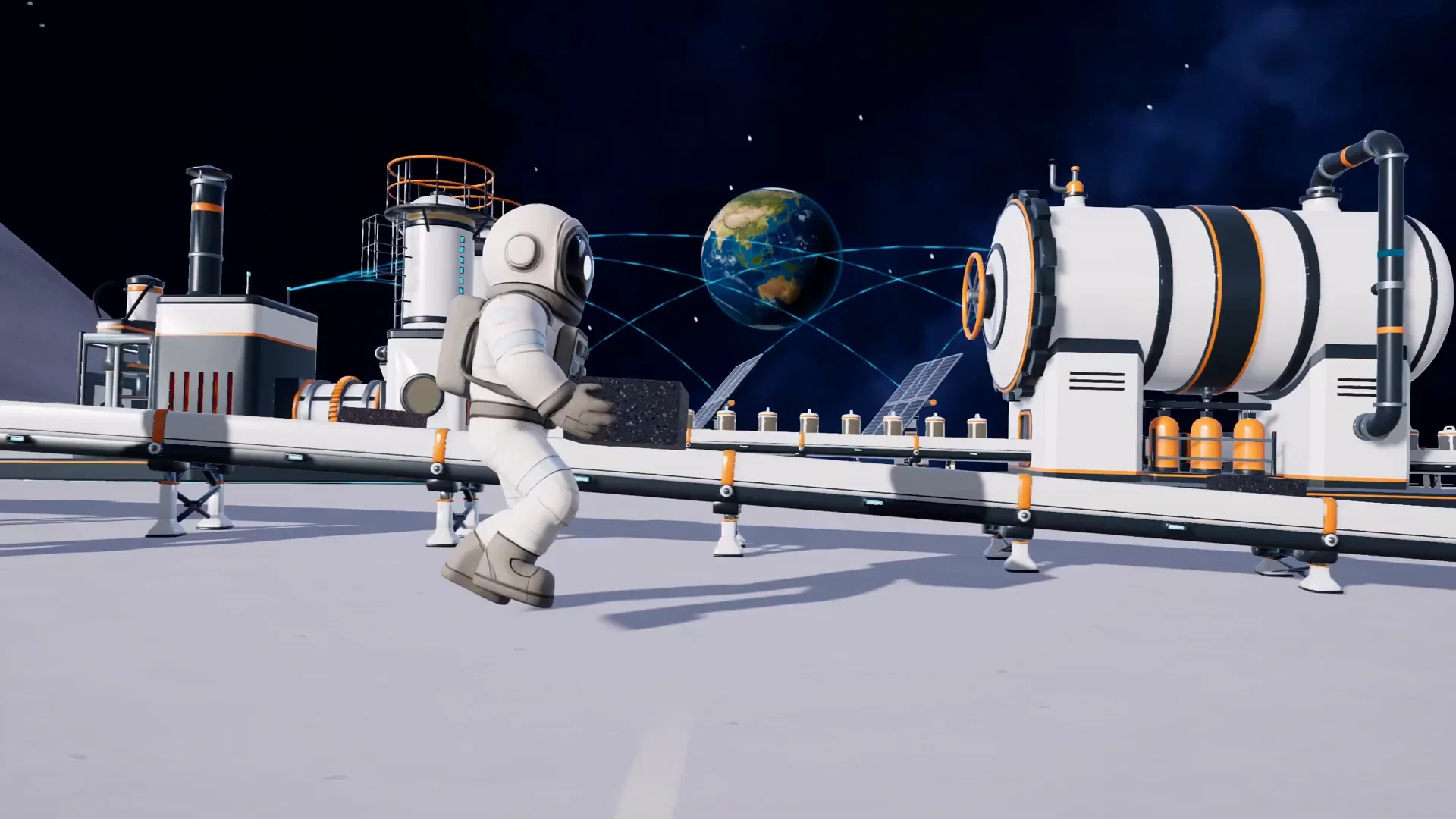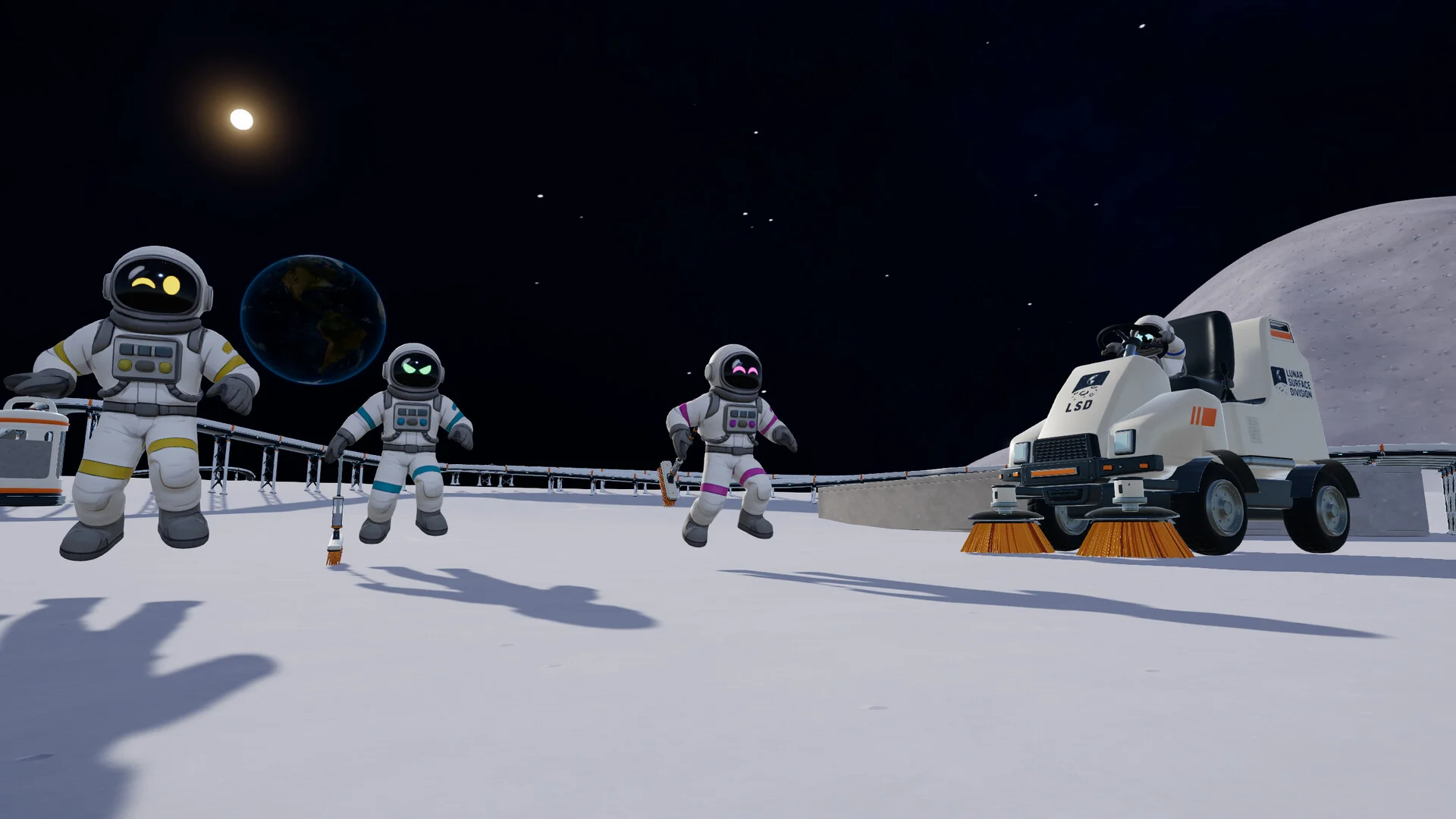

To finish a hex in Moon Sweepers, brush its dusty ground until local progress reaches 100% and SECTION COMPLETE appears. Pack collected Dust with Q, deliver it to the Depot, and launch full containers to earn money for better equipment. The Moon Map helps you choose your next job: orange means untouched, blue means unfinished, and green means complete. Start with the free Toothbrush near the station so your first cleaning jobs involve short delivery walks rather than long journeys with tiny loads.
Platform: Moon Sweepers on PC (Steam). Controls and progression details may change with updates.
What is the main cleaning objective?
Your main job is to remove lunar Dust, finish dirty ground, and sell shipments to fund better equipment. Cleaning and delivery work together: a wider brush helps you clear more ground, while sufficient storage and a short Depot route reduce interruptions.


Follow the Dust through each stage
The cleaning loop has several distinct actions:
- Collect: Use your cleaning tool on dusty ground. Removed Dust fills its container.
- Pack: Press Q to turn collected Dust into a capsule when needed.
- Deposit: Bring the Dust to the Depot and complete its receiving interaction.
- Launch: Once the shipping container is full, use the launch control and let the shipment complete.
During your first jobs, stay close to the station. The Toothbrush has limited storage, so a distant cleaning area adds travel time before you have equipment that makes those journeys worthwhile.
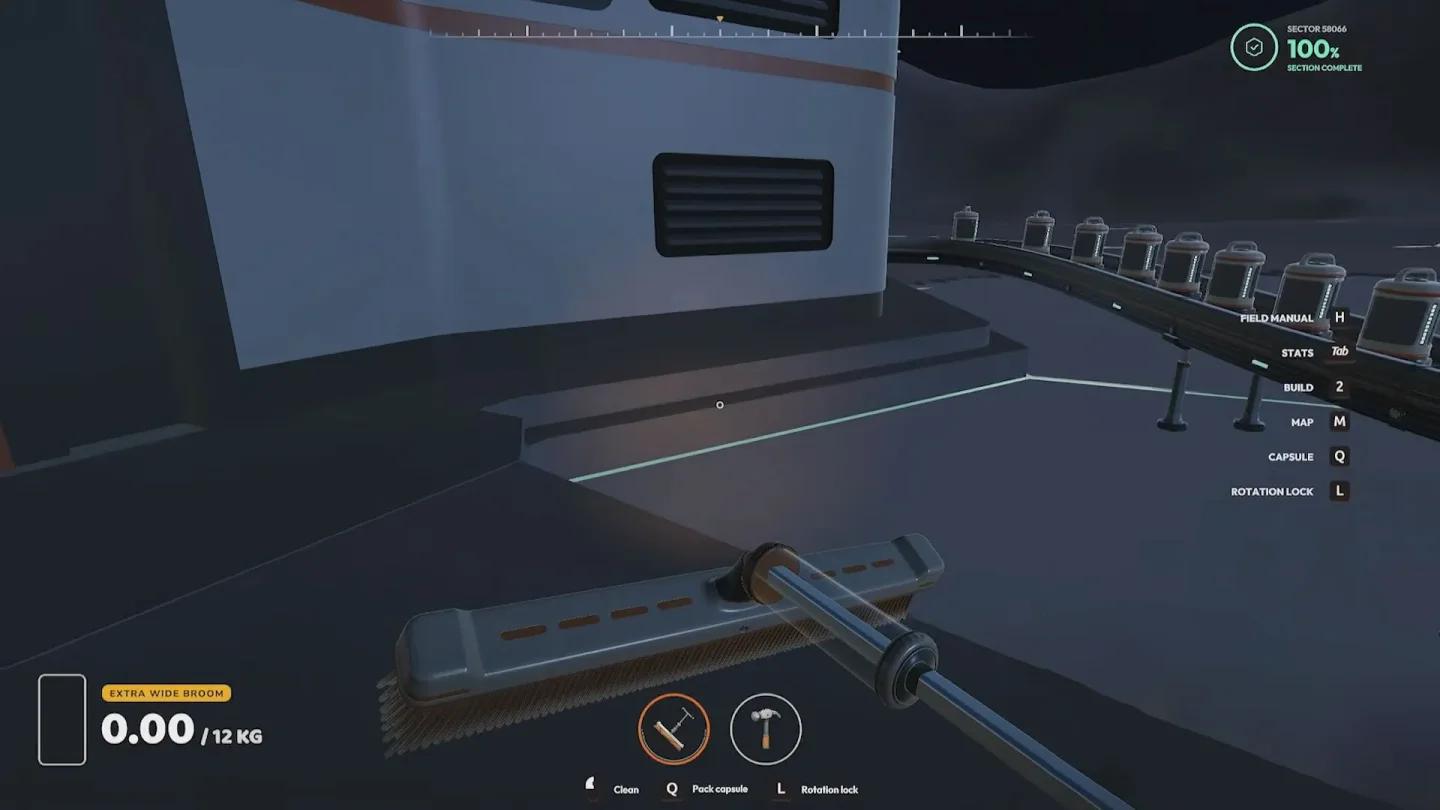
Deliver Dust before launching
How do you identify what needs cleaning?
Open the Moon Map from a station's main console. Its colors distinguish fresh work from areas you have started and sections you have finished.
| Moon Map color | Cleaning state | Your next action |
|---|---|---|
| Orange | Cleaning has not started | Choose it when you want fresh ground |
| Blue | Cleaning has started but remains incomplete | Return and remove the remaining Dust |
| Green | Cleaning is complete | Look for a blue or orange section nearby |
For early handheld cleaning, blue sections beside your green ones are useful targets. You have already cleared part of their surface, and nearby unfinished ground keeps your delivery route short.

Read the Moon Map cleaning colors
The Moon Map also supports waypoints. Mark your next destination before traveling beyond the station area so you have a clear target instead of wandering between partly cleaned hexes.
Which cleaning controls can you use?
Take the free Toothbrush from the station's supply wall and use it on dirty ground. Watch its Dust container as you work, because collecting material and completing the local section are separate kinds of progress.
Packing and cleaning information
These keyboard controls help you manage the opening jobs:
| Action | Keyboard input | What it does |
|---|---|---|
| Pack collected Dust | Q | Packs stored Dust into a capsule |
| Open the Field Manual | H | Opens guidance covering the current-sector scan and cleaning state |
You can pack capsules while working and bring them back together. That reduces the need to stop cleaning after every small load, although you still need to transport the packed Dust to the Depot.
The Field Manual explains the current-sector scan and how to interpret the area's cleaning state. Use it to review those instructions when the surface looks cleaner than the local progress display suggests.
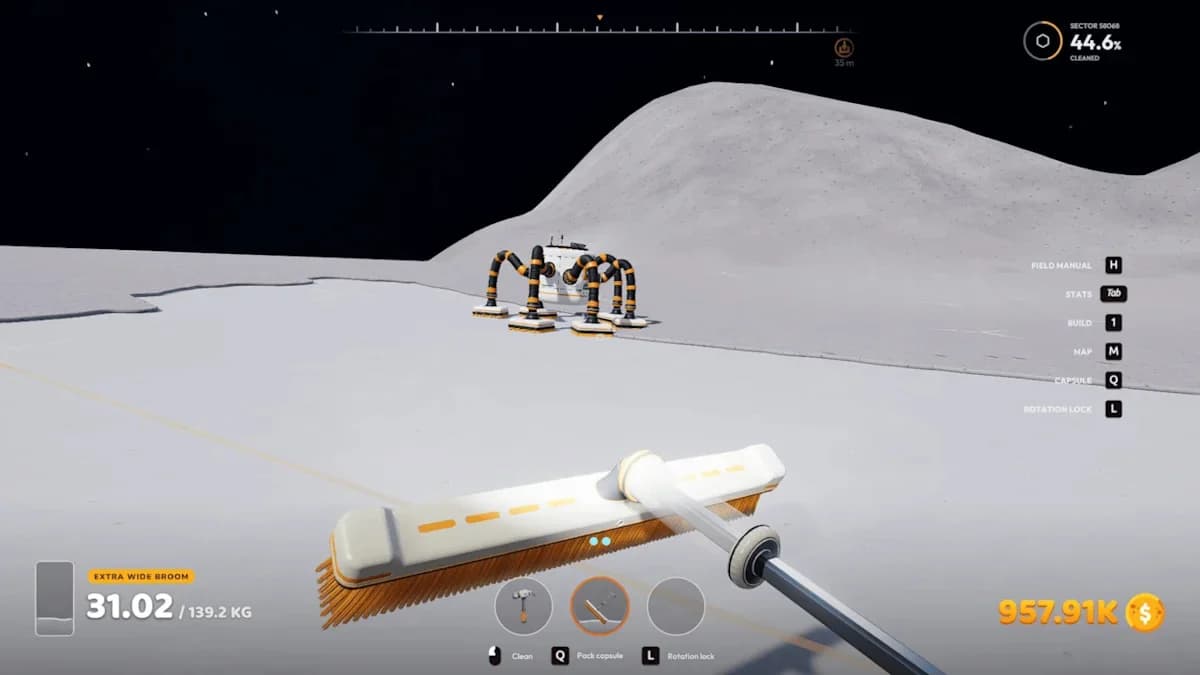
Review the sector scan instructions
If frequent packing or narrow brush passes are slowing your opening jobs, follow these beginner cleaning and upgrade strategies to choose an improvement that addresses the interruption.
What changes when you use a vehicle?
A drivable cleaner such as the Ride-on Sweeper or Lunar Sweeper lets you plan longer passes across broad dirty areas. Drive over uncleared ground and activate the vehicle's cleaning function; purchasing it or driving across clean terrain does not fulfill the requirement to clean while driving.
Vehicle coverage helps with large areas, but the final dusty corner of a hex can still need careful attention. Check local completion before assuming that a wide pass finished everything.
How is cleaning progress tracked?
Watch the local cleaning percentage while working on a section. A finished section reaches 100% and displays SECTION COMPLETE, giving you a clearer confirmation than judging the surface by appearance alone.
Local completion and Moon-wide completion
The local display and Moon Map answer different questions:
| Progress measure | What it tells you | When to check it |
|---|---|---|
| Local percentage | How much of the current section is clean | While finishing an individual job |
| SECTION COMPLETE notification | The local section has been finished | Before leaving that section |
| Moon-wide percentage | How much of the entire Moon is clean | When reviewing long-term progress |
Moon-wide achievement thresholds are 1%, 10%, 50%, and 100%. Finishing nearby sections advances the larger cleanup, but the Moon Map's percentage is the measure to watch for those goals.
How do you find unfinished work before moving on?
Return to the Moon Map after finishing several nearby hexes. Look for blue sections around your green cluster, then use a waypoint to return to the unfinished ground.
Once there, inspect borders, corners, and thin strips of Dust. A nearly clean section can still need a small amount of work, so keep checking its local percentage until the completion notification appears.
Pro tips
- On foot, finish nearby sections first. Short trips to the Depot make better use of a small tool container than traveling to distant untouched ground.
- Clean the borders before sweeping the interior. This gives you a deliberate route through the hex and helps you remember where narrow edge strips remain.
- With a vehicle, choose broad dirty areas for long passes. Wide cleaning equipment benefits when its cleaning strip stays over uncleared ground rather than repeatedly crossing finished sections.
- Before leaving a nearly finished hex, check its corners. Repeatedly brushing the clean center will not remove Dust left along the edges.
Why isn't your cleaning progress registering?
First identify which result seems stuck: local completion, Dust collection, a sale, or a launch. Each depends on a different action, so repeating the wrong step can leave the result unchanged.
Common mistakes
| What you notice | What to check | What to do next |
|---|---|---|
| Local progress remains below 100% | Narrow strips of Dust near borders and corners | Inspect the remaining ground and continue until SECTION COMPLETE appears |
| A vehicle moves without cleaning | Whether you are over dirty ground and using its cleaning function | Activate cleaning over an uncleared area |
| Packed Dust has not produced a sale | Whether the capsules reached the Depot | Complete the Depot delivery and shipment process |
| A launch requirement remains unfinished | Whether a full container actually launched | Complete the launch rather than counting the deposit alone |
For Return to Sender, the required action is launching a full Dust container. For Frequent Flyer Dust, you need to contribute Dust to 10 successful launches. Counting capsules or ordinary deposits will not tell you how many launches have completed.
Is darkness making the remaining Dust hard to see?
Manual cleaning can continue at night. The helmet lamp activates in darkness, and the Moon Map still identifies unfinished sections even when small surface details are difficult to distinguish.
Keep nighttime cleanup close to recognizable section borders or the station. Familiar ground makes it easier to inspect the last dusty strips without losing track of your route.
A solar-powered factory that worked during daylight can run short of stored energy at night. If machinery has stopped, check battery reserves and connected demand with the solar panels, batteries, and electricity guide.
Frequently asked questions
Does pressing Q sell your Dust?
No. Q packs collected Dust into a capsule. You still need to deliver it to the Depot and complete the shipment process to turn it into earnings.
Can you clean in solo play?
Yes. Moon Sweepers supports solo play and online co-op for up to 16 players. You can work through nearby sections alone or share the cleaning work with other players.
Which upgrade helps when your tool keeps filling?
If your Household Broom fills too often, its $30 container upgrade increases capacity from approximately 3 kg to 6 kg. If storage is not interrupting you, a wider brush improves coverage per pass. Choose your next purchase with the best upgrades to unlock.