
Grinding resources in Anime Last Stand on Roblox can eat hours of your time, especially when you're trying to keep up with summons, upgrades, and wave progression. Scripts let you automate most of that repetitive work through a dedicated GUI, giving you access to features like auto farm, auto summon, and infinite gems without clicking through every action manually.
What can Anime Last Stand scripts actually do?
Once you load a working script, a GUI appears in-game that lets you toggle a range of automation features. Here's what the current scripts unlock:
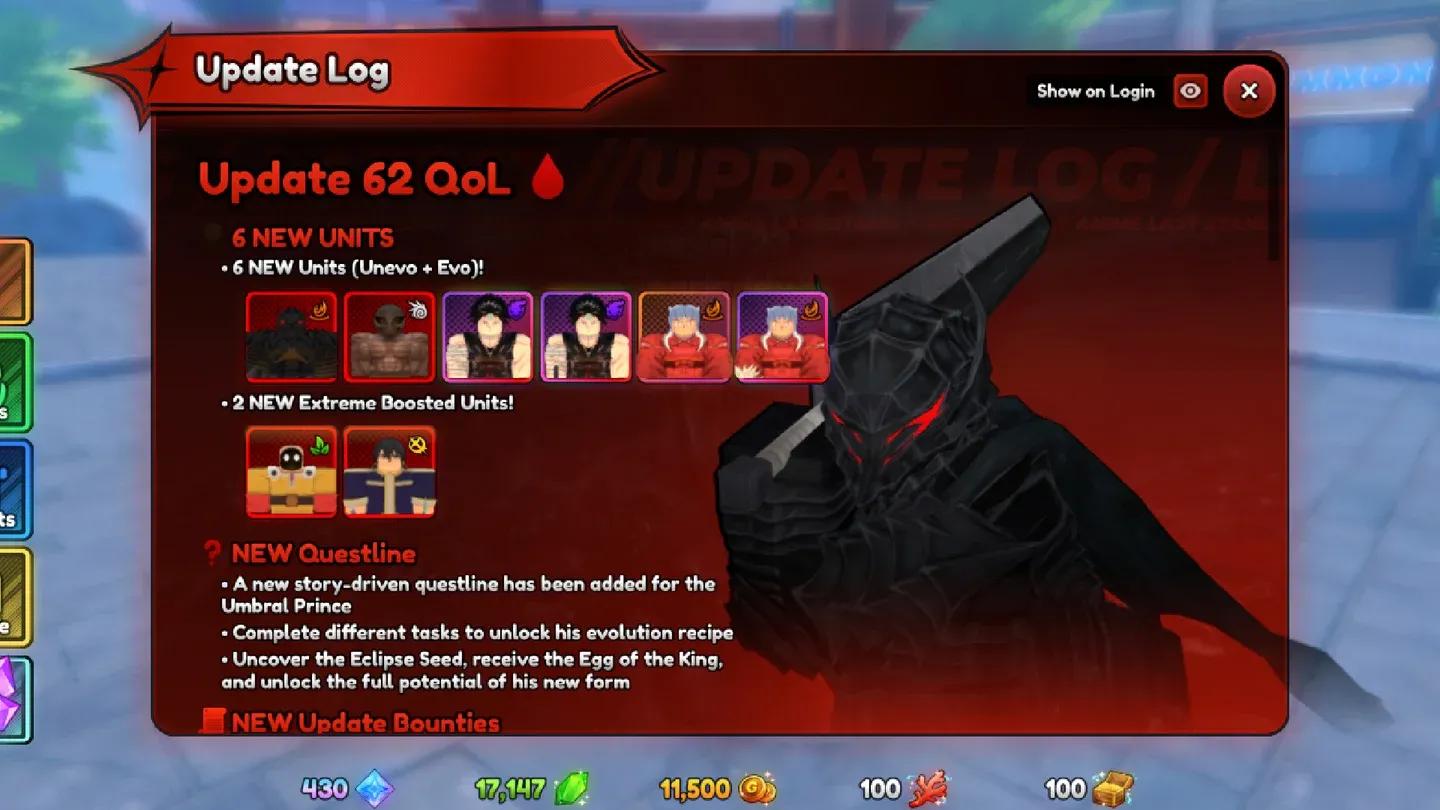
Auto farm toggle menu
- Auto Farm — automatically plays through waves without manual input
- Auto Sell — sells units or items as soon as thresholds are met
- Auto Upgrade — upgrades units on the field automatically
- Infinite Gems — modifies gem count for faster summons
- Auto Start — begins waves immediately without waiting
- Auto Summon — pulls units from the summon pool automatically
- Auto Abilities — activates unit abilities as they become available
- Auto Units — places units on the map without manual positioning
These features stack, so running auto farm alongside auto upgrade and auto abilities covers most of the active gameplay loop entirely.


Working Anime Last Stand scripts (June 2026)
The scripts below were verified as working as of June 4, 2026. Scripts can break after game updates, so check back if one stops executing correctly.
| Script | Features Unlocked |
|---|---|
| Script 1 (OHU Hub) | Auto Farm, Auto Sell, Auto Upgrade, Infinite Gems, Auto Summon, Auto Abilities, Auto Units |
| Script 2 (Buanghub) | Auto Farm, Auto Start, Auto Upgrade, Auto Summon |
Script 1:
loadstring(game:HttpGet("https://raw.githubusercontent.com/ScriptBrv/OHU/refs/heads/main/OHU.md",true))()
Script 2:
loadstring(game:HttpGet("https://raw.githubusercontent.com/buang5516/buanghub/main/animeLastStand.lua"))()
How to run Anime Last Stand scripts step by step
You need a Roblox executor to run any script. Popular options include Arceus X, KRNL, Fluxus, Script-Ware, Script-Ware M, and Synapse. The process is the same across all of them.
- Download and install your chosen Roblox executor.
- Open the executor and log in with your Roblox credentials.
- Launch Anime Last Stand through Roblox.
- Click the executor icon while the game is running. Copy a key if prompted.
- Open Script Hub inside the executor.
- Paste one of the working scripts listed above.
- Hit Execute to load the GUI in-game.
Once the GUI loads, toggle whichever features you want active. Most GUIs let you enable and disable individual automations independently, so you can run just auto farm without enabling infinite gems if you prefer a lower profile.
Should you use scripts or grind manually?
Scripts save time, but they come with a tradeoff beyond the ban risk. Auto farming removes the decision-making that makes unit placement and upgrade timing interesting. If you're still learning how the game works, grinding a few sessions manually first gives you a better read on which units matter and where resources are best spent.
For players who already understand the meta and just want to accumulate gems and materials faster, scripts are a practical shortcut. Pair the automation with solid unit knowledge and you'll push further than players who rely on scripts without understanding the underlying systems.
If you're building toward a strong roster rather than just farming, check out our Anime Vanguards best units tier list for a look at how tier-based unit selection works across similar Roblox tower defense games. For broader Roblox anime game strategy, the Anime Overload beginner's guide covers team builds and Crystal farming that translates well to games in this genre.
For more Roblox anime tower defense content, the full Roblox guides collection has tier lists, code roundups, and farming breakdowns across every major title.