


The Adventures of Elliot: The Millennium Tales is one of the better action adventure games to support couch co-op in recent memory, but the feature is easy to miss if you go looking for it too early. The game does not hand you a second controller prompt at the title screen. Co-op unlocks through story progression, and until that moment arrives, the option simply does not exist in any menu. Here is exactly when it unlocks, how to activate it, and what Player 2 can actually do once they are in.
How does co-op work in The Adventures of Elliot?
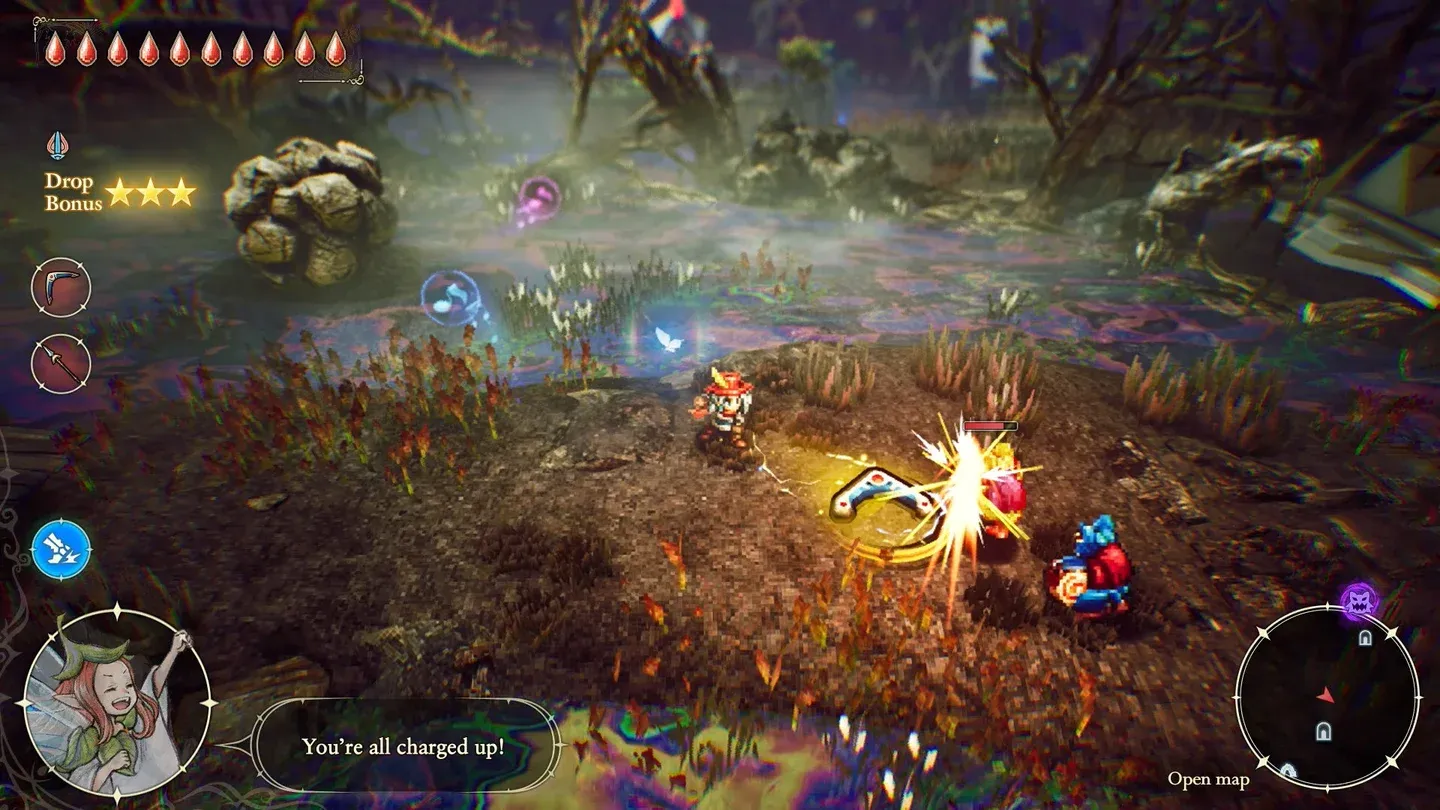
The game runs on a single-player-first structure. Player 1 controls Elliot, handling melee combat, exploration, and all character progression. Player 2 takes over Faie, Elliot's fairy companion, who provides ranged support, uses magic abilities, collects items, and can deal damage to enemies.
Faie is not a full second protagonist. She does not gain her own levels, equip weapons, or accumulate independent stats. Her power scales with Elliot's progress. That said, she is genuinely useful in combat and puzzle situations, and she is invincible, so a less experienced second player will not derail your run by dying.
Faie menu tab for co-op
When does co-op unlock?
Expect to spend roughly 3 to 4 hours in the main story before co-op becomes available. The unlock sequence goes like this:
- Progress through the opening chapters until the game transitions into the Age of Reconstruction, a separate time period from where the game begins.
- Continue from there until Faie joins Elliot as a permanent companion.
- Clear the first magic shrine, which unlocks Faie's core abilities including her Ignite spell. Check out our guide on how to light lanterns using Faie's Ignite ability for more on what that ability does.
- Exit the shrine. The game will prompt you that co-op is now available.
The shrine step is the one most players overlook. Faie joining your party is not enough on its own. You need to complete that first shrine and step back into the overworld before the co-op option appears.
How to activate co-op
Once the shrine is cleared, the process is straightforward:
- Press the pause button (+ on Switch 2, Options on PS5, equivalent on Xbox and PC) to open the main menu.
- Navigate to the Faie tab in the menu.
- Look at the bottom-left corner of the screen for the co-op prompt. Press LB on Xbox, or the equivalent button shown on your platform.
- The game will pause and ask you to connect a second controller.
- Power on and sync the second gamepad.
- Once the game recognizes it, Player 2 takes control of Faie immediately.
Co-op prompt on Faie screen
What can Player 2 do as Faie?
Faie's role is support-first, but that covers more ground than it might sound.
The invincibility is a real quality-of-life feature for co-op. A younger player or someone new to the genre can jump in as Faie without the risk of wiping the run. Faie can teleport back to Elliot at any time, so getting separated during exploration is never a crisis.
Platform availability
The Adventures of Elliot: The Millennium Tales is available on PlayStation 5, Xbox Series X|S, Nintendo Switch 2, and PC. Local co-op works on all four platforms. The button prompts differ slightly by platform but the menu structure is identical across all versions.
For more guides covering Faie's abilities, boss strategies, and progression tips, browse the full The Adventures of Elliot guide collection on GAMES.GG.