
Use a Diablo IV build planner to map skills, equipment, Paragon, and resource support before committing to upgrades in-game. Start with your current character, then create a separate target setup.
A useful plan explains how the build works between upgrades. It connects your main attack to the skills that support it, identifies gear you need before switching variants, and keeps future Paragon points out of your current setup. Follow the workflow below, using the Season 15 Rogue and Sorcerer examples to check dependencies without copying an entire endgame loadout too early.
Set up the right character and activity

Choose the planner features you need
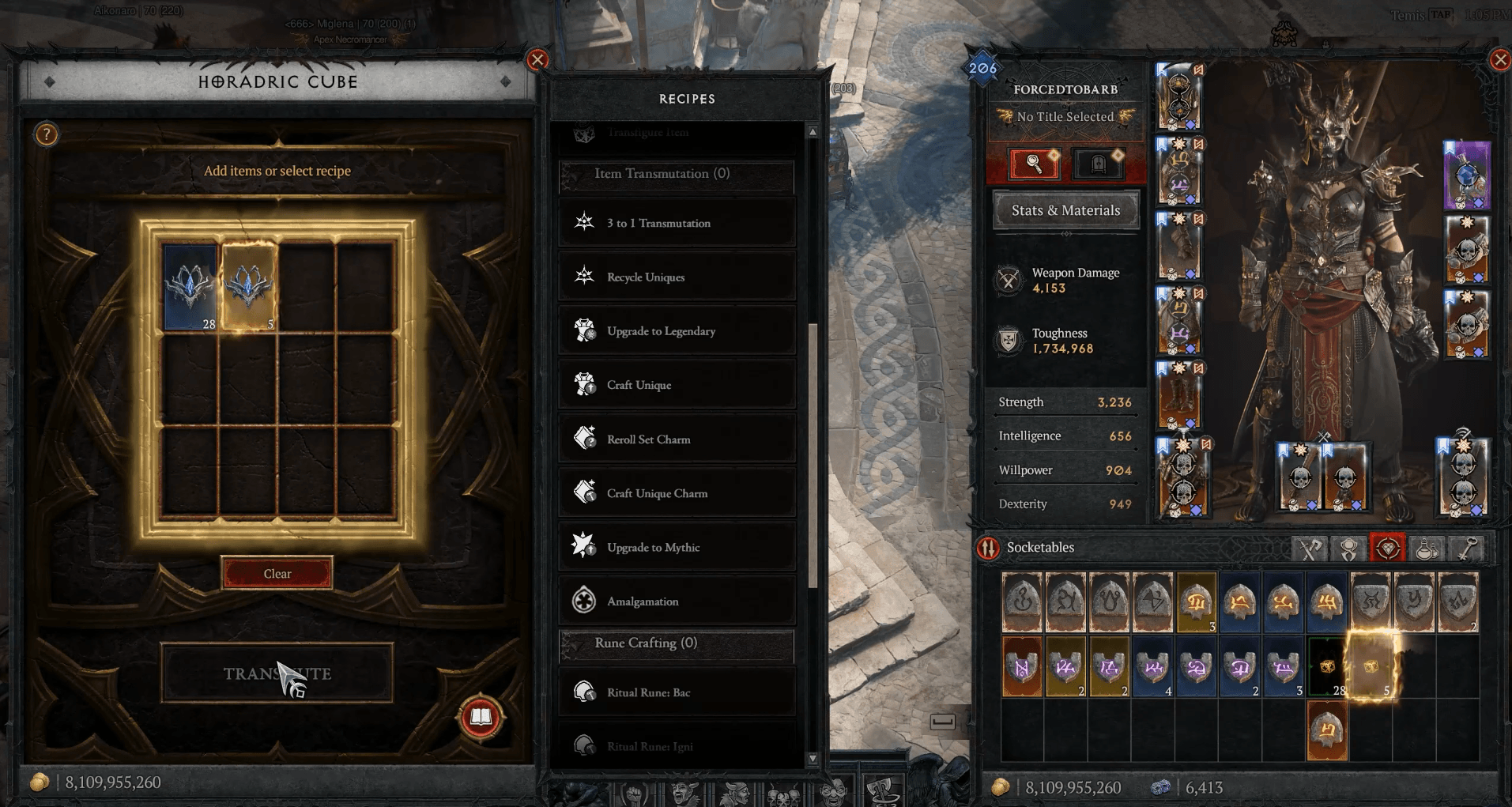
Choose a planner that covers equipment, skills, Paragon boards, and Glyphs. Mercenary support is useful when your setup includes a hired companion or reinforcement. Keep any system the tool does not cover in notes beside the plan.
When browsing templates, filter by Character class, Activity, and Season. A leveling template and a pushing template answer different questions, even when both use the same class and main skill.
| Planning goal | What to prioritize | What to check before copying |
|---|---|---|
| Leveling | Skill progression and gear you can use now | Whether the next step needs an item you do not own |
| Speed farming | Movement and clearing groups quickly | Whether mobility changes sacrifice damage or defense |
| Bossing | Sustained single-target damage | Resource and cooldown support during a longer fight |
| Pushing | Damage scaling and survival in harder content | Required gear, setup time, and activity-specific choices |
Choose a class-specific template before filling every equipment slot. A Diablo IV Necromancer endgame build can supply the intended skill and gear combination; your planner should show which parts your character can currently support.
Keep current and target setups separate
Record your character level, available skill and Paragon points, Glyph ranks, and owned equipment before adding upgrades. The Rogue and Sorcerer endgame examples below assume level 70 and Torment 1 unlocked.
Keep two records: current setup and target setup. Put missing items and future points only in the target version. Add a transition checkpoint whenever an upgrade changes your skills, resource generation, or Paragon route.
Name each record clearly, such as current starter and target endgame. Include the season and activity in your notes so an old farming setup does not become the accidental basis for a new pushing plan.
Plan the skill loop before filling every node
Give each active skill a job
Start with your damage skill, then identify how you reach enemies, apply supporting effects, and survive. This makes it easier to spot a loadout with several damage bonuses but no dependable way to activate them.
For a Diablo IV Rogue endgame build, write down the role of each skill before allocating the remaining points. The Season 15 Poison Twisting Blades example has these connections:
| Role | Skill choice | What the plan needs to account for |
|---|---|---|
| Main damage | Twisting Blades with its Bladedancer variant and Poison Imbuement | Poison damage delivered through the spinning blades |
| Closing distance | Dash and Shadow Step | Reaching enemies so the blades connect |
| Enemy setup | Shadow Clone: Sentry | Applying Weaken and Vulnerable |
| Control and protection | Concealment | Becoming Unstoppable and knocking enemies down |
After establishing those roles, add the chosen upgrades and passives within your current point budget. Check that every conditional bonus has an activator in the same version of the plan. A future gear effect should not be doing a job your current setup still needs to fill.
Include skills cast by other effects
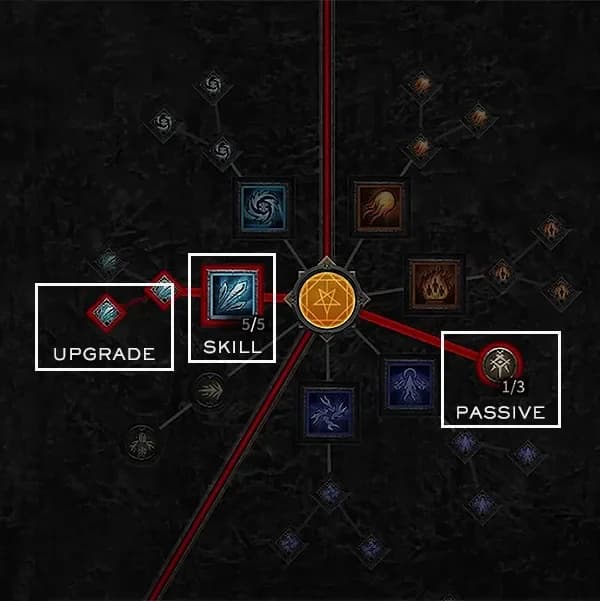
Your action bar is not always the full skill plan. The Season 15 Firewall Sorcerer setup uses Berú of the Threefold to cast Mastery skills automatically, so its allocation also needs to account for those skills and their upgrades.
Meteor contributes Overpower and extra hits. Blizzard adds Vulnerable application and some Barrier, while Ball Lightning supplies Ferocity and can become a Pyromancy skill that triggers Firewall: Ring of Fire. Leaving these allocations out would omit part of the intended damage and support loop.
Account for automatic skill casts
Record the effect that produces each automatic cast beside the skill. If you remove that effect while comparing equipment, revisit the associated skill points instead of leaving them unchanged by habit.
Plan gear around requirements and replacements
Separate enabling items from later upgrades
Label each gear target as an enabler, temporary support, or later optimization. An enabler changes which version of the build works. Temporary support keeps your character functional while you collect the target pieces.
Etna's Lost Dagger illustrates why an item name alone is not enough. In the Poison Twisting Blades example, it needs an activation source, such as Elemental Damage tempered onto a weapon, Elemental Damage on a charm, or Shadow Damage from Shadow Step: Artifice. Record the activation method alongside the item.
For ordinary offensive slots in that Rogue starter setup, Aspect of Imitated Imbuement and Aspect of Corruption support Poison or Non-Physical damage. Defensive options include Aspect of Debilitating Toxins and Aspect of Disobedience. Choose the role a slot must fill before comparing its damage options.
Reserve room for resource support
If you're struggling with Energy in the Twisting Blades starter setup, plan a ring with a resource Aspect such as Aspect of Deluge or Ravenous Aspect. Resource tempers on jewelry are another supported adjustment. Keep these in the current plan until the replacement resource solution is ready.
The later Poison setup links Tibault's Will to Concealment and uses Mot to generate Dark Shroud shadows. Its sustain plan calls for triggering Tibault's Will and maintaining five shadows. Entering the equipment without those supporting choices leaves the resource plan unfinished.
Write down what must happen during combat to sustain the build, not just the resulting stat bonuses. This gives you a direct check when a planned upgrade leaves you unable to keep attacking.
Make the transition condition explicit
The Season 15 Firewall Sorcerer has a clear gear gate: complete Berú of the Threefold before switching to the corresponding endgame skill setup. Keep the starter and target versions separate because the main attack pattern changes.
| Planning detail | Starter Firewall | Berú of the Threefold setup |
|---|---|---|
| Main attack | Manually cast Firewall | Charged Bolts: Burn Through |
| Firewall delivery | Repeated manual casts | Mostly automatic casts from the set |
| Damage condition | Keep enemies in your Firewalls | Stand inside Ring of Fire while applying its DoT through supported attacks |
| Resource support | A resource Aspect or Mana Regeneration rolls | Tibault's Will is the main Mana source |
| Transition gate | Use while collecting the target setup | Complete Berú of the Threefold first |
Charged Bolts: Burn Through releases five bolts per cast, each applying Firewall's damage-over-time effect while you stand inside the ring. Melee range helps all five bolts connect. Your target notes should include that positioning requirement alongside the gear.
If Tibault's Will is missing, a resource Aspect such as Aspect of Elemental Acuity is an alternative, with a damage trade-off. Do not remove the starter's sustain solution simply because the target version uses a different item.
Map Paragon and supporting systems
Match board routes to your Glyph ranks
Record each Paragon board's order and rotation, then check the path to its intended nodes and Glyph socket. Reproduce the route with the points you have now before extending it toward the finished layout.
Glyph rank can change how a route functions. In the Season 15 Twisting Blades progression, reaching Glyph level 25 increases its range. Keep the current Glyph rank in your current plan so you do not assume the wider coverage early.
Some Paragon milestones also change other choices. The starter Firewall setup switches from Teleport Enchantment to Firewall Enchantment after reaching Enchantment Master for extra Fire damage. Put that change at the node checkpoint, not at an unrelated character level.
Add mercenaries and seasonal choices
Mercenaries unlock during the Vessel of Hatred campaign. Solo play supports one hired mercenary, plus a reinforcement that assists under selected conditions. Record both roles separately.
For the Poison Twisting Blades example, Subo's Scorched Earth supports damage over time, while Varyana's Bloodthirst increases Attack Speed. Enter the relevant ability and reinforcement condition where your planner supports them, or keep them in the accompanying notes.
Keep seasonal choices attached to the correct version, too. Soul Splinters are seasonal gems in the Season 15 examples. Copy their socket choices only into a plan for the matching season.
Validate the plan before switching builds
Review the target setup as a set of requirements. When adapting a Diablo IV Spiritborn endgame build, for example, turn its starter gear and cooldown fixes into transition checkpoints before replacing the working setup.
Use this final pass before spending points or changing equipment:
- Check the budget. Remove skill and Paragon points your character has not earned.
- Check activation. Find the skill, item, or effect that enables each conditional bonus.
- Check sustain. Confirm which resource solution remains after the swap.
- Check protection. Keep the defensive skills and effects the chosen variant needs.
- Check the transition. Move the skill, gear, Enchantment, and Paragon changes together when they depend on one another.
Then validate the setup in the activity you planned for. Check resource flow against both groups and a single target, watch your defensive uptime, and note any setup steps you cannot maintain. Update the current record with the configuration that works before adding the next upgrade.